
Unlocking Printing Perfection: A Comprehensive Guide to Choosing the Right Printer Leasing for Your Business
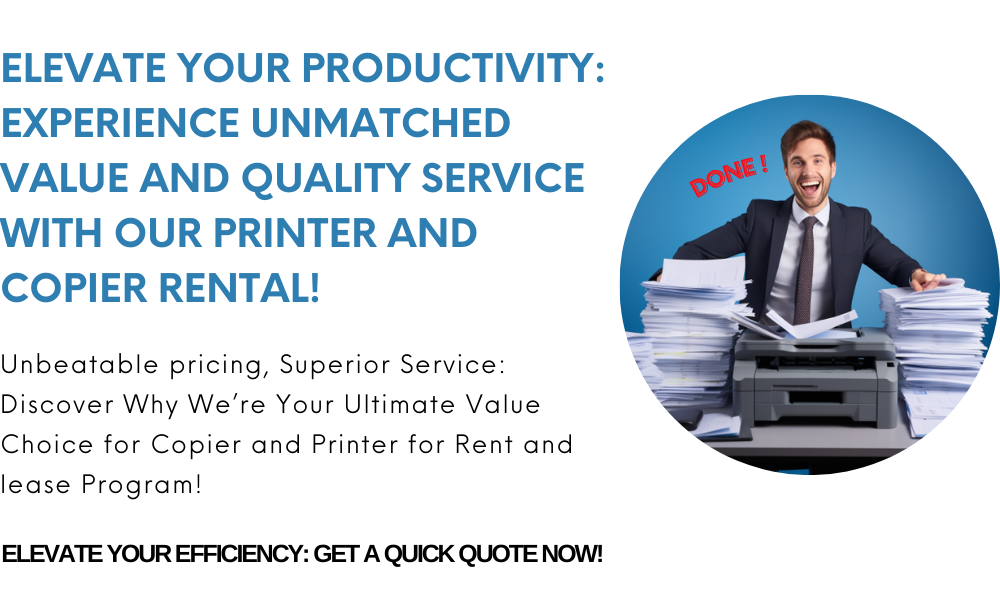

Choosing the Right Printer for Business
Selecting the Right Printer for Business is a critical decision that impacts productivity, costs, and workflow efficiency. In this guide, we’ll help you understand essential features, compare inkjet vs. laser, explore ongoing support needs, and outline how to ensure your printer investments serve your company long-term. Additionally, we’ll include helpful transition words to smooth the flow and strengthen readability.
Why Choosing the Right Printer Matters
First, the right printer can significantly reduce operational costs. Moreover, it boosts staff productivity and supports quality printing. Therefore, making the correct choice from the start is essential—not just for paper output, but for overall business efficiency.
1. Define Your Business Needs
Start with a clear understanding of how your business will use the printer:
Print volume: low, moderate, or high
Document types: standard text, high-resolution images, or mixed content
Color needs: monochrome or full-color
Functionality requirements: scanning, copying, faxing
Connectivity: USB, Wi-Fi, Ethernet, mobile printing
Once these needs are assessed, it becomes easier to match the printer to your workflow.
2. Inkjet vs. Laser: What Suits Your Business?
| Feature | Inkjet | Laser (Monochrome or Color) |
|---|---|---|
| Print Quality | Excellent color photo printing | Superb text clarity, good color reproduction |
| Speed | 5–20 ppm | 20–60+ ppm |
| Running Costs | Higher—due to frequent cartridge swaps | Lower cost per page |
| Monthly Volume | Up to 1,000 pages | 2,000–10,000+ pages |
| All-in-One Features | Often includes scan/copy/fax | Available in multifunction models |
Thus, for high-volume or text-heavy printing, laser printers usually offer better value.
3. Essential Features for Business Printers
Consider these key capabilities:
Duplex printing to save paper
Network connectivity to allow shared use
Security features, such as user authentication
Mobile/cloud printing, integrated with platforms like Google Drive or OneDrive
All-in-one functions, including scanning and copying
These features enhance efficiency and adaptability in a dynamic work environment.
4. Maintenance and Support
To keep your printer running smoothly, regular maintenance and responsive support are necessary.
First, implement routine maintenance, such as cleaning rollers and replacing toner cartridges. This ensures longevity and performance. For detailed tips, see: Routine Maintenance for Rental Copiers
Next, when issues arise, rely on troubleshooting guides to resolve them quickly and avoid unnecessary service calls. Consult comprehensive resources like: Troubleshooting Common Copier Issues
Finally, consider service agreements to secure timely repairs, parts replacement, and priority support. You can explore different contract options here: Service Agreements for Copiers
5. Planning for Breakdowns and Emergencies
It’s prudent to prepare for unexpected printer failures:
Establish emergency printer repair services with your vendor
Consider loaner printers as backups during repair periods
Train team members on basic troubleshooting to maintain workflow continuity
These steps minimize downtime during critical business operations. Explore your support options further: Copier Support Options
6. Making the Final Decision
When selecting the optimal printer:
Review needs assessment: volume, speed, color, features
Compare pricing: upfront costs, consumables, maintenance
Evaluate support plans: onsite repair, remote diagnostics, service guarantees
Check compatibility: ensure seamless integration with your systems
Plan for backup: include emergency replacement options
By following these steps, you’re likely to choose the Right Printer for Business that suits both your immediate and future needs.
7. Long-Term Management and Upgrades
Over time, your printing needs may evolve:
Monitor usage data to identify trends and inefficiencies
Consider scaling up or upgrading as volumes increase
Keep abreast of emerging features—like cloud integration or lower-cost consumables
Eventually, an upgrade or replacement might deliver better ROI.
Final Thoughts
Choosing the Right Printer for Business involves much more than picking a model off the shelf. You need to evaluate print volumes, functionality, running costs, and support options, including routine maintenance, repair services, and emergency backup solutions. By taking a holistic approach, you can ensure reliable, efficient printing that supports your long-term business success.