
Copier Energy Savings
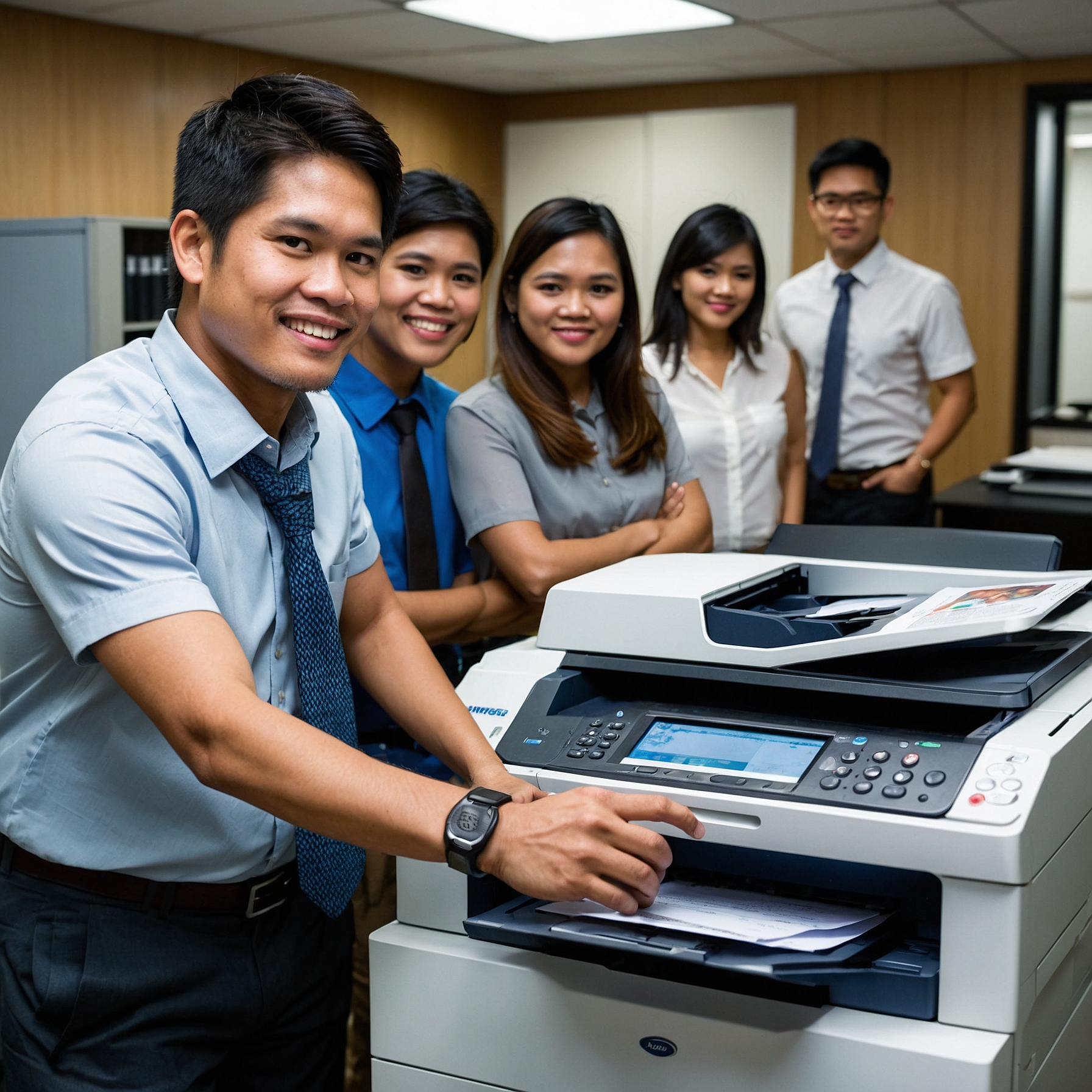
Copier Energy Savings: Cut Costs and Conserve Power the Smart Way
In today's digital and eco-conscious world, businesses are looking for ways to streamline their operations while lowering overhead costs. One often overlooked yet impactful solution lies in Copier Energy Savings. If your office relies heavily on printing and copying, you may be surprised how much energy your machines consume daily. Fortunately, modern copier technology has evolved to address these concerns.
In this article, we’ll explore how copier energy efficiency can lead to tangible cost savings, why it matters for your business, and how to make smart copier choices that benefit both your budget and the planet.
What Are Copier Energy Savings?
Copier Energy Savings refers to the reduction in electricity consumption achieved by using energy-efficient copier machines and applying smart printing practices. These savings come from:
-
Energy Star-rated copiers
-
Automatic sleep modes
-
Quick warm-up technology
-
Smart power management settings
-
Regular maintenance to prevent energy waste
The goal is simple: reduce power use without compromising productivity.
Why Copier Energy Efficiency Matters
Copiers, especially older models, are notorious for being energy-hungry devices. They generate heat, run fans continuously, and operate high-voltage components that consume power even when idle. When multiplied across multiple devices and hours of use, energy consumption quickly adds up.
By switching to energy-efficient copiers and adopting energy-saving settings, your business can experience:
-
Lower electric bills
-
Reduced carbon footprint
-
Improved device longevity
-
Compliance with eco-standards and green certifications
Related: Saving Money on Copier Rentals
How Much Energy Do Copiers Consume?
Let’s put this into perspective. A traditional copier that operates 8 hours a day can consume up to 1,200 kWh per year—equivalent to the energy usage of several desktop computers combined.
By contrast, modern Energy Star-certified copiers can cut this usage by 30% to 60% thanks to innovations like:
-
Quick-start fuser systems that don’t need to stay hot all day
-
Smart sleep/standby modes that kick in during inactivity
-
Efficient LED scanning systems
Learn more: How to Budget for Copier Rentals
Features That Boost Copier Energy Savings
If you're planning to purchase or rent a copier, look for the following energy-saving features:
1. Energy Star Certification
This ensures that the machine meets government-backed efficiency standards. Energy Star copiers automatically power down when not in use and operate on low-energy standby modes.
2. Duplex Printing
While not directly linked to energy use, duplex (double-sided) printing cuts down paper consumption, indirectly reducing the energy used for paper handling, ink, and post-print processing.
3. LED or Laser Scanning
Optical scanning with LED requires less energy compared to older light bulb-based systems.
4. Quick Recovery from Sleep
Some eco-friendly copiers can wake up from standby mode in just a few seconds, reducing the temptation to leave machines running unnecessarily.
Related: Factors Affecting Copier Rental Prices
Copier Energy-Saving Practices for the Office
Besides choosing the right equipment, here are practical tips your office can implement today:
Set Sleep Mode Timers
Configure all copiers to go into sleep mode after a few minutes of inactivity.
Use Print Preview
Reduce waste and avoid unnecessary print jobs by always checking previews before printing.
Power Down Overnight
Unless 24/7 operation is necessary, turn off all machines before leaving the office.
Centralize Printing
Instead of many small printers scattered across departments, use one high-efficiency copier to handle the bulk of your print needs.
Regular Maintenance
Dusty vents and worn-out parts force copiers to work harder, consuming more energy. Schedule routine maintenance to keep machines running efficiently.
Related: Cost Comparison: Renting vs. Buying a Copier
Real-World Results: Copier Energy Savings in Action
A mid-sized accounting firm in Quezon City upgraded its outdated copiers to Energy Star-rated multifunction devices. They enabled auto-sleep and trained staff to use scan-to-email rather than printing. Within three months, their electricity bills dropped by 15%, saving over ₱6,000 per month—just from copier energy savings alone.
Copier Rental vs. Purchase: What’s Greener?
Renting an energy-efficient copier can be more cost-effective and sustainable than buying one outright—especially for small and medium businesses. Rental programs often:
-
Include maintenance, ensuring efficiency is maintained
-
Offer access to the latest energy-saving models
-
Let you upgrade to better technology without long-term waste
Read more: How to Negotiate Rental Terms
Conclusion: Start Saving with Smarter Copier Use
When it comes to office equipment, small changes can make a big impact. Copier Energy Savings is one of the smartest ways to reduce monthly operating costs while supporting your company’s sustainability goals. Whether you rent or purchase, choosing energy-efficient copiers and using them wisely benefits both your finances and the planet.
If you’re planning to upgrade your copier, partner with a provider that offers eco-friendly options and guidance tailored to your needs.
For more insights on office efficiency and sustainability, follow us on our social platforms:
Facebook: Marga Enterprises Facebook
YouTube: Marga Enterprises YouTube