
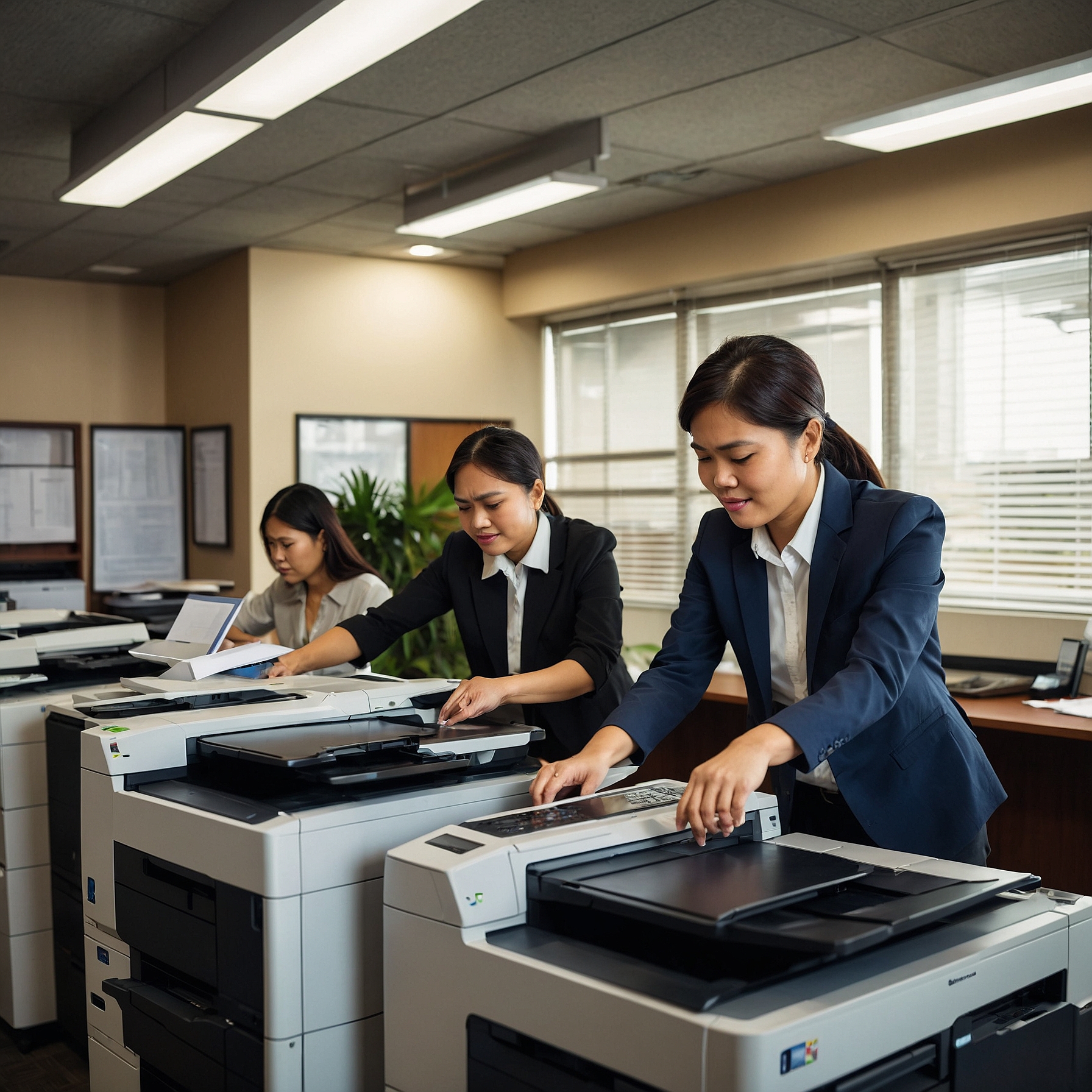
Copiers are an essential part of modern offices, helping businesses streamline their document handling, reduce operational costs, and boost productivity. However, not all copiers are created equal. With numerous models and features on the market, choosing the right type can feel overwhelming.
In this blog post, we’ll provide a complete overview of copier type, including their functions, ideal use cases, and cost considerations. Whether you're running a small business, a school, or a large enterprise, understanding the copier types available can lead to smarter, cost-efficient decisions.
Why Copier Type Matters
Selecting the right copier isn’t just about getting a machine that can print. It’s about aligning your business operations with technology that supports your workflow, volume, and budget. The wrong copier can lead to frequent breakdowns, increased costs, and reduced productivity.
That’s why knowing the overview of copier type is key to a well-informed decision.
1. Monochrome Copiers
Function: Prints only in black and white.
Best for: Basic office tasks like invoices, text documents, and internal reports.
Advantages:
Low printing cost per page
Faster printing speeds for text-heavy documents
Ideal for businesses with high-volume black-and-white printing
Budget Consideration: These are typically more affordable both upfront and in terms of maintenance. Learn how to budget for copier rentals if you're considering this model.
2. Color Copiers
Function: Can print in full color, including photos, logos, and high-impact visuals.
Best for: Marketing materials, presentations, brochures, or industries where visual clarity matters.
Advantages:
Enhances branding and presentation quality
Supports both black-and-white and color printing in one unit
Budget Consideration: Color copiers tend to have a higher per-page cost. However, they are invaluable for client-facing documents. Learn more about the factors affecting copier rental prices.
3. Multifunction Copiers (MFPs)
Function: Combines printing, scanning, copying, and faxing into one device.
Best for: Offices that want to centralize operations and reduce clutter.
Advantages:
Space-saving
Cost-effective as you only need one machine
Increases productivity with faster workflows
Budget Tip: MFPs can replace several individual devices, which can save on electricity and maintenance. See this cost comparison of renting vs. buying a copier.
4. Desktop Copiers
Function: Smaller-sized copiers for light to moderate printing.
Best for: Freelancers, home offices, or small teams.
Advantages:
Compact and lightweight
Lower upfront cost
Easy to operate and maintain
Limitations: Slower speeds and lower paper capacity make it less ideal for heavy-duty use.
5. Production Copiers
Function: Built for high-volume printing and speed.
Best for: Print shops, schools, large corporations, or organizations with thousands of pages printed daily.
Advantages:
Fast print speeds (up to 100+ pages per minute)
Large paper tray capacity
Advanced finishing features (binding, folding, etc.)
Pro Tip: Make sure to analyze lease agreements to ensure you're getting the best deal for such high-capacity equipment. Read more about analyzing lease terms for cost efficiency.
6. Wireless and Network Copiers
Function: Connect to your office network or Wi-Fi for remote and shared printing.
Best for: Teams that need collaborative document access or cloud integration.
Advantages:
Reduces need for direct connections
Enhances document security through access control
Supports mobile and remote work setups
Extra Savings Tip: Companies looking to scale without upgrading infrastructure often choose network copiers to save money on copier rentals.
What to Consider When Choosing a Copier Type
As you decide which copier is best for your needs, keep these considerations in mind:
Print Volume: How many pages do you print each day?
Color Needs: Do you need high-quality color output?
Functions: Do you need scanning, faxing, or wireless features?
Space Constraints: How much room do you have for the machine?
Budget: What are your monthly printing and leasing costs?
By evaluating these factors, you'll be able to match your business with a copier that meets your demands without exceeding your budget.
Rental vs. Purchase: Which Is Better?
While buying a copier may seem cost-effective in the long term, many businesses find that renting offers better flexibility and cash flow management. With rentals, you get:
Free maintenance and support
Upgrades to newer models
Predictable monthly costs
Explore more in this helpful cost comparison: renting vs. buying a copier.
Conclusion: Choose the Copier That Fits Your Business
There’s no one-size-fits-all copier. The right choice depends on your printing needs, budget, and business goals. Whether you need a basic black-and-white copier or a high-speed multifunction device, understanding the overview of copier type is the first step toward boosting office efficiency and reducing long-term costs.
To explore your options and get expert advice tailored to your business, visit Marga Enterprises and connect with a copier rental specialist today.
For helpful tips, video guides, and rental updates, follow us on Facebook and YouTube!