
Copier Technology Explained
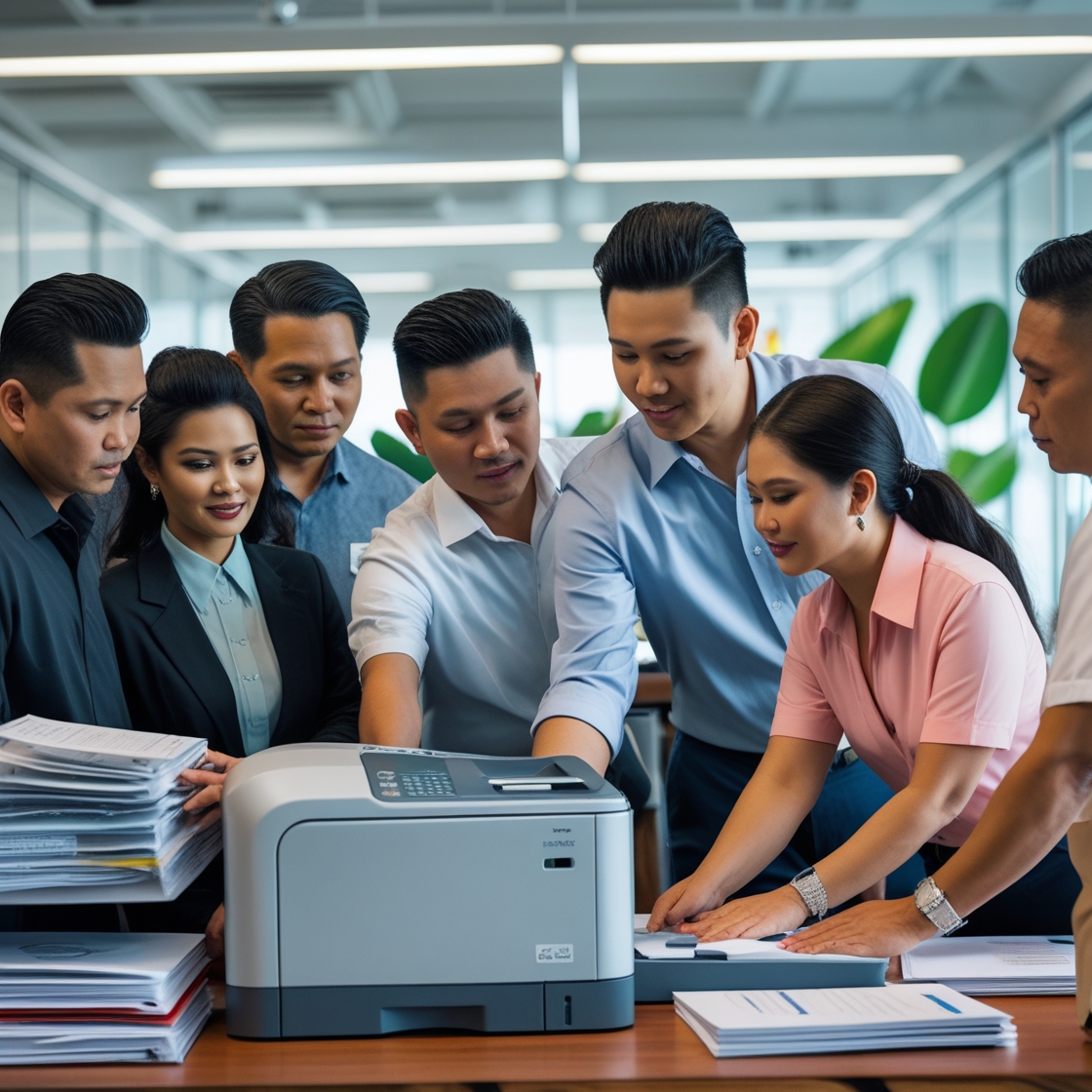
Copier Technology Explained: A Comprehensive Guide
In today’s modern office environment, copiers are no longer just machines that make copies of documents. They have evolved into multifunctional devices that perform a wide variety of tasks, such as printing, scanning, faxing, and even emailing. As businesses strive for greater efficiency and productivity, understanding Copier Technology Explained is essential to make informed decisions when selecting, using, or upgrading copier equipment.
Whether you’re considering a new copier for your business or want to optimize the use of your existing one, understanding the latest copier technology and features can help you choose the best model, save money, and improve your workflow. This blog post will break down the key components of copier technology, its evolution, and the essential features that modern copiers offer.
The Evolution of Copier Technology
The world of copiers has come a long way since the first photocopier was invented in the 1930s. Early copiers were bulky, expensive, and limited in their capabilities. Today, copiers have become digital, multifunctional devices that offer advanced features for businesses of all sizes. Here’s a brief history of how copier technology has evolved:
1. The First Photocopier (Xerox 914)
The Xerox 914, introduced in 1959, was the first automatic plain-paper copier. This was a revolutionary advancement, as it allowed businesses to make copies quickly and easily without the need for labor-intensive methods like manual copying or mimeograph machines.
2. The Introduction of Digital Technology
In the late 1980s, digital copiers began to replace analog models. Digital copiers used laser technology to create high-quality images, allowing for faster speeds and better image quality. This move toward digital technology also opened the door for multifunctional copiers, capable of printing, scanning, and faxing documents.
3. Modern Multifunction Copiers
Today’s copiers are digital, networked, and multifunctional. These copiers are designed to integrate with a company’s existing network and can handle a variety of tasks, from printing and scanning to cloud storage integration. They are faster, more energy-efficient, and often include advanced security features to protect sensitive information.
Key Components of Copier Technology
Now that we’ve covered the evolution of copier technology, let’s dive into the key components that make up modern copiers. Understanding these features can help you choose the right copier for your needs.
1. Print Engine Technology
The print engine is the core technology of a copier that determines how it produces prints. There are two primary types of print engines used in copiers:
Laser Print Engines: Laser printers are the most common type of copier in modern offices. They use laser technology to produce high-quality prints quickly and efficiently. Laser printers are known for their speed, precision, and reliability, making them ideal for high-volume environments.
Inkjet Print Engines: Inkjet copiers use liquid ink to produce prints. While they tend to be slower than laser printers, inkjet technology is often preferred for color printing and high-quality image reproduction. They are commonly used in smaller businesses or for printing detailed marketing materials.
Pro Tip: If your business requires high-volume printing, opt for a laser copier. For color printing or creative projects, an inkjet model may be more suitable.
2. Multifunctional Capabilities
Modern copiers are often referred to as multifunction printers (MFPs) because they perform multiple tasks beyond just copying. The key functions of MFPs include:
Printing: The ability to produce high-quality printed documents is one of the primary functions of a copier.
Scanning: Many copiers now have scanning capabilities that allow you to convert physical documents into digital files. Scanned documents can be saved to local drives, email, or cloud storage.
Faxing: Although faxing is becoming less common, many copiers still include faxing functionality for businesses that require it.
Email and Cloud Integration: Modern copiers can send scanned documents directly to email or cloud storage services like Google Drive, Dropbox, or Microsoft OneDrive. This seamless integration helps streamline document management.
3. Connectivity and Networking Features
In today’s business world, having copiers that can connect to your network and other devices is essential for productivity. Here are some key connectivity features to consider when evaluating Copier Technology Explained:
Wi-Fi and Ethernet Connectivity: Wi-Fi-enabled copiers allow users to connect wirelessly, making them more flexible and easier to integrate into office environments. Ethernet connections provide a more stable, wired network connection.
Mobile Printing: Many modern copiers support mobile printing, allowing users to print directly from their smartphones or tablets. This is ideal for employees who are on the go or working remotely.
Cloud Integration: Cloud-enabled copiers allow for easy access to documents stored in cloud services. You can scan and print directly from the cloud, streamlining document management across your organization.
Pro Tip: For businesses with a large number of users or remote workers, choosing a copier with mobile printing and cloud integration capabilities can help improve workflow efficiency.
4. User Interface and Control Panel
The user interface is a crucial part of copier technology, as it determines how easily employees can interact with the copier. Modern copiers feature intuitive touch-screen interfaces that allow users to quickly select functions, adjust settings, and view documents.
Pro Tip: Look for a copier with a user-friendly interface that matches your business’s needs. Features like customizable shortcuts, one-touch scanning, and simple menu navigation can make the copier easier to use and reduce employee frustration.
5. Security Features
As businesses handle more sensitive information, security has become an essential feature of copier technology. Copiers can be vulnerable to data breaches if not properly secured. Some key security features to look for in modern copiers include:
Encryption: Encryption helps protect data stored on the copier’s hard drive or transmitted over the network. Look for copiers with built-in encryption features to ensure your documents are secure.
User Authentication: User authentication features, such as PIN codes or card readers, can restrict access to certain copier functions, ensuring that only authorized personnel can print, scan, or fax sensitive documents.
Audit Trails: Audit trails allow you to track copier usage and identify who accessed or printed specific documents. This can help monitor and maintain security.
Pro Tip: If your business handles confidential or regulated data, choose a copier with advanced security features to protect your sensitive information.
How to Choose the Right Copier Based on Technology
When choosing a copier for your business, there are several factors to consider based on Copier Technology Explained. Here’s a simple guide to help you make the right choice:
1. Determine Your Primary Needs
What functions does your business require from the copier? If you need high-quality color printing and scanning, a color copier with high resolution is essential. For high-volume printing, a fast laser copier may be the best choice.
2. Consider Your Business Size and Print Volume
For small businesses or businesses with low-volume print needs, a simple desktop copier may suffice. However, for larger businesses or those with higher print volumes, a multifunction copier with faster print speeds, greater paper capacity, and advanced networking features may be necessary.
3. Evaluate Security Needs
If your business handles sensitive data, be sure to choose a copier with robust security features, such as encryption and user authentication. This will help protect your business from data breaches and ensure compliance with data protection regulations.
4. Plan for Future Growth
If you anticipate growth, choose a copier with features that can scale with your business. This includes the ability to handle increased print volume, network connectivity, and cloud integration as your business expands.
Conclusion: Stay Ahead with the Right Copier Technology
Understanding Copier Technology Explained is essential for making informed decisions when selecting a copier for your business. With advancements in technology, copiers are no longer just simple machines for making copies—they are multifunctional devices that can improve efficiency, reduce costs, and ensure data security. By evaluating the features that matter most for your business, you can choose the right copier that meets your needs and supports your growth.
For more tips on choosing the right copier, enhancing productivity, and optimizing office equipment, be sure to follow us on our Facebook and YouTube pages!
Outbound Links:
How to Budget for Copier Rentals
Factors Affecting Copier Rental Prices