
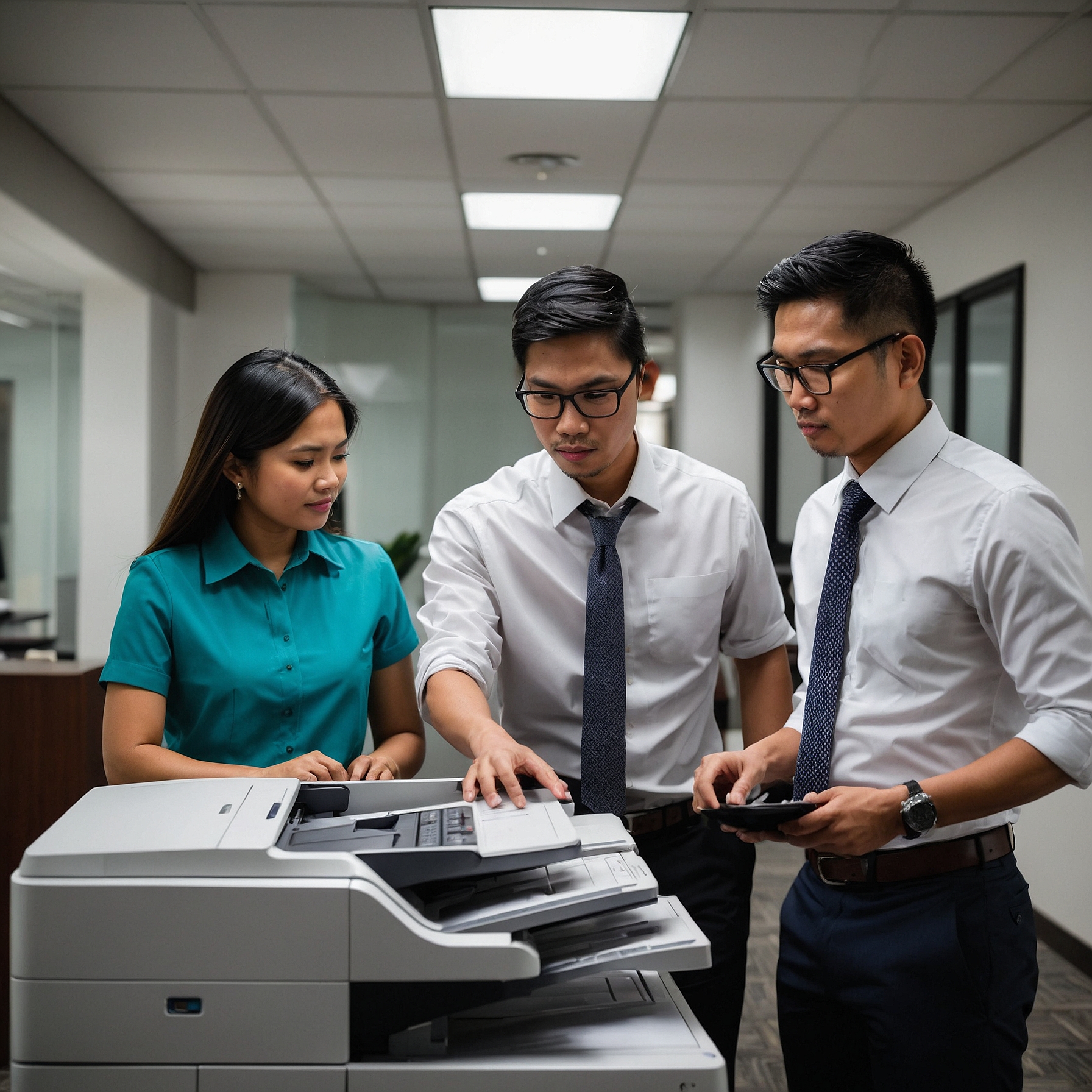
Part 1: Understanding the Importance of Mobile Copier Maintenance
Introduction
Maintenance Tips for Mobile Copiers: Mobile copiers are an essential tool for businesses, schools, and event organizers that require reliable, high-quality printing solutions on the go. However, like any piece of technology, they require regular maintenance to function optimally. Without proper upkeep, businesses may face costly repairs, reduced efficiency, and increased downtime.
In this guide, we’ll explore Maintenance Tips for Mobile Copiers, including best practices for maintaining mobile copiers, troubleshooting common issues, and how proper maintenance can help with saving money on copier rentals.
Why Mobile Copier Maintenance Matters
Regular copier maintenance is key to ensuring efficiency and longevity. Whether you’re using a copier in an office, at an event, or in a co-working space, following proper Maintenance Tips for Mobile Copiers helps prevent several problems that arise from neglecting upkeep.
-
Frequent Breakdowns: A copier that isn’t regularly cleaned or serviced is more likely to malfunction.
-
Increased Costs: Poor maintenance results in expensive repairs and replacements.
-
Reduced Print Quality: Dirty rollers, low toner levels, and misaligned print heads can result in faded or streaky prints.
-
Downtime and Productivity Losses: A broken copier can disrupt workflow and delay important tasks.
By implementing a proactive maintenance strategy, businesses can maximize copier performance and extend the machine’s lifespan.
Basic Copier Maintenance Tips
1. Regular Cleaning for Optimal Performance
Dust, debris, and leftover toner can accumulate inside a copier, leading to malfunctions. Following proper Maintenance Tips for Mobile Copiers—such as regular cleaning—prevents these issues and keeps the copier in peak condition.
-
Clean the glass surface regularly with a lint-free cloth to prevent smudges on copies.
-
Dust off the paper tray to avoid jams caused by paper debris.
-
Wipe the rollers to ensure smooth paper feeding.
For businesses handling large print volumes, scheduling periodic copier service and support options can help prevent buildup of dust and toner residue.
2. Use High-Quality Paper and Supplies
Using low-quality paper or non-branded toner may seem like a cost-saving measure, but it often leads to more significant problems in the long run. As highlighted in many Maintenance Tips for Mobile Copiers, cheap paper can shed fibers inside the machine, increasing the risk of jams.
-
Use paper recommended by the copier manufacturer.
-
Store paper in a dry place to prevent humidity from causing jams.
-
Opt for high-quality toner and ink for clearer prints and fewer technical issues.
3. Address Paper Jams Immediately
One of the most common copier issues, as highlighted in Maintenance Tips for Mobile Copiers, is a paper jam. Leaving jammed paper inside the machine can lead to serious mechanical damage over time.
-
Turn off the copier before removing a jammed sheet.
-
Gently pull out stuck paper in the direction of the feed.
-
Check rollers and paper trays for any remaining pieces.
If paper jams persist, refer to a troubleshooting guide or call a technician for support.
4. Monitor Toner and Ink Levels
Running a copier with low toner can cause streaky prints and damage internal components. One of the essential Maintenance Tips for Mobile Copiers is keeping an eye on toner levels to help prevent costly repairs.
-
Replace toner cartridges before they run empty.
-
Shake the toner cartridge gently to extend its life when levels are low.
-
Dispose of empty cartridges properly to adhere to environmental considerations for copier rentals.
Advanced Copier Maintenance for Longevity
1. Schedule Routine Professional Servicing
Even with regular self-maintenance, professional servicing is essential. Businesses using mobile copiers for events or high-volume printing should have scheduled checkups to ensure optimal performance.
-
Annual servicing helps prevent mechanical failures.
-
Software updates ensure the copier runs smoothly.
-
Technicians can spot potential issues before they become costly repairs.
2. Calibrate and Align the Copier Regularly
Misaligned print heads can lead to blurry or inconsistent prints. Calibrating the copier ensures that print quality remains high.
-
Run alignment tests as recommended by the manufacturer.
-
Adjust settings in the copier’s software for sharper prints.
This is particularly important for businesses printing promotional materials, where high-quality images and text are required.
Legal and Compliance Considerations for Copier Maintenance
Businesses using rented mobile copiers must adhere to legal and compliance aspects when maintaining equipment.
-
Check rental agreements to see if maintenance is included.
-
Ensure compliance with data security laws by regularly clearing the copier’s internal memory.
-
Use only approved repair services to avoid violating rental terms.
Failing to comply with these policies could lead to additional fees or legal liabilities.
FAQ
1. How often should I clean my mobile copier?
Cleaning should be done weekly for high-use copiers and monthly for lower-use machines to ensure smooth operation.
2. What are the most common signs that a copier needs maintenance?
Some signs include:
-
Frequent paper jams
-
Streaky or faded prints
-
Unusual noises during operation
-
Error messages on the display
3. Can I perform copier maintenance myself, or should I call a professional?
Basic maintenance (cleaning, replacing toner, fixing minor jams) can be done in-house. However, complex issues should be handled by professionals through copier service and support options.
4. How do I prevent copier breakdowns during important events?
For event-related copier use, ensure:
-
A backup toner cartridge is available.
-
The copier has been serviced before the event.
-
Staff members know how to handle minor troubleshooting.
For more tips, check event mobile copiers.
5. What should I do if my copier lease requires specific maintenance guidelines?
Check the contract terms to ensure you follow the rental provider’s maintenance guidelines.
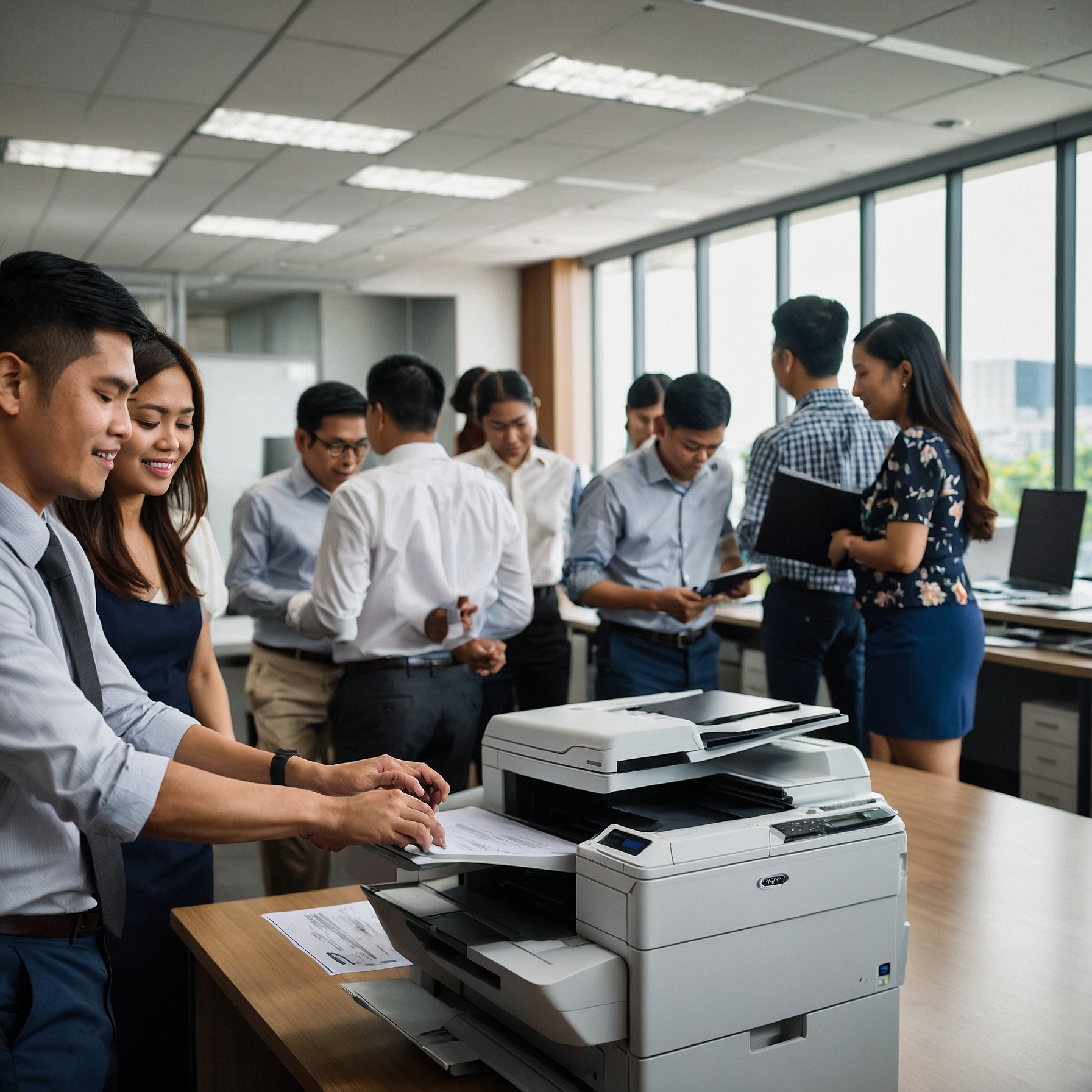
Part 2: Best Practices for Maintaining Mobile Copiers in Different Settings
Maintenance for Mobile Copiers in Offices
Office environments rely heavily on mobile copiers for daily printing needs. Without proper upkeep, frequent paper jams and low print quality can disrupt workflow. Here are some key Maintenance Tips for Mobile Copiers in office settings to keep operations running smoothly:
-
Regular Cleaning and Dust Removal – Office copiers accumulate dust and toner residue quickly. Regularly wiping the exterior and cleaning internal components helps maintain print quality.
-
Routine Performance Checks – Monitoring print output for streaks or smudges can help detect early signs of maintenance issues.
-
Employee Training – Ensure employees are familiar with managing copier use in SMBs to prevent misuse and mechanical strain.
Regular maintenance in offices increases efficiency and reduces downtime, ensuring smoother operations.
Maintenance for Mobile Copiers at Events
Event organizers often rely on mobile copiers for printing schedules, speaker handouts, and registration materials. Since these copiers are used intensively over short periods, proper maintenance is crucial.
-
Pre-Event Setup – Ensure the copier is tested before the event to prevent last-minute issues.
-
On-Site Support – Having a technician or trained staff member available for troubleshooting can help resolve problems quickly.
-
Emergency Backup Supplies – Keep extra toner, paper, and maintenance tools nearby to avoid disruptions.
For more insights, check event mobile copiers to ensure seamless copier performance during functions.
Maintenance for Rented Mobile Copiers
Businesses using rented copiers must properly maintain them to avoid extra fees or violations of their rental agreements.
-
Follow Manufacturer Guidelines – Rental providers specify maintenance requirements that must be followed.
-
Use Authorized Service Providers – Opting for third-party repairs can void rental agreements.
-
Check for Hidden Costs – Understand rental terms, including maintenance fees, by reviewing mobile copier rental considerations.
For long-term copier needs, comparing lease vs. rent options can help you choose a cost-effective plan.
How Maintenance Impacts Copier Longevity
Proper maintenance extends the life of your copier and enhances performance. Here’s how:
-
Prevents Major Repairs – Routine servicing helps identify small issues before they escalate.
-
Improves Energy Efficiency – Well-maintained copiers use less energy and function more effectively.
-
Reduces Operating Costs – A proactive approach to maintenance leads to savings on rentals and fewer repairs.
Security and Compliance Considerations for Copier Maintenance
Security breaches can occur if copiers are not maintained properly—especially in industries handling confidential documents.
Protecting Data Stored in Copiers
-
Regularly Clear Memory Storage – Copiers store data from scanned or printed jobs. Erase this data periodically.
-
Secure Printing Features – Use password-protected printing to prevent unauthorized access.
Ensuring Compliance in Sensitive Industries
-
Follow Compliance Regulations – Healthcare, finance, and legal sectors must follow data security laws.
-
Stick to Rental Terms – Ensure all maintenance follows the rental provider’s compliance guidelines.
Regular maintenance isn’t just about performance—it’s also about protecting your data and your business.
Scaling Copier Maintenance with Business Growth
As your business grows, so will your copier demands. Scalable maintenance strategies help support this growth without operational disruption.
Plan for Equipment Expansion
-
Upgrade Copiers as Needed – Older models may not keep up with growing demands.
-
Consider Cost-Effective Upgrades – Evaluate copier capacity and consider cost-benefit upgrades.
Adjust Maintenance Frequency
-
Revise Maintenance Schedules – Increased usage requires more frequent servicing.
-
Train New Staff – Ensure newly hired staff are also trained in basic copier care.
Growth should not outpace your maintenance strategy.
How Feedback Improves Copier Maintenance
Listening to users is one of the best ways to improve copier care.
Why Feedback Matters
-
Identify Recurring Issues – Patterns in complaints or user challenges can highlight maintenance gaps.
-
Optimize Copier Use – Adjust usage guidelines based on employee experiences.
Improve Rental Terms Through Feedback
-
Negotiate Maintenance Coverage – Use documented feedback to secure better support from rental providers.
-
Enhance Service Quality – Feedback can drive providers to improve service response and technical support.
FAQ
1. How often should a rented mobile copier be serviced?
Most rentals require servicing every 3 to 6 months. For high-volume users, consider scheduling maintenance every 1 to 2 months.
2. What happens if I neglect copier maintenance?
Neglecting maintenance can lead to:
-
Expensive repairs
-
Poor print quality
-
Frequent breakdowns
-
Workflow disruptions
3. Can I extend the lifespan of a copier through maintenance?
Absolutely. Routine maintenance can extend the life of a copier by several years and reduce overall ownership costs.
4. How do I ensure copier security in a shared workspace?
-
Enable password-protected printing
-
Regularly delete stored jobs
-
Limit access to trained users
5. What is the best way to handle copier breakdowns during events?
-
Keep spare toner and paper ready
-
Train staff on basic troubleshooting
-
Have a technician or rental support on standby
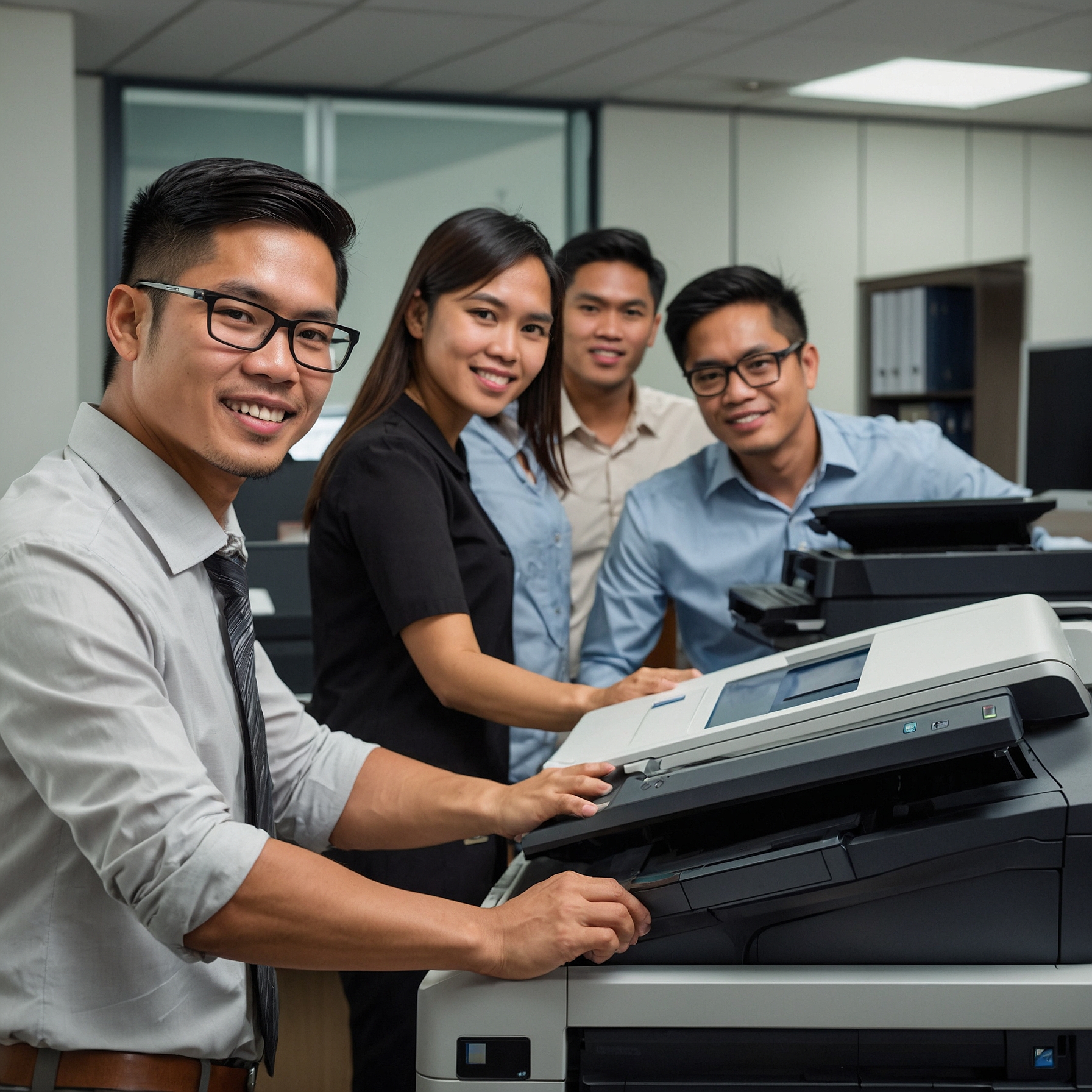
Part 3: Maximizing Efficiency and Cost Savings Through Copier Maintenance
Reducing Maintenance Costs and Optimizing Copier Performance
Proper maintenance not only extends the lifespan of a mobile copier but also helps businesses save money in the long run. A well-maintained copier runs efficiently, reduces unnecessary repair expenses, and minimizes downtime.
Here are key strategies to reduce maintenance costs while optimizing copier performance:
Preventative Maintenance Over Reactive Repairs
Proactive servicing and inspections prevent major breakdowns, which can be costly to fix. Preventative maintenance includes:
-
Regular cleaning to remove dust buildup
-
Checking for early signs of mechanical wear
-
Replacing parts like rollers or toner before complete failure
Preventative care reduces overall repair costs and prevents service interruptions.
Use the Copier Within Recommended Print Volumes
Overusing a copier beyond its daily print limit leads to early component wear and higher maintenance needs. To avoid this:
-
Track daily and monthly print usage
-
Avoid continuous high-volume printing without breaks
-
Adjust rental plans based on actual copier usage
By staying within the recommended print range, businesses avoid overloading the machine and reduce stress on parts.
Invest in Cost-Efficient Copier Rental Plans
Choosing the right copier rental plan also plays a role in long-term maintenance savings.
-
Compare cost analysis options to choose the most budget-friendly option
-
Consider lease vs. rent depending on your operational needs
-
Choose plans that include scheduled maintenance or technical support
Doing so ensures you’re not only getting a good deal but also minimizing repair costs over time.
How Innovations in Copier Technology Improve Maintenance
Thanks to technology, newer copier models require less hands-on maintenance. Here’s how copier innovations are helping businesses manage upkeep more efficiently:
Automated Diagnostic Tools
Modern copiers feature built-in diagnostics that:
-
Identify and report potential issues
-
Send alerts for low toner or jammed paper
-
Help technicians resolve problems faster
These smart features reduce the need for manual checks and limit unplanned downtimes.
Remote Monitoring and Maintenance
Many rental providers now offer remote troubleshooting. This means:
-
Faster resolutions without waiting for on-site visits
-
Real-time monitoring of copier health
-
Remote updates and error clearing
This innovation is especially useful for mobile copiers deployed at off-site locations.
Eco-Friendly Features Reduce Wear and Tear
Eco-conscious machines often come with:
-
Energy-saving modes that reduce operational strain
-
Toner-saving settings that extend cartridge life
-
Components built for durability and sustainability
All these features help minimize the frequency and cost of maintenance.
Security and Data Protection in Copier Maintenance
Maintaining copier security is critical—especially for organizations that handle sensitive documents.
Implement Secure Print Features
Use password-protected printing to ensure only authorized users can release jobs. This prevents sensitive data from being accessed or left unclaimed.
Regularly Wipe Copier Memory
Many copiers store digital copies of scanned or printed files. Protect data by:
-
Regularly clearing memory and job history
-
Setting auto-delete options after tasks complete
-
Encrypting stored data when possible
Follow Industry Compliance Standards
Different industries—such as legal, finance, or healthcare—must follow strict compliance policies. Make sure your copier maintenance strategy includes:
-
Approved data disposal procedures
-
Adherence to rental contract security clauses
-
Use of authorized maintenance providers only
To dive deeper, refer to discussions on security concerns in copier maintenance and legal compliance practices.
Maintenance Considerations for Custom Copier Solutions
Some industries or businesses use specialized copiers that require customized maintenance plans.
High-Volume Copiers for Print Shops
-
Require daily cleaning, toner checks, and roller inspections
-
May need overnight maintenance shifts to stay operational
Event Copiers for Conferences
-
Need pre-event servicing and onsite support tools
-
Require a stock of extra supplies like paper and toner
Compact Copiers for Small Businesses
-
Should be kept in cool, well-ventilated spaces
-
Must be cleaned weekly to prevent dust-related overheating
Tailoring your maintenance strategy to your copier setup ensures better performance and reliability.
How to Evaluate Copier Maintenance Performance
Once your maintenance plan is in place, it’s important to evaluate how well it’s working.
Here’s what to look for:
-
✅ Fewer breakdowns and fewer service calls
-
✅ Consistent print quality (no streaks, spots, or fading)
-
✅ Lower repair and replacement expenses
-
✅ Smooth workflow with minimal downtime
Using Feedback and Quality Assurance
Don’t underestimate the value of user feedback:
-
Ask staff if they’ve encountered print delays or quality issues
-
Document common complaints to improve service agreements
-
Work with rental providers to adjust maintenance coverage based on usage
Regular assessment helps businesses fine-tune their copier care strategies for better results.
Copier Maintenance FAQs
1. How often should I replace toner and ink cartridges?
It depends on how much you print. High-volume copiers may need replacements weekly or monthly. Always replace cartridges before they run completely empty to avoid print damage.
2. What should I do if my copier keeps jamming?
-
Refer to the copier’s troubleshooting guide
-
Check if paper is properly aligned
-
Clean the rollers and internal trays
-
Use only recommended paper types
3. Can poor maintenance void my copier rental agreement?
Yes. Most rental contracts require users to follow maintenance guidelines. Failure to do so may result in additional fees or termination of the contract.
4. Is it better to rent or lease a copier for long-term use?
That depends on your budget and printing volume. Renting offers flexibility for short-term needs, while leasing may offer better value for high-volume, long-term use. Learn more from lease vs. rent guides.
5. What are the benefits of an eco-friendly copier maintenance plan?
-
Reduces electricity consumption
-
Lowers waste through recycled materials
-
Supports your company’s green goals
-
May qualify for environmental certifications
Final Thoughts on Copier Maintenance for Businesses
Regular copier maintenance ensures efficiency, cost savings, and data protection. Whether you’re using a copier in an office, event, or rental setting, following best maintenance practices leads to:
-
Fewer breakdowns
-
Lower operating costs
-
Better print quality
-
Stronger data security
For businesses exploring copier rental solutions, remember that copier rental impact and budgeting are key factors in shaping a maintenance strategy that aligns with your business needs.
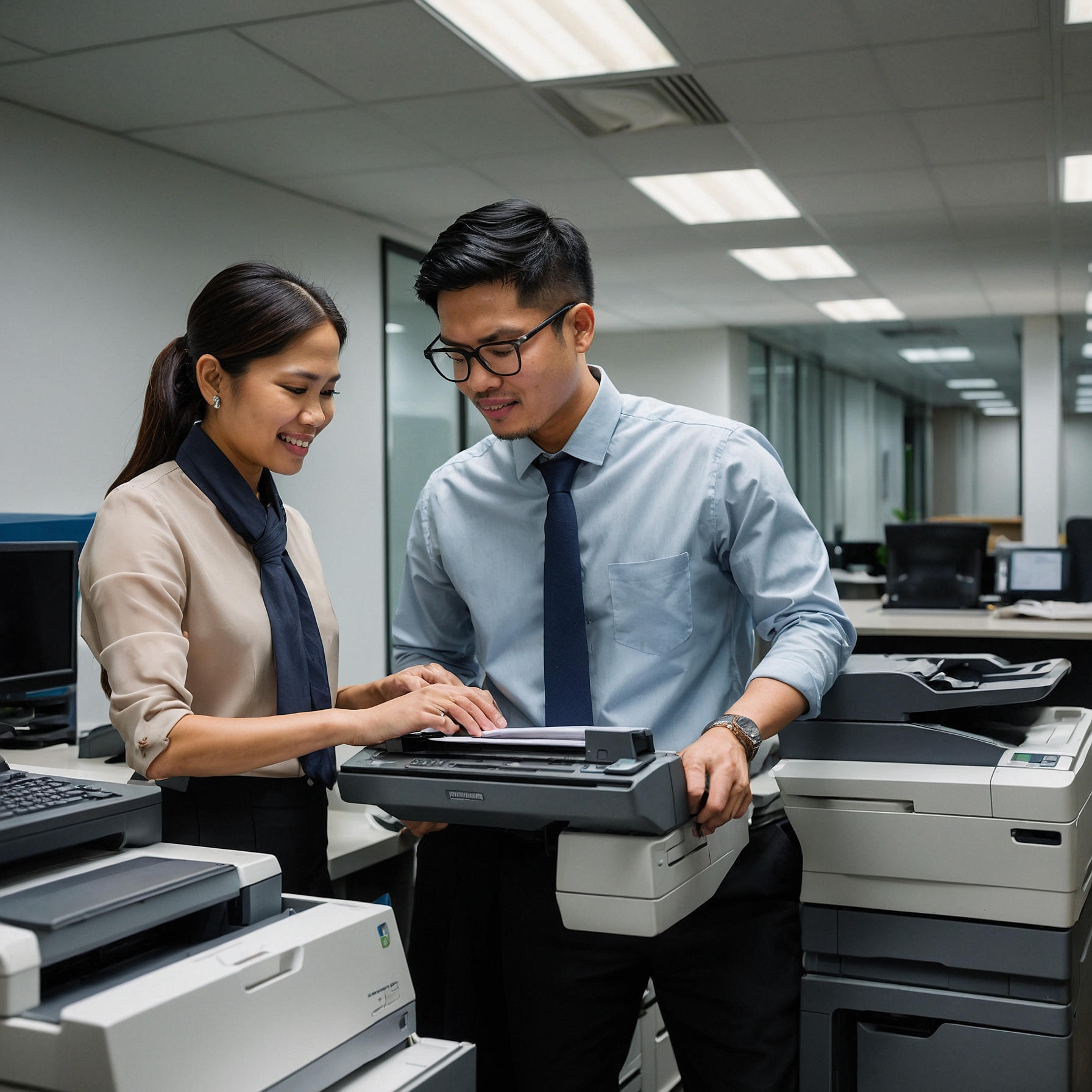
What Is Copier Rental?
Copier rental is a service that allows businesses to lease copiers for flexible durations, ranging from short-term needs like events to long-term office use. This option is ideal for startups, event organizers, and established companies looking to access high-quality copiers without the large upfront costs associated with purchasing.
Whether you need a single copier for a project or multiple units for large-scale operations, copier rentals offer flexibility tailored to your unique requirements.
Explore Flexible Copier Rental Options
To help you find the right fit, we offer various rental plans:
-
Short-Term Rentals – Perfect for conferences, seminars, or pop-up offices.
-
Long-Term Rentals – Ideal for daily office use, with fixed monthly rates for budget control.
-
Mobile Copier Rentals – Designed for businesses with remote teams or mobile operations.
👉 Explore our copier rental page to see the full list of solutions.
Eco-Friendly Copier Rental Options
For environmentally conscious businesses, we offer eco-friendly copier rental services. These machines are designed to minimize your carbon footprint while meeting all your printing and copying needs. They consume less energy and often support recycled toner or duplex printing for paper conservation.
This sustainable choice aligns with modern green business practices without sacrificing performance.
Office Copier Rentals for Productivity
Our office copier rental solutions are built to streamline workflow and enhance team productivity. Whether you're managing daily document needs or high-volume tasks, we provide:
-
Fast, reliable equipment
-
Maintenance and technical support
-
Cost-effective plans for long-term use
Budget Management and Cost Insights
Renting a copier also helps businesses manage their budgets more effectively. Check out our detailed copier rental cost analysis to understand how to:
-
Minimize printing costs
-
Forecast monthly expenses
-
Avoid surprise maintenance charges
We also provide copier rental insurance and scheduled maintenance to ensure minimal downtime and optimal performance.
Should You Rent or Buy?
If you're on the fence between copier rental vs. purchasing, consider the following benefits of renting:
-
Lower upfront investment
-
Access to the latest technology
-
Flexible terms for scaling operations
-
No depreciation worries
Check our full comparison here: copier rental vs. purchasing to make an informed decision.
Clear and Customizable Rental Agreements
We believe in transparent rental terms, which is why we offer easy-to-understand copier rental agreements. These documents clearly outline your responsibilities, coverage, and services included, such as:
-
Technical support and maintenance
-
Delivery and installation
-
Options for upgrades or add-ons
Customizable agreements allow you to tailor the rental plan based on your business goals.
Benefits of Copier Rentals for Different Business Sizes
For Startups and Small Businesses
Copier rentals give startups access to enterprise-level machines without a big capital outlay. Learn more about copier rental for SMBs and get started with a right-sized plan.
For Large Enterprises
Larger organizations benefit from high-volume copier rental to handle heavy workloads efficiently. These machines are optimized for speed, durability, and advanced features.
For Events and Conferences
Explore our copier rental for events if you need scalable, short-term solutions with quick setup and tech support.
Start Renting Today
Copier rentals offer a practical, flexible, and budget-friendly solution for businesses of all sizes. Whether you're evaluating rental vs. purchase, seeking eco-friendly options, or needing high-volume capacity, we have a plan that fits.
-
Visit our copier rental FAQs for answers to common questions
-
Explore our customizable agreements to fit your operations
-
Optimize your printing and copying workflows with expert support
Let’s Connect and Get Started
📞 To learn more about copier rentals and how Marga Enterprises can support your green initiatives, contact us today at 09171642540 or 09614481276. You can also email us at marga.enterprises2013@gmail.com.
🌱 Let’s work together to build a greener, more sustainable future for generations to come. Visit Marga Enterprises and discover why we are the No. 1 Copier & Printer Rental Provider in the Philippines.
Join Our Community Online
🎥 Join our growing community on Facebook and YouTube for exclusive content, video demos, and discussions to help your business grow.
Stay updated. Be part of the conversation. Let Marga Enterprises power your print journey with ease and excellence.