
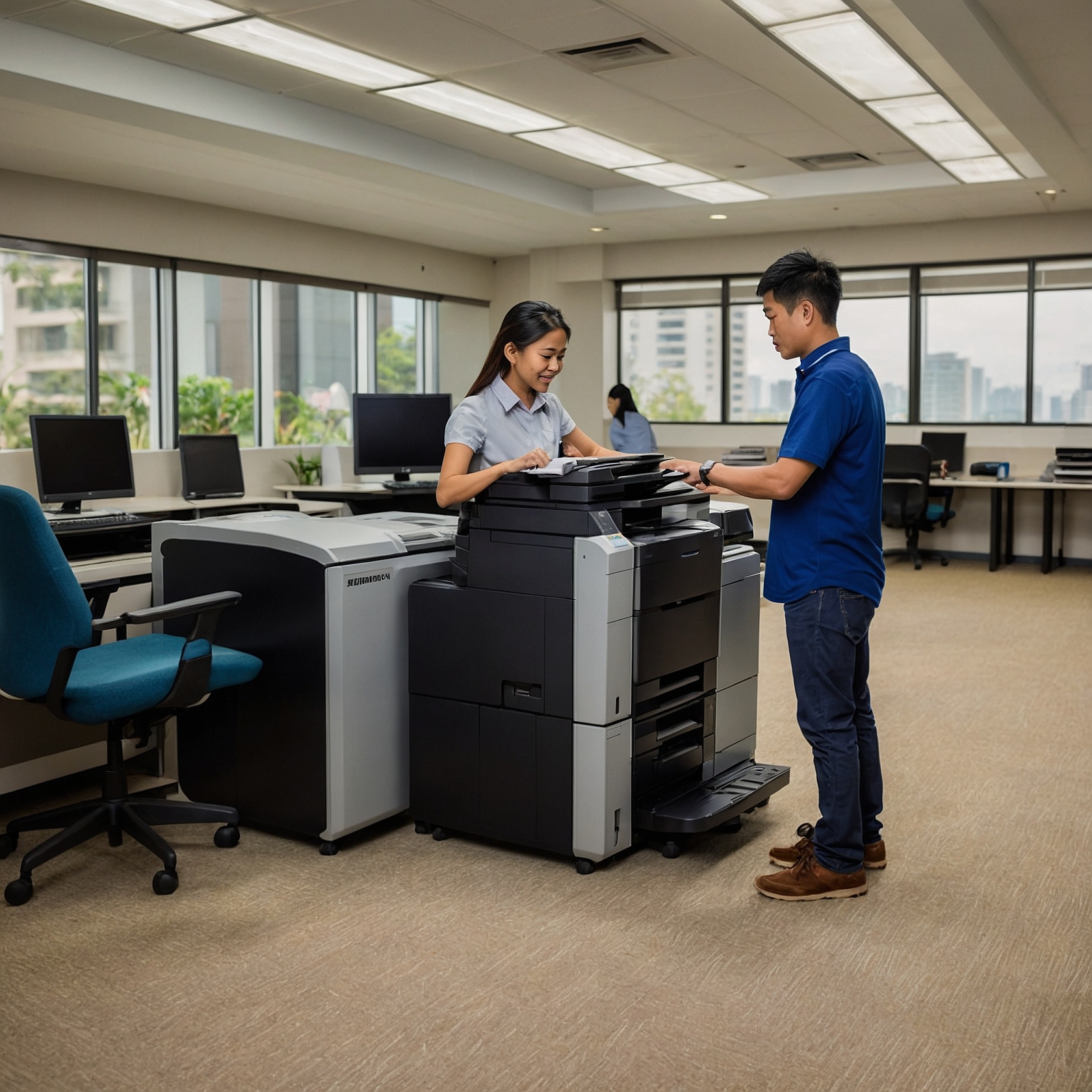
In any modern office environment, copiers remain an essential piece of equipment. However, one often-overlooked factor that significantly impacts operational efficiency and cost is managing paper supply for copiers. Ensuring a steady, organized, and cost-effective paper supply system helps avoid workflow disruptions and unnecessary expenses.
In this blog post, we’ll explore practical ways to manage paper supply efficiently, why it matters, and how it ties into broader strategies such as copier rentals and budgeting. Whether you manage a small office or a large business, these tips will help streamline your operations.
Why Managing Paper Supply for Copiers Matters
Running out of paper during peak hours can halt business operations, frustrate employees, and delay deliverables. Conversely, overstocking may lead to wasted space, outdated supplies, and unnecessary spending. Striking the right balance improves:
Work productivity
Cost-efficiency
Sustainability practices
Equipment longevity
Managing paper inventory is especially crucial when you're renting a copier, as copier rental costs can increase when supply mismanagement leads to more frequent maintenance or overuse.
How Much Paper Does Your Office Really Need?
Start by analyzing your average monthly usage. Consider:
Volume of prints/copies per department
Monthly reports, client presentations, internal documentation
Peak usage seasons (end-of-month, quarterly reports)
If you’re using a managed print service or rental provider, your agreement might already include average usage estimates. For better budgeting, review this data alongside your leasing agreement. This approach is especially useful when you're analyzing lease terms for cost efficiency.
Create a Paper Inventory System
Just like managing office supplies or printer toner, having an inventory system for your paper stock is critical.
Here’s how to start:
Assign a point person or team to monitor supply levels weekly.
Label storage areas with “minimum stock” and “reorder” indicators.
Use FIFO (First In, First Out) to prevent old paper from yellowing or warping.
Log daily usage if paper is high-volume or shared between departments.
Automating this process with simple inventory tracking apps or spreadsheets will help reduce manual errors.
Choose the Right Paper for Your Copier
Using the wrong paper size or thickness can cause paper jams, wear down copier parts, and result in poor-quality prints. Always follow the copier manufacturer's recommendations. For example:
Standard office use: 70–80 gsm bond paper
Presentations and client reports: 100–120 gsm coated or glossy
Heavy-duty printing: Check for compatibility with specialty paper types
Remember that using incorrect paper consistently may affect your rental warranty or service agreement, so always verify with your provider.
Store Paper Properly
Even the best copier and highest-quality paper can’t perform well if storage conditions are poor. Here’s how to keep your supply in good shape:
Store in a dry, cool room (away from humidity, which warps paper)
Keep paper in original packaging until use to prevent curling or static
Avoid stacking too high, which can cause bending or crushing
Maintaining paper quality helps reduce jams and mechanical wear—protecting your investment whether you own or rent the equipment.
Optimize Ordering Frequency and Volume
Some businesses over-order due to fear of running out, while others delay purchases and experience constant shortages. To strike the right balance:
Use historical data to identify monthly needs
Coordinate with suppliers for bulk discounts or scheduled deliveries
Bundle paper orders with other copier supplies like toner or ink
This practice is even more cost-effective when paired with strategies from how to budget for copier rentals.
Train Employees on Paper Usage
Wasteful practices like unnecessary reprints, single-sided prints, or printing emails can quickly drain your paper supply.
Encourage the following habits:
Print preview before printing
Double-sided (duplex) printing
Digital archiving instead of hard copies
Use of scrap paper for internal drafts
When all employees contribute to mindful paper usage, your supply lasts longer, and operational costs drop. This aligns with sustainable office practices and complements cost comparison insights of renting vs. buying a copier.
Integrate Paper Supply Management with Copier Rental Strategy
Managing paper supply for copiers becomes more strategic when integrated with your overall copier rental plan. For example:
Some rental packages include paper supply monitoring
Certain models offer digital tracking of pages printed
Upgrading to more efficient models can lower paper use while increasing output quality
Explore these options when reviewing factors affecting copier rental prices. Partnering with a provider that understands your paper usage patterns can also help reduce costs and improve uptime.
Final Thoughts: Paper Planning is Business Planning
Managing paper supply for copiers may not seem like the most exciting task, but it plays a vital role in productivity, cost-efficiency, and sustainability. With a simple inventory system, thoughtful ordering, employee awareness, and copier rental integration, your business can avoid the common pitfalls of paper mismanagement.
Remember: a well-supplied copier is a smooth-running copier.
For more copier rental tips and solutions tailored to your needs, visit our homepage at Marga Enterprises. You can also learn more practical insights by subscribing to our YouTube channel here.