
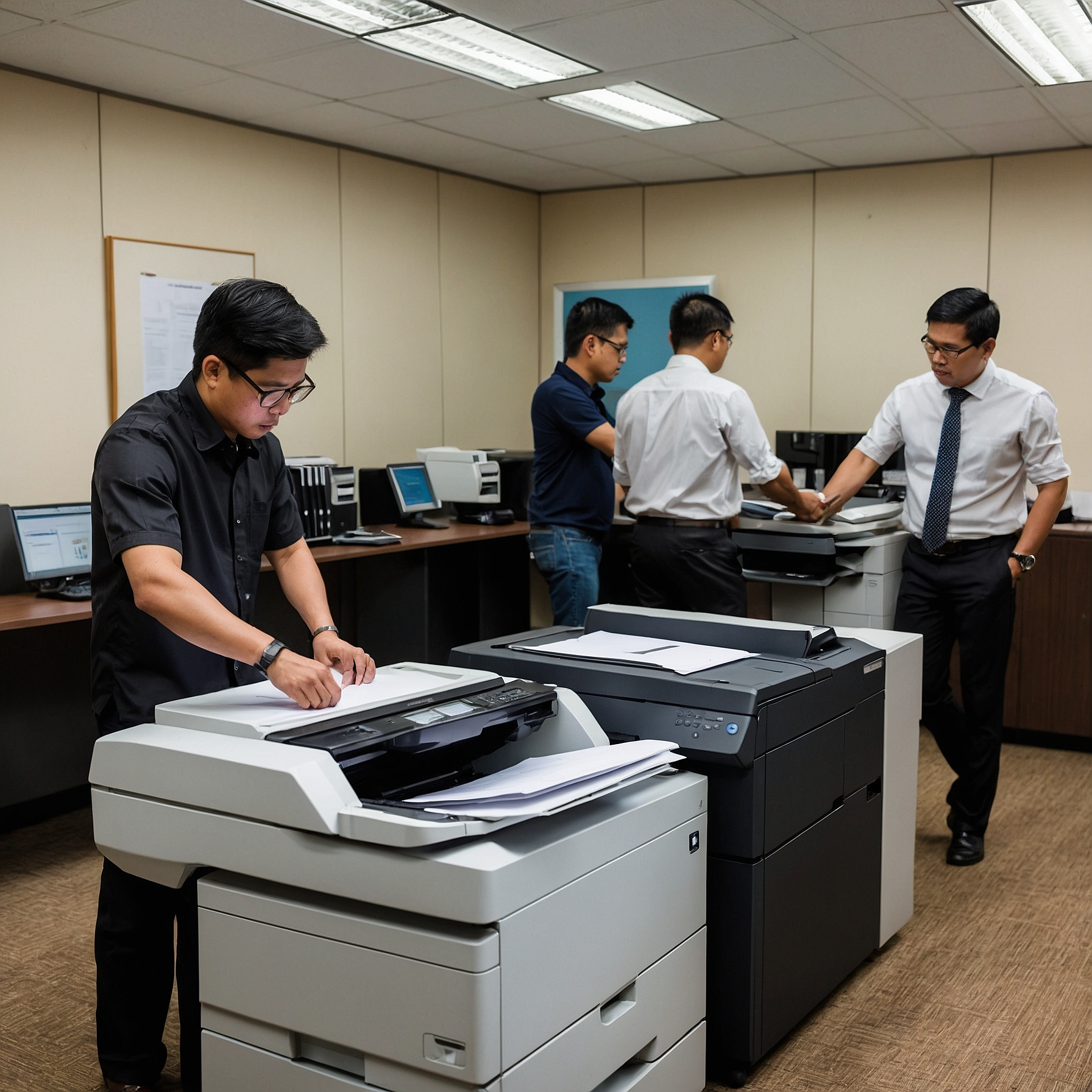
In today’s digital age, copiers do more than just print and scan. They store, transmit, and even process sensitive business data. Whether you're running a small startup or managing an enterprise, understanding the security features of copier type you choose is no longer optional—it’s essential.
Cybersecurity is not just about computers anymore. Even your copier can be a gateway for data breaches if it’s not equipped with the right protection. Let’s explore what security features to look for in different types of copiers and how they can protect your business from unwanted threats.
Why Copier Security Matters
Many businesses underestimate the security risk posed by multifunction copiers. These machines often store copies of scanned or printed documents on internal hard drives. If left unsecured, these devices become vulnerable to:
Data breaches
Unauthorized access
Malware infections
Compliance violations (e.g., data privacy laws)
In industries like healthcare, finance, and legal services, even one leaked document can result in legal consequences and loss of client trust. That's why it’s crucial to evaluate the security features of copier type before renting or purchasing.
Key Security Features to Look For
Here’s a breakdown of the most critical copier security features, and why they matter:
1. Hard Drive Encryption
Most modern copiers come with internal hard drives that temporarily or permanently store document data. Encryption ensures that even if someone gains physical access to the copier, the data remains unreadable without the decryption key.
Tip: Choose a copier that offers AES 256-bit encryption for top-level protection.
2. Data Overwrite and Auto Erase
Some copier types automatically erase stored data after each job or periodically overwrite data. This reduces the risk of sensitive information being recovered from old print or scan jobs.
If you're concerned about sensitive document retention, ask about automatic data deletion features.
3. User Authentication Controls
Many high-security copiers require users to log in using PIN codes, swipe cards, or biometric data. This ensures that only authorized personnel can access and use specific copier functions like scanning to email or cloud storage.
4. Secure Print Release
With this feature, print jobs are held in the queue until the user physically enters a passcode at the copier. It prevents documents from being left on the tray unattended—particularly helpful in shared office environments.
Types of Copiers and Their Security Capabilities
Let’s examine how different copier types measure up when it comes to built-in security:
Basic Copiers
Usually limited to simple print functions
Rarely include encryption or user authentication
Best for low-risk environments or internal-only documents
Multifunction Copiers (MFPs)
Print, scan, copy, fax, and email capabilities
Often include data encryption, secure print, and user tracking features
Ideal for businesses handling sensitive data
Color Copiers for Teams
Designed for departments or shared teams
Often have stronger authentication protocols and secure cloud integration
Can track print usage per user for accountability
Learn more about how copier features affect rental pricing in this article on factors affecting copier rental prices.
Compliance and Copier Security
Certain industries have strict data protection rules (like HIPAA in healthcare or GDPR in the EU). Your copier must comply with these by providing:
Audit trails of all copier activity
Secure access logs
Encrypted data transmission over the network
Cost vs. Security: Is It Worth It?
Security features often add to the overall cost of a copier. However, this is a wise investment compared to the potential cost of a data breach.
To evaluate whether to rent or buy a secure copier, check this detailed cost comparison of renting vs buying a copier. You may also consider budgeting wisely with this helpful guide on how to budget for copier rentals.
Tips When Renting or Leasing Secure Copiers
If you’re planning to lease a copier, make sure to:
Read the fine print: Ensure security features are included in your lease agreement.
Ask for upgrades: Newer firmware often brings improved security protocols.
Get professional advice: Work with a provider that offers secure setup and maintenance.
Check out this article on analyzing lease terms for cost efficiency to make an informed decision.
Final Thoughts: Protecting Your Business from the Inside Out
Copiers may look harmless, but they are sophisticated machines that handle tons of sensitive data every day. By understanding the security features of copier type you choose, you're taking a proactive step to safeguard your business.
Whether you’re managing customer information, legal files, or internal reports, don’t overlook copier security. Choose wisely, ask questions, and don’t settle for outdated machines that can put your data at risk.
To stay updated with more tips and solutions, visit our homepage at https://marga.biz/ and follow our video content here:
Marga Enterprises on YouTube