
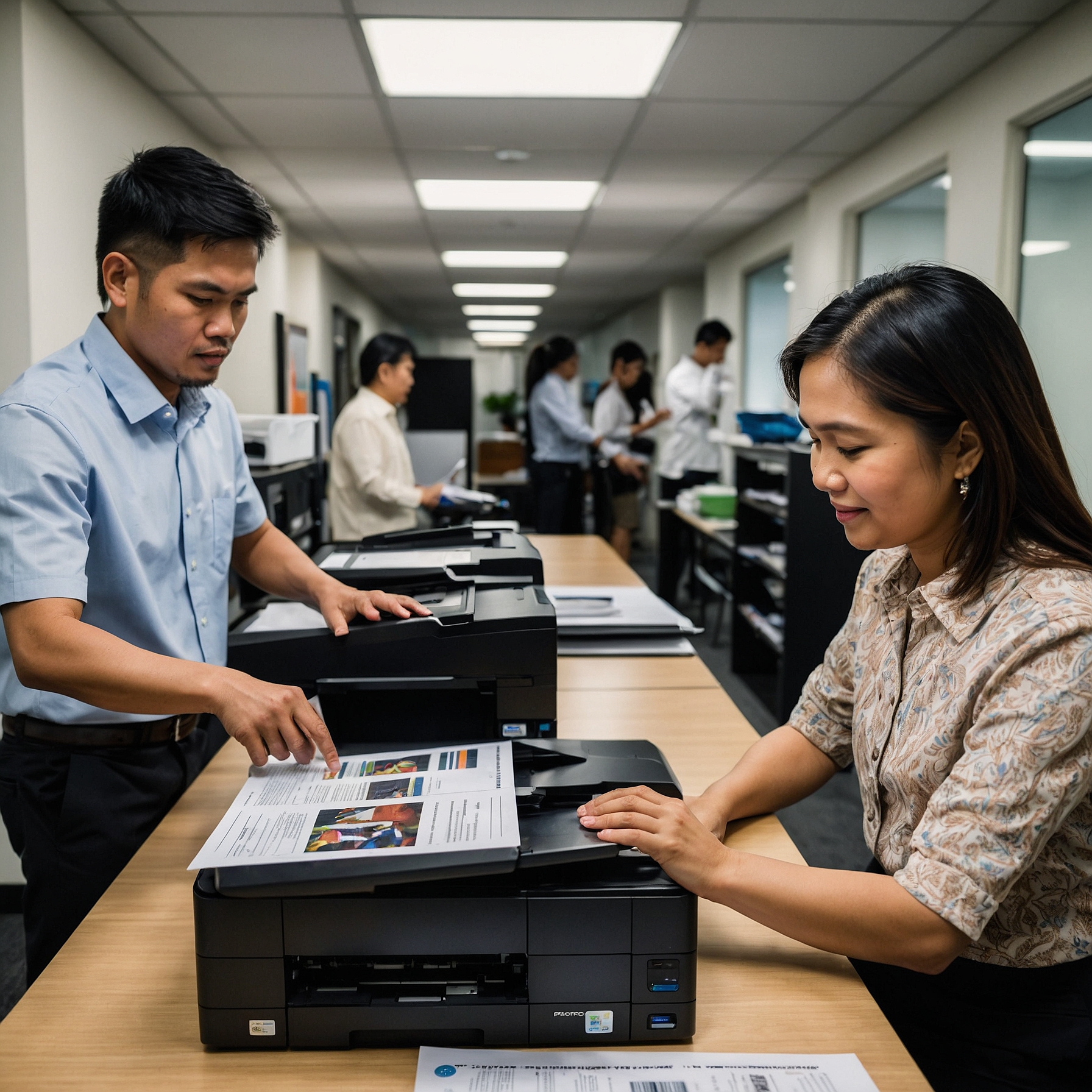
Cost-Effective Copier Features: Choosing the Best Value for Your Business
When it comes to managing office equipment costs, copiers are often one of the most significant expenses for businesses, especially small and medium-sized enterprises (SMBs). While copiers are essential for day-to-day tasks like printing, scanning, and copying, not all copiers are created equal. Understanding the Cost-Effective Copier Features that are available can help businesses optimize their spending while still getting the performance and functionality they need.
In this blog post, we’ll explore the key Cost-Effective Copier Features that can help your business save money, improve efficiency, and get the most value out of your copier investment. Whether you’re renting or purchasing a copier, these features will guide you in selecting the best machine for your budget.
Why Cost-Effective Copier Features Matter
Before diving into the specific features to look for, it’s important to understand why Cost-Effective Copier Features matter in the first place. The right copier can be a game-changer for your business, but investing in unnecessary features can quickly drive up costs without providing any real benefits.
Many businesses make the mistake of overpaying for copiers with features they don’t need, simply because they are attracted to the latest technology or are unfamiliar with the features that truly matter for their specific needs.
By focusing on Cost-Effective Copier Features, businesses can:
Minimize upfront and operational costs
Improve productivity and efficiency
Avoid paying for unnecessary or underused functions
Let’s look at some of the most important features to consider when shopping for a copier that delivers great value for your money.
1. Print Speed and Volume
One of the most critical features to consider is the copier’s print speed and its ability to handle your average volume of work. For small businesses, it’s important to balance performance with cost. Here’s what to consider:
Print Speed (Pages Per Minute)
The print speed of a copier is measured in pages per minute (PPM). If your business only prints a few pages a day, you don’t need to invest in a high-speed copier. However, if your team prints hundreds of pages daily, opting for a faster copier can increase efficiency.
Pro Tip: Choose a copier that matches your typical print volume. Too fast a copier for a low-volume office will only increase costs unnecessarily, while a slow copier in a high-demand office can lead to delays and frustration.
Monthly Print Volume
Some copiers are designed to handle high print volumes, while others are better suited for smaller tasks. It’s important to select a copier that can handle the amount of work your business does without risking overuse or breakdowns.
Pro Tip: Look for copiers with flexible options. Some devices allow you to scale your print volume as your business grows, so you don’t have to replace your copier too soon.
2. Duplex Printing (Double-Sided Printing)
Duplex printing, or double-sided printing, is a feature that allows the copier to print on both sides of a sheet of paper. This is an excellent feature for businesses that want to save on paper costs and reduce their environmental footprint.
Benefits of Duplex Printing
Cost Savings: By using both sides of the paper, you cut your paper consumption in half, which can save money over time, especially if your business prints a lot.
Environmental Impact: Duplex printing helps your business go green by reducing paper waste and lowering your carbon footprint.
Pro Tip: If your business prints a high volume of documents, duplex printing is a must-have Cost-Effective Copier Feature. However, if your print volume is low, it may not be necessary and could just add to the cost of the machine.
3. Energy Efficiency
Energy consumption is another important consideration when selecting a copier, especially if your business runs multiple machines. An energy-efficient copier can reduce your operating costs and help you save money in the long run.
Energy Star Ratings
Many copiers now come with Energy Star ratings, which indicate that the machine meets energy efficiency standards set by the U.S. Environmental Protection Agency (EPA). These machines use less power when idle, helping to lower energy bills.
Pro Tip: When shopping for a copier, look for models with an Energy Star label. These machines will use less electricity, helping you reduce operational costs without compromising on performance.
4. Wireless Connectivity and Cloud Integration
In today’s digital world, connectivity is key. Wireless connectivity and cloud integration are features that help improve efficiency by allowing multiple devices to connect to the copier without needing physical connections.
Wireless Printing
Wireless copiers allow you to print directly from smartphones, tablets, and laptops without needing to be physically connected to the machine. This feature is particularly useful for businesses with multiple remote employees or those working on the go.
Pro Tip: Wireless printing is one of the most convenient Cost-Effective Copier Features for businesses, but it’s important to ensure that your network is secure. Use password protection and encryption to protect sensitive data.
Cloud Integration
Cloud-enabled copiers can directly connect to services like Google Drive, Dropbox, or other cloud storage platforms. This feature allows you to scan documents directly into the cloud or access files stored online for printing. It’s a great time-saver, especially for businesses with large digital document storage needs.
Pro Tip: Cloud integration is a great way to enhance workflow, but make sure you have adequate security in place to protect sensitive information when using cloud services.
5. Maintenance and Service Plans
Maintenance is an often-overlooked aspect of copier rentals and purchases, but it can significantly impact the total cost. Regular maintenance ensures that your copier runs smoothly and efficiently, reducing the need for costly repairs down the line.
Service Packages
Some copier providers offer service packages that include routine maintenance, such as toner replacements, repairs, and technical support. A reliable service plan can save your business time and money by ensuring the copier stays in top condition.
Pro Tip: When choosing a copier, ask if service and maintenance are included in the rental agreement. Bundling these services can help you save on unexpected repair costs.
6. Security Features
Data security is increasingly important for businesses. Copiers store and transmit sensitive information, and without proper security, that data can be exposed to unauthorized access.
Encryption and User Authentication
Many modern copiers come with encryption options that secure data stored on the copier’s hard drive. Additionally, user authentication allows you to restrict access to certain features, ensuring that only authorized employees can perform sensitive tasks.
Pro Tip: Look for copiers with robust security features, especially if your business handles confidential documents. This will help mitigate Cost-Effective Copier Features related to security and prevent potential data breaches.
7. Print Quality
Print quality is an essential factor to consider when choosing a copier. If your business requires high-quality printed materials, such as marketing materials, reports, or presentations, it’s important to select a copier that delivers crisp, clear prints.
Resolution and Color Printing
If your business prints high-quality color documents, choosing a copier with higher resolution and excellent color reproduction is key. However, high-quality color copiers often come with a higher rental price.
Pro Tip: If your business doesn’t need high-quality color printing, opt for a black-and-white copier to save on rental costs. Only choose color printing if it’s essential for your business needs.
Conclusion: Getting the Best Value with Cost-Effective Copier Features
When selecting a copier for your business, it’s crucial to focus on Cost-Effective Copier Features that align with your specific needs. By assessing your printing volume, energy consumption, and required functionalities, you can find a copier that provides maximum value while minimizing costs.
Consider factors like print speed, duplex printing, energy efficiency, wireless connectivity, and security when making your decision. By carefully evaluating your needs and comparing options, you can ensure that you choose the right copier without overpaying for unnecessary features.
For more tips on copier rentals, cost-saving strategies, and business solutions, follow us on our Facebook and YouTube pages!
Outbound Links:
How to Budget for Copier Rentals
Factors Affecting Copier Rental Prices