
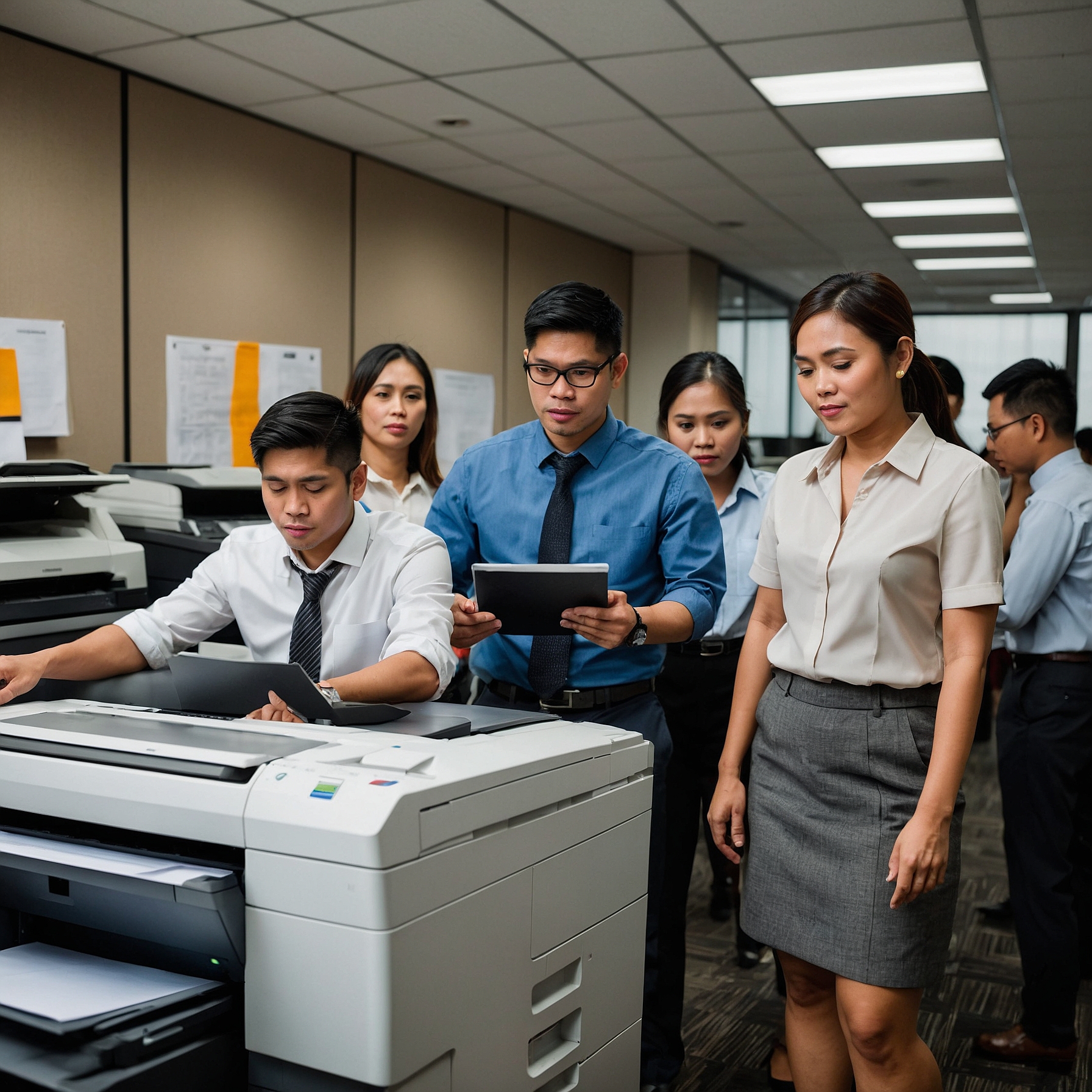
Modern copiers are more than just machines for duplicating documents. They are sophisticated devices that integrate scanning, printing, faxing, and cloud-based features. However, to maximize their value, it's essential to address a key aspect often overlooked—training needs for copier types.
Whether you’re renting a color copier, managing a high-volume print environment, or switching between analog and digital models, each copier type comes with specific features that require user education. In this blog post, we’ll explore why training matters, what types of copier-specific training are needed, and how it ultimately saves time, money, and headaches for your organization.
Why Copier Training Matters
Copiers may look straightforward, but improper usage can lead to:
Increased paper and toner waste
Misuse of functions (e.g., scanning to the wrong location)
Frequent breakdowns due to improper handling
Delays in workflow
Higher maintenance costs
A well-trained team can prevent these issues by using machines efficiently and troubleshooting minor issues independently.
If your organization is considering a rental, training becomes even more crucial. As highlighted in this cost comparison of renting vs. buying a copier, misuse of rented equipment can result in penalties or higher fees.
Training Needs for Different Copier Types
Let’s break down the training needs for copier types based on the most common categories in office settings.
1. Color Copiers
Primary Training Focus:
Color management and resolution settings
Proper paper usage (e.g., glossy vs. plain paper)
Duplex and booklet printing
Adjusting color density and calibration
Color copiers tend to be more expensive to operate, so proper training reduces waste. Users must understand how to optimize settings for professional-looking output while conserving toner.
For guidance on how color copier costs can impact your budget, check this article on factors affecting copier rental prices.
2. Multifunction Printers (MFPs)
Primary Training Focus:
How to scan to email, USB, or cloud
Fax operation and number programming
Secure print functions
User authentication or PIN usage
MFPs combine several functionalities, which means more room for confusion. Without training, employees might misuse scanning protocols or unintentionally send sensitive documents to the wrong email address.
3. Analog Copiers
Primary Training Focus:
Manual paper feed adjustments
Mechanical troubleshooting (e.g., paper jams)
Toner cartridge replacement
While less common today, analog copiers are still used in some settings. Because they lack automation, users must be trained on basic manual processes that digital models handle automatically.
4. High-Volume Copiers (Production-Level)
Primary Training Focus:
Large print job batching
Queue management and scheduling
Maintenance and cleaning routines
Integration with workflow software
These devices are typically found in print shops, schools, or government offices. In such environments, even minor misuse can cause significant disruptions. Training must go beyond basic usage to include maintenance and production efficiency.
To reduce long-term costs, businesses should read about how to budget for copier rentals.
Who Needs the Training?
Not just IT staff. Here are the roles that benefit from copier training:
Administrative Assistants: Daily users of printing, copying, and scanning functions.
Managers: For approval flows and secure printing setups.
IT Personnel: For integration with email systems, cloud storage, or custom workflows.
Finance Teams: To track usage and identify cost-saving opportunities.
Even short-term rentals for events require operator knowledge. Learn more from this guide on saving money on copier rentals.
Training Methods to Consider
Every organization can choose training formats depending on its size, copier type, and technical know-how:
Onsite Demonstrations by Vendors
Most reputable rental providers offer this for free or at minimal cost.Video Tutorials and PDF Guides
Ideal for new hires or refresher training.Hands-On Training Sessions
Especially important for high-volume copiers or secure printing environments.Webinars or Virtual Support
Useful for remote teams or branches in different locations.
When signing a lease, be sure to analyze what training is included. If unclear, revisit this helpful article on analyzing lease terms for cost efficiency.
Common Training Pitfalls to Avoid
Assuming “common sense” usage: Even seasoned staff may misuse features they’ve never been trained on.
One-size-fits-all training: Each department may use the copier differently. Customize based on user roles.
No follow-up: Training should be repeated periodically, especially when firmware updates introduce new features.
Lack of user manuals or posted guides: Visual reminders help reduce user errors, especially in shared spaces.
Benefits of Proper Copier Training
✅ Fewer service calls
✅ Improved efficiency and workflow
✅ Reduced operational costs
✅ Better document security
✅ Longer lifespan of equipment
Ultimately, well-trained users not only prevent problems—they empower the company to operate at its best.
Conclusion
In any business, copiers are silent workhorses. But like any machine, they need the right human touch—trained users who know how to get the best performance from them. Whether you’re leasing a simple copier or a multifunction powerhouse, always include training as part of your strategy.
Remember, a small investment in training leads to major savings and smoother operations in the long run.
For more helpful insights and video guides, visit our YouTube page, and learn more about copier solutions at Marga Enterprises.