
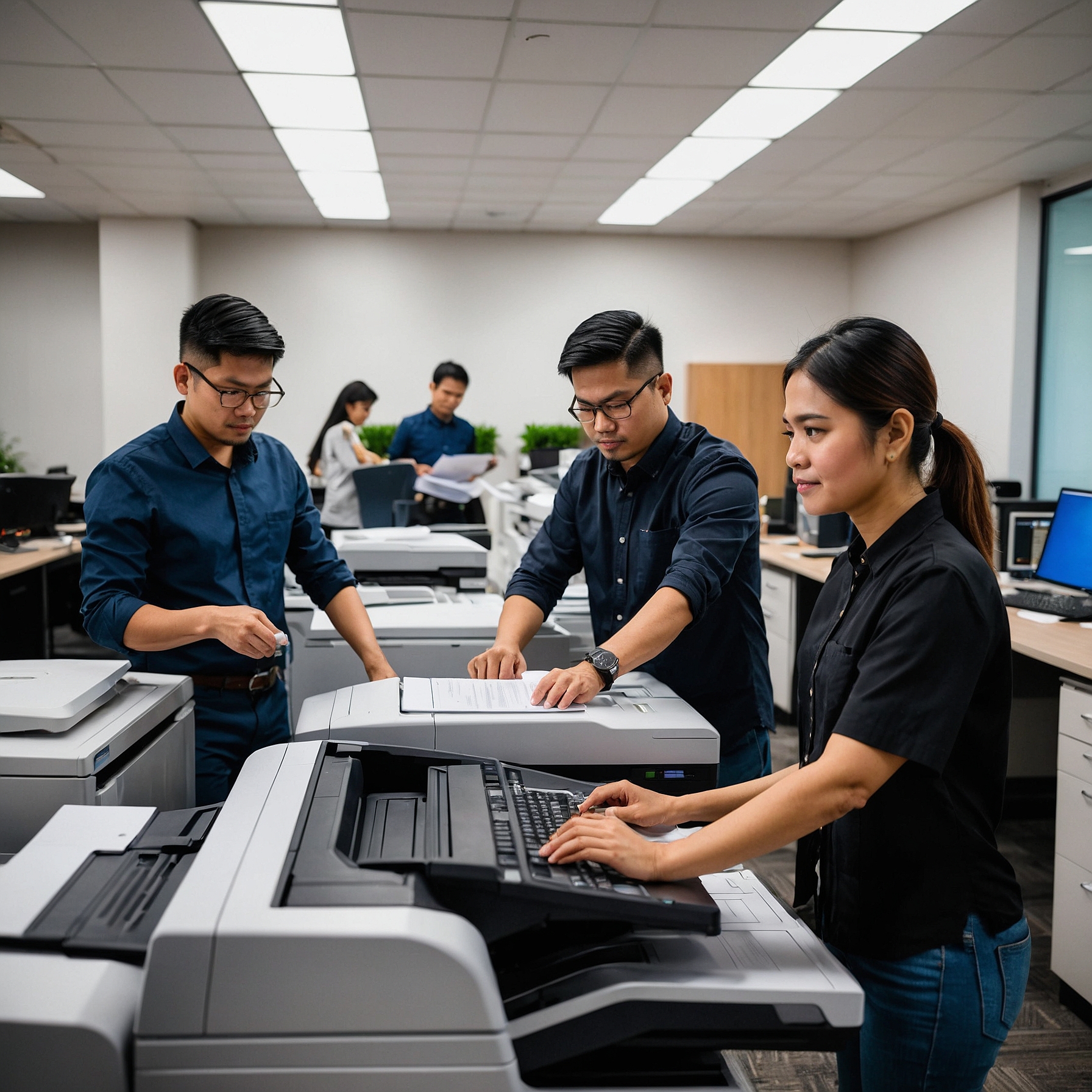
In today’s fast-paced digital workspace, efficiency and connectivity are no longer optional—they're essential. One area that many businesses overlook is how their copiers interact with their broader IT infrastructure. Integrating copiers with IT support can streamline operations, improve security, reduce downtime, and lead to significant cost savings.
In this guide, we’ll explore the value of integrating copiers with IT support, best practices, and how your business can maximize returns on your copier investments.
Why Integrating Copiers with IT Support Matters
Modern copiers are no longer standalone machines that simply print or copy documents. They function as multifunctional devices capable of scanning, emailing, faxing, and storing data. Because of these capabilities, they are an extension of your network—and like any networked device, they need proper management.
Here’s why integration is critical:
-
Enhanced Security: Copiers store sensitive documents. If not secured properly, these can become gateways for data breaches.
-
Reduced Downtime: With IT support monitoring copier health, problems can be diagnosed and fixed quickly, preventing workflow disruption.
-
Centralized Management: IT teams can manage copier settings, access controls, and software updates remotely.
-
User Efficiency: Employees experience fewer technical issues, leading to improved productivity.
Key Benefits of IT Integration
1. Proactive Maintenance and Monitoring
When copiers are integrated into your IT system, your support team can monitor them just like they would with any other device. This allows for:
-
Real-time alerts on errors or supply shortages
-
Scheduled updates and firmware patches
-
Automated diagnostics to prevent breakdowns
This proactive approach can lead to substantial savings on repair costs and downtime.
Want to learn how to budget smartly for copier maintenance? Check out How to Budget for Copier Rentals
2. Improved Data Security
With cyber threats on the rise, ensuring all endpoints—copiers included—are secure is a top IT priority. IT teams can:
-
Set user authentication controls for copier access
-
Encrypt stored and transmitted data
-
Set up audit trails to track document access
This ensures compliance with data protection policies, especially in sectors like healthcare, legal, and finance.
For better cost efficiency, consider Analyzing Lease Terms for Cost Efficiency
3. Seamless Software Integration
A well-integrated copier setup can connect with:
-
Cloud storage platforms like Google Drive or OneDrive
-
Email systems for direct document sending
-
Workflow management software like Trello or Asana
This eliminates the need for manual uploads or printing steps—documents can move through the system faster.
Steps to Integrate Copiers with Your IT System
Step 1: Evaluate Your Current Copier and Network Setup
Start with a copier audit. Ask:
-
Is the copier connected to the network?
-
Does it require logins or user authentication?
-
Are data encryption and backups enabled?
Then involve your IT support to assess the current security and access setup.
Step 2: Choose the Right Copier Model
Not all copiers are created equal. Look for models that:
-
Support LDAP or Active Directory integration
-
Offer secure print and scan capabilities
-
Allow remote access and cloud integration
Need help deciding between renting or buying? Read this Cost Comparison: Renting vs. Buying a Copier
Step 3: Work with IT Support for Configuration
Once the copier is ready, your IT team can:
-
Install and configure network drivers
-
Set up user roles and permissions
-
Integrate with internal cloud storage or email servers
They can also install necessary firmware and monitor the copier through endpoint management tools.
Step 4: Train Your Team
Even the best-integrated system fails if users don’t know how to use it. Offer simple, practical training:
-
How to log in securely
-
Where to send scanned documents
-
How to report copier issues
For long-term cost savings, learn about Saving Money on Copier Rentals
Challenges to Watch Out For
While copier-IT integration offers numerous advantages, it’s important to prepare for:
-
Compatibility Issues: Ensure the copier's firmware and drivers are compatible with your systems.
-
User Resistance: Some employees may struggle to adapt. A user-friendly training guide helps.
-
Ongoing Maintenance: Integration is not a one-time setup. Regular updates and security patches are essential.
Choosing a Rental Provider with IT Support Options
If you're renting, choose a provider that offers:
-
Copiers ready for network integration
-
Technical support that works with your IT team
-
Scalable plans for growth
Check the Factors Affecting Copier Rental Prices so you can compare providers smartly.
Conclusion: Build Smarter Workflows with Integrated Copiers
Integrating copiers with IT support isn't just a trend—it's a necessary step for any business looking to improve security, efficiency, and cost management. As work environments become more digital, ensuring that your copier setup is part of the bigger IT picture will give you the edge in performance and protection.
Whether you’re upgrading your equipment, streamlining workflow, or improving security, copier-IT integration is a smart investment.
For more business solutions and copier rental insights, visit Marga Enterprises or watch our helpful videos on our YouTube channel:
👉 Marga Enterprises YouTube Channel