
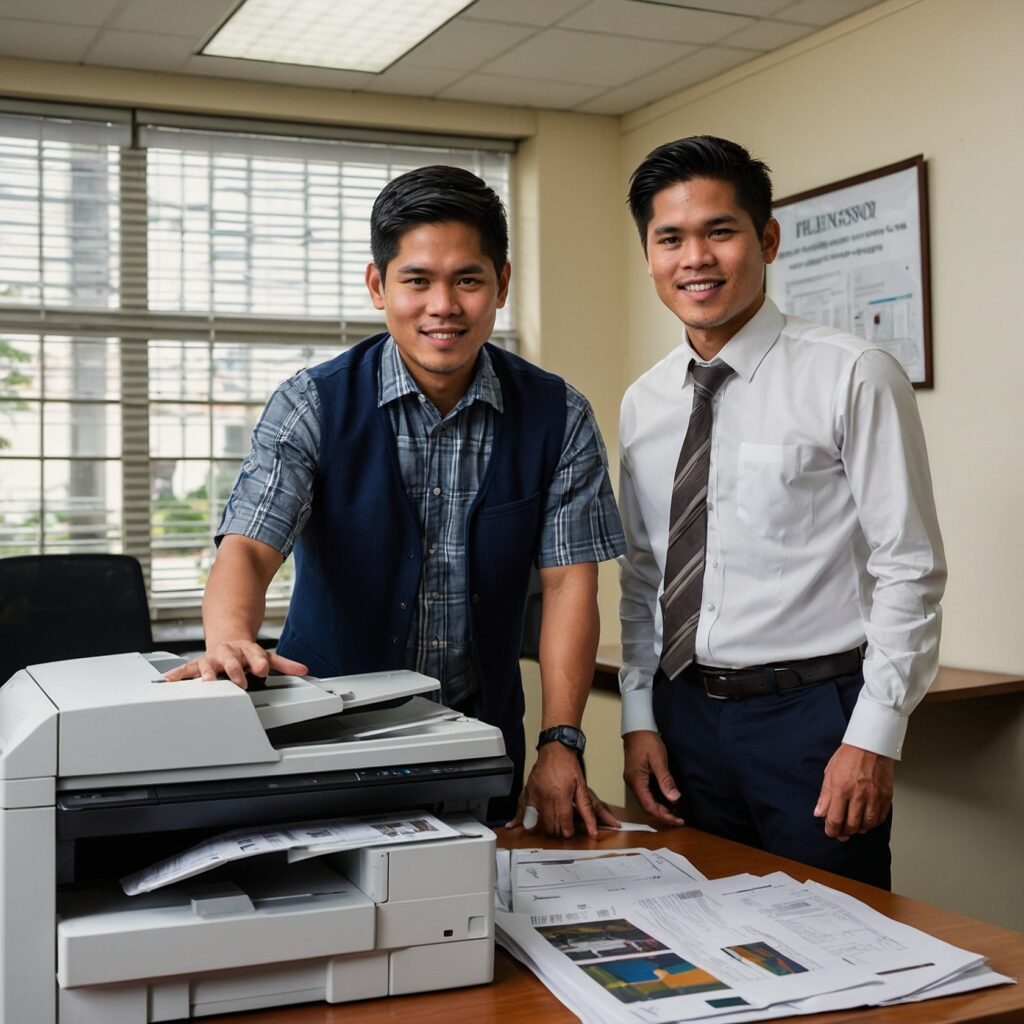
Maintenance Tips for SMB Copiers: Ensuring Longevity and Efficiency
For small and medium-sized businesses (SMBs), copiers play a vital role in day-to-day operations, enabling efficient document processing. However, to maintain their optimal performance and extend their lifespan, regular maintenance is essential. In this blog post, we’ll explore effective maintenance tips for SMB copiers that will not only improve their performance but also prevent costly repairs and replacements.
Why Copier Maintenance Matters for SMBs
Copiers are essential in maintaining productivity, especially in SMBs where every minute counts. A malfunctioning copier can lead to delays and inefficiencies, potentially affecting your overall business operations. Additionally, a well-maintained copier consumes less energy, prints more efficiently, and offers a better return on investment. Regular maintenance ensures that your copier operates smoothly and helps avoid unexpected downtime.
1. Regular Cleaning: The First Step to Longevity
Cleaning your copier is one of the easiest and most important maintenance tasks. Dust, dirt, and ink can build up over time, affecting the quality of prints and the functionality of internal components.
Tips for Cleaning Your Copier:
-
Wipe the exterior regularly with a microfiber cloth to prevent dirt accumulation.
-
Clean the glass to avoid streaks that could affect scan quality.
-
Clear the paper path by removing any dust or debris that could cause paper jams.
-
Clean the toner area by gently wiping the inside with a cloth. Make sure the machine is turned off before doing this.
By keeping your copier clean, you ensure that it runs smoothly and that the prints are crisp and clear.
2. Replace Toner and Ink Cartridges Promptly
While it’s tempting to continue using toner or ink cartridges even when they’re running low, doing so can lead to poor print quality and potential damage to your copier. Replacing cartridges on time is a simple yet effective way to maintain your copier’s health.
Why Timely Cartridge Replacement Is Important:
-
Prevent Print Quality Issues: Low toner levels can lead to faded prints, streaks, and smudges.
-
Avoid Machine Damage: Running a copier on low toner may cause the printer to overheat, leading to more severe issues.
-
Improve Efficiency: With full cartridges, your copier works efficiently, reducing strain on internal components.
Regularly checking and replacing cartridges helps maintain both print quality and the health of your copier.
3. Schedule Professional Maintenance Checks
Even with regular cleaning and part replacement, your copier needs professional maintenance at least once a year to ensure it remains in peak condition. A certified technician can inspect internal components and address potential issues before they become serious problems.
What to Expect from Professional Maintenance:
-
Inspection of internal components such as rollers, sensors, and the fuser.
-
Replacement of worn-out parts such as rollers, belts, and gears.
-
Software updates that can improve the copier’s performance and functionality.
Regular maintenance by a professional ensures that all parts are working as they should and can help catch issues before they lead to major malfunctions.
4. Monitor Paper Quality and Storage
The quality of paper you use in your copier is crucial for optimal performance. Low-quality or damp paper can cause jams and print quality issues, leading to unnecessary repairs.
Tips for Paper Usage:
-
Use the recommended paper type as specified by the copier manufacturer.
-
Store paper properly in a dry, cool place to prevent moisture buildup that could lead to paper jams.
-
Check the paper tray regularly for misaligned or damaged paper to avoid jams.
By using the right paper and storing it properly, you can avoid unnecessary copier problems and ensure smoother operations.
5. Keep an Eye on Copier Settings and Software
Many modern copiers come with advanced software that helps you manage print jobs, monitor copier usage, and detect errors. Make sure that your copier’s software is updated regularly, and adjust settings to optimize efficiency.
How Software and Settings Can Help:
-
Monitor usage: Some copiers allow you to track how much paper and toner is being used, helping you manage costs better.
-
Optimize energy settings: Set your copier to energy-saving modes when not in use, which can help reduce power consumption.
-
Error detection: Many copiers have diagnostic software that alerts you to potential issues before they escalate.
By keeping the copier software updated and tweaking its settings, you can extend the life of your copier and improve overall performance.
6. Use the Right Copier Rental Agreement for Your Business
If you’re renting a copier for your SMB, it’s important to have the right rental agreement that aligns with your business needs. Having a well-structured agreement will not only help manage costs but also ensure that you receive adequate support in case of issues.
What to Consider in a Copier Rental Agreement:
-
Factors affecting rental prices: Be sure to understand what impacts your rental costs, such as machine features, usage volume, and contract terms. Check out the factors that influence copier rental prices.
-
Maintenance and support options: Ensure that your rental agreement includes regular maintenance and access to support services.
-
Comparing renting vs. buying: Assess whether renting is more cost-effective for your business in the long term. Learn more about the pros and cons of renting versus buying a copier.
Conclusion
Regular maintenance is essential to ensure that your SMB copier operates smoothly, efficiently, and without unnecessary downtime. By cleaning your copier regularly, replacing toner on time, scheduling professional maintenance, and using the right paper and software, you can ensure that your copier remains in top shape.
If you’re renting a copier, be sure to have the right rental agreement to support your needs and budget. For more information on how to manage copier rental costs, check out this guide on budgeting for copier rentals.
For more helpful tips, feel free to visit our Facebook page and visit our website.
By keeping your copier well-maintained, you’ll ensure it continues to serve your business efficiently for years to come.