
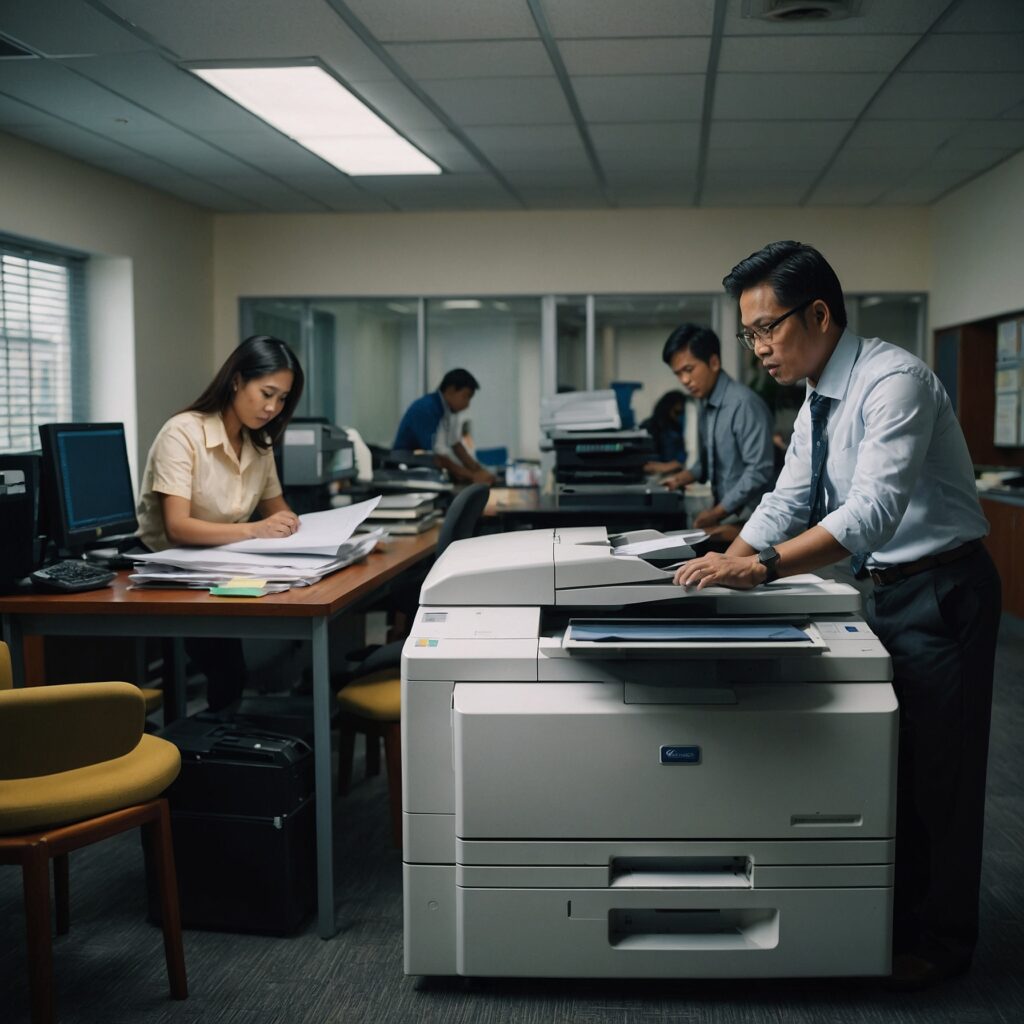
High-Volume Copier Setup and Configuration
Optimizing Your Copier for Peak Performance
Setting up and configuring a high-volume copier correctly is essential for ensuring smooth, efficient operation in a busy office or business. Whether you’re renting or purchasing, a proper high-volume copier setup and configuration ensures you get the most out of your equipment, reduce downtime, and improve productivity.
In this post, we’ll walk you through the best practices for setting up and configuring a high-volume copier, from hardware installation to network integration, security setup, and optimizing performance.
📌 Why Proper Setup and Configuration Matter
High-volume copiers are designed to handle heavy workloads, but even the best equipment needs to be configured properly. A poorly set-up copier can:
Cause frequent jams
Slow down productivity
Lead to high maintenance costs
Decrease the lifespan of the machine
Ensuring a proper high-volume copier setup and configuration reduces these risks, ensuring that your business runs efficiently without interruptions.
👉 Learn more about setting up your copier with our detailed guide on High-Volume Copier Setup and Configuration.
🖨️ Step-by-Step Guide to High-Volume Copier Setup and Configuration
1. Physical Setup: Location and Space Considerations
The first step in a successful high-volume copier setup and configuration is selecting the right location. Here’s what to consider:
Space: Ensure the copier has ample space for paper trays, output, and for easy access to parts for maintenance.
Ventilation: Avoid placing the copier in a tight, unventilated area. High-volume machines generate heat, so ensure good airflow to prevent overheating.
Electrical outlets: Make sure there are power outlets available that meet the copier’s voltage requirements.
Noise considerations: If your copier is in a shared space, consider its noise level and position it away from sensitive areas.
2. Assemble and Install the Copier
Once you’ve chosen the right space, assemble the machine. Many high-volume copiers come with detailed installation guides, but here’s a general outline:
Unbox carefully: Ensure no damage has occurred during shipping.
Attach paper trays and toner: Follow the manufacturer’s instructions to correctly install trays, toner, and other necessary components.
Connect to power: Plug the copier into the designated power source.
3. Network Integration: Connecting to Your IT System
Modern high-volume copiers are networked devices, meaning they need to be properly integrated into your office IT system to ensure seamless operation. Key configuration steps include:
Wi-Fi or wired LAN connection: Decide whether your copier will connect wirelessly or via Ethernet. Wired connections are generally more stable for high-volume environments.
IP address configuration: Assign a static IP address for easier access and network management.
Install drivers and software: Ensure the copier’s drivers are installed on your computers and that the copier is correctly integrated with any print management systems.
👉 For more detailed tips on setup, check out Efficiency Enhancements for High-Volume Copiers.
4. Security Setup: Protecting Your Documents
With high-volume copiers, security is critical. These machines store sensitive data, including scans and print jobs. To protect this data:
Set up user authentication: Require users to authenticate before releasing print jobs to avoid unauthorized access.
Enable encryption: Ensure that data transmitted over your network is encrypted, protecting it from potential breaches.
Secure print options: Enable features that require users to release jobs at the copier, ensuring sensitive documents aren’t left unattended.
👉 Learn more about copier security in our guide on Copier Security for High-Volume Printing.
5. Paper Management: Configuring Paper Trays and Types
Proper paper management ensures smooth printing without interruptions. For high-volume copier setup and configuration, you’ll need to:
Load appropriate paper sizes and types: High-volume copiers support different paper sizes and weights. Ensure that trays are correctly configured for the types of documents you’ll be printing.
Organize paper supply: Keep paper stored properly to prevent jams. Regularly check that paper is loaded correctly and aligned to avoid misfeeds.
6. Setting Print Defaults and User Preferences
One of the best ways to improve efficiency and save on costs is by setting default print preferences:
Default duplex printing: Set your copier to print double-sided by default to save paper.
Black-and-white default: Set your copier to print in black-and-white by default, switching to color only when necessary.
Scan settings: Configure default scan settings like resolution and file format to meet your typical needs.
By configuring these options up front, you reduce the time spent adjusting settings for each print job.
7. Training Staff and Setting Usage Guidelines
A crucial part of high-volume copier setup and configuration is ensuring that your staff knows how to use the copier effectively. This includes:
Basic operation: Train employees on loading paper, changing toner, and accessing features like duplex printing and scanning.
Print management: Show how to track print jobs, manage costs, and reduce waste.
Troubleshooting: Provide basic troubleshooting steps for common issues like paper jams or connectivity problems.
♻️ Sustainable Practices for High-Volume Printing
In addition to the technical setup, it’s also important to consider sustainable practices. High-volume printing can have a significant environmental impact, but small adjustments can help reduce that:
Use recycled paper: Opt for eco-friendly paper options to reduce waste.
Enable energy-saving mode: Set your copier to enter energy-saving mode when not in use.
Recycle toner cartridges: Many suppliers offer recycling programs for used toner cartridges.
By implementing these practices, you can improve the sustainability of your office printing operations.
👉 Explore more on this topic in our post on Sustainable Practices in High-Volume Printing.
✅ Final Thoughts: Optimizing Your High-Volume Copier for Success
High-volume copier setup and configuration is a vital step toward ensuring smooth and efficient operations in any busy office or business. By following the steps outlined above—setting up the copier, configuring your network, implementing security measures, and using sustainable practices—you can maximize your copier’s performance, reduce downtime, and enhance overall productivity.
The right setup ensures that your copier can handle your business needs now and in the future, without interruptions.