
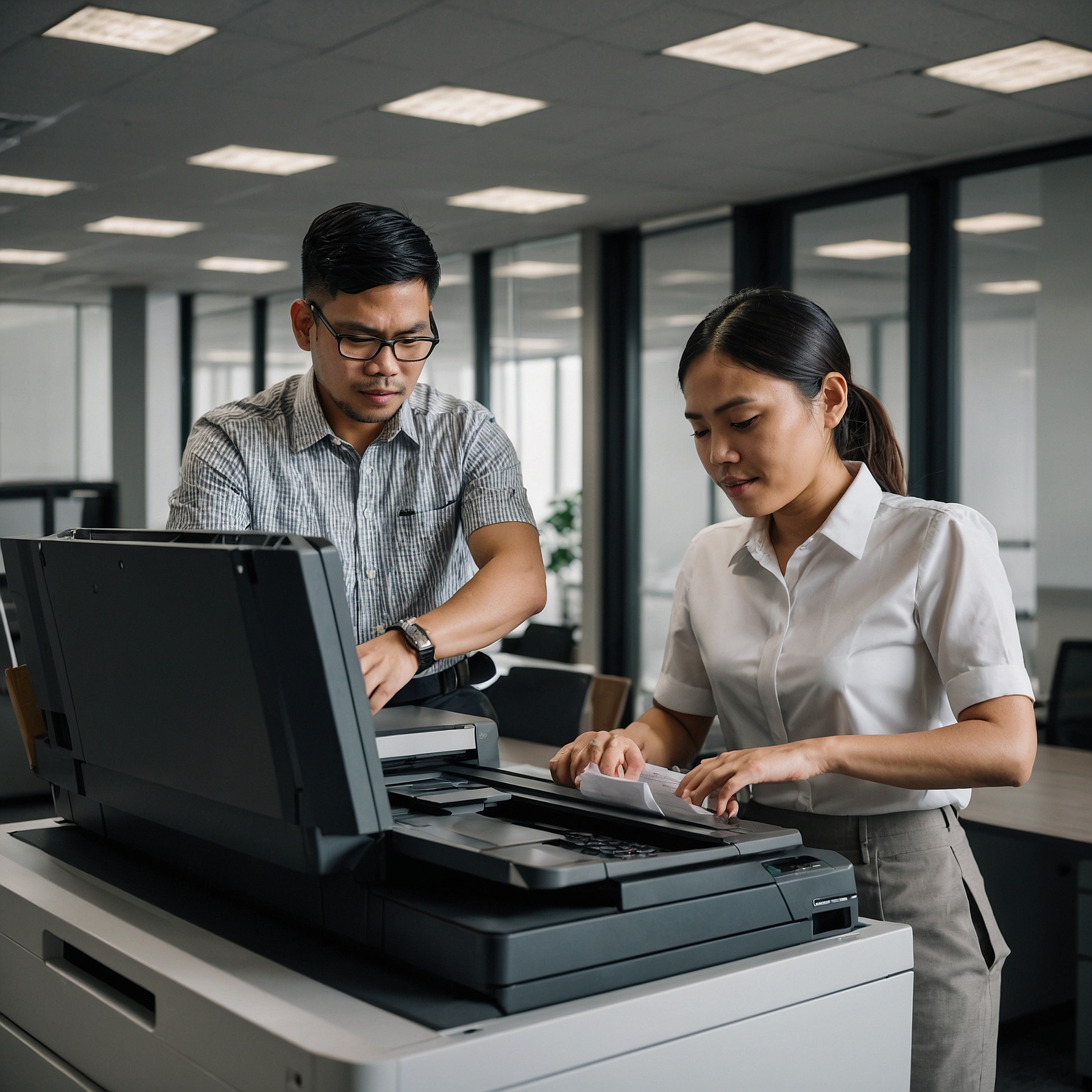
Organizing a successful event—whether it’s a trade show, seminar, conference, or expo—requires seamless coordination and real-time access to printed materials. One of the most overlooked yet vital logistics is setting up mobile copiers for events. These flexible machines help ensure that documents, schedules, handouts, and credentials are printed and available when needed, right on-site.
In this guide, we’ll cover everything you need to know about setting up mobile copiers for events, including key setup steps, environment considerations, power needs, and best practices to avoid downtime.
Why Use Mobile Copiers at Events?
Events are dynamic and fast-moving. You often need to print documents on the fly—such as:
Name badges
Updated programs or schedules
Floor plans
Contracts or registration forms
Emergency instructions
Traditional copiers are bulky, immobile, and often tied to permanent locations. That’s why mobile copier rentals are a game-changer.
If you’re new to this technology, take a moment to review the Overview of Mobile Copier Rentals to understand their portability and utility.
Pre-Setup Checklist
Before the event begins, ensure the following are in place:
✅ Copier specifications match your expected workload
Choose a model based on print volume, speed, color requirements, and multi-function capabilities.
✅ Confirm power availability
Ensure you have stable access to power outlets (with surge protectors if necessary). If operating outdoors, battery backup options may be needed.
✅ Secure Wi-Fi or network access
Many mobile copiers rely on Wi-Fi or direct network connections for cloud printing or mobile device syncing.
✅ Accessibility and placement
Choose a flat, secure area that’s accessible to event staff but not in the way of guest traffic.
Step-by-Step Guide to Setting Up Mobile Copiers
1. Unpack and Position the Copier
Unbox carefully, inspect for any transport damage, and roll the copier to your pre-planned location. Most mobile copiers come with wheels or handles for easy mobility.
2. Connect to Power
Plug the copier into a reliable power source. If using outdoors or in a high-traffic venue, use extension cords with proper shielding and tape them down to avoid tripping hazards.
3. Install Toner and Paper
Load paper trays with appropriate sizes—usually A4 or letter size—and check toner or ink levels. Have extra toner on hand if the event spans several days.
For maintenance tips during the event, see Maintenance Tips for Mobile Copiers.
4. Set Up Network or Device Connectivity
Connect to available Wi-Fi
Set up mobile printing (e.g., AirPrint, Google Cloud Print)
Test printing from laptops, tablets, or phones
Most mobile copiers support USB printing as a backup if the network goes down.
5. Perform Test Runs
Before the event starts, run several test prints. Check print quality, page alignment, and connectivity.
Is the copier easily accessible to staff?
Are printouts reaching the tray correctly?
Are devices detecting the printer?
Security Considerations
Events can involve sensitive information—such as personal attendee data or contracts. It's crucial to enable copier security settings such as:
Password-protected printing
Temporary file deletion after print
Limiting access through PIN codes
For more, review Security Measures for Mobile Copier Rentals.
Event Types That Benefit from Mobile Copiers
Not all events are the same. Here are a few scenarios where having a mobile copier can elevate efficiency:
| Event Type | How Mobile Copiers Help |
|---|---|
| Trade Shows | Print badges, brochures, and booth signage |
| Conferences | Update programs, speaker materials on-site |
| Job Fairs | Provide resumes or application forms instantly |
| Government Hearings | Ensure documentation is printed on-demand |
| Construction Expos | Print site maps, safety protocols, permits |
To see more industry-specific use cases, visit Mobile Copier Applications in Different Industries.
Troubleshooting Tips During Events
Even with proper setup, issues can arise. Here’s how to stay prepared:
Keep a spare toner or ink cartridge ready
Restart the machine if a print job gets stuck
Check the Wi-Fi signal strength regularly
Use USB printing if the wireless network fails
Keep contact info of your rental support provider handy
Best Practices for Event Success
To ensure smooth operations throughout your event:
Assign one or two staff to handle printing tasks
Limit access to the machine to avoid overuse or mishandling
Monitor toner and paper levels throughout the day
Back up all files you intend to print in cloud storage for easy access
Final Thoughts
Setting up mobile copiers for events is not just about plugging in a machine—it’s about ensuring your event runs without a hitch. From pre-planning and setup to security and maintenance, mobile copiers offer unmatched convenience in fast-paced environments.
With proper setup and a reliable rental partner, you can focus on your event while your document needs are handled smoothly and efficiently.
To get started with rentals, setup assistance, or more insights, visit Setting Up Mobile Copiers for Events – Marga Rentals.