
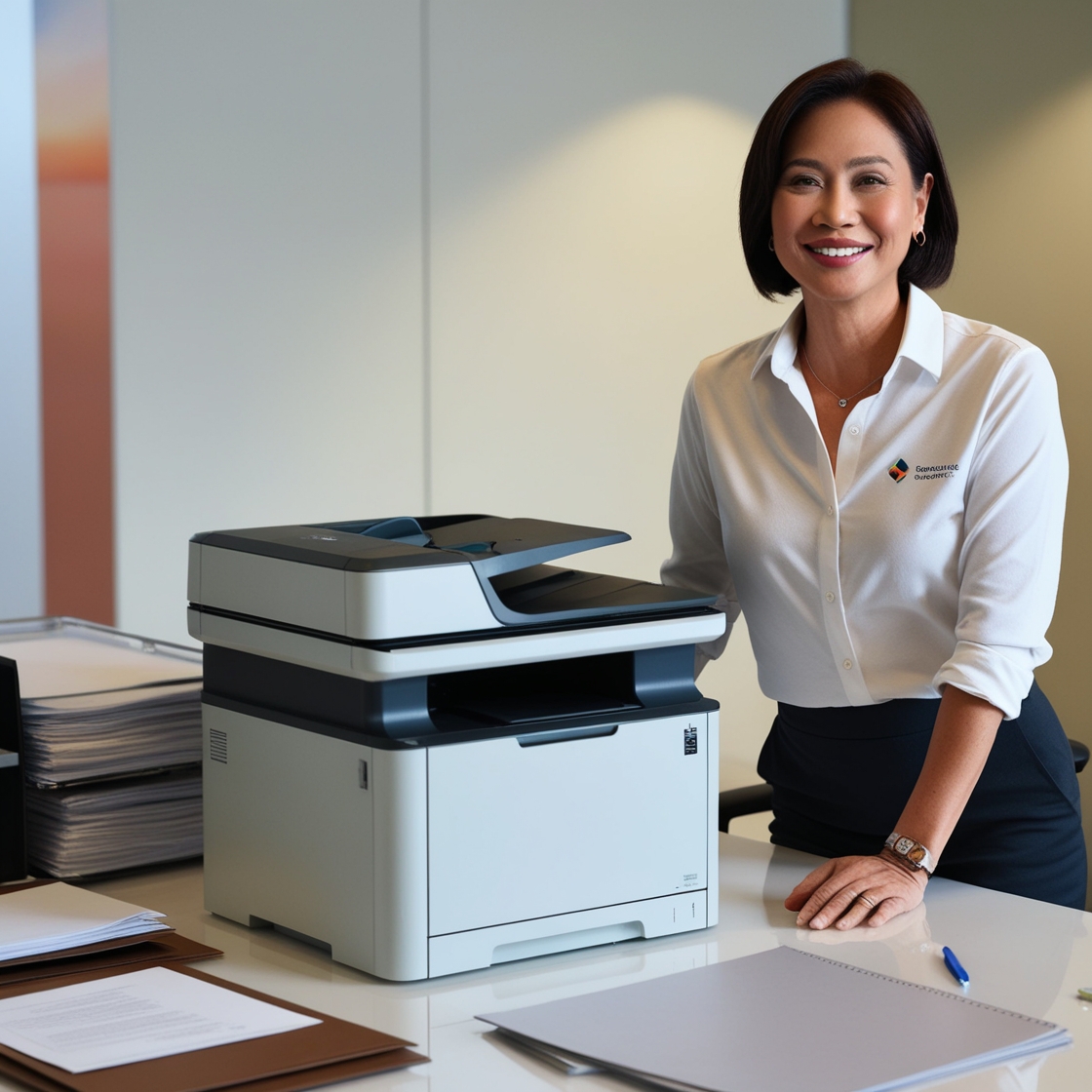
Introduction: Embracing Technology in the Classroom
In today’s digital-driven educational environment, flexibility and efficiency are key to enhancing student learning experiences. One of the most effective yet often overlooked upgrades a school can make is investing in wireless printers for classrooms. These devices eliminate the need for tangled cords, centralize access for teachers and students, and boost productivity in a tech-enabled classroom.
Whether you're setting up a new classroom or upgrading your existing equipment, this guide will walk you through the benefits, considerations, and top tips for choosing wireless printers for your school.
Why Choose Wireless Printers for Classrooms?
Wireless printers offer several advantages tailored to the modern learning space:
1. Less Clutter, More Space
With no need for extensive cabling, wireless printers free up valuable classroom space. Teachers can set up their printers in the most convenient location without worrying about access to power outlets or Ethernet ports.
2. Multiple Device Compatibility
Students and teachers often use different devices—laptops, tablets, and smartphones. Wireless printers allow seamless printing from multiple platforms, making them ideal for classrooms with bring-your-own-device (BYOD) policies.
3. Improved Collaboration
When printers are connected wirelessly, students can easily share access for printing group work or submitting assignments. This promotes collaboration and independent learning.
4. Streamlined Workflow for Teachers
Teachers can print lesson plans, worksheets, and exams from anywhere within the school premises. Some printers even support remote printing—allowing educators to send documents from home before the school day begins.
Key Features to Look For
When selecting wireless printers for classrooms, it's important to consider the following features:
Ease of Setup: Choose models that offer intuitive wireless configuration, such as Wi-Fi Direct or QR-based app setup.
Multi-Functionality: Opt for all-in-one printers that can print, scan, and copy.
Mobile Printing Support: Ensure compatibility with platforms like Google Cloud Print, AirPrint, and Mopria.
Security Features: Look for printers with PIN printing, data encryption, and usage tracking to ensure safe and controlled access.
Cost Efficiency: Consider ink or toner consumption and whether the printer offers eco modes to reduce usage.
For a broader understanding of printer functionalities in small and remote settings, you might also like to read about the Best Printers for Remote Work.
Benefits of Renting Wireless Printers for Educational Use
Renting wireless printers rather than purchasing them outright has become a practical solution for many schools.
1. Lower Upfront Costs
Purchasing new equipment for every classroom can be expensive. Renting reduces upfront costs and allows schools to access high-quality models within their budget.
2. Maintenance and Support
Printer rental providers often include technical support, regular maintenance, and replacement of parts in their rental agreements—ensuring uptime during critical school operations.
3. Scalability
Schools with growing student populations can easily upgrade or scale their printer setup as needed without being tied to outdated equipment.
For insights into how rental services are being used across different setups, explore this Case Study on Remote Work Printer Rentals.
Setting Up a Wireless Printer in the Classroom
Here’s a step-by-step approach to get started with your wireless printer:
Select a Central Location
Place the printer where it is easily accessible but not disruptive.Connect to Wi-Fi Network
Use the printer’s interface to connect to the school’s secured network.Install Printer Drivers
Download the latest drivers and mobile apps for your devices.Test the Connection
Print a test page from a laptop, tablet, and smartphone to ensure compatibility.Set User Permissions
Use administrative controls to manage who can print, scan, or copy.
For additional guidance on setting up home or small office printers—principles that also apply to classroom environments—check out Setting Up a Home Office Printer.
Practical Classroom Use Cases
1. Assignment Submission Stations
Students can print assignments directly from their devices, reducing wait times and eliminating the need for USB drives.
2. Teacher Prep Centers
Wireless printers in faculty rooms allow teachers to quickly print class materials during breaks or before classes.
3. Digital Art and Design Projects
For arts and technology subjects, wireless printers that support photo or high-resolution printing can bring student creations to life.
Consider Portable Wireless Printers for Mobile Classrooms
In schools with rotating classrooms, shared labs, or mobile teaching units, Portable Printers for Home Offices are ideal. They’re compact, easy to carry, and offer the same wireless capabilities as larger models.
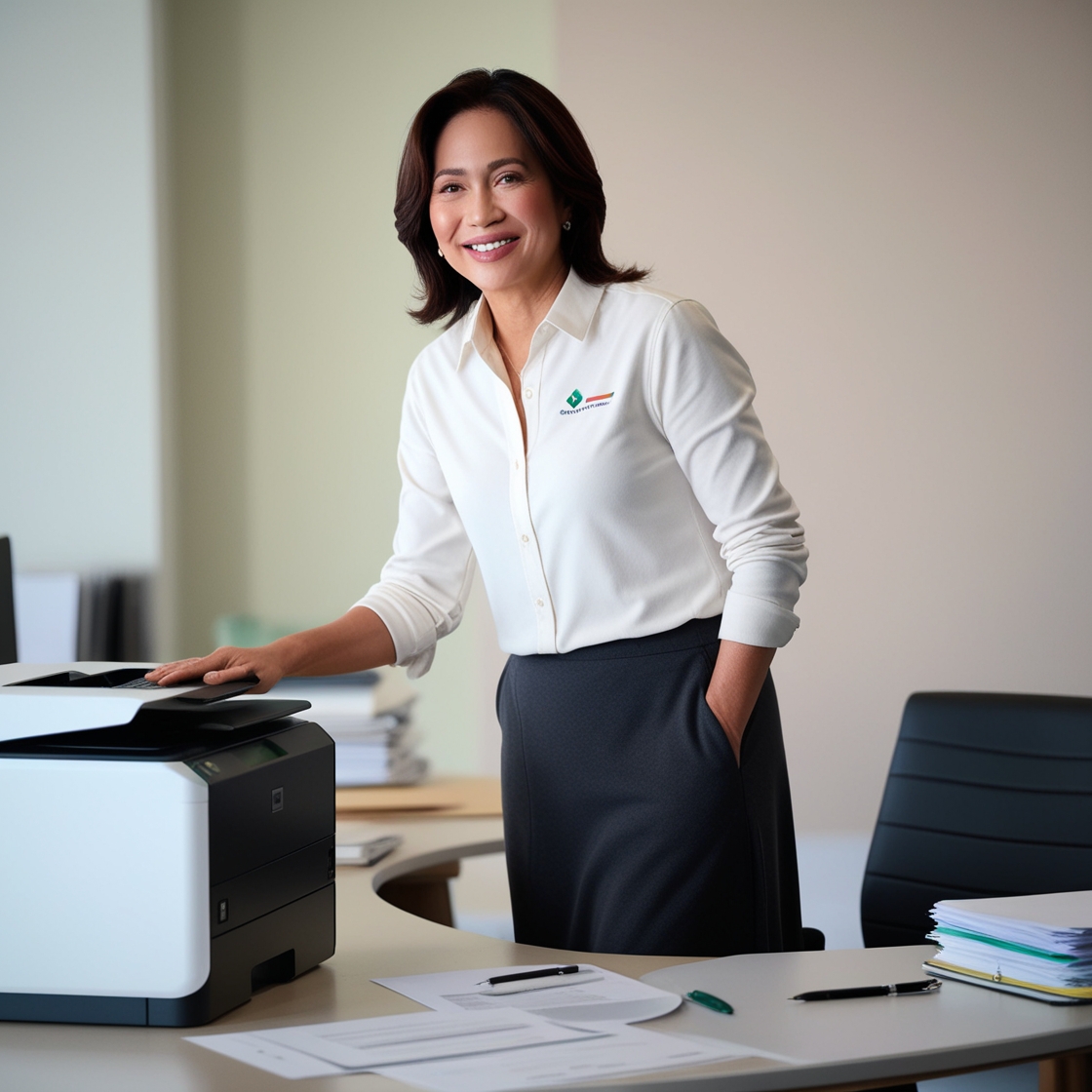
Conclusion: Smart Printing for Smart Classrooms
Wireless printers for classrooms are no longer a luxury—they’re a necessity in today’s dynamic, digital learning environments. With the flexibility, convenience, and cost-efficiency they offer, both students and educators benefit immensely.
If you’re looking to harness the benefits of modern, cost-effective copier solutions without the burden of ownership, consider renting your next color copier. To learn more about sustainable copier rental solutions and how Marga Enterprises can support your green initiatives, contact us today at 09171642540 or 09614481276. You can also reach us via email at marga.enterprises2013@gmail.com.
👉 Visit Marga Enterprises and find out why we are the No. 1 Copier & Printer Rental Provider in the Philippines.
📘 Visit our Facebook Page
📺 Visit our YouTube Channel
Let’s work together to build a greener, more sustainable future for generations to come.