
Best Printers for Educational Institutions
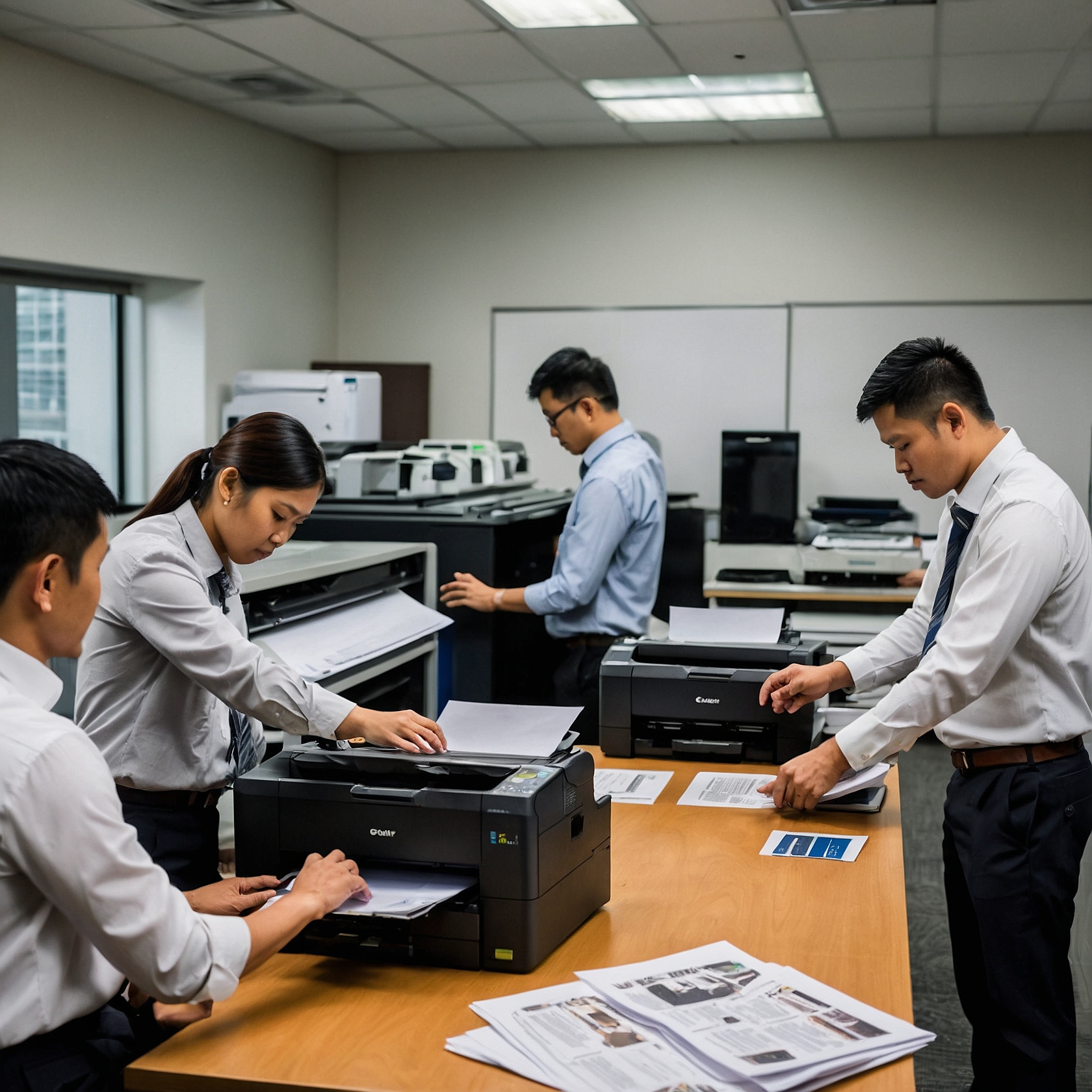
In today’s fast-paced academic environment, having the best printers for educational institutions is no longer a luxury—it’s a necessity. From printing lesson plans and exams to student handouts and administrative documents, printers play a crucial role in the daily operations of schools, colleges, and universities.
This guide will walk you through what to look for in a school printer, the types of printers suited for different educational levels, and how renting may be the smarter, more sustainable option for your institution.
Why Printers Are Essential for Schools
Educational institutions, whether public or private, produce a massive volume of documents every day. These include:
Syllabi and handouts
Examination papers and answer sheets
Student IDs and certificates
Reports and records
Classroom posters and notices
To manage this output efficiently, schools need reliable, high-speed, and cost-effective printing solutions.
Key Features to Look for in a School Printer
When choosing the best printers for educational institutions, administrators must consider the following features:
1. High Print Volume Capability
Schools print hundreds or even thousands of pages daily. A printer with a high duty cycle—meaning it can handle a large number of prints per month—is essential.
2. Fast Printing Speed
Speed matters, especially during exam season or major enrollment periods. A printer that can handle 30–50 pages per minute (ppm) will significantly reduce waiting time.
3. Multi-functionality (All-in-One)
Opt for printers that can print, scan, copy, and fax. This eliminates the need for multiple machines and simplifies office workflows.
4. Cost-Efficiency and Refill Options
Choose models with low-cost consumables like toner or ink refills, and look for printers compatible with third-party or bulk ink options.
5. Wireless and Network Connectivity
Wi-Fi-enabled printers allow multiple teachers and staff to connect and print without the hassle of cables.
Top Printer Types for Educational Settings
1. Laser Printers
Perfect for high-volume black-and-white printing. They're fast and economical for text-heavy materials like exams and memos.
2. Inkjet Printers
Best for color printing needs such as art projects, student portfolios, and posters. Some inkjet models now offer refillable tanks to reduce costs.
3. Multifunction Printers (MFPs)
Combine the power of printing, scanning, and copying in one device. Ideal for offices and resource centers in schools.
For smaller institutions or remote classrooms, portable options are becoming more popular. Learn more about portable printers for home offices that can serve mobile educators or rural school settings.
Best Printer Brands for Schools
Here are some printer models known for their durability and school-suited performance:
| Brand & Model | Key Feature | Ideal For |
|---|---|---|
| Brother HL-L6200DW | High-speed mono laser, duplex printing | Medium to large classrooms |
| Canon G4010 | Refillable ink tank system | Budget-conscious elementary schools |
| HP LaserJet MFP M428fdw | Fast all-in-one, strong security features | School admin offices |
| Epson EcoTank L15160 | A3 color printing, ultra-low cost per page | Colleges and art departments |
Buy or Rent: What’s Better for Schools?
Ownership may seem attractive, but it comes with ongoing costs:
Maintenance and repairs
Replacing ink/toner regularly
Hardware upgrades after 2–3 years
Printer rental, on the other hand, offers flexibility, lower capital outlay, and support services. Educational institutions can avoid large upfront expenses and focus on what matters—teaching.
Explore the benefits of renting printers for remote work—many of these also apply to educational institutions, especially those implementing hybrid learning.
You can also check out case studies on remote work printer rentals to see how schools and businesses benefit from renting over owning.
How to Choose the Right Printer for Your Institution
Here are a few steps you can follow:
Assess Your Printing Needs
How many pages do you print per day? Do you need color or only black and white?Evaluate Your Budget
Consider ongoing costs like toner, repairs, and energy consumption—not just the unit price.Consider Scalability
Will your school grow in student population or expand campuses soon? Choose printers that can scale with you.Check for Warranty and Support
Whether buying or renting, ensure the vendor offers reliable technical support and replacement options.
For small-scale setups like teacher home offices or tutoring centers, check this guide on setting up a home office printer to optimize space and budget.
Conclusion
Choosing the best printers for educational institutions doesn’t need to be overwhelming. Whether your school needs high-volume laser machines or portable multifunction units, there's a solution tailored to your budget and operations. The key is to focus on reliability, efficiency, and cost-effectiveness—values that renting often delivers better than purchasing.
If you’re looking to harness the benefits of modern, cost-effective copier solutions without the burden of ownership, consider renting your next color copier. To learn more about sustainable copier rental solutions and how Marga Enterprises can support your green initiatives, contact us today at 09171642540 or 09614481276. You can also reach us via email at marga.enterprises2013@gmail.com.
Consider Visiting our Facebook Page
Watch our services on YouTube
Let’s work together to build a greener, more sustainable future for generations to come. Visit Marga Enterprises and find out why we are the No. 1 Copier & Printer Rental Provider in the Philippines.