
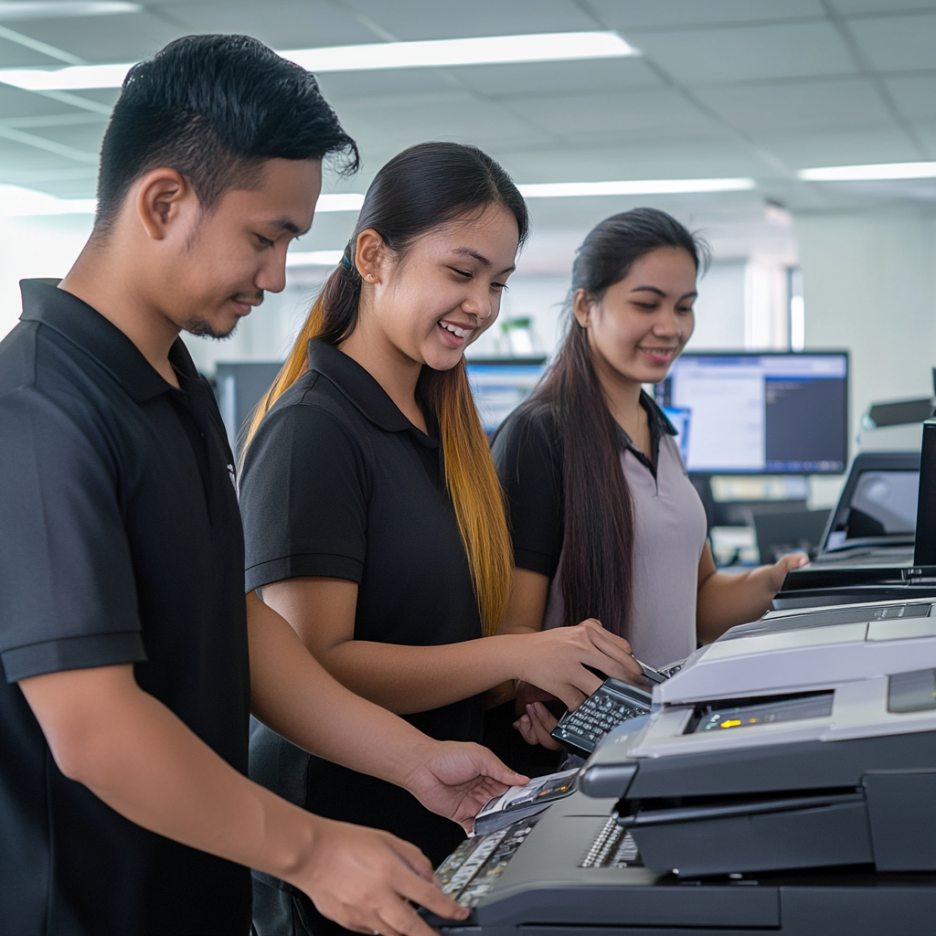
Introduction: Remote Work Printer Rentals for the Modern Home Office
Remote Work Printer Rentals have become essential in today’s evolving work environment. As more companies shift to hybrid or fully remote setups, professionals need reliable office tools at home—especially printers. Whether for contracts, reports, client materials, or scanned documents, having a dependable printer is no longer a luxury but a necessity. Renting a printer for remote work offers cost savings, flexibility, and convenience that traditional purchases often can’t match.
Why Rent a Printer for Remote Work?
1. Cost Efficiency Without Upfront Investment
Buying a printer involves significant upfront costs—not just for the machine, but also for consumables like ink, toner, and paper. With Remote Work Printer Rentals, you can avoid large capital expenses and only pay for what you need on a monthly basis. This is ideal for freelancers, startups, and even employees working from home temporarily.
Learn more about the benefits of renting printers for remote work.
2. Access to High-Quality, Business-Grade Devices
Rental services often provide better-quality machines than what most people would buy for personal use. From inkjet to laser models, you can choose printers designed for productivity, speed, and multifunction capabilities like scanning, copying, and wireless printing.
3. Hassle-Free Maintenance and Support
Printer downtime can be frustrating. Rentals usually include technical support and scheduled maintenance, ensuring you don’t have to troubleshoot issues or worry about long-term wear and tear. This allows you to focus on your work—not on fixing your equipment.
Choosing the Right Printer for Your Home Office
Not all printers are created equal. When selecting a printer for remote work, here are a few factors to consider:
A. Printing Volume
Do you print occasionally or regularly? Inkjet printers are great for light use, while laser printers are better for high-volume printing.
B. Functionality Needed
If you also need scanning, copying, or faxing, opt for a multifunction printer (MFP). These all-in-one units are perfect for maximizing small workspaces.
C. Connectivity Options
For remote setups, wireless printing and mobile device integration are must-haves. Many modern rental printers support cloud printing and mobile apps.
Explore our guide on the best printers for remote work to help you decide.
Setting Up Your Home Office Printer the Right Way
Once you’ve selected a rental printer, proper setup is key. Here are some quick tips:
Choose a quiet, well-lit space for the printer with a strong Wi-Fi signal.
Use surge protectors to prevent electrical damage.
Download official drivers and apps for your device to enable features like mobile printing or cloud connectivity.
Schedule regular cleaning to avoid ink or toner buildup.
Need help getting started? Check out our article on setting up a home office printer.
Portable Options for Smaller Spaces
Working in a condo or a compact home? Don’t worry—there are portable printers for home offices that deliver performance without occupying too much space. These units are lightweight, wireless, and ideal for professionals who occasionally travel or relocate within their home.
Real-Life Success: Remote Work Printer Rental Case Studies
To see the real-world impact of Remote Work Printer Rentals, explore our case studies on remote work printer rentals. Businesses and individuals across the Philippines have discovered that renting printers gives them the flexibility to scale, pivot, and maintain productivity without sacrificing quality or overspending.
Who Should Consider Remote Printer Rentals?
Remote printer rentals are ideal for:
Freelancers and consultants who need professional documentation tools
Startups and SMEs looking for flexible office solutions
Corporate employees working from home with printing requirements
Students and educators engaged in hybrid learning environments
Comparing Rental vs. Ownership
| Feature | Rental | Purchase |
|---|---|---|
| Upfront Cost | Low or none | High |
| Maintenance | Included in most contracts | Out-of-pocket |
| Flexibility | Easy to upgrade or return anytime | Requires new purchase |
| Tech Support | Often available | Must handle independently |
| Equipment Lifespan | Always updated | Risk of becoming obsolete |
As this comparison shows, Remote Work Printer Rentals offer clear advantages, especially in a fast-changing work environment.
How to Get Started
Getting started with a printer rental is easy:
Determine your needs: Volume, features, and budget.
Browse available models or request a recommendation.
Sign a rental agreement with transparent terms.
Schedule delivery and setup at your home office.
Most providers, like Marga Enterprises, offer customizable rental plans tailored to your exact requirements.
Conclusion
In this age of remote work, flexibility and efficiency are non-negotiable. Remote Work Printer Rentals empower professionals and businesses to stay productive without breaking the bank. With cost-effective plans, access to high-quality printers, and reliable support, renting is a smart move for today’s evolving workforce.
If you’re looking to harness the benefits of modern, cost-effective copier solutions without the burden of ownership, consider renting your next color copier. To learn more about sustainable copier rental solutions and how Marga Enterprises can support your green initiatives, contact us today at 09171642540 or 09614481276. You can also reach us via email at marga.enterprises2013@gmail.com.
Consider Visiting our Facebook Page.
Let’s work together to build a greener, more sustainable future for generations to come.
Visit Marga Enterprises and find out why we are the No. 1 Copier & Printer Rental Provider in the Philippines.
Also, explore our YouTube channel for helpful guides and case studies:
Watch on YouTube