
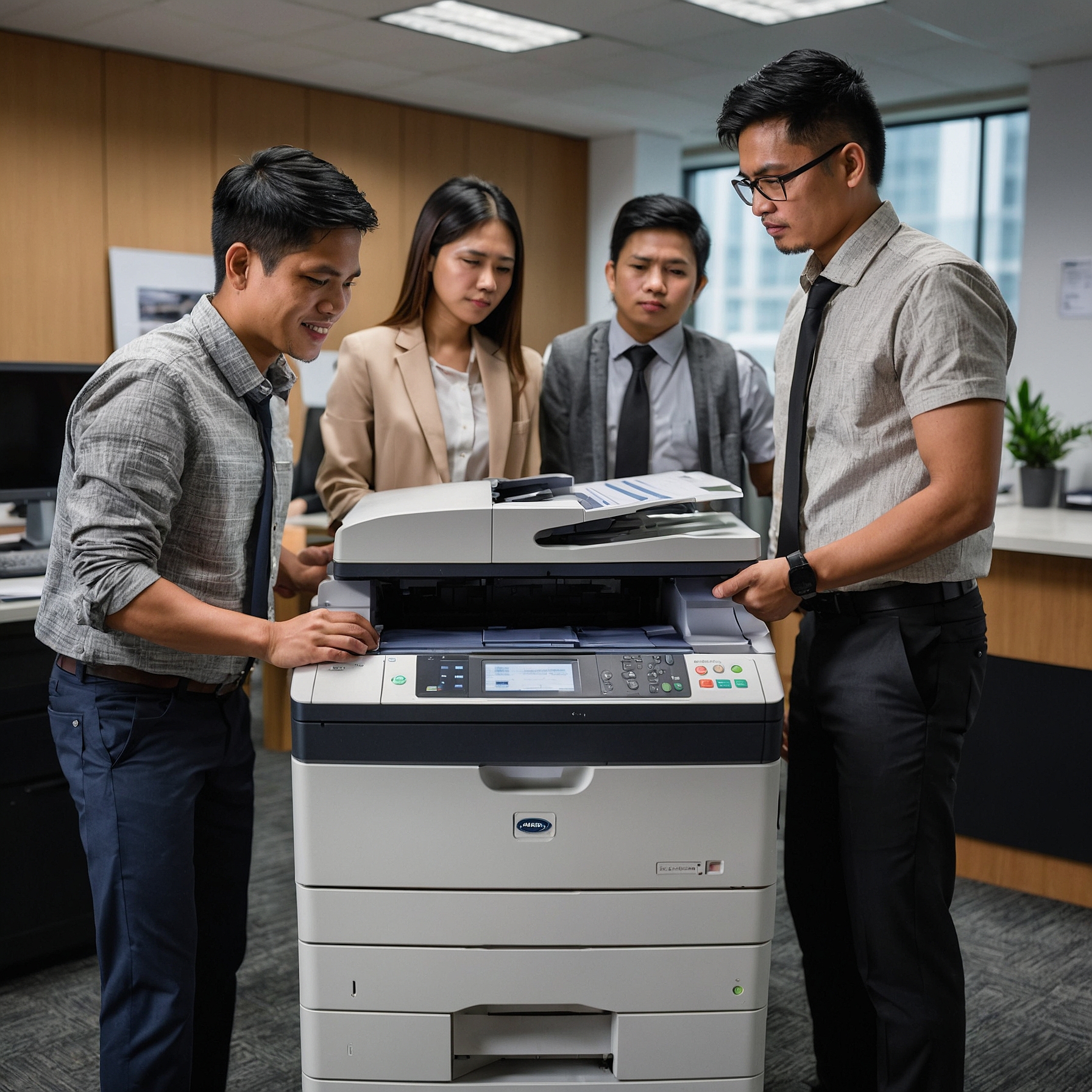
Printer rentals offer businesses the flexibility and cost-efficiency they need without the burden of ownership. However, one recurring problem many users encounter is toner issues in rental printers. Whether it's blurry prints, low toner warnings despite a full cartridge, or toner leakage, these issues can disrupt operations and productivity.
In this blog post, we’ll explore the most common toner-related problems in printer rentals, what causes them, how to resolve them quickly, and how to prevent them from happening in the first place. Let’s dive in.
Common Toner Issues in Rental Printers
Understanding the problems that arise with toner in rented printers can help you act quickly and avoid prolonged downtime. Below are the most frequently encountered issues:
1. Low Toner Warning — Even When It’s Not Empty
Many users report that the printer displays a low toner message even though the cartridge has just been installed. This is one of the most common toner issues in rental printers and can be caused by:
Poor quality aftermarket toner
Faulty toner sensors
Outdated firmware that misreads toner levels
Solution: Try resetting the toner cartridge or reinstalling it. If the warning persists, contact your rental provider for a verified replacement.
2. Toner Smudges and Streaks on Paper
Another sign of toner trouble is when your prints have unwanted marks, smudges, or streaks. This could indicate:
A leaking toner cartridge
Improper cartridge installation
Fuser unit malfunction
Solution: Remove and inspect the toner cartridge. If it’s leaking or appears damaged, it must be replaced immediately. Always use compatible and high-quality toner, preferably supplied by your rental service.
3. Blurry or Faded Prints
If your documents are coming out too light or partially blank, your toner might not be distributing evenly. Common causes include:
Low toner levels
A clogged or dusty drum
Moisture in the cartridge
Solution: Gently shake the toner cartridge to redistribute the powder. If prints remain faded, request a toner replacement or printer service from your provider.
4. Toner Leakage Inside the Machine
Toner powder leaking inside the printer can cause serious damage if not cleaned properly. Leaks typically happen due to:
Improperly sealed cartridges
Damaged or cracked toner shells
Use of non-original toner
Solution: Turn off the printer, remove the cartridge, and clean the interior with a lint-free cloth. For heavy leaks, schedule professional servicing.
For more on proper maintenance, see Benefits of Short-Term Copier Rentals and how it can reduce technical issues.
5. Incompatibility with Printer Model
Using a toner cartridge not specifically designed for your printer can lead to malfunction, poor print quality, or total shutdown.
Solution: Always refer to your rental agreement or contact your provider to ensure you’re using the right cartridge model. Avoid mixing brands or using refilled cartridges unless they’re approved.
What Causes Toner Problems in Rental Printers?
Understanding the root causes of toner issues in rental printers can help you avoid unnecessary stress and delays.
Poor Quality Cartridges
Using third-party or cheap refill toners might save you money upfront but often results in poor performance and more frequent breakdowns.
Lack of Regular Maintenance
Even the best printers need routine maintenance. Dust buildup and worn-out components can cause toner to malfunction or fail to adhere properly to paper.
User Error
Improper installation or handling of cartridges can lead to leakage, damage, or incorrect toner reading.
For more guidance on costs related to toner issues and maintenance, check out Cost Analysis of Short-Term Copier Rentals.
Best Practices to Prevent Toner Issues
Prevention is better than cure. Here are ways to minimize toner issues in rental printers:
1. Partner with a Reliable Provider
Choose a rental company that provides high-quality toner and offers quick response service for issues. Marga Enterprises ensures timely support and premium supplies for all rental contracts.
2. Follow the Printer Manual
Always refer to your specific printer's manual when installing toner. This reduces handling errors that can lead to problems.
3. Store Toner Properly
Keep spare toner cartridges in a cool, dry place. Exposure to heat or humidity can cause clumping or spoil the powder.
4. Perform Regular Cleaning
Clean the inside of the printer, especially the toner area, at least once a month. This prevents dust buildup and uneven toner distribution.
When to Contact Your Provider
If troubleshooting doesn’t fix the issue, don’t hesitate to contact your provider. Some scenarios that warrant immediate attention include:
Continuous low toner warnings
Leaks that persist after cartridge replacement
Repeated blurry or blank prints
Any signs of internal damage
Your rental provider should include maintenance or replacement as part of your agreement. Learn more about your entitlements through your service contract, as explained in Contract Terms for Short-Term Rentals.
How Marga Enterprises Handles Toner Problems
At Marga Enterprises, we go beyond just rentals. We make sure you receive:
Verified toner cartridges tailored to your printer model
Preventive maintenance and periodic inspections
Quick-response technical support
Clear contract terms that cover toner-related replacements
Explore more at Short-Term Copier Rental Guide.
Final Thoughts
Toner issues in rental printers can be frustrating, but they are preventable and manageable when handled properly. Whether it's a warning error, leak, or print quality problem, being proactive and choosing the right provider makes a huge difference. Don’t let small toner problems halt your business operations.
If you're looking for worry-free copier and printer rentals, Marga Enterprises is here to help!
Contact Us:
Marga Enterprises
Mobile: 0917-576-9817
☎ Landline: (02) 8929-4475
Website: https://marga.biz
Follow Us:
Facebook: Marga Enterprises Facebook Page
YouTube: Marga Enterprises YouTube Channel