
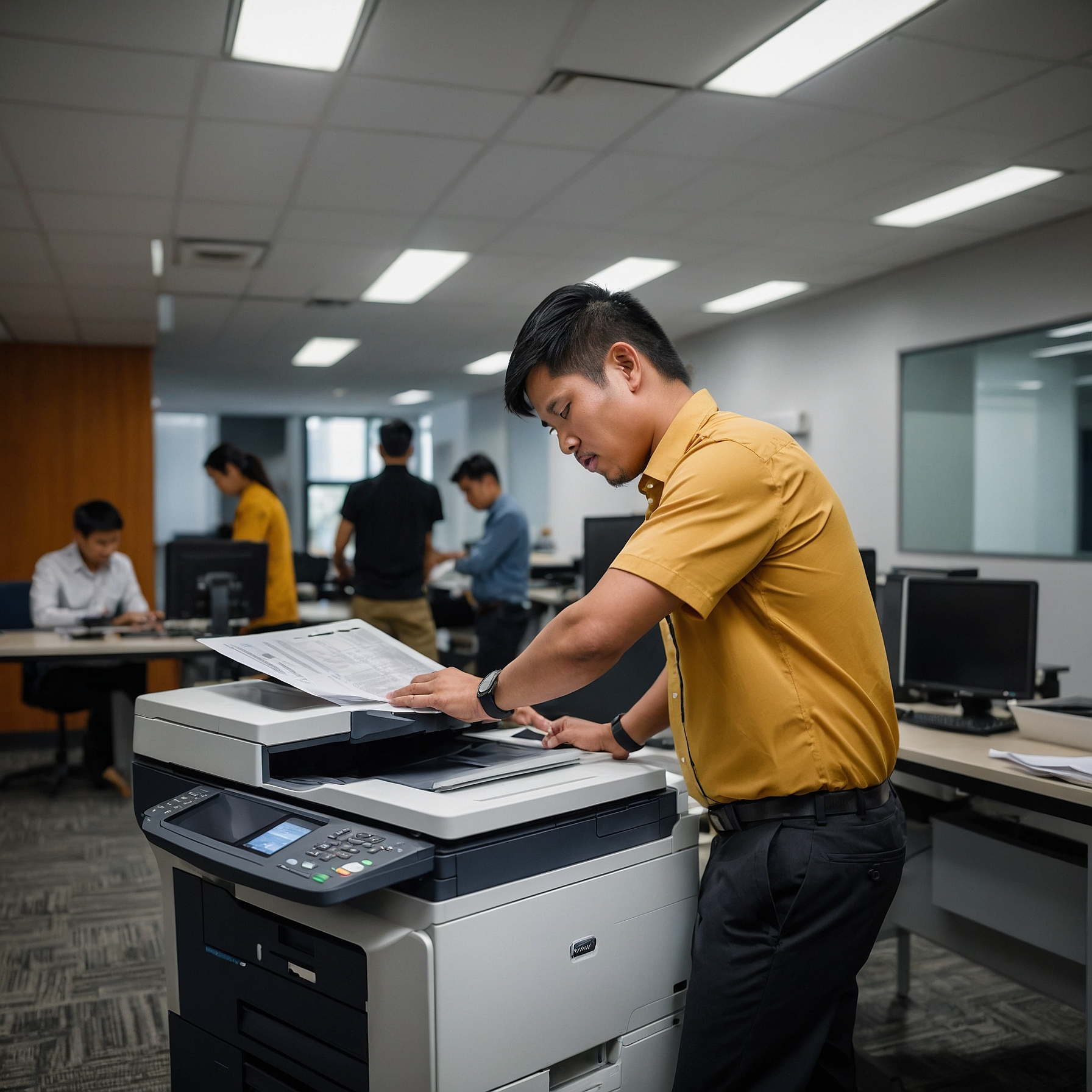
Modern office copiers are essential for daily operations. Whether you're printing contracts, copying documents, or scanning invoices, your copier plays a critical role. But like any machine, copiers can encounter technical problems. The good news? Many of these issues are easy to fix once you know what to look for.
In this article, we’ll walk you through troubleshooting common copier issues with practical, easy-to-follow solutions. If you're managing a business and rely on copiers regularly, this guide will help reduce downtime and keep your operations running smoothly.
1. Paper Jams
Problem: The most common copier issue. Paper gets stuck inside the machine, often due to improper loading or using the wrong paper type.
Solution:
Open the paper trays and gently remove any jammed paper.
Check rollers and paper paths for remaining bits of paper.
Ensure you're using the correct paper size and type recommended for your machine.
Prevention Tips:
Avoid overloading the tray.
Keep paper dry and flat.
Regularly clean rollers to prevent debris buildup.
2. Streaks or Lines on Prints
Problem: You notice black lines or streaks across the page. This affects the professionalism of your documents.
Solution:
Clean the glass scanner bed and the document feeder.
Inspect the drum and toner cartridge. Replace them if they show signs of wear.
Run the machine’s built-in cleaning function (check the user manual).
Helpful Reminder: Dirt, dust, or leftover toner residue can often cause this problem.
3. Low or Faded Print Quality
Problem: Printouts appear light or faded, even though there's toner in the cartridge.
Solution:
Shake the toner cartridge gently to redistribute the toner powder.
Make sure the machine isn’t set to “Toner Save” mode.
Replace the toner if it's near empty.
Clean the print heads if you’re using an inkjet-based copier.
Pro Tip: Frequent short printing jobs can cause uneven toner distribution. Print longer jobs occasionally to keep toner flowing properly.
4. Copier Won’t Power On
Problem: The copier is unresponsive or completely off.
Solution:
Check the power cord connection and make sure it’s plugged into a working outlet.
Inspect the circuit breaker or surge protector.
Try resetting the machine by unplugging it for 30 seconds, then plugging it back in.
If none of these work, it might be an internal hardware failure requiring professional service.
5. Error Codes Displayed
Problem: Your copier shows error codes or warning lights you don’t understand.
Solution:
Refer to the user manual to decode the message.
Restart the machine after checking if paper trays and toner cartridges are correctly installed.
Contact your copier service provider if the issue persists.
For those renting a copier, ensure the rental agreement includes technical support and regular maintenance. Learn more in this guide on how to budget for copier rentals.
6. Wrinkled or Creased Paper
Problem: Paper comes out wrinkled or creased, making documents look unprofessional.
Solution:
Check the paper tray to ensure it’s aligned and not overfilled.
Inspect the rollers and fuser for wear or damage.
Replace old or damaged paper that may be absorbing moisture.
Tip: Store paper in a dry place to avoid moisture buildup.
7. Copier Is Printing Too Slowly
Problem: Jobs that should take seconds are taking minutes.
Solution:
Check for high-resolution print settings that may slow processing.
Reduce print quality settings for internal documents.
Upgrade your copier’s memory if possible.
To make cost-effective decisions regarding copier performance, see this cost comparison of renting vs. buying a copier.
8. Toner Smudging on Prints
Problem: Printed text or images smear easily, even after the page exits the copier.
Solution:
Ensure the fuser is heating properly.
Replace the toner cartridge if it’s defective or low-quality.
Give the fuser time to warm up if the copier was recently turned on.
Quick Tip: Avoid touching freshly printed pages immediately, especially when printing in bulk.
9. Can’t Connect to the Network
Problem: Copier won’t connect to Wi-Fi or Ethernet, disabling printing from computers.
Solution:
Check the network cables or Wi-Fi signal strength.
Restart both the copier and the router.
Confirm the copier’s IP settings match your network configuration.
If you're using a rental copier, ensure it’s compatible with your existing office setup. Consider reviewing factors affecting copier rental prices to make a smart rental choice.
10. High Operating Costs
Problem: You’re constantly replacing toner, paper, and parts—costs are adding up.
Solution:
Use duplex (double-sided) printing to save paper.
Set default settings to draft mode for less toner usage.
Schedule regular maintenance to prevent costly repairs.
For savings insights, explore this guide on saving money on copier rentals.
Final Tips: When to Call for Help
While many copier issues are fixable with basic troubleshooting, some problems require professional service. You should call for support when:
Error codes keep recurring.
Parts are physically damaged.
The machine frequently malfunctions despite DIY fixes.
For businesses with rental contracts, make sure the agreement includes maintenance and repair coverage. See how analyzing lease terms for cost efficiency can protect your bottom line.
Conclusion: Keep Your Copier Running Smoothly
Troubleshooting common copier issues doesn’t need to be stressful. With the right knowledge, many problems can be solved in minutes—saving your business time and money. Regular maintenance, proper paper handling, and working with a reliable copier rental provider can prevent most issues before they start.
For expert solutions and worry-free copier rentals, visit our homepage: https://marga.biz
Call us at 0908-886-4444
Watch more helpful tips and tutorials on our YouTube Channel:
Marga Enterprises on YouTube
Stay efficient. Stay productive. Let Marga Enterprises handle the rest.