
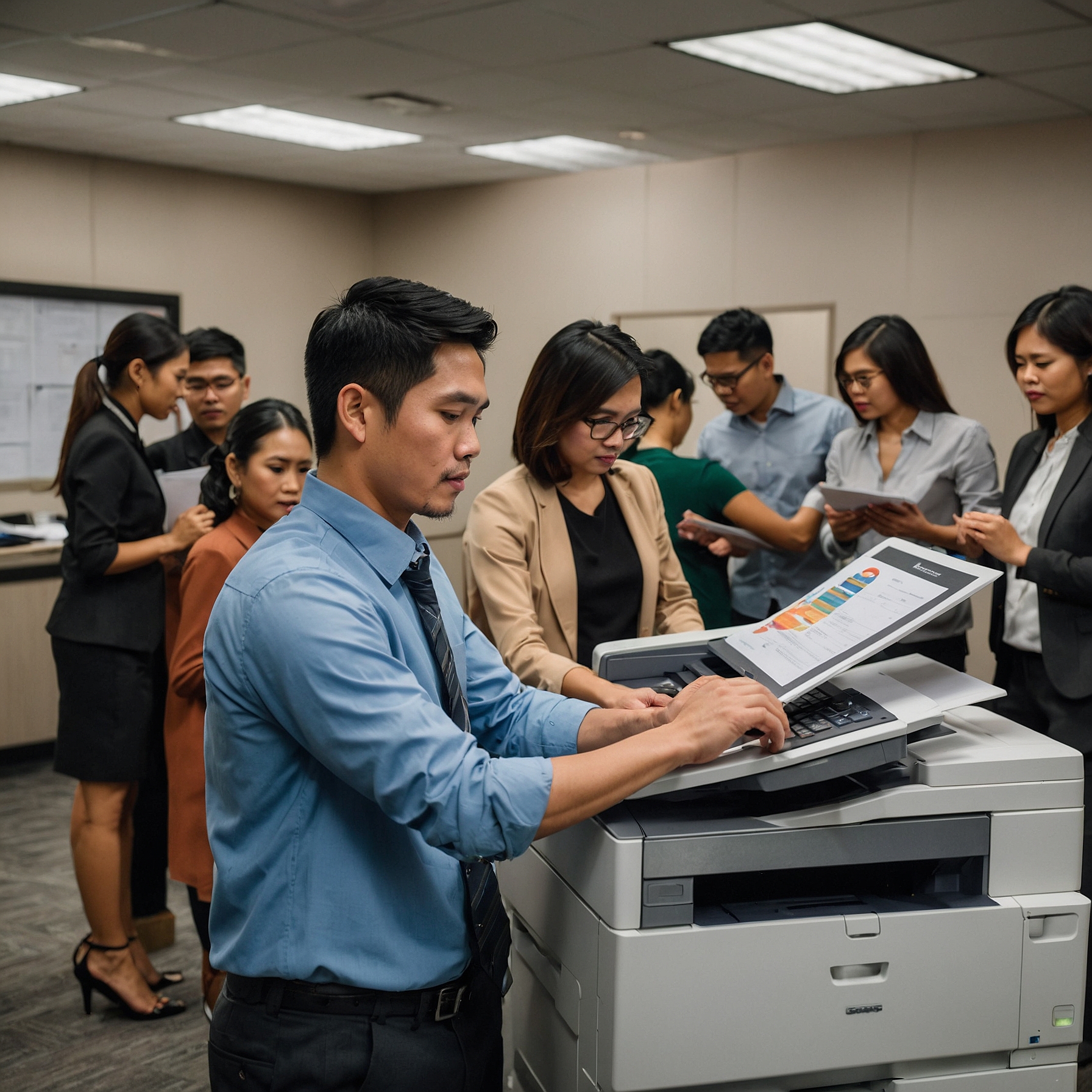
Introduction: Why Remote Diagnostics for Copiers Matter
In today’s fast-paced business environment, minimizing downtime is essential. One of the most innovative solutions that modern copier rentals now offer is remote diagnostics for copiers. This technology allows service providers to monitor, assess, and often fix copier issues remotely—saving businesses valuable time and money.
Whether you run a small office or manage a large organization, implementing remote diagnostics can transform the way your office handles copier problems. This blog explores what remote diagnostics are, how they work, their benefits, and how to maximize their value with your copier rental.
What is Remote Diagnostics for Copiers?
Remote diagnostics for copiers refers to the technology that allows service teams to access copier systems over the internet or through a secured network to monitor usage, detect issues, and provide technical support—without physically being on-site.
Instead of waiting for a technician to arrive, many problems can be identified (and even resolved) in real time. This leads to quicker fixes, fewer interruptions, and improved productivity.
How Remote Diagnostics Work
Here’s a simple breakdown of the process:
-
Monitoring Software Installation – The copier is equipped with remote monitoring software, often included by your rental provider.
-
Data Transmission – Key operational data such as toner levels, error codes, or maintenance alerts are securely transmitted to the service team.
-
Automated Alerts – When something goes wrong (like a paper jam or low toner), technicians receive instant alerts.
-
Remote Troubleshooting – If the issue can be resolved digitally—like software glitches or firmware updates—it’s done remotely. If not, the service team comes fully prepared based on the diagnostic report.
This seamless process helps rental companies provide cost-efficient and proactive support.
Key Benefits of Remote Diagnostics for Copiers
1. Faster Response Time
Remote diagnostics eliminate the guesswork. Service teams know the problem before arriving—or may not need to come at all. This minimizes copier downtime and maintains workflow efficiency.
2. Cost Savings
With fewer emergency service visits, you save on service fees and reduce the impact of operational disruptions. For tips on maximizing rental budgets, check out this guide on how to budget for copier rentals.
3. Predictive Maintenance
Instead of reacting to problems, remote diagnostics allow for predictive maintenance. Your provider can schedule service before a major issue arises, helping extend the copier's lifespan.
4. Detailed Usage Reports
Businesses get access to usage reports that track printing habits, color vs. black-and-white usage, and more. This data can help optimize resources or plan upgrades.
5. Improved Service Efficiency
When an on-site visit is necessary, the technician arrives with the exact parts or tools needed—because the diagnostics already told them what’s wrong.
When to Consider Copiers with Remote Diagnostics
You should definitely consider remote diagnostics for copiers if:
-
Your team heavily depends on copiers for daily operations.
-
You're in a remote or multi-site setup where fast support is challenging.
-
You want to reduce operational delays due to copier issues.
-
You're looking for value-for-money copier rentals. Learn more about factors affecting copier rental prices.
Copier Rentals vs. Purchase: Is Remote Support Included?
In many rental agreements, remote diagnostics are bundled in the support package, unlike in purchases where you might pay extra for this service. This is one reason why renting is a more strategic option for growing businesses.
Explore the cost comparison of renting vs. buying a copier to understand which setup gives you the best long-term support and service flexibility.
Maximizing Your Copier Rental with Remote Diagnostics
Here are a few simple tips to get the most out of your copier's remote diagnostics feature:
-
Choose a trusted rental provider that offers 24/7 monitoring and support.
-
Review your lease terms to ensure that remote services are included. Need help? Here's a guide to analyzing lease terms for cost efficiency.
-
Train your staff on basic copier care to reduce preventable errors.
-
Check reports regularly to understand usage patterns and make informed decisions.
Common Copier Issues Solved Remotely
-
Firmware updates
-
Software glitches
-
Driver issues
-
Configuration resets
-
Usage monitoring and toner status
-
Notification of parts nearing end-of-life
Instead of waiting days, most of these can be fixed within hours—thanks to remote diagnostics for copiers.
The Future of Copier Maintenance is Remote
As businesses increasingly adopt hybrid work models and smart offices, remote service technologies are no longer optional—they're expected. Copier vendors and rental services are adapting quickly, making remote diagnostics an essential part of modern copier rental agreements.
Conclusion: Smarter, Faster, More Reliable Copier Support
Incorporating remote diagnostics for copiers into your office setup ensures you're always a step ahead. It’s a smart investment in efficiency, reliability, and cost control. If you're renting, make sure your provider includes this powerful feature—it could save you hours of frustration and thousands in productivity loss.
Ready to upgrade your copier experience? Explore full-service rental solutions at Marga Enterprises—your trusted partner in copier efficiency.
Watch how Marga makes copier rental easier on YouTube.