
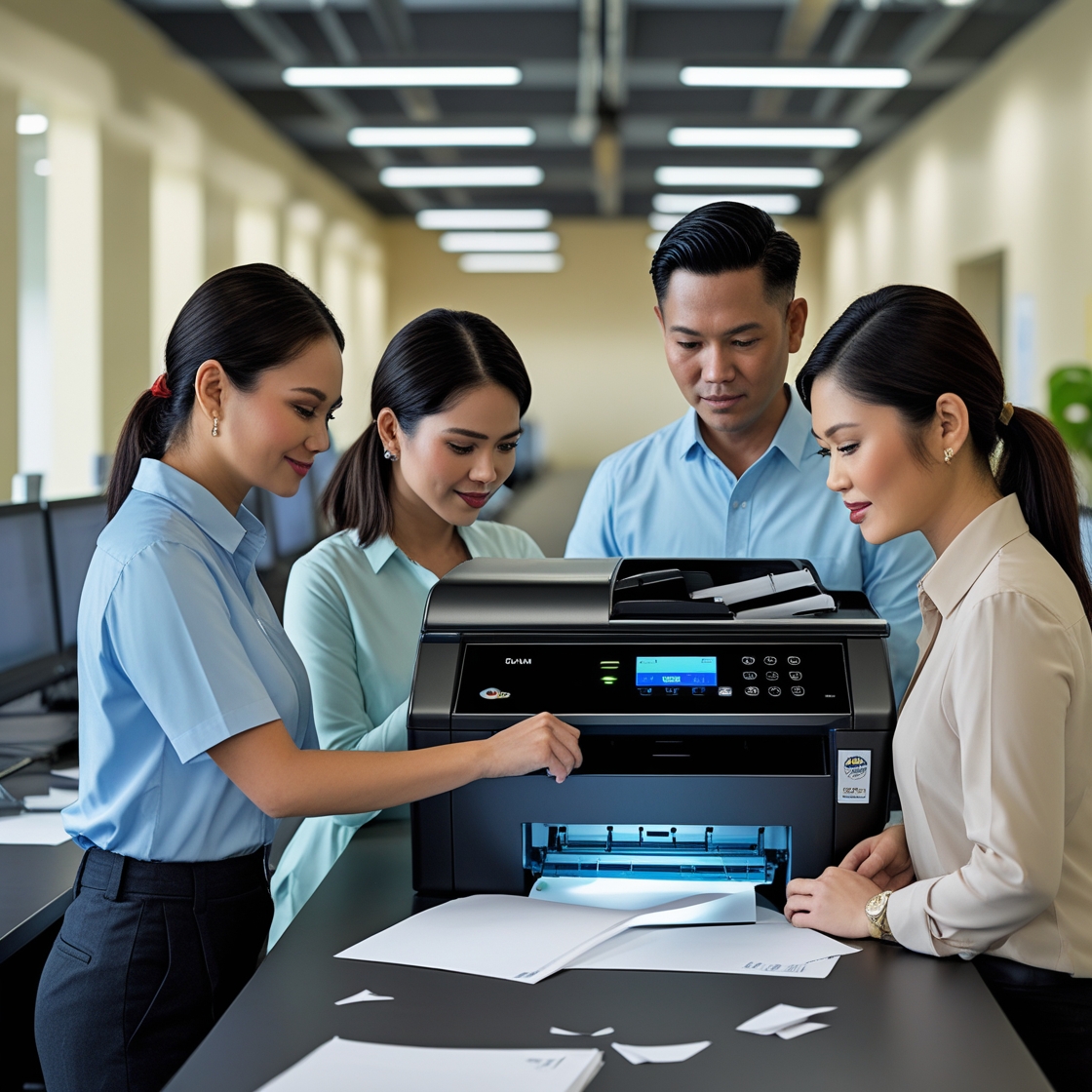
Introduction: Why Preparation Matters
How to Prepare for a Copier Rental: Renting a copier is more than just picking a machine and signing a contract. For businesses, schools, or organizations in the Philippines, preparing for a copier rental can save time, reduce costs, and ensure smooth daily operations. Whether you're a first-timer or switching from a previous provider, this guide will walk you through the key steps to get ready.
1. Assess Your Office Needs First
Before contacting a rental provider, take time to assess your specific needs. Consider the following questions:
How many pages do you print per month?
Do you need color or black-and-white only?
Will multiple departments share one machine?
Do you require advanced functions like scanning, duplex printing, or wireless connectivity?
This initial assessment is a key part of how to prepare for a copier rental, as it will help you identify what type of copier will match your workload. Overshooting your requirements could lead to higher rental costs, while underestimating may result in frequent breakdowns or performance issues.
2. Set a Budget and Timeline
Having a clear budget is crucial. Copier rental pricing depends on:
Machine type and features
Monthly print volume
Maintenance inclusions
Contract length
Start by reviewing your current printing costs and set a realistic budget that factors in consumables, service fees, and possible overage charges.
Also, determine your rental duration—do you need it short-term for an event, or long-term for daily operations? Understanding the time frame is a key part of how to prepare for a copier rental and helps in choosing the right rental plan.
💡 Learn more about pricing and inclusions by reviewing common terms in printer rental agreements.
3. Research Rental Providers Thoroughly
Not all copier rental companies are equal. A trusted provider offers transparency, flexibility, and excellent after-sales support. When comparing options, look for:
Client reviews and testimonials
Availability of service technicians
Machine model availability and brand variety
Response time for technical issues
One way to avoid being locked into unfavorable contracts is by understanding your rental conditions. Take time to read this helpful breakdown of printer rental conditions.
4. Understand the Terms of the Rental Agreement
Before signing anything, carefully review the rental contract. Key items to look for include:
Minimum usage requirement
Service and maintenance policies
Ink/toner and paper responsibilities
Delivery and installation fees
Penalty clauses for early termination
Don't hesitate to ask questions or negotiate better terms. For tips, check out how to negotiate rental terms.
✍ Tip: If there’s something in the agreement you don’t understand, ask your provider to explain or request a written clarification.
5. Prepare the Physical Space
Once your copier is on the way, you’ll need to prepare the actual location in your office. Ensure that:
There's enough space for the copier and paper trays
Power outlets are nearby and compatible
The area is well-ventilated
Network connections (wired or wireless) are accessible
A copier that is cramped into a corner or too far from users can hinder productivity and even cause overheating.
6. Assign a Point Person
Designate someone on your team as the point person for the copier rental. This person will:
Coordinate delivery and setup
Handle regular machine use and monitoring
Contact the rental provider for issues or refills
This ensures smoother communication and accountability, especially in larger teams.
7. Schedule a User Orientation
Once the copier is installed, don’t skip user training. Even if the machine looks user-friendly, some functions may be unfamiliar.
Ask your provider to demonstrate how to:
Replace toners or paper
Clear paper jams
Use scanning or network features
Monitor usage for reporting
Some contracts include free training, so be sure to ask during the agreement phase.
📑 To know more about specific clauses in copier rental contracts, read this article on important rental clauses.
8. Monitor Usage and Maintenance
After the copier is operational, it’s time to monitor its use. Keep track of:
Monthly print volume
Downtime and repairs
Supply consumption
Billing accuracy
This helps you ensure that your copier rental is cost-effective and aligned with your initial goals. If the copier consistently underperforms, don’t hesitate to consult your provider or consider an upgrade.
🔍 For an overview of available rental terms and packages, visit Marga PH Rental Agreements.
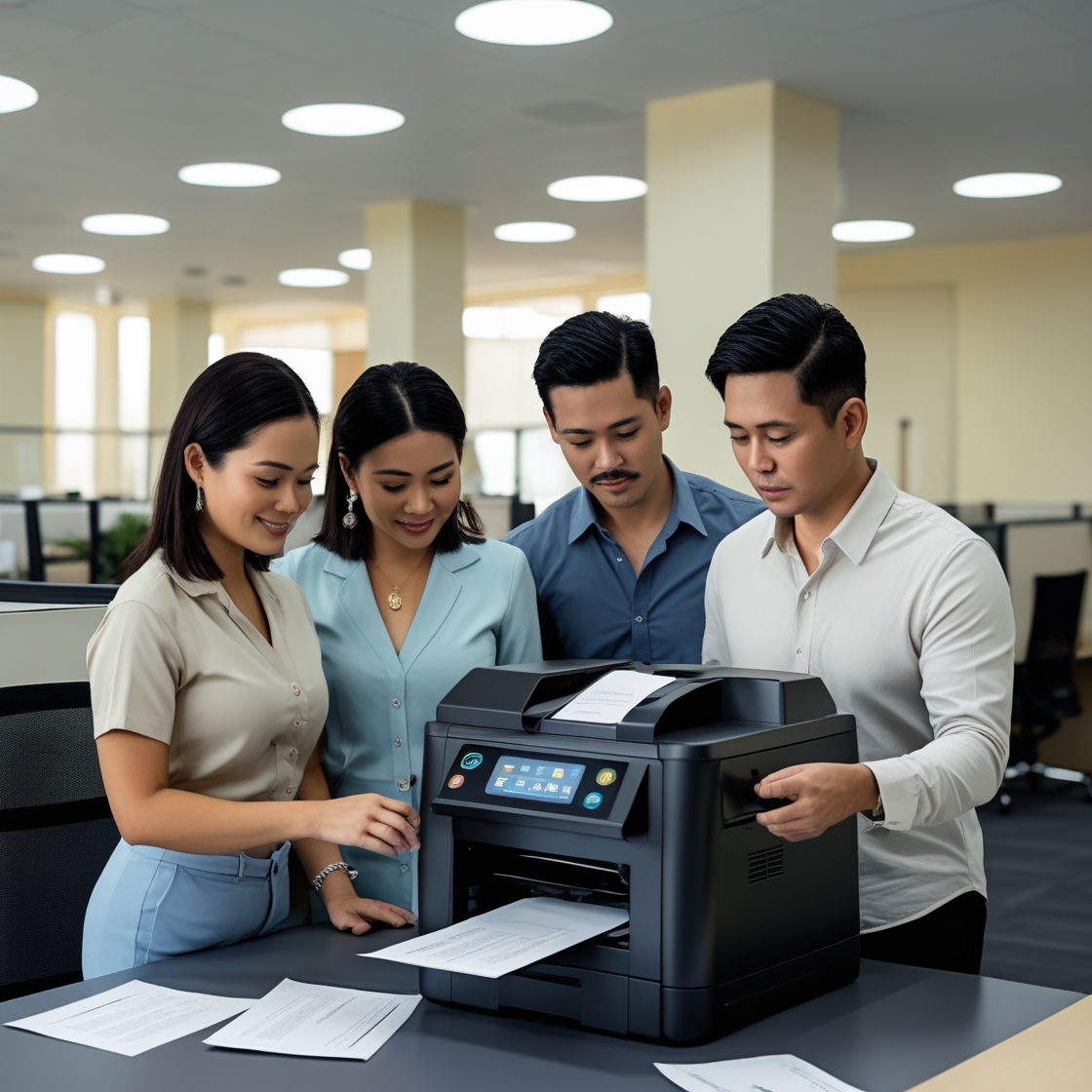
Conclusion
Preparing for a copier rental doesn’t have to be complicated. With the right steps—from assessing your needs to reviewing contracts and prepping your office—you can enjoy a smooth and efficient rental experience.
Whether you're starting a new office or upgrading your current setup, being prepared is key to maximizing value and avoiding hidden costs.
👉 To learn more about sustainable copier rental solutions and how Marga Enterprises can support your green initiatives, contact us today at 09171642540 or 09614481276. You can also reach us via email at marga.enterprises2013@gmail.com. Let’s work together to build a greener, more sustainable future for generations to come. Visit Marga Enterprises and find out why we are the No. 1 Copier & Printer Rental Provider in the Philippines. Follow Marga Enterprises’ updates on our Facebook page.
📺 Check out our videos and walkthroughs on our YouTube channel.