
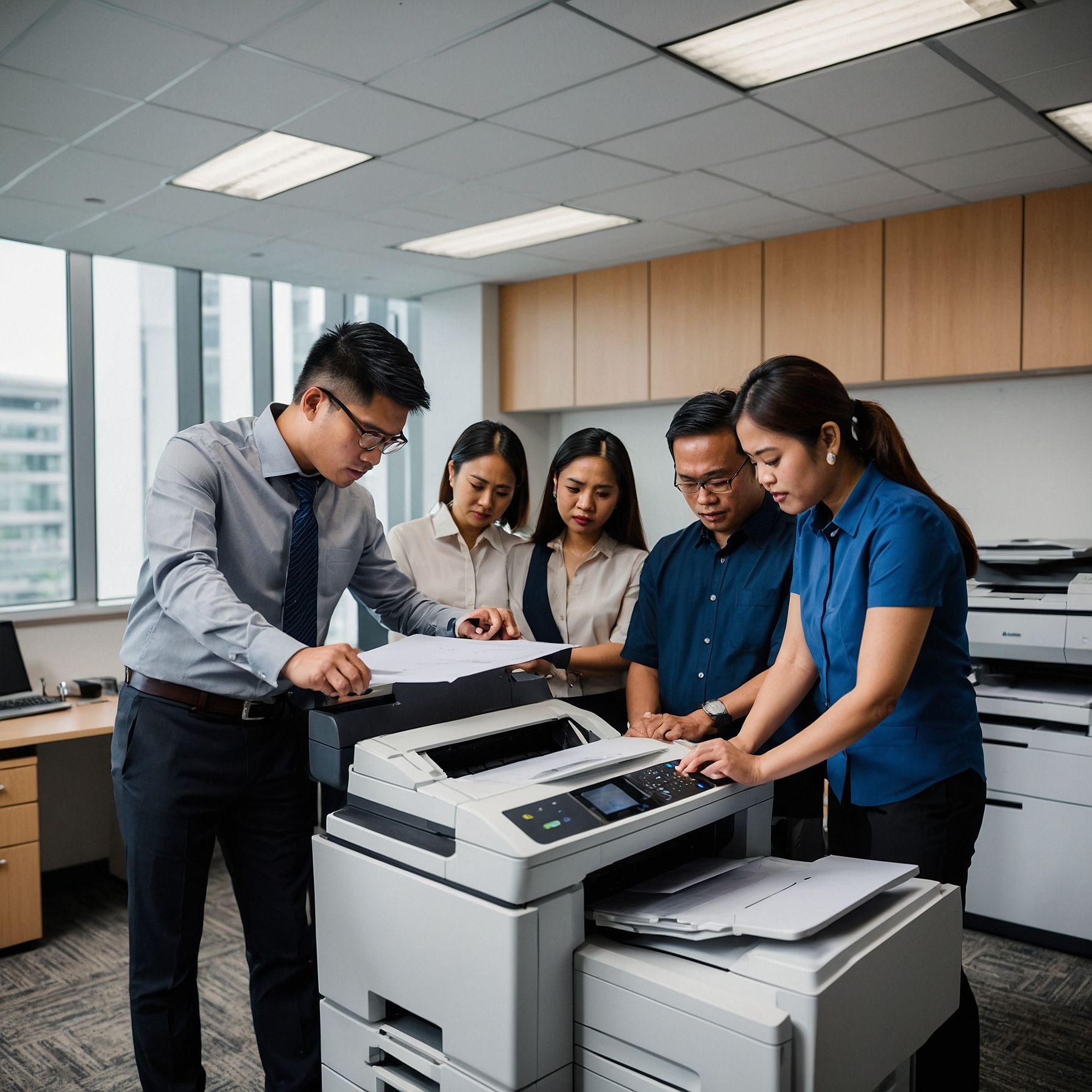
Introduction: Why Copier Technology Matters
In today's fast-paced work environment, choosing the right copier is more than just picking a machine that prints. It’s about understanding the technological features of copier types and how they align with your business needs. Whether you manage a small office or a large enterprise, having the right copier features can impact your workflow, productivity, and budget efficiency.
Modern copiers now function as multifunctional hubs—capable of printing, scanning, copying, faxing, and even securing your documents. But what features truly matter? Let’s break it down.
1. Digital vs. Analog Technology
At the most basic level, copiers are either analog or digital. Most businesses today prefer digital copiers for their superior image quality, efficiency, and integration with other office systems.
Analog Copiers:
Operate with light, mirrors, and lenses
Suitable for basic black-and-white copies
Limited features and slower performance
Digital Copiers:
Convert images into digital data
Offer faster copying speeds
Allow for editing, storing, and sharing of documents
For businesses that need high-volume and multi-functionality, digital copiers are the smart investment.
👉 Learn more about budgeting wisely for copier rentals here:
How to Budget for Copier Rentals
2. Multifunction Capabilities (MFPs)
Multifunction copiers (or MFPs) consolidate several devices into one, making them a cost-effective solution. Most MFPs today include:
Printing
Copying
Scanning (to email, USB, cloud)
Faxing
Document archiving
These features reduce the need for separate machines and help businesses streamline operations. Some models even offer optical character recognition (OCR) that converts scanned documents into editable text—an ideal feature for offices that handle contracts or forms.
3. Color vs. Monochrome Features
When discussing the technological features of copier types, color capability is a major decision factor.
Monochrome Copiers are faster and more economical, best for text-heavy printing.
Color Copiers offer high-resolution output ideal for marketing materials, reports, and presentations.
Modern color copiers have high DPI (dots per inch) capabilities and advanced color calibration, ensuring that printed colors remain consistent and vibrant.
👉 Read more about what affects pricing in color copier rentals:
Factors Affecting Copier Rental Prices
4. Wireless and Cloud Connectivity
Gone are the days when copiers required direct USB or Ethernet connections. Today’s copiers are built with Wi-Fi and cloud connectivity, enabling users to:
Print from mobile devices
Scan directly to cloud platforms like Google Drive, Dropbox, or OneDrive
Use apps for remote management and troubleshooting
This connectivity supports remote work setups and improves document accessibility, especially for hybrid teams.
5. Security Features
Document security is crucial for industries handling sensitive information, such as finance, healthcare, or legal services. Advanced copiers come with:
User authentication (via PIN, card, or biometrics)
Encrypted printing and scanning
Secure document storage
Audit logs and activity tracking
These features protect sensitive data and ensure compliance with regulatory standards like GDPR or HIPAA.
6. Duplexing and Finishing Options
High-end copiers also offer automatic duplexing (printing/copying on both sides of the paper), which helps save on paper costs and supports sustainability.
Additional finishing options include:
Stapling
Booklet making
Hole punching
Collating
Such features are essential for businesses that regularly produce reports, training manuals, or marketing materials.
7. Energy Efficiency and Eco Features
Today’s copier types are also evaluated based on energy consumption. Many modern units include:
Energy Star certification
Low-power sleep mode
Toner-saving settings
Eco print modes
These features reduce your office’s carbon footprint and help lower utility bills.
👉 For cost-effective copier usage tips, explore:
Saving Money on Copier Rentals
8. Lease-Friendly and Scalable Technology
When renting copiers, scalability and ease of integration into lease agreements are essential. Look for copiers that offer:
Remote updates and firmware improvements
Modular features (add what you need later)
Easy integration into managed print services (MPS)
👉 Want to know the difference between buying and renting a copier?
Cost Comparison: Renting vs Buying a Copier
And for smarter lease planning, check this guide:
Analyzing Lease Terms for Cost Efficiency
Conclusion: Choose the Copier That Works for You
Understanding the technological features of copier types can help you make informed decisions—whether you're renting for a month or scaling up your printing infrastructure. From wireless printing to cloud scanning, from energy-saving modes to advanced security settings, copiers have come a long way from being simple machines.
Ready to explore more solutions? Visit our homepage for more copier rental insights:
https://marga.biz
And don't forget to check out our videos and updates on Facebook and YouTube to stay informed:
Marga Enterprises on YouTube