
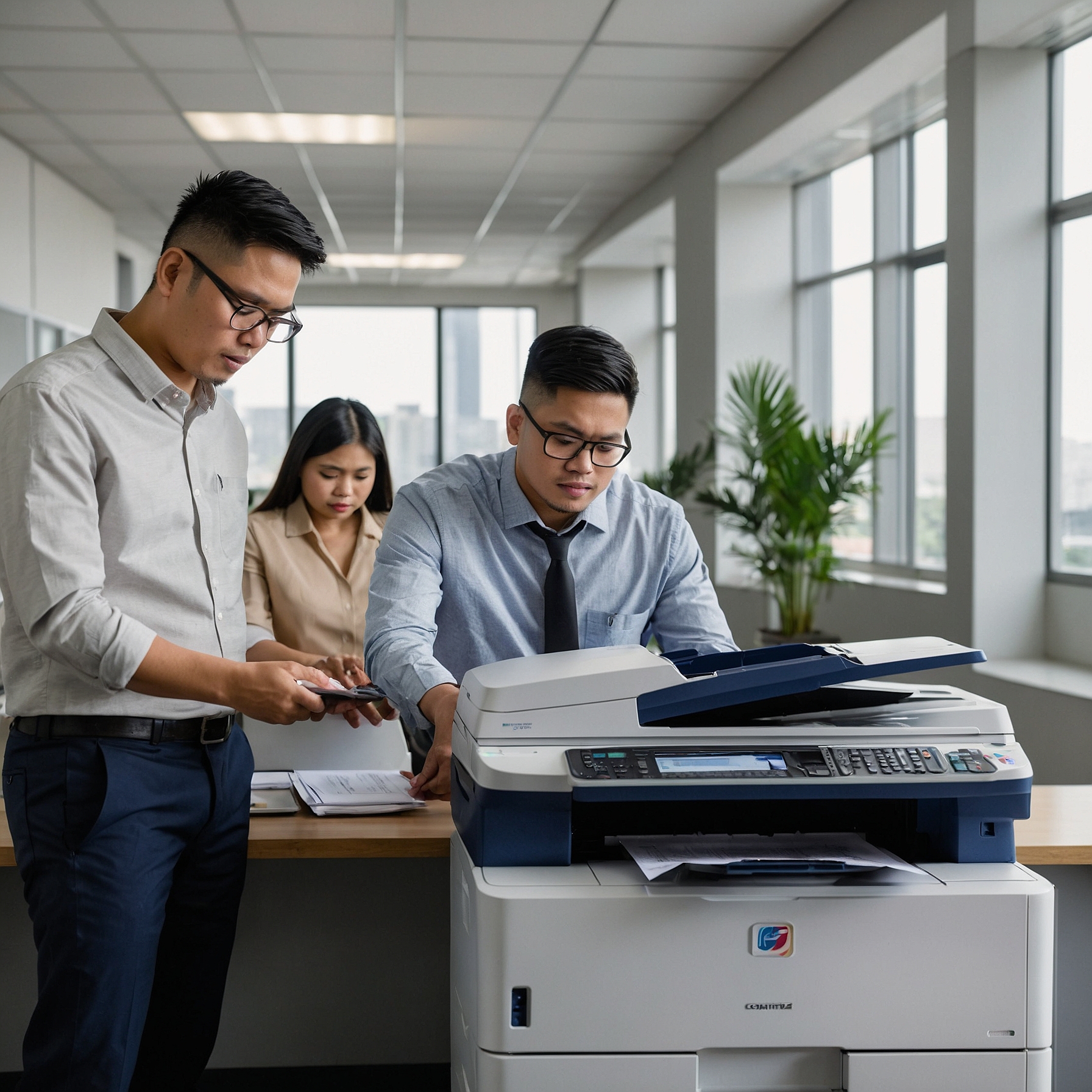
Copiers are essential machines in most offices, schools, and businesses. Whether you rent or buy, understanding the maintenance needs for copiers is crucial to ensure optimal performance, reduce downtime, and extend the lifespan of your equipment. In this blog post, we’ll walk through the key maintenance tasks, the benefits of proactive care, and how copier maintenance ties into rental and ownership costs.
Why Copier Maintenance Matters
Regular copier maintenance keeps your machine running smoothly and helps you avoid unexpected breakdowns. Neglecting maintenance can lead to paper jams, poor print quality, and expensive repairs—issues that slow down productivity and increase operational costs.
In fact, companies that invest in regular copier servicing often save more in the long run by reducing repair expenses and extending the life of their equipment. According to Marga.biz’s cost analysis on copier rentals, maintaining your unit properly plays a key role in rental cost-efficiency.
Common Maintenance Needs for Copiers
Let’s look at the most common maintenance requirements that keep your copier in excellent condition.
1. Cleaning Internal Components
Dust and toner residue can build up inside your copier, especially if it handles high-volume printing. Technicians usually clean:
Scanner glass and mirrors
Rollers and feed tires
Toner and waste toner containers
A regular cleaning schedule prevents smudged prints and misfeeds.
2. Replacing Consumables
Over time, your copier’s consumable parts wear out. These include:
Toner cartridges
Drums
Fuser units
Waste toner bottles
Replacing these components as needed ensures consistent quality and reduces the risk of sudden breakdowns. It's also vital when budgeting for copier rentals—see how to forecast these costs in this budgeting guide.
3. Firmware and Software Updates
Many modern copiers are equipped with digital software for scanning, networking, or document management. Outdated firmware may cause compatibility issues or security risks. Maintenance includes checking for updates to:
Improve functionality
Patch security vulnerabilities
Enhance performance
4. Checking for Worn Mechanical Parts
Mechanical parts such as gears, rollers, and belts can deteriorate from frequent use. Regular inspections detect wear and tear before it leads to major damage. A technician may recommend proactive replacement of:
Feed rollers
Paper path sensors
Drive gears
5. Calibrating Print Quality
Copiers must be calibrated periodically to ensure color accuracy and sharpness. This includes:
Adjusting toner density
Aligning the print head
Color calibration tests
Maintaining optimal output is especially important for businesses that rely on high-quality color printing. Learn more about factors affecting copier rental prices when image quality is a priority.
How Often Should Copiers Be Serviced?
The frequency of maintenance depends on usage volume, environment, and copier type. However, here are general guidelines:
Light use (under 2,000 pages/month): Every 6–12 months
Medium use (2,000–10,000 pages/month): Every 3–6 months
Heavy use (over 10,000 pages/month): Monthly or as needed
If you're using a leased copier, service schedules may already be built into the contract. Make sure to analyze those lease terms for cost efficiency so you’re not paying more than necessary.
Signs Your Copier Needs Immediate Attention
Don’t wait until your copier fails to call for help. Watch out for these early warning signs:
Unusual noises
Frequent paper jams
Faded or uneven prints
Error codes that won’t clear
Slow warm-up or processing times
Addressing problems early can prevent small issues from becoming costly repairs.
Copier Maintenance: Rent vs. Own
If you’re considering whether to rent or buy, maintenance needs should be part of your decision. Copier rentals typically include regular maintenance in the service agreement, which takes the burden off your internal team.
In contrast, if you own your copier, you’ll need to manage maintenance schedules, pay for repairs, and handle part replacements yourself. Compare the costs of renting vs. buying a copier to see what works best for your business needs.
Proactive Tips to Extend Copier Life
Here are some practical tips you can implement right now:
Keep it covered when not in use to prevent dust buildup.
Use quality paper to avoid jams and wear on internal components.
Don’t overload paper trays—follow recommended limits.
Power it down properly at the end of the day.
Train staff on proper use and basic troubleshooting.
These simple habits can go a long way in supporting your copier's performance.
Final Thoughts
Taking care of your copier isn’t just about keeping it running—it’s about making your entire operation more efficient and cost-effective. Whether you’re renting or owning, knowing the maintenance needs for copiers empowers you to make better business decisions.
Looking for reliable copier solutions in the Philippines? Visit Marga.biz for expert advice, affordable rental packages, and helpful tools to optimize your printing needs.
Also, don’t forget to check out our latest updates, product demos, and helpful tutorials on our official YouTube channel:
Marga Enterprises YouTube Page
Stay efficient. Stay proactive. Maintain smart.