
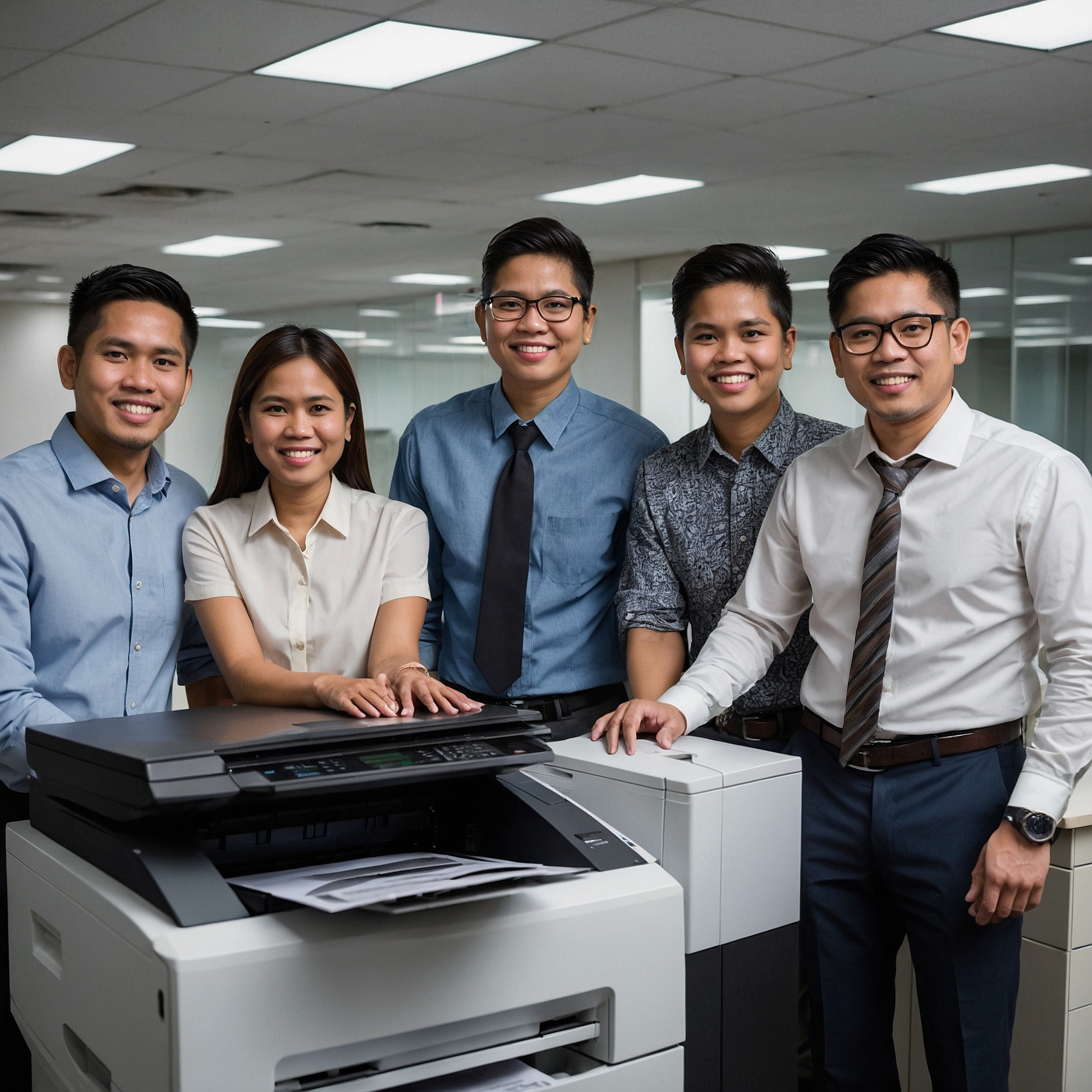
Introduction: The Modern Office Needs Smart Integration
Today’s businesses thrive on speed, efficiency, and connectivity. One key area often overlooked in digital transformation is office equipment—especially copiers. Integration with digital workflows is no longer just a tech buzzword—it’s a business necessity. When your copier system can seamlessly work with your document management software, cloud storage, and team collaboration tools, the result is a streamlined and more productive workplace.
In this blog post, we’ll explore why integration matters, how copier rentals are adapting to digital workflows, and what to look for when upgrading your systems.
Why Digital Workflow Integration Matters
In the past, copiers were simple: scan, print, and copy. But today, businesses demand more. Files must be stored in the cloud, shared across teams, secured with compliance protocols, and searchable with just a few clicks.
Integration with digital workflows makes this possible by:
Automating repetitive tasks like filing and naming scanned documents
Syncing with platforms such as Google Drive, SharePoint, and Dropbox
Improving team collaboration through real-time document sharing
Enhancing security and tracking through digital audit trails
This not only boosts productivity but also minimizes human error, enhances security, and supports a hybrid work model.
How Modern Copiers Support Digital Workflows
Modern copier rental units come equipped with smart features and connectivity that align with digital business needs. Here's how:
1. Cloud Integration
Most business copiers now offer built-in support for cloud storage. This means employees can scan a document and send it directly to a designated cloud folder—no USBs or manual uploads needed.
2. App-Based Interfaces
Touchscreen panels on newer copier models resemble mobile devices. These smart UIs allow direct access to cloud apps, email systems, or document management platforms.
3. Automated Document Routing
Advanced copiers can detect document types and route them automatically. For example, invoices can go to accounting, contracts to legal, and so on.
4. Secure Authentication
User authentication, often via PIN or ID card, ensures that only authorized users access specific functions or documents—supporting secure workflows and data privacy.
Key Benefits of Copier Integration with Digital Workflows
Enhanced Productivity
No more waiting in line to scan or email a document. Integrated systems ensure documents reach the right destination instantly.
Improved Collaboration
Whether your team works in-office or remotely, integrated copiers ensure everyone has access to real-time, cloud-stored files.
Better Cost Management
By reducing paper use and manual handling, businesses save time and money. To learn more about smart budgeting, visit How to Budget for Copier Rentals.
Streamlined Workflow
Digital integration allows seamless routing, storage, and retrieval—boosting efficiency across departments.
Choosing the Right Copier for Digital Integration
When considering copier rentals that support integration with digital workflows, make sure to evaluate:
Compatibility: Does it integrate with your current software ecosystem?
Cloud Support: Can it access Google Drive, Dropbox, OneDrive, etc.?
Security Features: Are there safeguards like user authentication and encryption?
Automation: Does it offer smart features like file naming, routing, or OCR scanning?
You can explore rental options that meet these criteria by checking out this resource: Factors Affecting Copier Rental Prices
Renting vs. Buying: Which is Better for Integration?
Buying a copier outright can be expensive and might lead to outdated tech within a few years. On the other hand, renting gives businesses access to the latest models with ongoing support.
Learn more about this in Cost Comparison: Renting vs. Buying a Copier.
How to Maximize Value from Integrated Copier Rentals
If you’re already considering integration, here are a few tips to get the most value:
Work with a provider that offers consultation to match copier features with your workflow needs.
Train your staff to fully utilize the copier’s smart features.
Regularly review your usage data to optimize cost and efficiency.
Want to dive deeper into savings and efficiency? Explore Saving Money on Copier Rentals.
Lease Agreements That Support Integration
Not all copier lease agreements are the same. It’s important to analyze the terms to ensure you’re getting integration-ready features without hidden costs. For helpful tips, see Analyzing Lease Terms for Cost Efficiency.
Final Thoughts: Future-Proof Your Business
The future of office work is digital—and that includes your copiers. Businesses that embrace integration with digital workflows position themselves to be more agile, efficient, and secure. Whether you're a small team or a growing enterprise, the right copier setup can support your digital transformation goals.
Ready to streamline your operations and go digital with confidence? Visit us at Marga Enterprises to explore copier rental options built for modern workflows.
Don’t forget to check out our videos for more tips and updates on digital solutions:
Marga Enterprises on YouTube