
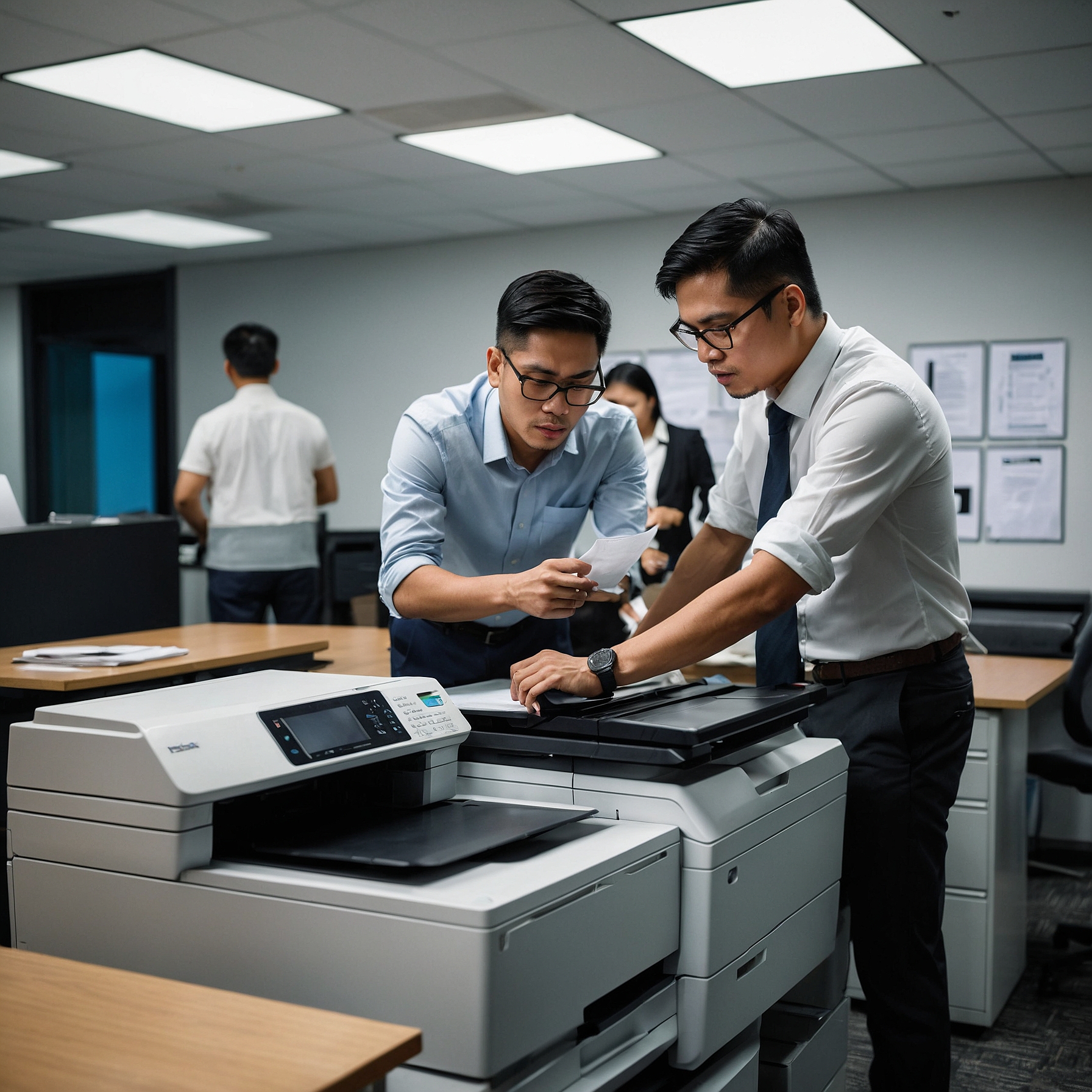
In today’s fast-paced business environment, having the right copier is essential for productivity and efficiency. Whether you’re running a small office or a large enterprise, the type of copier you choose can impact your workflow, costs, and even the quality of your printed materials. That’s why choosing between copier types is more than just a technical decision—it’s a strategic one.
This guide will help you understand the different types of copiers available and how to select the one that fits your budget and business needs. If you’re considering copier rental instead of purchase, this guide also includes tips on how to save money and make the most of your leasing terms.
Understanding the Main Copier Types
Before making a decision, it’s important to know your options. Copiers generally fall into three main categories:
1. Mono Copiers (Black and White)
Mono copiers are ideal for offices that primarily print text documents. They are cost-effective, fast, and simple to maintain.
Best For:
Legal and accounting offices
Government agencies
Schools and universities
2. Color Copiers
Color copiers allow you to produce vibrant marketing materials, brochures, and reports that require visual appeal.
Best For:
Marketing departments
Real estate firms
Graphic design studios
To better understand pricing dynamics, check out this guide on factors affecting copier rental prices.
3. Multifunction Printers (MFPs)
MFPs combine copying, printing, scanning, and sometimes faxing in a single machine. They save space and streamline office processes.
Best For:
Small to medium businesses
Remote teams
Shared workspaces
Factors to Consider When Choosing Between Copier Types
1. Volume of Use
Estimate how many pages you print and copy daily. High-volume businesses should invest in machines built for durability and speed.
2. Budget Constraints
Cost is always a major factor. Analyze whether renting or buying is the better option for you. Here's a helpful cost comparison: renting vs. buying a copier.
3. Color Needs
If you only print text, a mono copier will save you money. But if you need visuals, a color copier is a must.
4. Office Size and Space
Choose compact models for smaller offices or co-working environments. For larger businesses, heavy-duty machines can handle more users and jobs simultaneously.
5. Features and Connectivity
Some copiers come with wireless printing, mobile app integration, and cloud support. Choose a copier that aligns with your tech infrastructure.
Renting vs. Buying: What’s Right for You?
Renting is an attractive option for many businesses. It requires lower upfront costs and provides flexibility to upgrade. However, purchasing may make sense for businesses with long-term needs and capital to invest.
To guide your decision, read this detailed post on how to budget for copier rentals.
Also, be sure to review your contract. A poorly understood lease can lead to hidden costs. Here’s how to analyze lease terms for cost efficiency.
Tips for Saving on Copier Rentals
If you’ve decided to rent, here are smart ways to save:
Negotiate for flexible terms: Look for rental contracts that allow upgrades or early exits.
Bundle services: Some providers offer better deals when bundling maintenance and supply services.
Watch out for extra charges: Understand the terms related to overages, maintenance, and toner replacement.
Want to dive deeper? Read this helpful post on saving money on copier rentals.
Making the Final Choice
So, what’s the best copier for your business? It depends on your unique needs. Use this quick checklist:
Do you print more than 1,000 pages a month?
Do you often print in color or just black and white?
Is scanning and faxing essential for your operations?
Are you looking for flexibility in payments and upgrades?
Your answers will point you toward the ideal copier type—whether it's a mono copier for simple tasks, a color copier for design-heavy work, or an all-in-one MFP for daily multitasking.
Conclusion: Make an Informed Copier Choice
Choosing between copier types doesn't have to be overwhelming. By understanding your business requirements and evaluating the pros and cons of each copier type, you can make a confident, cost-effective decision. And if you’re considering rental, partnering with a reliable provider is key to long-term success.
For expert copier rental services in the Philippines, visit Marga Enterprises—your trusted partner in business solutions.
And for more helpful tips and visual guides, follow us on YouTube:
Marga Enterprises YouTube Channel
Why Choosing the Right Copier Matters
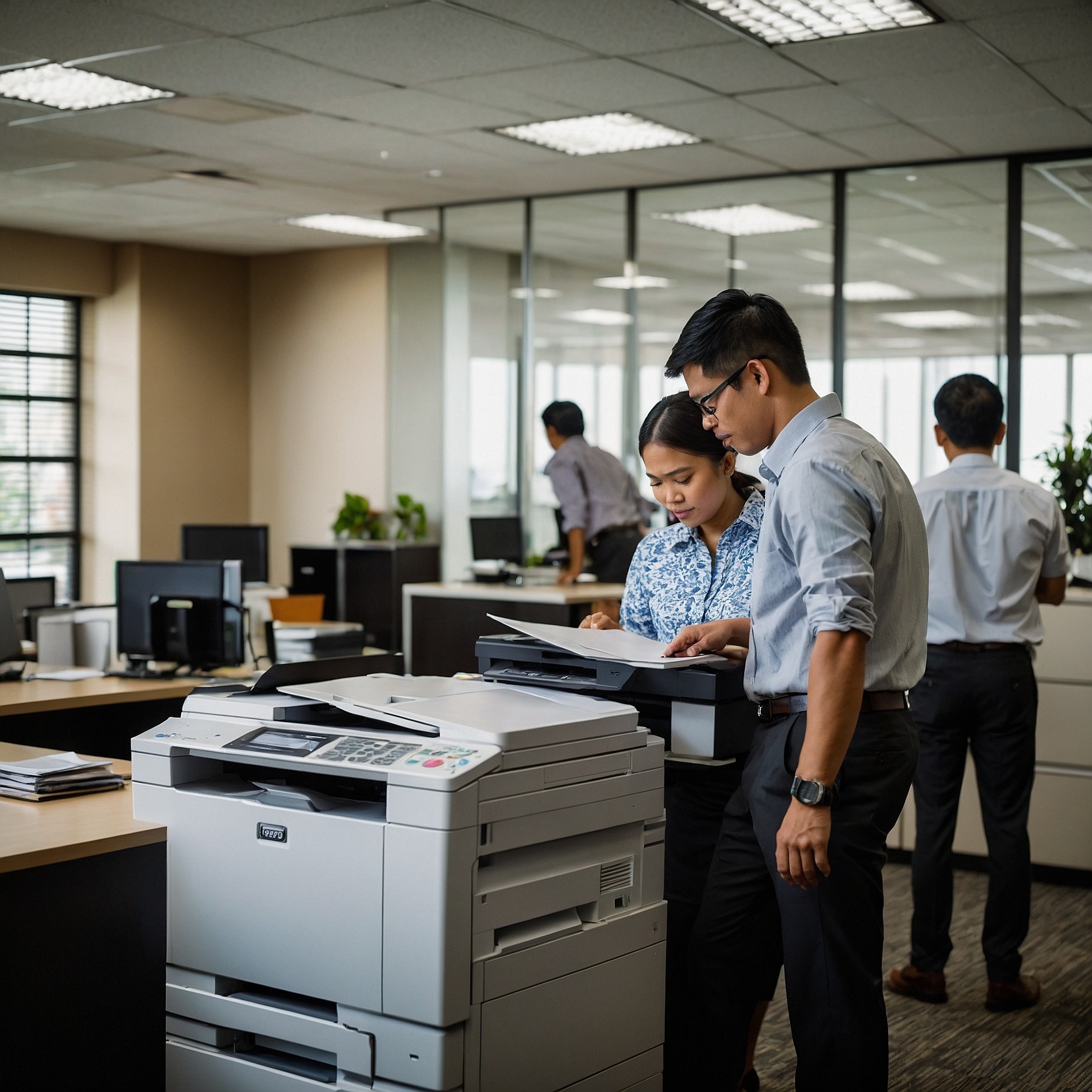
In today’s fast-paced business environment, having the right copier is essential for productivity and efficiency. Whether you’re running a small office or a large enterprise, the type of copier you choose can impact your workflow, costs, and even the quality of your printed materials. That’s why choosing between copier types is more than just a technical decision—it’s a strategic one.
This guide will help you understand the different types of copiers available and how to select the one that fits your budget and business needs. If you’re considering copier rental instead of purchase, this guide also includes tips on how to save money and make the most of your leasing terms.
Understanding the Main Copier Types
Before making a decision, it’s important to know your options. Copiers generally fall into three main categories:
1. Mono Copiers (Black and White)
Mono copiers are ideal for offices that primarily print text documents. They are cost-effective, fast, and simple to maintain.
Best For:
Legal and accounting offices
Government agencies
Schools and universities
2. Color Copiers
Color copiers allow you to produce vibrant marketing materials, brochures, and reports that require visual appeal.
Best For:
Marketing departments
Real estate firms
Graphic design studios
To better understand pricing dynamics, check out this guide on factors affecting copier rental prices.
3. Multifunction Printers (MFPs)
MFPs combine copying, printing, scanning, and sometimes faxing in a single machine. They save space and streamline office processes.
Best For:
Small to medium businesses
Remote teams
Shared workspaces
Factors to Consider When Choosing Between Copier Types
1. Volume of Use
Estimate how many pages you print and copy daily. High-volume businesses should invest in machines built for durability and speed.
2. Budget Constraints
Cost is always a major factor. Analyze whether renting or buying is the better option for you. Here's a helpful cost comparison: renting vs. buying a copier.
3. Color Needs
If you only print text, a mono copier will save you money. But if you need visuals, a color copier is a must.
4. Office Size and Space
Choose compact models for smaller offices or co-working environments. For larger businesses, heavy-duty machines can handle more users and jobs simultaneously.
5. Features and Connectivity
Some copiers come with wireless printing, mobile app integration, and cloud support. Choose a copier that aligns with your tech infrastructure.
Renting vs. Buying: What’s Right for You?
Renting is an attractive option for many businesses. It requires lower upfront costs and provides flexibility to upgrade. However, purchasing may make sense for businesses with long-term needs and capital to invest.
To guide your decision, read this detailed post on how to budget for copier rentals.
Also, be sure to review your contract. A poorly understood lease can lead to hidden costs. Here’s how to analyze lease terms for cost efficiency.
Tips for Saving on Copier Rentals
If you’ve decided to rent, here are smart ways to save:
Negotiate for flexible terms: Look for rental contracts that allow upgrades or early exits.
Bundle services: Some providers offer better deals when bundling maintenance and supply services.
Watch out for extra charges: Understand the terms related to overages, maintenance, and toner replacement.
Want to dive deeper? Read this helpful post on saving money on copier rentals.
Making the Final Choice
So, what’s the best copier for your business? It depends on your unique needs. Use this quick checklist:
Do you print more than 1,000 pages a month?
Do you often print in color or just black and white?
Is scanning and faxing essential for your operations?
Are you looking for flexibility in payments and upgrades?
Your answers will point you toward the ideal copier type—whether it's a mono copier for simple tasks, a color copier for design-heavy work, or an all-in-one MFP for daily multitasking.
Conclusion: Make the Right Choice with Confidence
Choosing between copier types is not a one-size-fits-all decision. It requires assessing your specific needs, budget, and future growth. Whether you opt for a mono copier, a color printer, or an all-in-one multifunction device, make sure your choice supports your daily operations and long-term goals.
If you're leaning toward renting, partnering with a trusted provider like Marga Enterprises will help ensure you get reliable equipment, transparent terms, and expert support.
Visit our homepage to learn more: https://marga.biz/
Subscribe and watch helpful content on our YouTube Channel: Marga Enterprises on YouTube
Make the smart choice today—maximize your productivity with the right copier solution.