
SMB Copier Security Risks
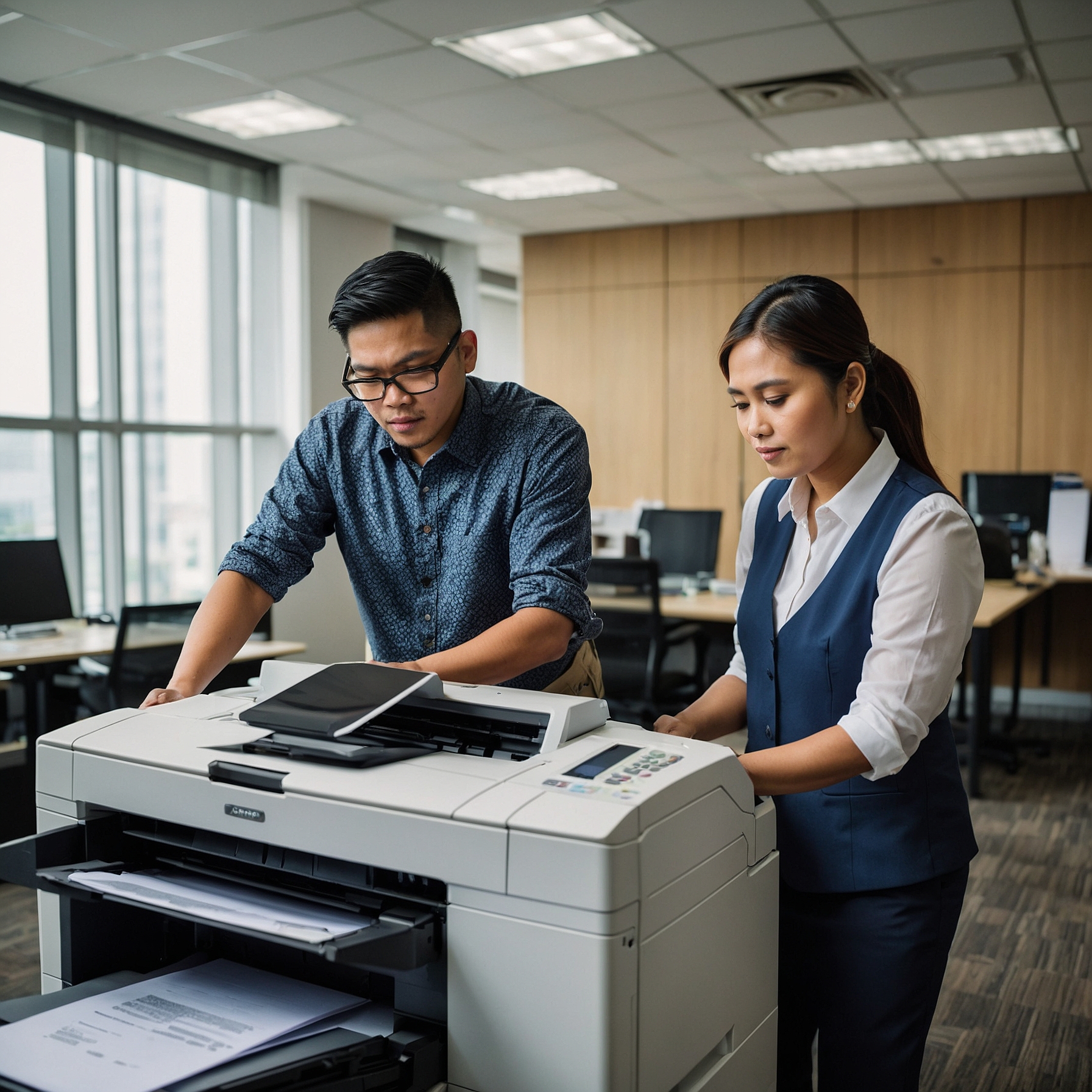
SMB Copier Security Risks: Protecting Your Business from Digital Threats
In today's digital world, small and medium-sized businesses (SMBs) are increasingly adopting copiers and multifunction printers to streamline operations. While these devices offer significant efficiency gains, they also come with security risks that businesses must be aware of. SMB copier security risks are real, and if left unaddressed, they can expose your business to data breaches, unauthorized access, and financial losses. In this blog post, we’ll discuss the potential security threats associated with copiers and offer solutions to help businesses safeguard their data.
What Are SMB Copier Security Risks?
Copiers, like any network-connected device, store and process a significant amount of sensitive data. These devices are often connected to your office network, which makes them vulnerable to cyber threats. The potential risks include:
Data breaches: Copiers store copies of scanned, printed, and faxed documents. If these devices are not properly secured, sensitive business data can be accessed by unauthorized individuals.
Unauthorized access: Without proper security measures, hackers can gain control over your copiers, allowing them to access sensitive documents and confidential information.
Network vulnerabilities: As copiers are often integrated into your office network, a compromised copier can become a gateway for hackers to access other devices on the same network.
Malware and ransomware attacks: Just like computers, copiers can become infected with malware or ransomware, leading to data corruption, theft, and even system downtime.
How to Mitigate SMB Copier Security Risks
To protect your business from these risks, it's essential to implement a robust copier security strategy. Here are several measures you can take to secure your copiers:
1. Use Strong Passwords and Authentication
One of the simplest yet most effective ways to secure your copier is by changing the default administrator password and setting strong, unique passwords. In addition to this, enable user authentication systems such as PIN codes or card readers, so only authorized personnel can access the copier’s functions.
2. Encrypt Sensitive Data
Modern copiers often store data in their hard drives. This means that any document printed, scanned, or copied may remain in the device's memory. To prevent unauthorized access to sensitive data, ensure that your copiers have encryption capabilities. This way, even if someone gains access to the device, the stored data remains unreadable without the proper decryption key.
3. Secure Network Connections
Most copiers today are connected to your business network via Wi-Fi or Ethernet. Securing these connections is crucial to prevent hackers from exploiting your copiers. Ensure that your copier is connected to a secure, private network, and disable any unnecessary wireless communication functions like Bluetooth or Wi-Fi Direct. You can also set up a virtual LAN (VLAN) for copiers and other shared office devices to segregate them from sensitive business systems.
4. Regular Software Updates
Copier manufacturers often release firmware and software updates to address security vulnerabilities. Keeping your copier’s software up to date is essential for protecting it from known exploits and bugs. Set up automatic updates if available, or schedule regular checks to ensure that your device is running the latest version of its software.
5. Use Secure Disposal Methods
When it’s time to retire an old copier, make sure that all data stored on the device is thoroughly wiped. A factory reset is not enough, as sensitive data may still be retrievable from the copier’s hard drive. Use data destruction services that comply with industry standards to ensure that all information is permanently erased.
6. Set Access Restrictions
To limit exposure to sensitive documents, restrict access to the copier's features based on employee roles. For example, administrative functions should only be accessible to IT personnel or managers. Additionally, restrict access to scanning and faxing features for non-essential users.
7. Monitor Copier Activity
Enable logging and auditing features on your copier to track activity. Monitoring who uses the copier and what documents are being copied, printed, or scanned can help detect any suspicious activity. Some copiers even provide alerts in case of unusual or unauthorized usage.
Common Copier Issues and Security Considerations
SMBs should also be aware of common copier issues that may affect security:
Maintenance issues: Regular copier maintenance is essential for preventing security risks. Devices that aren’t properly maintained may experience malfunctions, putting business data at risk. Check out this article on Common Issues and Solutions in Printer Rentals to learn more about how regular servicing can enhance security.
Printer downtime: Copier downtime can leave you vulnerable. Without access to your copier, you might resort to unsecured methods to complete tasks. Learn more about Handling Printer Downtime.
Connectivity issues: If your copier is frequently disconnected from the network, it may open up other vulnerabilities that hackers could exploit. Ensure that connectivity issues are resolved promptly by referring to Resolving Connectivity Issues.
Best Practices for Copier Security in SMBs
As a small or medium-sized business, it’s essential to incorporate these security measures into your daily operations. Here are some best practices to keep in mind:
Train employees: Employees must be aware of copier security risks. Provide regular training on how to use copiers securely and how to report suspicious activity.
Maintain an inventory of devices: Keep track of all copiers and printers in your office. Knowing where each device is located and who has access to it is crucial for ensuring security.
Work with a trusted copier provider: When leasing or purchasing copiers, choose a provider who offers secure devices and can assist with implementing security features.
Conclusion
In conclusion, while copiers offer immense benefits for SMBs, they also pose significant security risks if not properly managed. By implementing these security measures, you can protect your business data and ensure that your copiers are secure. Remember, it’s not just about buying a secure copier—it’s about continuously monitoring, maintaining, and securing it over time.
To learn more about copier rentals and how Marga Enterprises can support your green initiatives, contact us today at 09171642540 or 09614481276. You can also reach us via email at marga.enterprises2013@gmail.com. Let’s work together to build a greener, more sustainable future for generations to come. Visit Marga Enterprises and find out why we are the No. 1 Copier & Printer Rental Provider in the Philippines.
Join our growing community on Facebook and (https://www.youtube.com/ %40MargaEnterprises24) for exclusive content and discussions designed to propel your business forward. Stay updated on our posts and be part of the conversation!