
Introduction: Why School Copiers Are a Hidden Security Risk
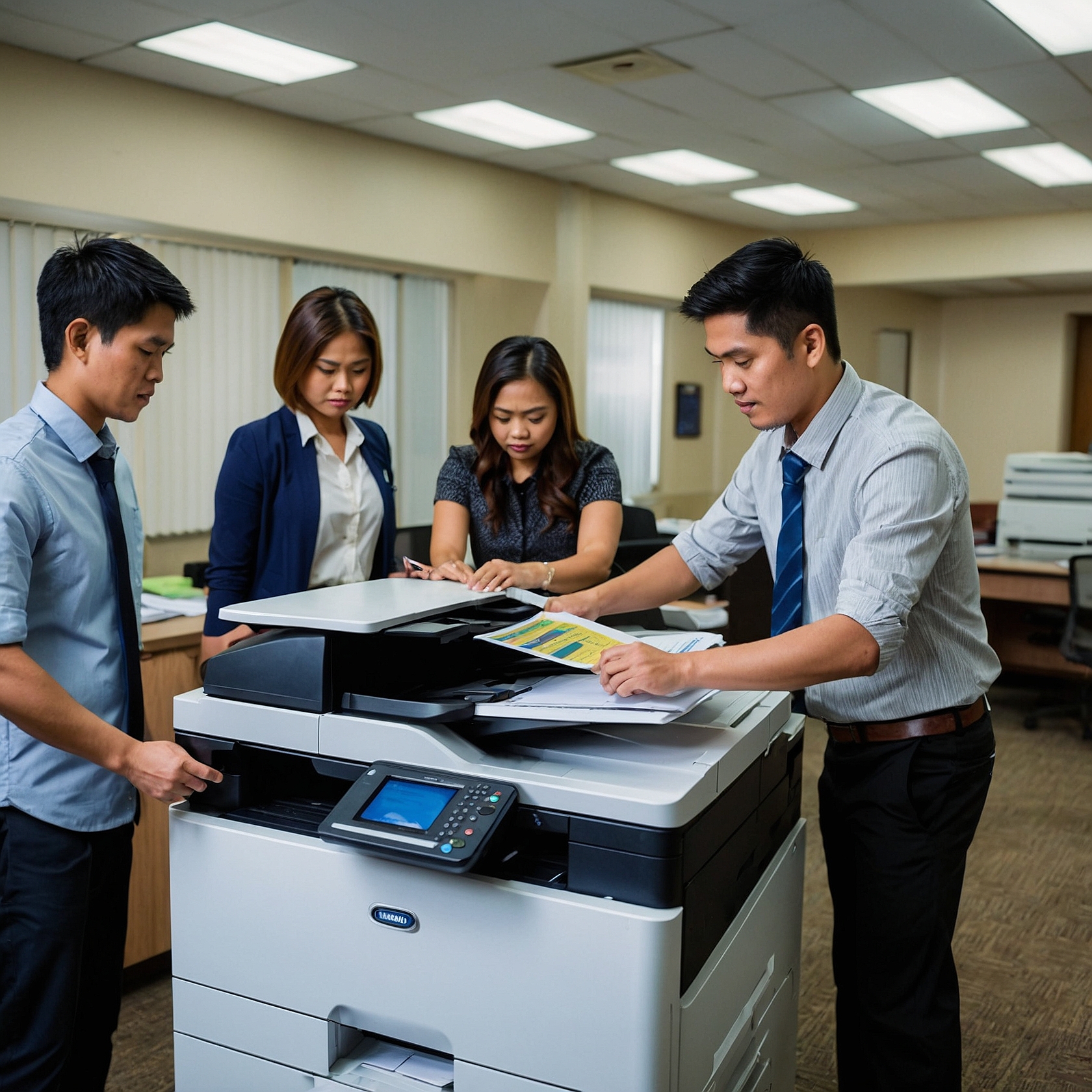
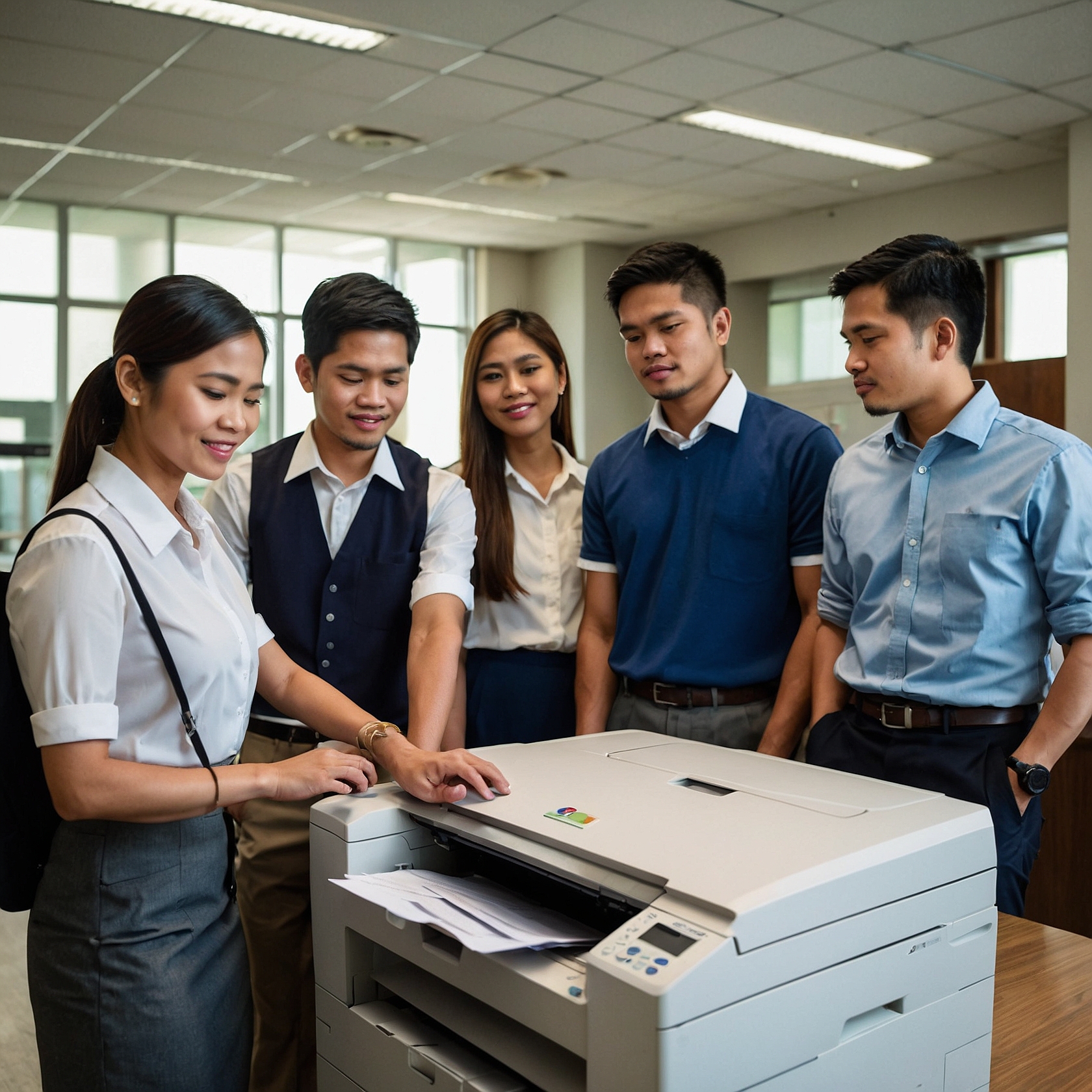
Security and Privacy Concerns in School Copiers: In the digital age, schools are becoming increasingly reliant on technology—not just in classrooms, but in administrative operations as well. One often overlooked yet critical component is the school copier. These machines are used daily for printing, scanning, and copying student records, exams, and internal documents. Consequently, they hold a surprising amount of sensitive information.
Unfortunately, many schools underestimate the security and privacy concerns in school copiers, exposing themselves to potential data breaches, unauthorized access, and even compliance violations. In this blog post, we’ll explore the top risks, real-world implications, and practical steps that school administrators can take to stay protected.
Understanding the Risks: What’s Stored Inside Your Copier?
Modern multifunction printers (MFPs) and copiers aren’t just mechanical devices anymore—they’re digital hubs equipped with hard drives, memory, and network connectivity. Because of this, they store a variety of sensitive data, such as:
Student grades and report cards
Disciplinary records
Faculty contracts and payroll information
Identification documents
Health and psychological assessments
Surprisingly, these files can remain on a copier’s internal storage even after the print job is completed. If not properly secured, this data can be accessed by unauthorized users—or worse, recovered after the machine has been retired, returned, or sold.
Common Security and Privacy Concerns in School Copiers
Let’s explore some of the most pressing issues that schools face when it comes to copier security:
1. Data Left on Hard Drives
Most modern copiers have built-in hard drives that store documents temporarily or permanently. If schools fail to wipe these drives before copier return, lease termination, or disposal, sensitive data may fall into the wrong hands.
2. Unauthorized Access
Without proper authentication features—such as user codes or access cards—anyone can use the copier. This includes students, guests, or unauthorized personnel, all of whom could misuse the machine to copy confidential exams or send files to external emails.
3. Weak Network Security
When copiers are connected to a school’s internal network, they can become entry points for cyberattacks. Hackers may exploit outdated firmware or unsecured protocols, gaining access to not just the copier—but also the broader school network.
4. Poorly Defined Usage Policies
In the absence of clear copier usage guidelines, misuse is far more likely. For instance, some users may store unapproved files, print inappropriate material, or leave confidential documents exposed in print trays—all of which are preventable with the right policies in place.
Real-World Consequences of Ignoring Copier Security
Ignoring these risks can result in serious consequences. For example:
A school district in the U.S. faced a lawsuit after sensitive student records were discovered on a leased copier’s hard drive, which had not been wiped before return.
In another case, a teacher was reprimanded when a student gained unauthorized access to the copier and leaked final exam papers.
Additionally, malware infiltrated a school’s entire network via a copier running outdated firmware, exposing thousands of student and staff records.
Clearly, the security and privacy concerns in school copiers should not be taken lightly. These aren’t just technical issues—they’re matters of student protection, institutional trust, and legal accountability.
Best Practices to Protect Your School’s Copier Data
Thankfully, there are several effective strategies that schools can adopt to enhance copier security. Here’s what we recommend:
1. Choose Copiers with Built-In Security Features
To begin with, invest in copiers that offer data encryption, automatic deletion after use, and user authentication (via PIN codes, access cards, or biometrics). These built-in features provide an essential first layer of defense.
2. Implement Copier Access Control
Furthermore, restrict access based on user roles. Only authorized faculty or administrative staff should be allowed to print or scan sensitive information. This reduces the risk of internal misuse.
3. Regularly Wipe Copier Storage
It’s also important to ensure that your IT department conducts regular wipes of the copier’s storage. More importantly, make it a standard procedure to wipe all stored data before returning leased units or upgrading equipment.
4. Secure Network Connections
Since copiers are often network-connected, secure them just like any other device. Connect to a secure VLAN, apply firewall rules, and routinely update firmware. Don’t wait until there’s a breach to take action.
5. Review Copier Rental Contracts Carefully
Lastly, carefully review your copier rental agreement. Ensure it includes terms related to data disposal, equipment handling, and end-of-lease data security. For more information on what to look for, check out these helpful resources:
How Marga Enterprises Can Help
At Marga Enterprises, we understand that schools have unique and evolving needs when it comes to copier and printer rentals. That’s why we offer machines with robust security features, customizable access control, and comprehensive data privacy protocols.
Moreover, we help institutions craft secure rental contracts, guide you through compliance requirements, and ensure all data is properly managed from delivery to equipment return. Ultimately, our goal is not just to provide hardware—but to empower your school with safe, secure, and sustainable solutions.
Conclusion
Security and privacy should never be an afterthought—especially in an environment that holds the future of young minds. School copiers, when not managed properly, can be silent threats to data protection. But with the right practices, policies, and partners, these risks can be effectively eliminated.
To learn more about sustainable copier rental solutions and how Marga Enterprises can support your green initiatives, contact us today at 09171642540 or 09614481276. You can also reach us via email at marga.enterprises2013@gmail.com. Let’s work together to build a greener, more sustainable future for generations to come. Visit Marga Enterprises and find out why we are the No. 1 Copier & Printer Rental Provider in the Philippines. Follow Marga Enterprises’ Facebook page for updates, tips, and more!
📺 Visit our YouTube Channel for educational content and service insights:
https://www.youtube.com/@MargaEnterprises24