
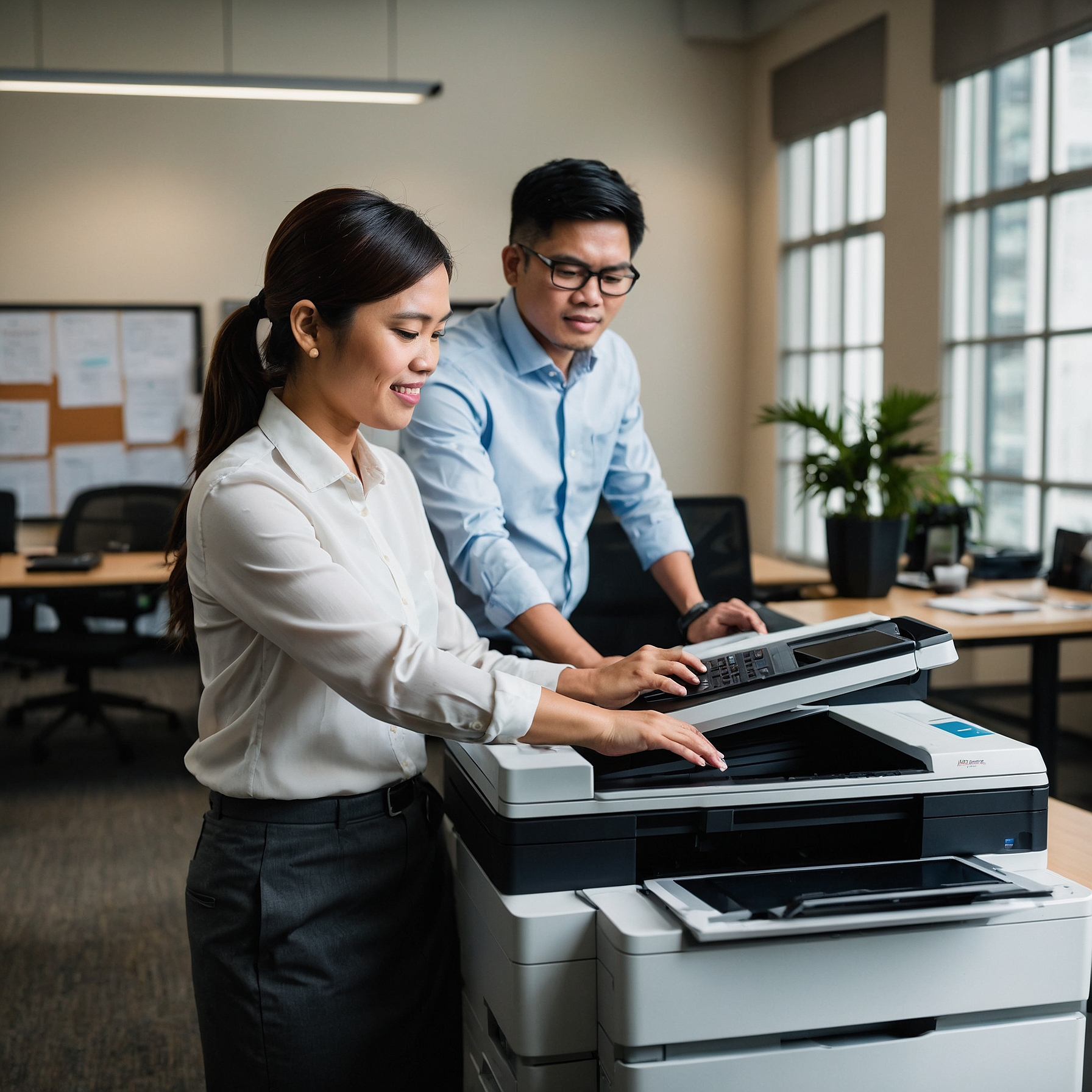
Why Wireless Printers for Remote Work Are a Smart Choice in 2025
Introduction
Remote work is here to stay, and so is the need for practical home office tools. One essential device that often gets overlooked? A reliable printer. In particular, Wireless Printers for Remote Work have become a popular solution for professionals and teams working from home.
In this article, we’ll explore why wireless printers are ideal for remote work setups, how to choose the right one, and what features to look for. We’ll also share links to useful resources that can help you decide if renting or buying is the better option.
What Are Wireless Printers?
Wireless printers connect to your devices via Wi-Fi, Bluetooth, or cloud services—no messy cables or direct connections needed. They let you print documents from laptops, tablets, and even smartphones, making them highly convenient for remote teams.
Whether you’re working in a small apartment or a full home office, wireless printers are designed to maximize space and flexibility.
1. Convenience and Flexibility at Home
One of the top benefits of Wireless Printers for Remote Work is the ability to print from anywhere in your home. You’re not limited by cables or physical placement.
This flexibility allows you to:
Set up your printer in another room to reduce noise
Use mobile printing apps from your phone
Share the device with others in the household
If you’re setting up your first home office, check out this helpful guide:
👉 Setting Up a Home Office Printer
2. Reduced Clutter and Easier Setup
Unlike traditional wired printers, wireless models eliminate cable mess. This is especially useful for minimalist workspaces or shared home areas.
Wireless printers usually support:
Plug-and-play installation
Easy driver downloads or app-based setup
Cloud printing services (Google Cloud Print, Apple AirPrint, etc.)
For those short on space, you might want to consider Portable Printers for Home Offices which are designed for tight setups and on-the-go needs.
3. Compatibility with Multiple Devices
A key advantage of wireless printers is device compatibility. You can print from:
Windows and Mac computers
iOS and Android smartphones
Tablets and Chromebooks
This multi-device support is perfect for remote workers who switch between gadgets throughout the day.
4. Cost-Effective Rental Options
Buying a wireless printer may not be necessary—especially if you only need it for a few months or are unsure of your long-term setup. Printer rentals offer:
Lower upfront costs
Maintenance and support
Option to upgrade or return when no longer needed
Learn more about the Cost of Renting Printers for Remote Workers and see if it’s right for your situation.
5. Enhanced Security for Sensitive Documents
One concern for remote teams is how to keep confidential information safe. Fortunately, modern wireless printers come with built-in security features such as:
Password-protected printing
Data encryption
Remote access control
To understand the risks and protections better, visit this article:
🔐 Security Considerations for Home Office Printers
6. Better Sustainability with Eco-Friendly Options
If you're mindful of your environmental impact, good news: Many wireless printers today are energy-efficient and use eco-friendly ink systems.
Check out these resources:
These printers help reduce energy usage, paper waste, and overall emissions—a win for the planet and your utility bills.
7. Easy Maintenance and Support
Maintenance can be challenging for remote workers, but rental services often include:
Scheduled checkups
Replacement ink delivery
Phone or online technical support
Avoid downtime and keep your home office productive by following this maintenance guide:
🛠️ Printer Maintenance for Remote Workers
8. Customization and Flexibility in Features
Do you print often? Need scanning, copying, or duplex printing? You can rent or buy a wireless printer that fits your exact needs.
Some services let you customize your rental plan. Learn how here:
⚙️ Customizing Printer Rentals for Remote Work
You don’t need to settle for a one-size-fits-all printer—choose based on your volume, quality, and space requirements.
9. Real Success Stories from Remote Workers
Still unsure? It helps to hear from others who’ve been in your shoes. See how businesses have made the most of wireless printers through case studies like:
📘 Case Studies: Remote Work Printer Rentals
Real-world examples provide insight into what works and what to avoid.
10. Choosing the Right Model
Not all printers are created equal. Some are better for photo printing, while others are built for high-volume documents.
Here’s a helpful guide to the Best Printers for Remote Work so you can compare models, features, and prices before making a decision.
You may also want to review this comparison guide:
🔄 Comparing Rental Options for Remote Work
Final Thoughts
Wireless Printers for Remote Work are more than just a convenience—they’re a smart investment for productivity, sustainability, and peace of mind. Whether you’re working alone from a home office or as part of a distributed team, having the right wireless printer can make your day-to-day tasks smoother and more efficient.
To recap, here’s why wireless printers are worth considering:
Print from any device or location
Eliminate cable clutter and reduce setup time
Access secure, eco-friendly, and low-maintenance options
Rent or buy based on your needs and budget
Need Help Choosing?
Visit Marga Enterprises to explore top-rated wireless printer rental options tailored for remote professionals.