
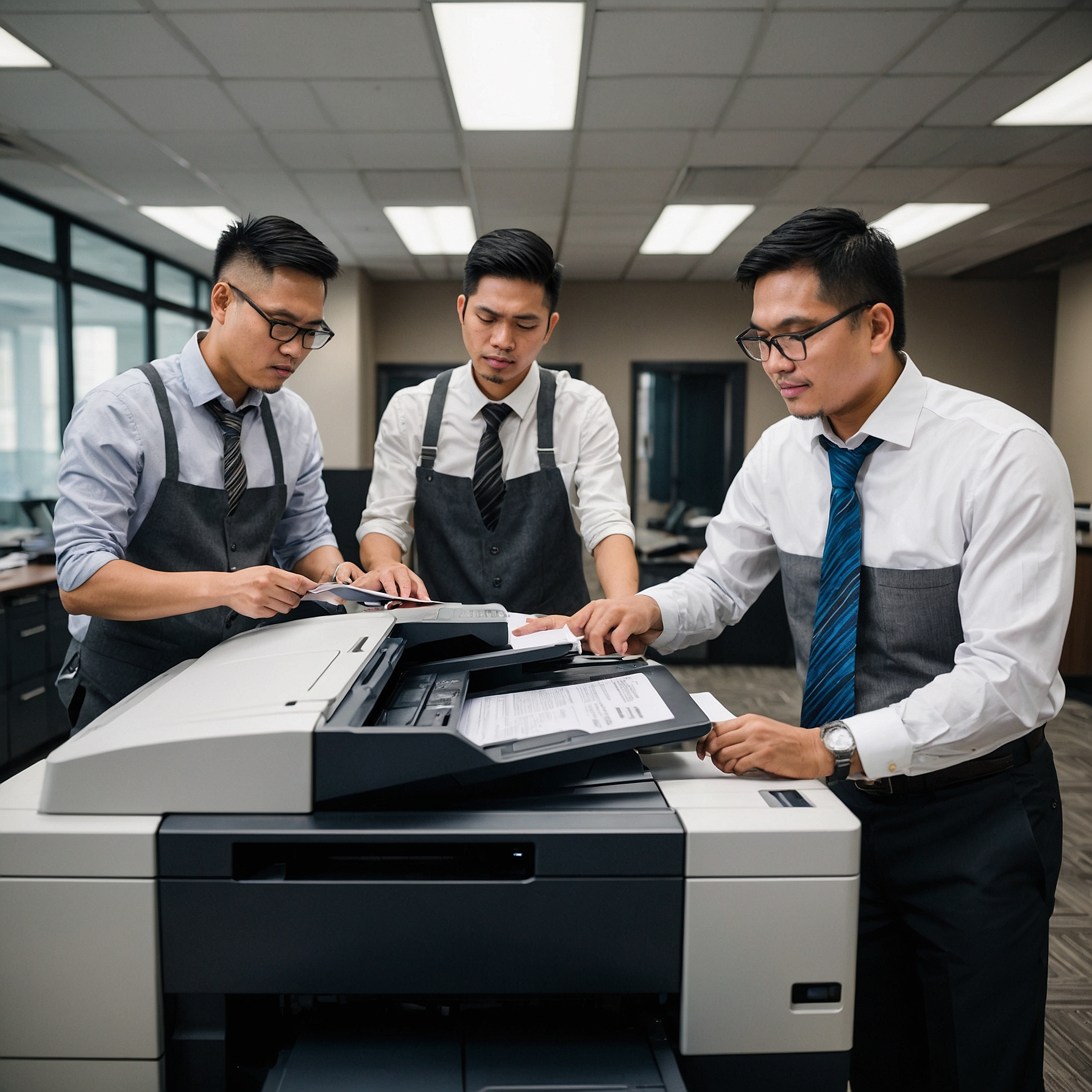
Before diving into the categories, it's important to understand why choosing the right copier matters. The wrong machine can slow down productivity, increase costs, and frustrate your staff. On the other hand, the right copier can streamline workflow, cut down on expenses, and boost efficiency.
Evaluating your office copier needs is the first step to avoiding mismatched purchases. This includes assessing how many copies your office makes, the type of documents you produce, and what finishing features you might need (like stapling or scanning).
1. Black-and-White (Monochrome) Copiers
Best for: Offices with basic printing needs
Monochrome copiers only print in black and white. They are generally faster and more affordable than color machines. These are ideal for environments where color printing isn’t necessary, such as legal offices or government departments.
Key Features:
Lower cost per page
Fast print speeds
Less maintenance than color copiers
Pros:
✅ Cost-efficient
✅ Reliable for high-volume printing
✅ Easy to maintain
Cons:
❌ No color output
❌ Limited for creative or marketing teams
2. Color Copiers
Best for: Businesses that produce colorful documents, brochures, or presentations
Color copiers can print in both black-and-white and full color, making them versatile for any office that requires high-quality visuals.
Key Features:
Advanced color management
Supports multiple paper sizes
Often includes scan-to-email and cloud integration
Pros:
✅ High-quality prints
✅ Great for marketing teams
✅ Flexible use
Cons:
❌ Higher upfront and operational costs
❌ More frequent toner replacement
Explore more details about office copier types here.
3. Multifunction Copiers (MFPs)
Best for: Offices needing an all-in-one machine
Multifunction copiers are the go-to choice for many businesses. They combine printing, scanning, copying, and sometimes faxing into one unit, reducing the need for multiple machines.
Key Features:
Print, scan, copy, and fax
User authentication
Network connectivity for cloud storage
Pros:
✅ Space-saving
✅ Streamlined office workflow
✅ Centralized document management
Cons:
❌ Can be more expensive
❌ Downtime affects multiple functions
MFPs are often paired with copier training for office staff to maximize their features and reduce user error.
4. Desktop Copiers
Best for: Small teams or home offices
Desktop copiers are compact and designed to fit on a table or small counter. While not suited for heavy-duty tasks, they are perfect for personal use or light office work.
Key Features:
Compact size
Basic print/copy functions
Often includes wireless printing
Pros:
✅ Affordable
✅ Saves space
✅ Easy to use
Cons:
❌ Limited paper capacity
❌ Slower speed
❌ Fewer features
5. Network Copiers
Best for: Medium to large offices
Network copiers connect to your office’s computer network, allowing multiple users to print and scan from their desks. These are ideal for businesses with centralized document processing.
Key Features:
Shared access for multiple users
Secure printing with authentication
Cloud and email integration
Pros:
✅ Boosts team productivity
✅ Reduces time spent on print jobs
✅ Centralized control and monitoring
Cons:
❌ Needs IT setup
❌ May require network security configurations
For businesses that value visibility, adding remote monitoring of office copiers ensures maintenance and usage are always under control.
6. Production Copiers
Best for: Print shops or companies with extremely high-volume printing needs
Production copiers are designed for speed and volume. They offer advanced finishing features like booklet making, hole punching, and high-resolution printing.
Key Features:
Print speeds over 100 pages per minute
Handles heavy paper stocks
Advanced finishing options
Pros:
✅ Professional-grade printing
✅ Fast and efficient
✅ Ideal for large print jobs
Cons:
❌ Very expensive
❌ Not suitable for small offices
How to Choose the Right Office Copier
When selecting among the various types of office copiers, consider these key factors:
Volume: How many pages will you print per month?
Color Needs: Do you need color printing or will black-and-white suffice?
Space: Do you have room for a floor-standing copier or only a desktop version?
Budget: What are the upfront and ongoing costs?
Features: Is scanning, faxing, or remote access important to you?
User-Friendliness: Will your staff need copier training?
A helpful resource for this is our guide on evaluating office copier needs, which walks you through the decision process.
Final Thoughts
Choosing the right copier for your office isn’t just about specs—it’s about matching the machine to your daily workflow. From compact desktop copiers for small offices to powerful production copiers for high-volume output, there’s a perfect fit for every business.
Understanding the types of office copiers helps you make a smarter decision that saves money, increases efficiency, and supports your team’s productivity.
Want to learn more? Visit our Types of Office Copiers page for detailed specs, rental options, and expert advice tailored to your needs.