
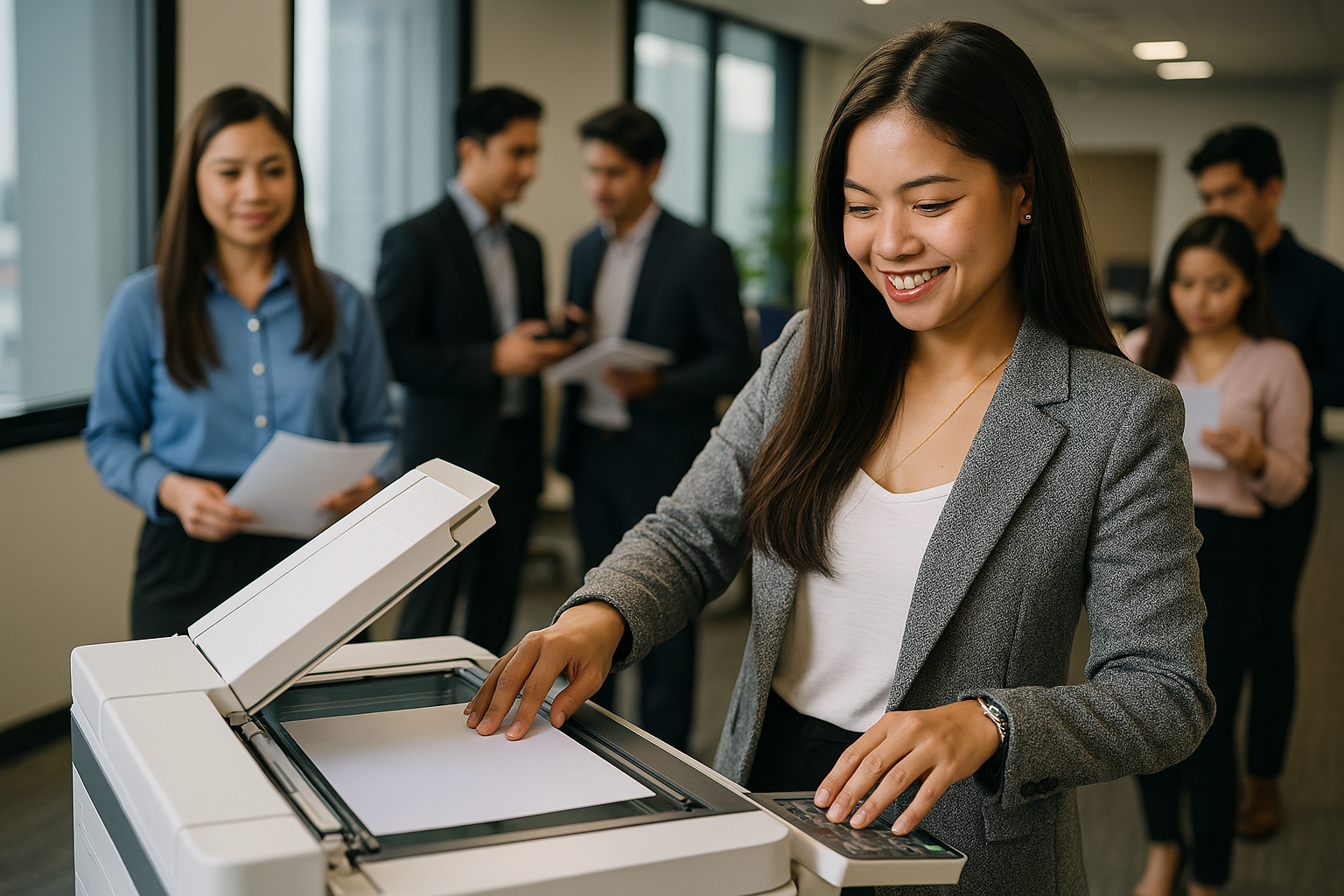
Types of Copiers Available for Rental: A Comprehensive Guide
When it comes to running a smooth and efficient office or organizing a well-equipped event, having the right copier can make a significant difference. Whether you’re planning a temporary event, scaling your business, or need a reliable backup machine, copier rental is a flexible and cost-effective solution. But before signing any rental contract, it’s crucial to understand the types of copiers available for rental—each designed to meet specific business or event needs.
In this article, we’ll explore the most common copier types you can rent, what each type is best used for, and how to choose the right one. If you’re new to copier rentals, this guide will help you make informed choices based on your specific requirements.
Why Understanding Copier Types Matters
Not all copiers are the same. Some are built for high-volume, color-rich outputs, while others focus on basic black-and-white printing. Knowing the types of copiers available for rental allows you to:
Avoid overpaying for features you don’t need
Choose a model that suits your usage volume and type
Ensure compatibility with your office or event setup
Get the best return on investment for your rental budget
For a quick overview of available options, visit the Types of Copiers Available for Rental page at Marga.biz.
1. Black and White (Monochrome) Copiers
What They Are
Monochrome copiers print and copy in black and white only. These are the most common and affordable copier types, ideal for general office documents like memos, invoices, or internal reports.
Best For
Offices with high document volume
Budget-conscious businesses
Legal and finance sectors
Pros
Low cost per page
Faster print speeds for text documents
Low maintenance
2. Color Copiers
What They Are
Color copiers can print in full color, making them essential for marketing materials, brochures, and presentations where visual appeal matters.
Best For
Marketing agencies
Schools and creative departments
Businesses that print charts, infographics, or branded documents
Pros
High-quality color output
Supports advanced media types
Often multifunctional
For more insight into brand options, explore Popular Brands in Copier Rental.
3. Multifunction Copiers (MFPs)
What They Are
Also known as all-in-one copiers, MFPs combine printing, scanning, copying, and sometimes faxing into one machine. They save space and simplify workflows.
Best For
Offices looking to consolidate devices
Startups and remote teams
Workspaces with limited room
Pros
Space-saving and efficient
Reduces equipment costs
Streamlined document management
4. High-Volume Copiers
What They Are
Designed for continuous, large-scale copying and printing, these machines offer high-speed output, extended paper capacity, and advanced finishing options like stapling and booklet-making.
Best For
Print shops and corporate offices
Events with heavy document use
Schools and universities
Pros
Handles bulk jobs easily
High-speed performance
Built-in finishing tools
5. Desktop Copiers
What They Are
These compact units are designed to sit on desks or small counters, ideal for tight office spaces or home offices.
Best For
Home offices
Small teams
Temporary workstations
Pros
Compact and lightweight
Easy to set up and move
Budget-friendly
6. Wide Format Copiers
What They Are
Wide format copiers print large-scale documents such as blueprints, posters, and signage. These are common in industries like architecture, engineering, and design.
Best For
Construction and engineering firms
Advertising and design agencies
Event planners for signage
Pros
Supports large paper sizes
Delivers precise and vibrant output
Versatile media handling
7. Digital Copiers
What They Are
Modern copiers with digital interfaces, cloud connectivity, and smart technology integration. These copiers often include touchscreen panels and remote monitoring.
Best For
Tech-savvy businesses
Offices with digital workflows
Teams using cloud-based platforms
Pros
Remote access and print queue control
Integration with email and cloud storage
Energy-efficient and smart diagnostics
Learn more about the inner workings and benefits of these machines through Copier Technology Explained.
How to Choose the Right Copier for Rental
When selecting a copier for rental, keep the following in mind:
1. Volume of Use
Estimate how many pages you’ll print per day or month. High-volume copiers are better for busy offices, while desktop models may suffice for low-demand settings.
2. Color vs. Black and White
Do you need vibrant color output or just basic text documents? Color copiers are more expensive, so only rent one if necessary.
3. Functionality Needed
Do you need just printing and copying, or do you also require scanning, emailing, and faxing? A multifunction copier may be more cost-effective.
4. Duration of Use
Short-term event? Long-term office need? Make sure your rental plan aligns with your usage timeline and includes support and maintenance.
5. Available Space
Consider your physical space before choosing a model. A desktop copier may be the best fit for tight locations.
Need help narrowing your choices? Read this guide on How to Choose a Rental Copier to walk you through the decision-making process.
Final Thoughts
Choosing from the types of copiers available for rental doesn’t have to be overwhelming. The key is matching your specific needs with the right machine—whether that’s a robust multifunction unit for the office or a compact desktop model for short-term use.
By understanding the differences between copier types and their ideal applications, you can rent with confidence, save on costs, and boost productivity without long-term commitments. Always consult a trusted copier rental provider to get tailored recommendations based on your goals.
Ready to find the right copier for your office or event? Visit Marga Copier Rental and explore your options today.