
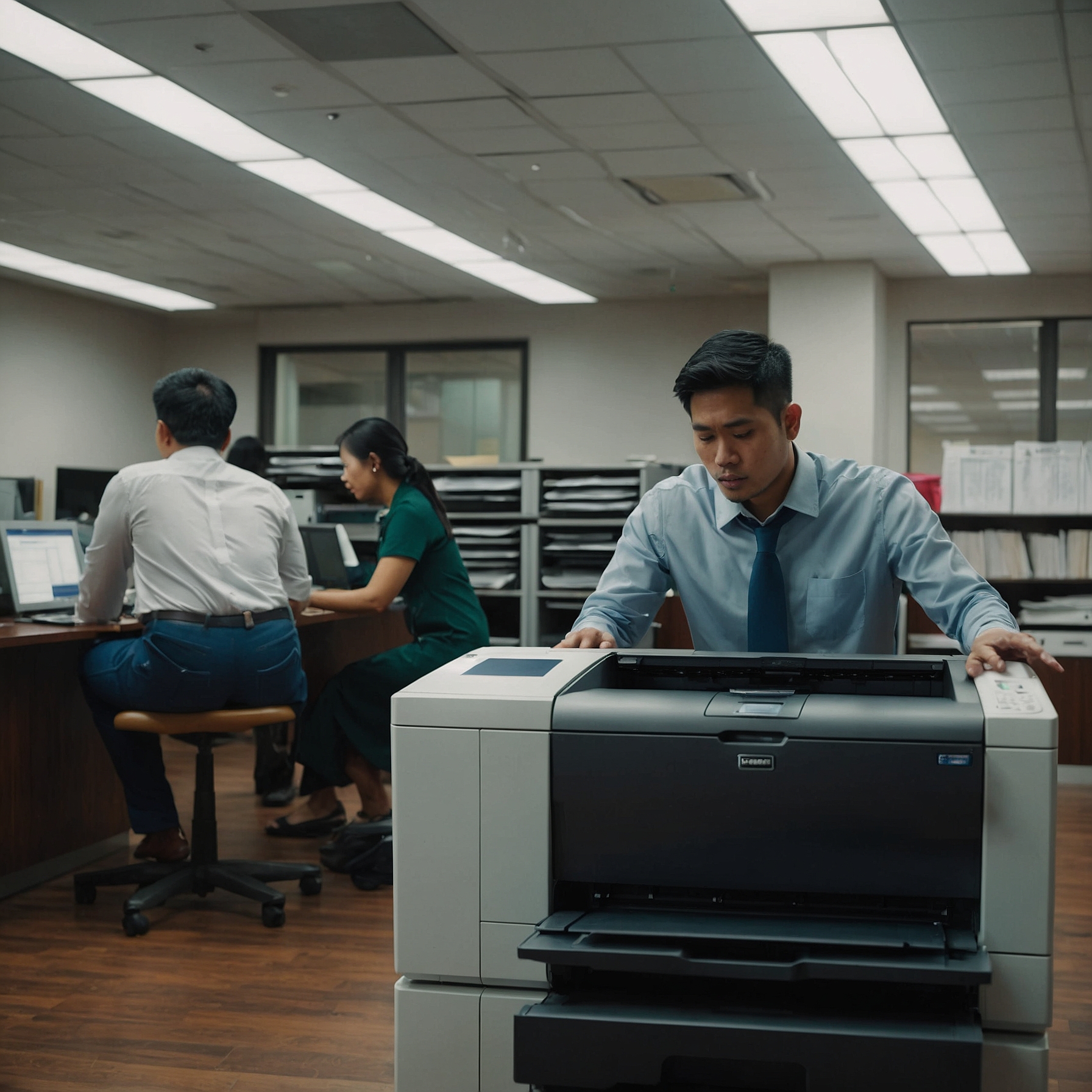
Training School Staff on Copier Use
Copiers are essential tools in educational environments, but misuse can lead to downtime, wasted resources, and even security issues. Effective Training School Staff on Copier Use ensures that teachers, administrative workers, and support staff can operate machines confidently, efficiently, and securely.
This guide outlines a smart training framework for schools, covering user-friendly workflows, eco‑friendly features, and crisis handling. Even non-technical staff will benefit from these clear, practical methods!
👉 Get the full guide here: Training School Staff on Copier Use
Why Copier Training Matters
Schools face unique copier challenges:
Staff turnover leading to inconsistent usage
High document volumes during exams or events
Security concerns with confidential forms and student data
Operational disruptions from simple jams or error messages
Proper training minimizes mistakes, reduces service calls, and promotes smooth daily operations.
1. Core Skills Every User Needs
Loading Paper and Toner
Show staff how to:
Load paper correctly to avoid jams
Replace toner cartridges safely and cleanly
Performing Basic Maintenance
Teach fundamental tasks, such as:
Clearing paper jams step-by-step
Resetting error codes after resolution
Navigating Workflow Modes
Staff should feel confident using:
Copy, print, scan-to-email, and duplex modes
Secure print release for sensitive documents
2. Eco-Friendly Copier Use
Promoting sustainable copying habits not only cuts costs but also supports your green policies.
Best Practices Include:
Activating default duplex (two-sided printing)
Using eco-friendly print modes for drafts
Enabling auto-power-down after hours
👉 Learn more: Sustainable Copier Practices for Schools
3. Leveraging Teacher-Friendly Features
Modern copiers offer features that benefit classroom workflows:
Scan-to-email/folder for easy assignment digitization
Cloud integrations for quick access to lesson plans
Secure print release to protect sensitive documents
👉 See what features streamline teaching: Copier Features Beneficial for Teachers
4. Preparing for Emergency Scenarios
Unexpected copier failures can disrupt classes or administration.
Training Should Cover:
Who to contact for urgent repairs
How to use on-site quick fixes
Switching to backup copiers if available
👉 Explore support options: Emergency Copier Services for Schools
5. Integrating Digital Systems
School copiers often connect to learning management systems (LMS) or student databases.
Ensure Staff Know:
How to scan and upload documents to school systems
How to access shared folders via copier control panels
👉 Guide staff on system workflows: Digital Integration with School Systems
Training Roadmap
Begin with hands-on sessions—practice copying, scanning, and jam removal
Distribute quick-reference guides (laminated sheets or screen screenshots)
Run refresher workshops at beginning of each semester
Assign copier champions in each department for peer support
Collect feedback on issues and update materials regularly
Advantages of Proper Training
Less downtime from fewer errors
Savings on paper, toner, and energy
Improved security through correct usage of privacy modes
Increased confidence among staff and stronger classroom workflows
Final Thoughts
Investing in Training School Staff on Copier Use is an efficient way to improve your school's document workflows. With well-trained staff, you’ll reduce service calls, promote green practices, and ensure copier systems support everyday educational tasks rather than hinder them.