
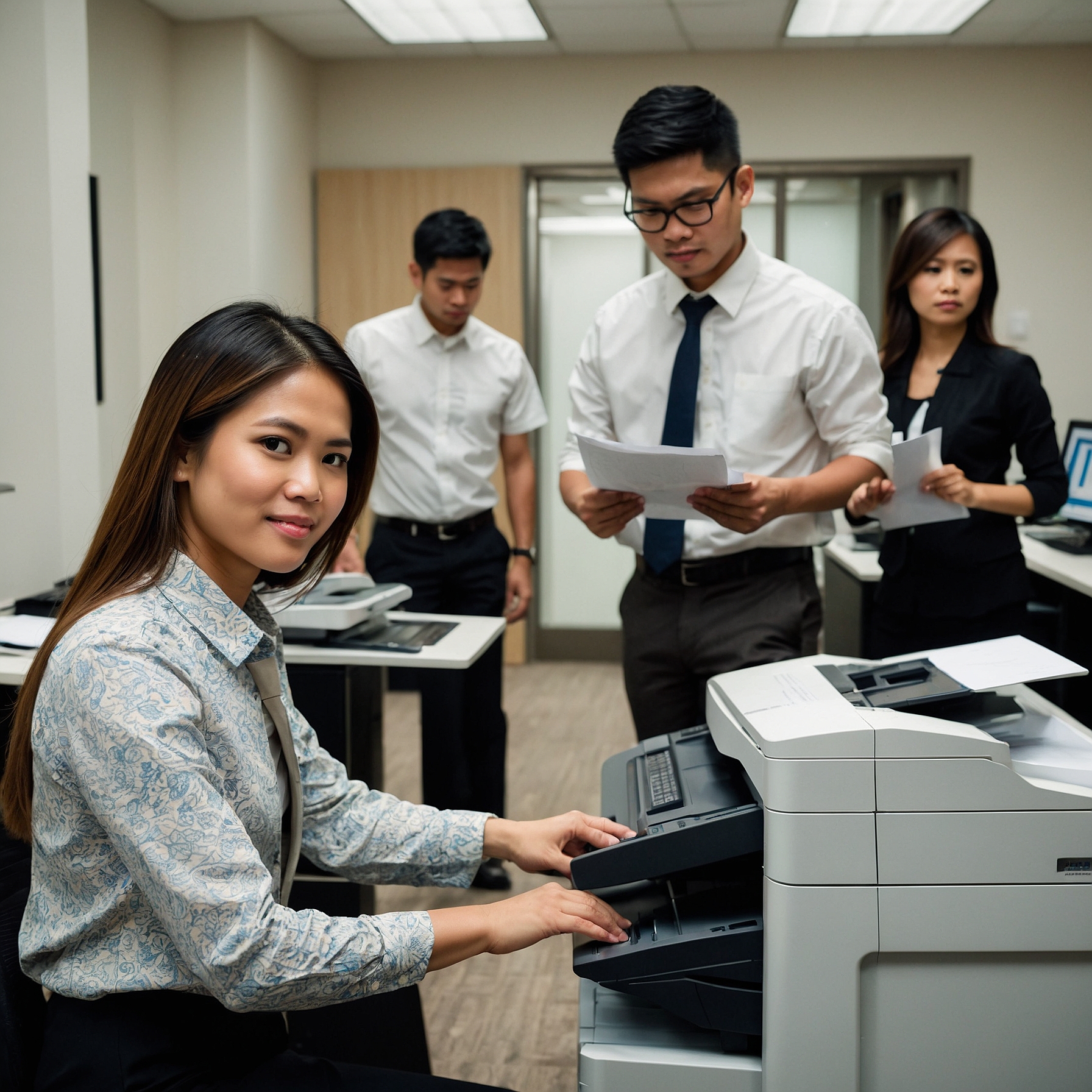
Why Training for Luxury Copier Use Matters
A luxury copier is more than a print machine—it’s a smart device with advanced capabilities that support office productivity. Without training, these features often go unused or misused, leading to:
Wasted paper, toner, and time
Increased service calls
Security risks due to improper usage
Employee frustration and lost productivity
Proper training ensures users feel confident, workflows become efficient, and your investment is fully maximized.
What Should Copier Training Include?
Effective training for luxury copier use should cover more than just “how to print.” Here's a breakdown of key topics every team should learn:
1. Basic Operations
Even experienced users need a refresher when working with a new model. Cover:
Powering on/off
Paper loading and tray adjustment
Using the control panel
Troubleshooting common errors (e.g., paper jams)
2. Advanced Features
Luxury copiers come with built-in tools to improve productivity:
Stapling, folding, and booklet-making
High-volume print settings and queue prioritization
Secure print and scan release
Email and cloud integration (Google Drive, OneDrive, Dropbox)
Explore how these features connect to your systems in Integrating Luxury Copiers with IT Systems.
3. Security Protocols
Modern copiers are gateways to sensitive data. Training should include:
User authentication (PIN, card, biometric)
Handling scanned files securely
Deleting stored data after jobs
Recognizing phishing and malware risks from connected networks
4. Maintenance Awareness
While technicians handle full maintenance, users should be trained to:
Refill paper and toner
Identify when service is needed
Use eco-friendly settings to save energy and resources
Who Should Receive Copier Training?
Training isn’t just for the IT department. A wide range of employees benefit, including:
Administrative staff who print and scan daily
Managers and executives who handle confidential documents
IT personnel who integrate the copier with other systems
Event or project-based staff using temporary setups
Planning a conference or trade event? You might also explore Luxury Copiers for Special Events, where short-term copier rentals include user orientation.
Methods for Delivering Copier Training
Training doesn’t have to be complicated or time-consuming. Choose a delivery method that suits your team:
1. Onsite Demonstration
When the copier is delivered, many providers offer a live demo. This is perfect for hands-on learning and team Q&A.
2. Video Tutorials
Short video clips can walk users through key functions. Ideal for quick refreshers or new employee onboarding.
3. Printable Quick Guides
Keep laminated quick reference sheets near the copier for frequently used features and troubleshooting tips.
4. Live Webinars or Remote Support
For larger teams or remote offices, a virtual walk-through can cover usage across departments or locations.
Ongoing Training and Support
Technology changes, and so do team members. Ongoing support is essential to keep copier use smooth and efficient. Consider:
Monthly or quarterly refresher sessions
Including copier training in your new hire process
Offering “super user” training to admin leads or power users
Scheduling updates when system upgrades occur
This approach keeps your office running efficiently and ensures new copier features are actually used—not ignored.
Training ROI: Why It Pays Off
Training is an investment that delivers clear returns:
| Benefit | Result |
|---|---|
| Reduced user errors | Fewer support calls and downtime |
| Maximized features | Improved productivity and output quality |
| Higher employee satisfaction | Confidence and ease in daily tasks |
| Stronger security | Reduced risk of data breaches |
In short, training protects your copier, your data, and your staff’s time.
What to Know Before You Rent or Buy
If you're deciding whether to purchase or rent, keep in mind that training is often included in rental plans. This makes renting an attractive option, especially for fast-growing businesses or temporary needs.
Compare the pros and cons of each in this helpful guide on Renting vs. Buying Luxury Copiers.
Additionally, many providers offer flexible Financing Options for Luxury Copier Rentals that include onboarding support and long-term training as part of the package.
Final Thoughts
Proper training for luxury copier use bridges the gap between having advanced technology and actually using it to its full potential. Whether you're integrating a new copier into your office or rotating staff through a shared machine, the right training plan ensures your team is equipped, confident, and efficient.
Don't let your investment go underutilized. Teach your team to work smarter—with the right tools and the right know-how.
Need help setting up copier training for your business?
Visit Marga Copier Rental to get expert guidance, custom onboarding, and high-end copier solutions tailored to your workflow.
✅ Yoast SEO Optimization Summary
Focus Keyword: Training for Luxury Copier Use (used in title, first paragraph, subheadings, and conclusion)
Outbound Links Used: