
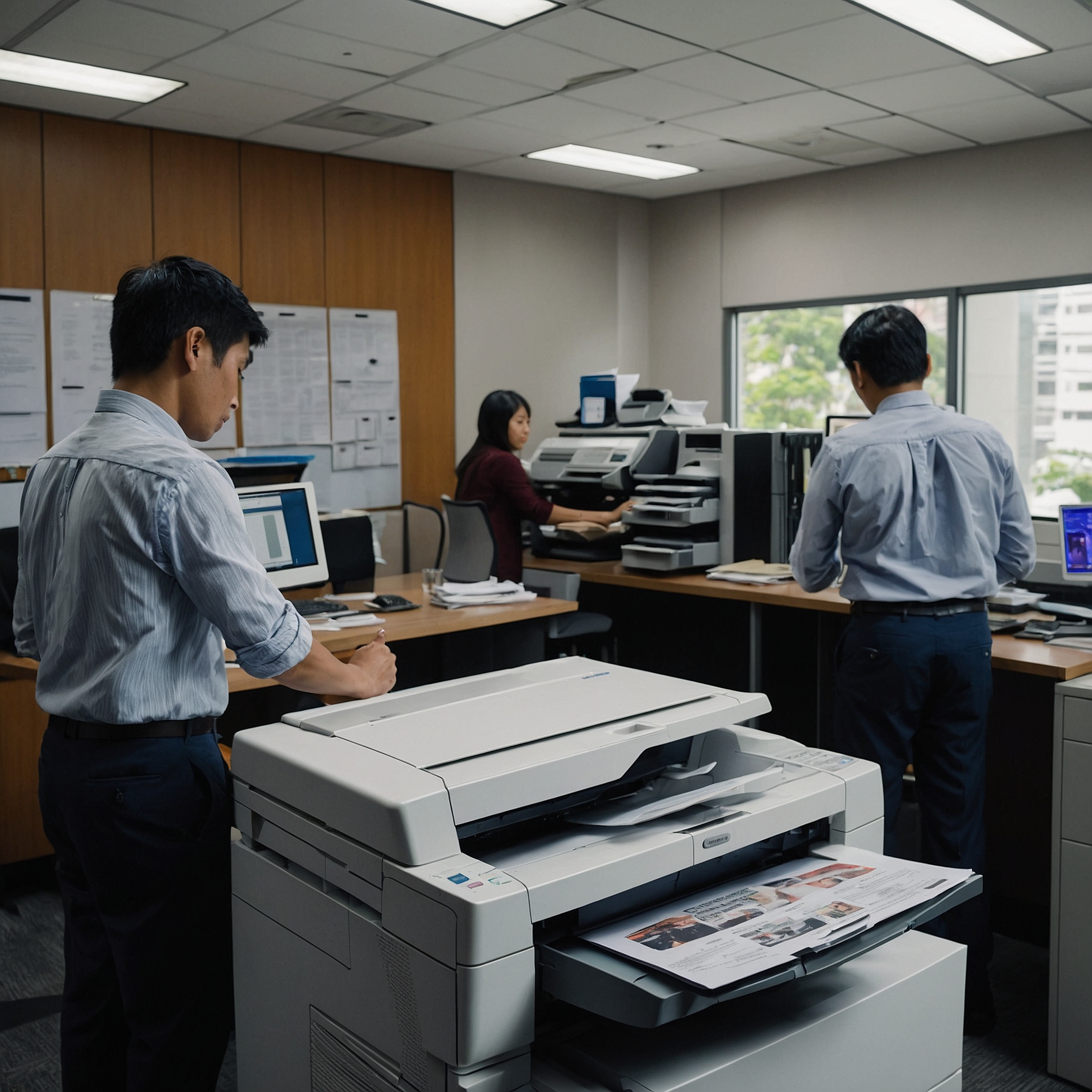
When choosing a copier, understanding the technological features: digital vs. analog can guide you to a smarter decision. While analog machines stick to basics, digital copiers bring advanced capabilities—from network connectivity to eco-friendly modes. This post breaks down their main differences so you can align copier tech with your business needs.
What Defines a Copier’s Technology?
Before jumping in, let’s clarify what we mean by technological features:
Connectivity: Wi‑Fi, Ethernet, USB, and cloud access
Interface & Usability: Touchscreens, presets, and shortcuts
Advanced Functions: Scanning, fax, duplex printing
Smart Features: Diagnostics, energy-saving modes, firmware updates
Now let’s explore how analog and digital copiers measure up.
1. Connectivity and Workflow Integration
Analog copiers are standalone devices with limited or no connectivity. You press Copy, and the job starts—simple but isolated.
In contrast, digital copiers are designed for modern workflows. They support:
Network printing
Mobile device printing
Scan-to-email or scan-to-cloud (Google Drive, SharePoint)
Integration with document management systems
Businesses aiming for digital efficiency should explore integration options in Integration with Digital Workflows. This makes cloud-prints and scanned archives seamless.
2. User Interface & Ease of Use
Analog copiers rely on physical buttons and no-nonsense operation—ideal for users who want no learning curve.
Digital copiers, however, offer:
Touchscreen displays
Customizable shortcuts
On-screen guides and help menus
While they require some setup, digital interfaces streamline complex tasks like duplex printing or secure release. Learn more about how they help businesses grow in Scalability with Business Growth.
3. Efficiency and Energy Features
Analog copiers are always warmed and ready—efficient for small tasks, but wasteful over time.
Digital machines outshine here, offering:
Auto-sleep and eco‑modes
Quick wake-ups
Lower energy usage in standby
These make a real difference in utilities and sustainability efforts. See how this ties into environmental impact in Environmental Impact of Digital vs. Analog Copiers.
4. Smart Diagnostics and Maintenance
Analog copiers require manual cleaning and troubleshooting.
Digital copiers include:
Self-diagnostics
Firmware updates
Remote system monitoring
These increase uptime and reduce technician visits. For full lifecycle planning, check out Durability and Longevity of Copiers.
5. Advanced Features for Business
Digital copiers offer extras like:
Secure print release (PIN or badge access)
On-board encryption
Audit logs for compliance
Automatic document workflows (scan→email→archive)
These smart features elevate document management and security.
Visual Comparison
| Feature | Analog Copier | Digital Copier |
|---|---|---|
| Connectivity | None | Network, Wi‑Fi, cloud-enabled |
| Interface | Physical buttons | Touchscreen, menus, help guides |
| Energy Efficiency | High idle usage | Eco-mode, auto-sleep, ENERGY STAR certified |
| Maintenance | Manual | Auto-diagnostics, firmware updates |
| Security & Compliance | Basic | Secure release, encryption, logs |
| Scalability | Limited | Expandable features and software updates |
Final Thoughts
Reviewing technological features: digital vs. analog, it's clear that digital copiers offer much more—especially for connected, modern offices. They enhance productivity, security, and sustainability, while analog machines keep things simple.
If you need mobility, integration, or future-forward features, digital copiers are the smarter choice. For traditional, low-tech needs, analog may still hold value—but digital tech is rapidly becoming the standard.
Meta Description (Yoast SEO):
Explore technological features: digital vs. analog copiers. Compare connectivity, energy savings, smart functions, and workflow integration to make the best choice.