
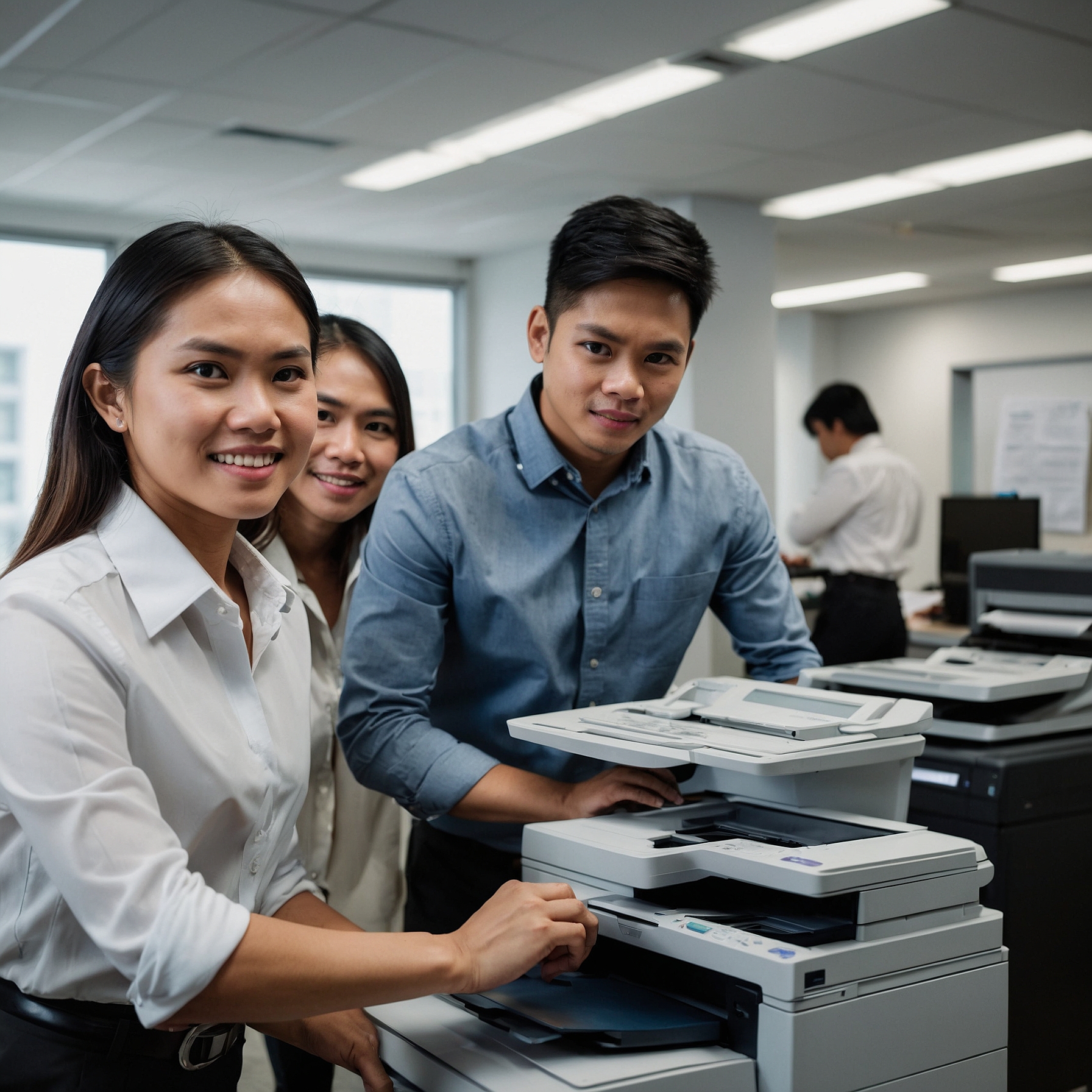
In today’s mobile and fast-paced work environments, copier rentals offer flexibility and convenience—especially for temporary offices, off-site projects, and large-scale events. However, with this convenience comes responsibility: the need to protect sensitive information. This is why understanding security measures for mobile copier rentals is critical.
Mobile copiers often process confidential business documents, employee records, legal forms, and more. If left unprotected, these machines can become an entry point for data breaches and unauthorized access. In this post, we’ll explore essential security measures to help you safeguard your data when renting mobile copiers.
Why Copier Security Shouldn’t Be Overlooked
While most businesses focus on digital security, they often forget that printers and copiers are also endpoints. When not properly secured, these machines can:
Store copies of printed/scanned documents
Be accessed remotely via unsecured Wi-Fi
Retain data in memory even after rental ends
Allow unauthorized users to print or scan
Mobile copiers are especially vulnerable due to frequent setup changes, shared access, and outdoor or semi-public locations.
To understand how these devices are used in varied settings, check out this Overview of Mobile Copier Rentals.
Top Security Measures for Mobile Copier Rentals
1. Enable User Authentication
Use access control features such as:
PIN codes
ID card readers
User logins
These prevent unauthorized printing or scanning. Many modern mobile copiers support these features out of the box.
2. Secure Network Connections
If your copier connects to Wi-Fi or a shared network, use encrypted connections and avoid public or open networks. Configure:
WPA2/WPA3 wireless encryption
VPN access when available
Disabling direct printing from unauthorized devices
Also, turn off unnecessary ports like FTP, SMB, or Telnet unless specifically needed.
3. Automatically Delete Print Jobs
Set up the copier to automatically delete print, scan, or fax history after each job. This ensures documents don’t stay in memory where others might access them.
Some models offer “secure print” modes, where documents are only printed after the user enters a PIN on the device itself.
4. Restrict Physical Access
When using a copier in shared or semi-public environments—such as event venues or open offices:
Position the copier in a staff-only area
Lock paper trays and control panels if the machine supports it
Monitor the copier during peak usage periods
5. Wipe Memory Before Returning
Before the end of your rental period, request a full data wipe. This clears the copier’s internal memory or hard drive of any stored documents or activity logs.
Reputable providers will assist with secure resets. If in doubt, ask in advance whether data sanitization is included.
6. Use Encrypted Storage
If your copier uses onboard storage for holding documents, ensure it is encrypted. Some models allow encrypted PDF scans or password-protected file storage to limit document access.
If you frequently work with sensitive documents, consider Selecting the Right Mobile Copier with enhanced security features built-in.
7. Regular Security Checks
If the copier will be on-site for several days or weeks:
Run weekly checks for unusual activity
Clear logs and queues regularly
Update firmware to patch known security vulnerabilities
This helps avoid issues caused by outdated software or unauthorized use.
Best Use Cases That Require Security
These event types and industries particularly benefit from strong copier security:
| Use Case | Reason Security is Important |
|---|---|
| Legal Events or Trials | Printing contracts and confidential records |
| Healthcare Missions | Scanning patient forms and prescriptions |
| Corporate Conferences | Handling attendee details and business data |
| Government Projects | Printing permits, plans, and ID documents |
To explore how different sectors benefit from mobile copier use, visit Mobile Copier Applications in Different Industries.
Benefits of Choosing a Security-Focused Rental Provider
Choosing a provider that prioritizes security measures for mobile copier rentals gives you peace of mind. Look for a company that offers:
Pre-configured secure settings
Support for encrypted printing and scanning
Post-rental data wiping
Fast-response technical assistance
To discover why more businesses are turning to mobile copier rentals, check out Benefits of Mobile Copier Rentals.
Final Thoughts
In a world where information flows quickly, protecting that information matters more than ever. Implementing the right security measures for mobile copier rentals isn’t just a technical detail—it’s a business necessity.
By combining smart configuration, responsible use, and choosing the right rental partner, you can confidently use mobile copiers without compromising your data.
To get expert assistance or review secure rental options, visit Security Measures for Mobile Copier Rentals – Marga Copier.