
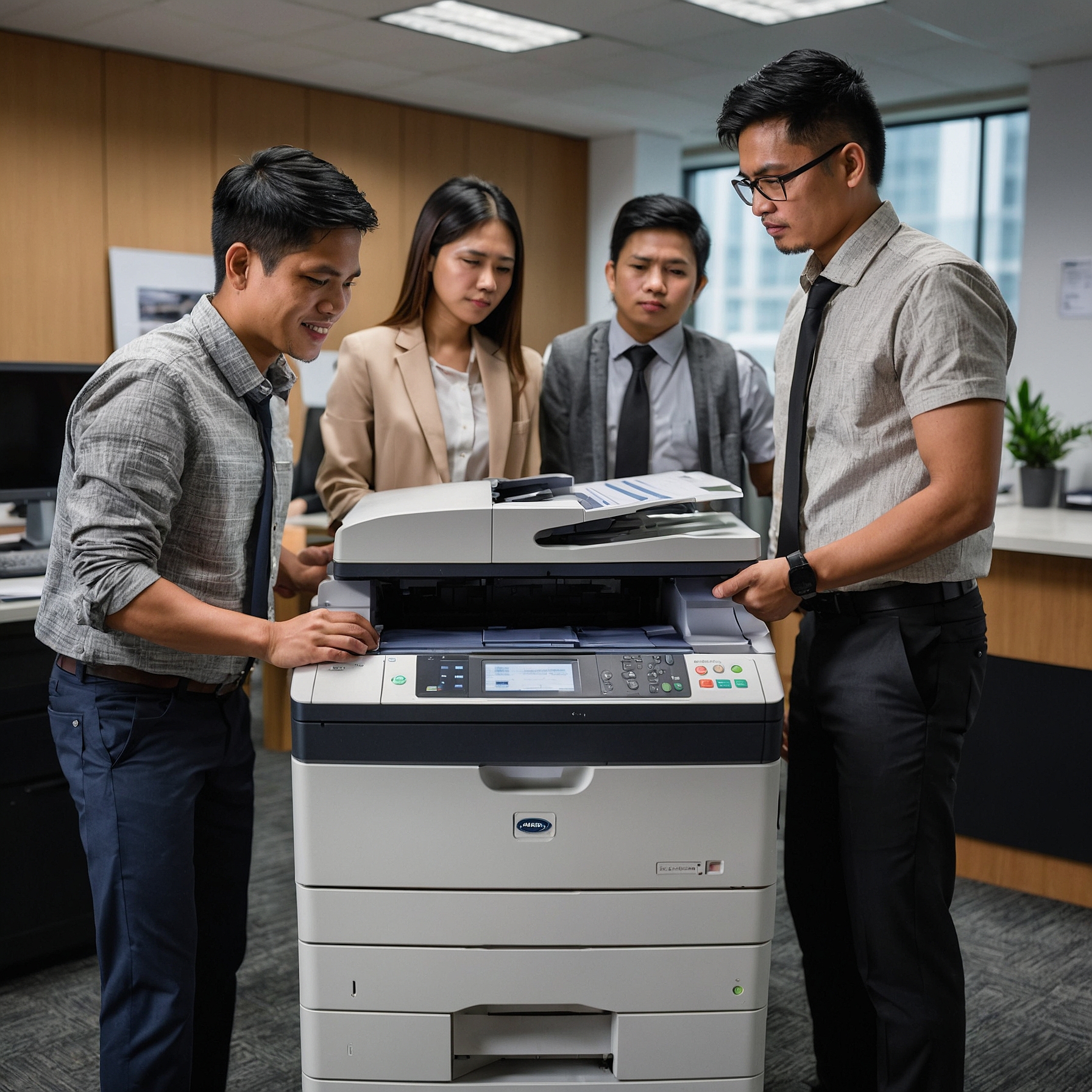
Why Security Matters in Office Copiers
Most businesses think of data security in terms of computers, email, or cloud storage. But copiers and multifunction printers (MFPs) also process, store, and transmit sensitive information. Without proper protections, these devices can become easy entry points for cyberattacks, internal misuse, or unintentional data exposure.
Luxury copiers, being fully integrated with business networks, require strict security measures that align with corporate IT standards.
Explore how these devices integrate securely in Integrating Luxury Copiers with IT Systems.
Top Security Features in Luxury Copiers
Let’s look at the most important security features that luxury copiers offer—and why they matter to your organization.
1. User Authentication and Access Control
Before a document is printed or scanned, luxury copiers require the user to verify their identity. This is typically done via:
PIN codes
ID cards or RFID badges
Biometric login (e.g., fingerprint)
Single Sign-On (SSO) with Active Directory
These access controls ensure that only authorized personnel can use the copier or retrieve sensitive prints. This prevents unauthorized use and keeps confidential documents secure.
2. Secure Print Release
In standard copier use, documents are often printed immediately and left unattended on the output tray. This poses a risk when dealing with payroll records, contracts, or medical data.
Luxury copiers solve this with secure print release, which holds a print job until the user physically arrives and authenticates at the device. This ensures that only the right person sees and collects the document.
3. Data Encryption and Secure Transmission
Luxury copiers encrypt data both in transit and at rest. That means:
Files sent from a user’s computer to the copier are encrypted
Stored documents on the copier’s hard drive are encrypted
Scanned documents sent via email or to the cloud are encrypted
This level of encryption prevents interception or unauthorized access—even if someone attempts to tap into the network or copier storage.
4. Hard Drive Overwrite and Auto Data Erase
Modern luxury copiers store temporary data on internal hard drives. If left unmanaged, this stored data can become a liability.
To address this, high-end copiers come with automatic hard drive wiping, also known as data overwrite. Some machines erase the memory after every job, while others offer scheduled or manual wipe options.
5. Audit Logs and Activity Tracking
Audit logs record user activity on the copier, including:
Who printed, scanned, or copied documents
When they accessed the machine
What functions they performed
This transparency is critical for compliance, especially in industries like healthcare (HIPAA), finance, and legal services. It also deters internal misuse.
6. Firmware Integrity and Anti-Tampering
Some luxury copier brands include security monitoring for firmware. This means the system checks its own software for unauthorized modifications and alerts administrators of suspicious activity.
In high-security environments, this feature protects against malware injection or system tampering—common methods used by cybercriminals to infiltrate corporate networks.
7. Cloud and Mobile Security
Since many luxury copiers allow users to print or scan from smartphones and cloud apps, these connections must also be secured. Most devices offer:
Two-factor authentication for mobile users
OAuth protocols for third-party integrations
Encrypted scan-to-email and scan-to-cloud options
These features ensure secure use even in hybrid or mobile-first offices.
Choosing a Copier with the Right Security
Not all luxury copiers are created equal. Some brands prioritize speed or design, while others focus heavily on security.
Here are key questions to ask when selecting a luxury copier for your business:
Does it support user authentication (PIN, badge, or biometric)?
Can it encrypt documents in transit and at rest?
Are secure print and data overwrite features included?
Can it generate audit logs for compliance purposes?
Does it offer secure mobile and cloud printing options?
If your office handles sensitive information—such as in finance, legal, HR, or healthcare—security should be a non-negotiable part of your copier selection process.
Security for Temporary or Event-Based Use
For short-term needs, like conferences, expos, or client meetings, security may be just as critical—especially when handling proprietary or confidential materials.
Some providers offer luxury copiers for special events with pre-configured security settings and temporary user access. Learn more about this option in Luxury Copiers for Special Events.
Is Renting a Secure Option?
Absolutely. In fact, renting luxury copiers often includes professional setup, secure configuration, and ongoing maintenance—all critical for maintaining security over time. Providers typically handle software updates, security patches, and configuration support.
Compare the pros and cons in this guide on Renting vs. Buying Luxury Copiers.
If you’re considering leasing high-end equipment but need flexible terms, see your Financing Options for Luxury Copier Rentals to find a plan that meets your budget and security needs.
Final Thoughts: Make Copier Security a Priority
When businesses think about cybersecurity, they often overlook the office copier. But with documents being scanned, stored, and transmitted every day, these machines are a vital part of your data security strategy.
Security Features in Luxury Copiers offer the tools you need to control access, protect data, and comply with privacy standards. Whether you’re renting or buying, be sure to choose a model that matches your organization’s security goals.
Ready to protect your workplace documents?
Explore secure copier rental solutions at Marga Copier Rental and ensure your business stays one step ahead.
✅ Yoast SEO Optimization Summary
Focus Keyword: Security Features in Luxury Copiers (used in title, first paragraph, subheadings, and conclusion)
Outbound Links Used: