
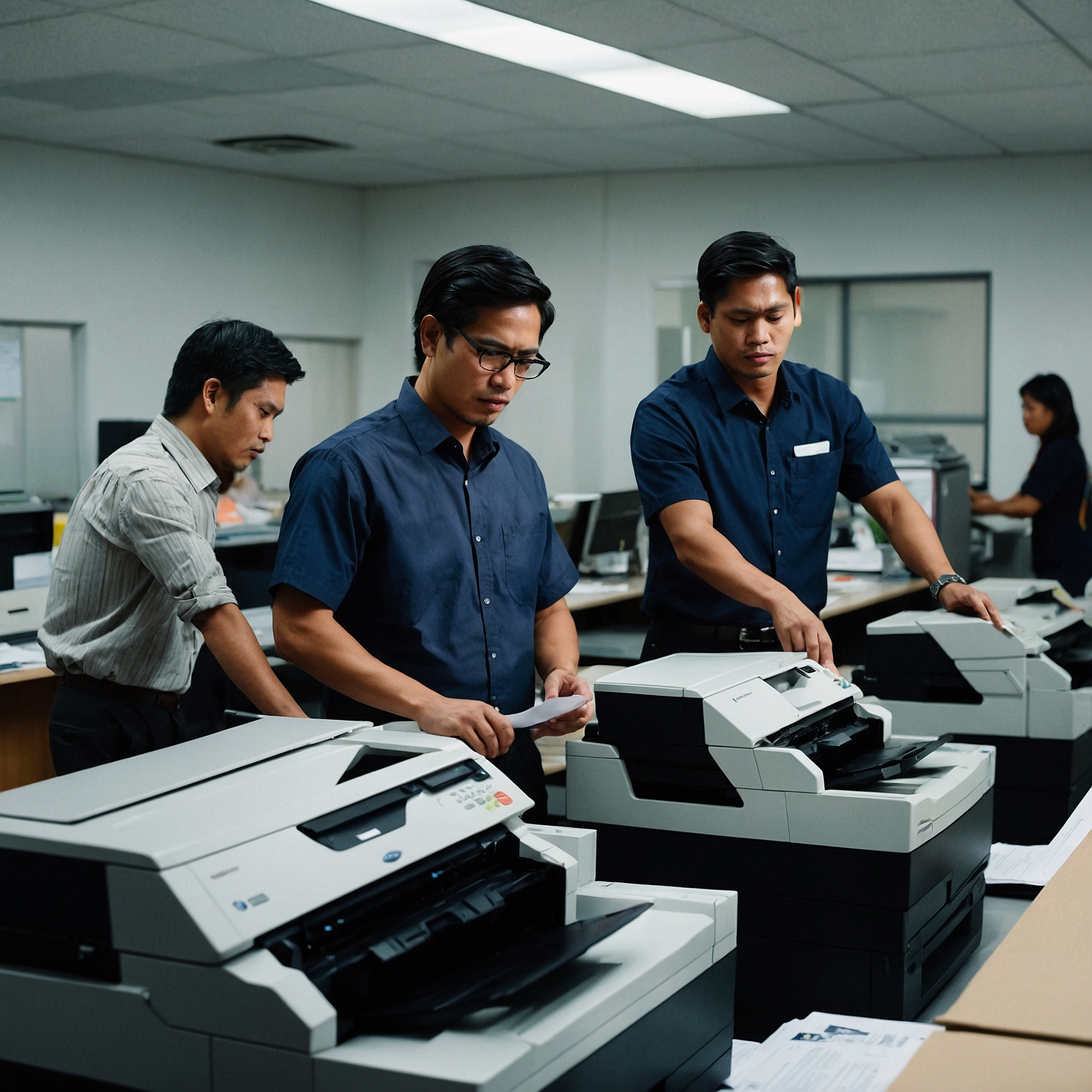
When your printer suddenly stops working—whether it’s during a busy office day or a crucial event—every second counts. Thankfully, remote support for printer issues is now a fast and efficient solution that many businesses rely on to minimize downtime.
In this blog post, we’ll explore what remote printer support is, how it works, its benefits, and how to make the most of it. If you're managing printers for your business, this guide will help you stay prepared and productive.
What Is Remote Support for Printer Issues?
Remote support means that a technician can access your printer settings, drivers, and system diagnostics over the internet without needing to physically visit your office. This is done through secure software that allows technicians to:
Diagnose the issue
Reset settings
Update drivers
Configure print queues
Guide users step-by-step via chat or call
This kind of support is especially useful for rented or network-connected printers in office settings or remote work environments.
Why Remote Support Is Essential Today
In today’s fast-paced world, printer problems can lead to workflow disruptions, missed deadlines, and frustrated staff. Remote support provides:
Instant Help: Technicians can access the system immediately.
Reduced Downtime: Quick fixes mean your team can return to work faster.
Lower Costs: No need for travel expenses or wait times.
Secure and Safe: Modern remote support tools offer encryption and access control.
👉 If your business relies on rented printers, make sure your service includes remote diagnostics.
Learn more: Emergency Printer Support Services
Common Printer Issues Resolved via Remote Support
Here are the most frequent issues that can be addressed remotely:
1. Driver Conflicts or Missing Drivers
Technicians can reinstall or update drivers on your machine to fix printing errors.
2. Network Connectivity Problems
Remote support can diagnose IP configuration issues or help reconnect wireless printers.
3. Print Queue Errors
Stuck print jobs? A remote technician can clear the queue or reset the spooler service.
4. Configuration Errors
Wrong paper sizes, tray selections, or duplex settings can often be fixed remotely.
5. Firmware Updates
Keeping printer firmware up to date improves performance and security—and this can be done remotely.
How Remote Support Works (Step-by-Step)
Here’s what typically happens when you contact your provider for remote support for printer issues:
Initial Contact
You reach out via phone, email, or a help desk ticket.
Remote Access Setup
A secure link or software like AnyDesk, TeamViewer, or a proprietary system is used.
Diagnosis
The technician reviews system logs, checks printer settings, and tests functionality.
Issue Resolution
Problems are fixed remotely, or you're guided through simple tasks on your end.
Follow-Up
The technician ensures everything is working before ending the session.
When Remote Support Isn’t Enough
Not all issues can be solved remotely. Some problems may require on-site repair, such as:
Hardware malfunctions (e.g., paper jam in rollers or broken trays)
Damaged parts
Power supply issues
Physical wear and tear
That’s why it’s important to choose a printer rental provider that offers both remote and emergency on-site support.
👉 Read more: Warranty and Maintenance Coverage
Benefits of Including Remote Support in Your Printer Rental Package
If you’re renting your printers, make sure your service agreement includes remote support. Here's why:
Convenience: Support is just a call or message away.
Proactive Maintenance: Remote technicians can sometimes identify issues before they cause major problems.
Cost Control: Avoid unexpected expenses by resolving issues without a site visit.
Scalability: Perfect for businesses with multiple locations or hybrid setups.
👉 Check if your provider includes remote support in their packages:
Maintenance Costs for Rental Printers
Best Practices to Maximize Remote Support Efficiency
To get the most out of remote support, follow these simple practices:
1. Keep Printer Software Updated
Always update drivers and firmware to ensure compatibility and performance.
2. Maintain a Stable Network
A reliable internet connection helps technicians resolve issues quickly without dropouts.
3. Document Errors
Before calling support, take note of error messages, print failures, or observed problems. Screenshots help too!
4. Grant Access Promptly
Be ready to authorize remote access through your system to avoid delays.
👉 Explore more: Best Practices for Printer Maintenance
Remote Support for Remote Teams
With more teams working from home, remote printer support is not just convenient—it’s essential. Whether a staff member is printing invoices or certificates at home, IT technicians can help them configure settings or troubleshoot from a distance.
Benefits for remote teams include:
Keeping employees productive without returning to the office
Fast setup of new printers on remote systems
Supporting mobile printing on various devices
Choosing the Right Provider for Remote Printer Support
When comparing printer rental or service providers, ask these questions:
Is remote support included in the service plan?
What hours is support available (24/7, business hours only)?
Do they offer multilingual or local language support?
What platforms/tools are used for remote access?
Is there an escalation path to on-site repair if needed?
👉 For a reliable partner, consider providers offering full emergency and remote services:
Emergency Printer Support Services
Final Thoughts: Stay Prepared, Stay Productive
Remote support for printer issues is a game-changer for businesses that rely on efficient, uninterrupted printing. Whether you're managing office documents or hosting high-volume events, having remote support in place ensures your team stays focused—not frustrated.
Make sure your printer rental agreement includes remote diagnostics, service coverage, and a plan for escalations. That way, you’re ready for anything—with confidence and speed.
Need a rental provider with fast, expert support?
Visit Marga.biz to learn more about remote and emergency printer support services that keep your business moving.