
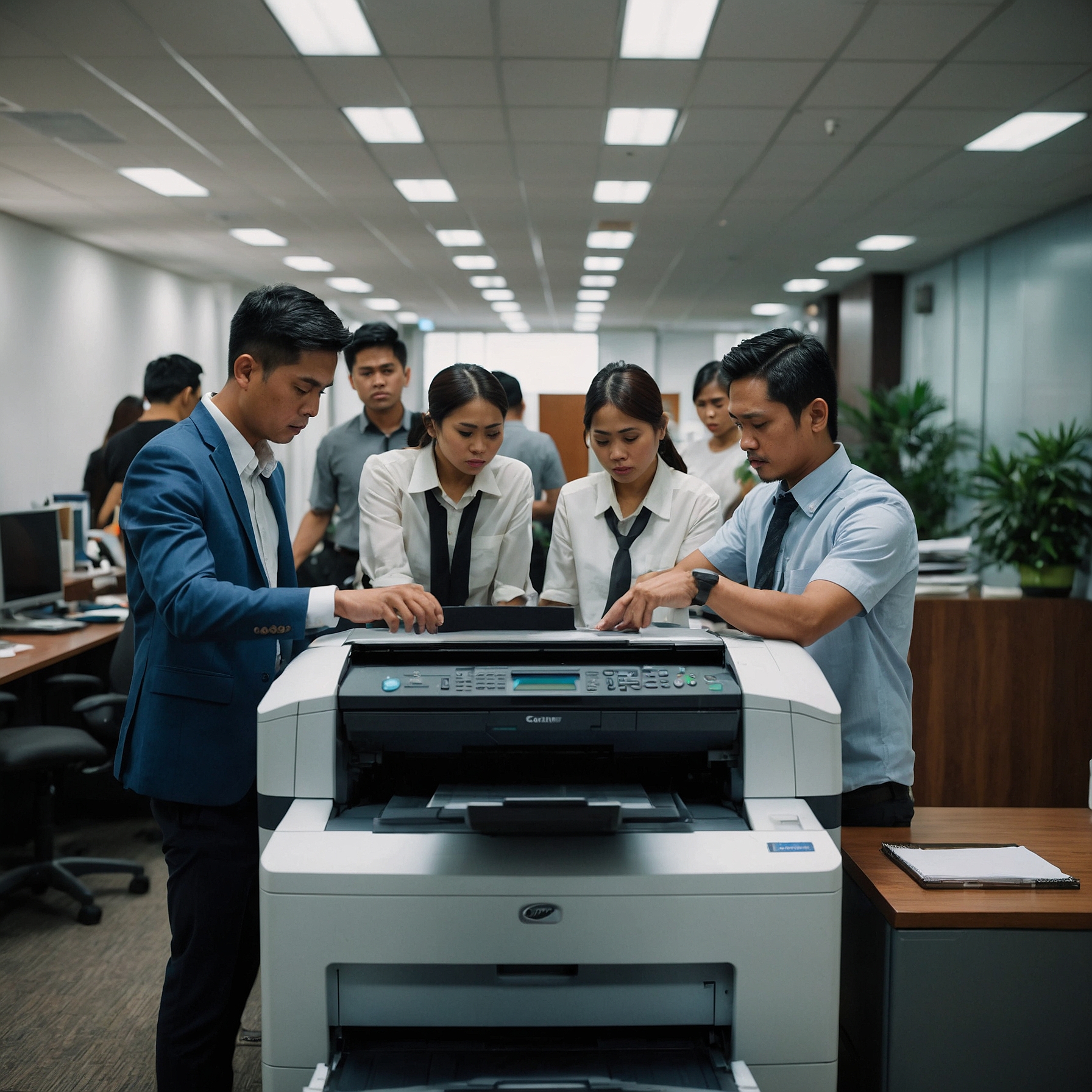
Printer Maintenance for Remote Workers is more important now than ever before. As remote and hybrid work models continue to grow, more professionals rely on their home printers for essential documents, contracts, reports, and even scanned materials. While modern printers are designed for convenience, they still require regular upkeep to function smoothly.
If you’re a remote worker, knowing how to maintain your printer can help reduce unexpected breakdowns, save on repair costs, and extend the life of your equipment. This guide outlines easy, practical maintenance tips so you can avoid printing issues and keep your home office running efficiently.
Why Printer Maintenance Matters in Remote Work
Without the help of office IT teams, remote workers must take on the responsibility of caring for their own equipment. Here are some common challenges:
Paper jams at the worst possible time
Ink and toner issues during deadlines
Slow or unresponsive printing when it matters most
Wasted paper and energy
By performing basic maintenance regularly, you’ll minimize downtime and ensure smoother operations throughout your workday.
1. Keep Your Printer Clean
Dust and debris are a printer’s worst enemy. Over time, they can clog paper feeds and lead to frequent paper jams or print errors.
Quick Tips:
Use a soft, lint-free cloth to wipe down the exterior weekly
Clean the paper tray and rollers with a slightly damp cloth
Open the printer occasionally to remove dust buildup inside
Be cautious not to touch any internal components unless your manual says it’s safe to do so. Keeping your environment clean also helps—especially if your workspace doubles as a dining area or shared family room.
2. Update Your Printer Firmware and Drivers
Outdated firmware can cause communication issues between your computer and printer. Always check the manufacturer’s website for the latest updates.
How to Stay Updated:
Set up automatic software updates, if supported
Visit your printer brand’s support page once a month
Restart your printer after updates for best results
Regular software maintenance helps protect against bugs, enhances functionality, and sometimes improves energy efficiency.
3. Use Eco-Friendly Inks and Toners
Did you know that using eco-friendly ink and toner options is not only better for the environment but also healthier for your printer? Many remote workers overlook this.
By using sustainable options, you reduce chemical exposure in your home and support long-term printer health. Learn more about environmentally safe options here.
4. Check for Paper Quality and Storage
Cheap or improperly stored paper is a common cause of jams and misfeeds. Moisture in the paper can also cause blurry prints.
Best Practices:
Store paper in a dry, sealed container
Use the type and weight recommended for your printer
Avoid mixing different paper types in one tray
Using high-quality paper not only prevents issues but also improves print clarity—especially important for client-facing documents.
5. Replace Consumables Before They Run Out
Ink and toner levels should be monitored regularly. Waiting until they’re empty can cause the printer to dry out or damage internal components.
Smart Tip:
Refill when you see the low ink warning, not when the print fades
Stock backup cartridges for urgent needs
Consider subscribing to automatic delivery services
If you’re renting your printer, ask if your provider includes a recycling program for used cartridges. Learn more here.
6. Perform Monthly Print Head Cleaning
Inkjet printers need their nozzles cleaned to avoid clogs. Most printers have a built-in utility for this.
To Clean Print Heads:
Access your printer’s maintenance settings
Run the print head cleaning cycle
Print a test page to check quality
If the results are still patchy, you may need to repeat the process or clean manually as instructed in your printer’s manual.
7. Keep Your Printer in an Energy-Efficient Setup
Remote workers often leave printers on 24/7. While convenient, this wastes energy and wears out components faster.
Better Energy Practices:
Turn off the printer when not in use
Use sleep mode or eco-mode when available
Place the printer in a ventilated area away from heat
Many energy-efficient printers come with settings and certifications that reduce power consumption. Explore more here.
8. Rent Instead of Buy for Easier Maintenance
If you’re tired of managing upkeep on your own, consider a printer rental. Rental services often include:
Regular maintenance
Ink and toner delivery
Repair and replacement coverage
Access to newer, eco-certified models
These services can help reduce long-term costs while offering convenience and sustainability. Check out the cost advantages here.
9. Choose Sustainable Printer Options
Remote work is here to stay, and so is the impact our home offices have on the planet. Consider selecting a printer made from sustainable materials, or one that has eco certifications that support responsible manufacturing practices.
Learn about certifications for eco-friendly printers here
Explore sustainable materials in printers here
Going green doesn't mean giving up performance. In fact, many eco-friendly printers are designed to be more efficient, lasting longer with fewer breakdowns.
10. Create a Simple Maintenance Schedule
To make maintenance easy, set a recurring calendar reminder with these tasks:
| Frequency | Task |
|---|---|
| Weekly | Clean exterior and paper tray |
| Monthly | Run print head cleaning, check firmware |
| Bi-Monthly | Replace toner or ink if low |
| Quarterly | Clean internal parts, review energy settings |
You can also keep a small log of maintenance activities and issues to catch recurring problems early.
Final Thoughts
Printer Maintenance for Remote Workers doesn't have to be a chore. With just a few small habits, you can avoid common frustrations and keep your home office running efficiently. Whether you're printing invoices, contracts, or creative designs, a well-maintained printer supports productivity and professionalism.
And if you're serious about convenience and sustainability, consider switching to an eco-friendly printer rental that includes maintenance and supports environmental responsibility. Browse the latest insights and reviews here.