
Maximizing Efficiency with Printer Rental: A Comprehensive Guide for Businesses
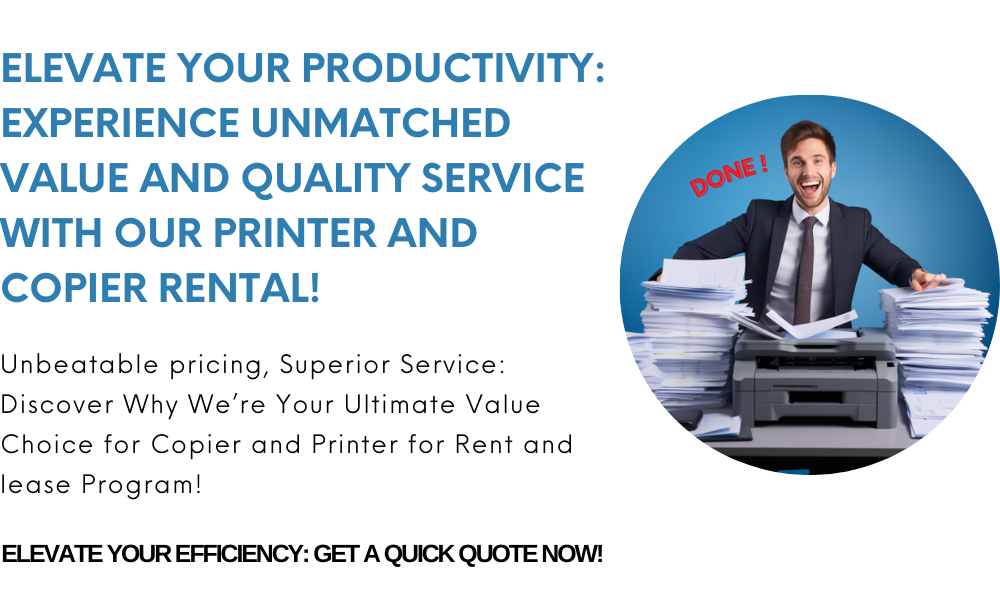 09171642540 / 09614481276 / 02-721-69-415
email: marga.enterprises2013@gmail.com
Send Message
09171642540 / 09614481276 / 02-721-69-415
email: marga.enterprises2013@gmail.com
Send Message
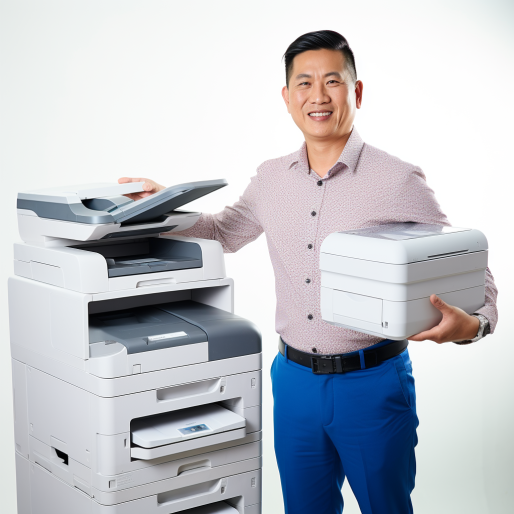
Looking for a clear path to choosing and managing copier rentals without frustration? This Efficient Copier Rental Guide is here to help! From selecting the right model to maintaining peak performance, we’ll walk you through best practices, essential service agreements, and troubleshooting tips.
Why Efficiency Matters in Copier Rentals
Firstly, renting copiers offers flexibility compared to buying—but without the right approach, costs and downtime can escalate. And yet, with proper planning, you can enjoy:
Predictable budgeting through bundled contracts
High uptime, even during heavy-use seasons
Up-to-date features, without long-term commitment
Consistent, high-quality prints—ideal for business continuity
1. Choose the Right Copier for Your Needs
To begin, analyze your typical printing workload:
Daily volume (pages, colour vs. B&W, duplex printing)
Peak demands, such as events or busy periods
Essential features, like secure printing, scanning, or cloud integration
Match these needs to models with appropriate speed, paper capacity, and support features.
2. Include Comprehensive Maintenance
Next, ensure your rental covers routine care to prevent downtime:
Internal cleaning, roller maintenance, and firmware updates
Consumable replacements—including toner, drums, and filters
Remote diagnostics to address issues before they escalate
👉 Learn the importance of upkeep here: Routine Maintenance for Rental Copiers
3. Establish a Clear Service Agreement
Then, set expectations through a detailed contract:
Guaranteed response times, such as 4-hour or next-day service windows
On-site visits at regular intervals or upon request
Inclusion of parts and labor, plus consumables in rental packages
👉 Discover key clauses here: Service Agreements for Copiers
4. Choose the Right Support Options
Moreover, support quality can make or break your experience:
24/7 remote helpdesk support for quick fixes
Emergency repair services for urgent needs
Hybrid plans combining onsite and remote solutions
👉 Explore your support choices: Copier Support Options
5. Prepare for Emergencies
Also, plan for crisis scenarios by including fast repair terms or backup units in your rental plan:
Emergency call-out services to minimize disruption
Temporary loaner units to maintain productivity
Clear processes for staff to request emergency help quickly
👉 Get coverage details: Emergency Copier Repair Services
6. Troubleshoot Common Issues Quickly
Even with support, basic issues may arise—handle them efficiently:
Paper jams: address feed path at first sign
Poor print quality: wipe rollers, replace toner, alert provider
Error codes: refer to troubleshooting guides, then escalate if unresolved
👉 Use this guide: Troubleshooting Common Copier Issues
7. Monitor Usage and Feedback
In addition, maintain performance through:
Usage logs: track print counts, error trends
Staff feedback: gather insights on speed, quality, and usability
Service review meetings: quarterly check-ins with vendor
Adapt rental terms or models based on actual data to optimize value.
8. Optimize and Renew Strategically
Lastly, stick to these best practices:
Align rental with your peak cycles (tax seasons, exams, events)
Negotiate upgrades or volume changes mid-contract
Benchmark costs against market rates at renewal time
Plan for strategic replacement before issues begin
Final Thoughts
In sum, this Efficient Copier Rental Guide outlines everything you need: from choosing suitable machines to maintaining them, handling emergencies, and renewing wisely. Follow this roadmap to ensure your copier rental supports productivity without unexpected costs or downtime.