
Making the Most of Your Printer Lease: Expert Tips and Insights
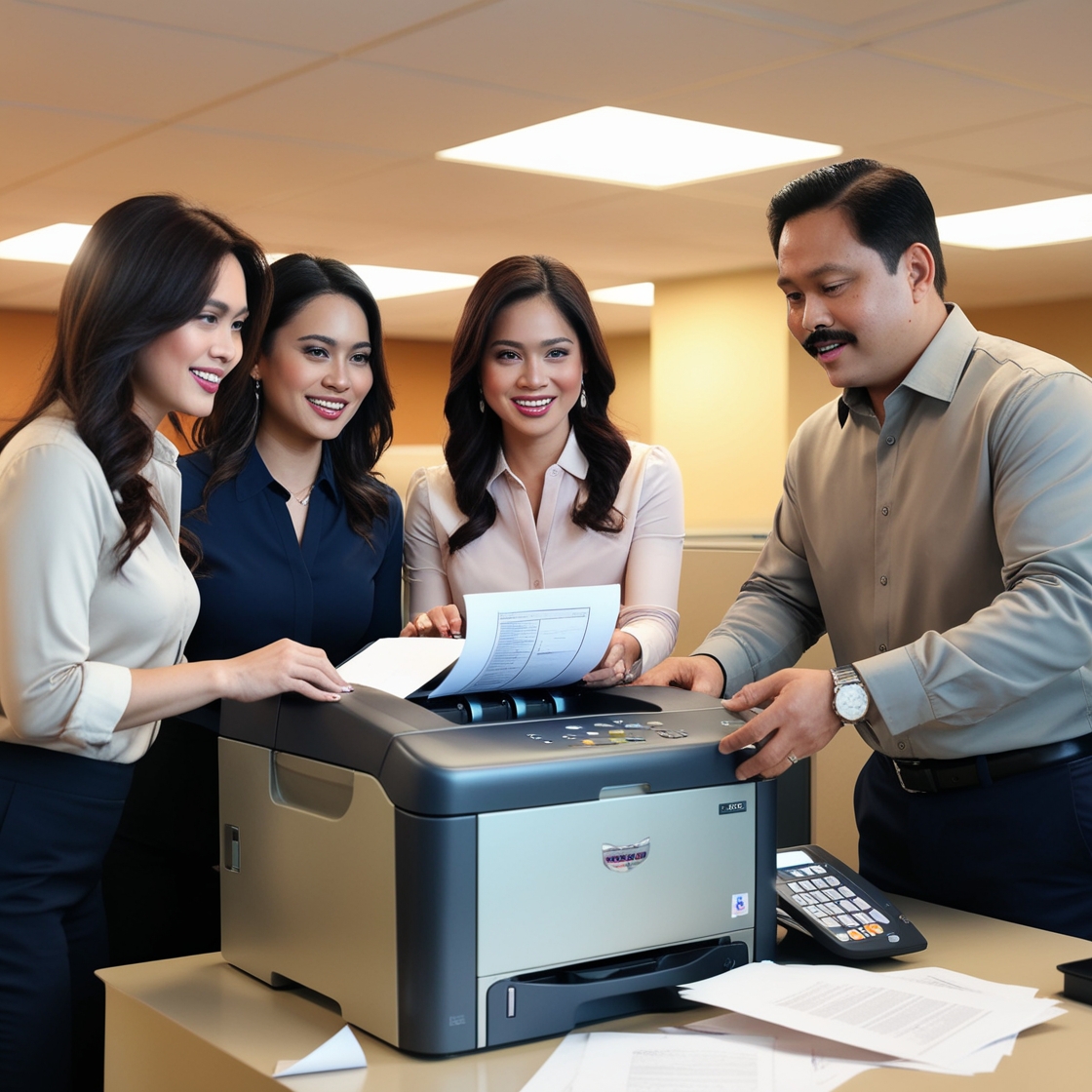
Leasing a printer is a smart move for many businesses looking to save on upfront costs while still accessing high-quality equipment. However, getting the most out of your lease requires strategy. In this guide, we share Expert Tips and Insights to help you make the most of your printer lease—from choosing the right plan to maximizing its value throughout the agreement. Whether you’re a startup or an established business, these tips can boost your efficiency and ensure a smooth, cost-effective experience.
Why Optimizing a Printer Lease Matters
First and foremost, leasing a printer should be a strategic advantage—not just a stopgap. Moreover, with smarter lease management you can:
Reduce total cost of ownership
Avoid equipment surprises and downtime
Stay adaptable to evolving business needs
Leverage modern technology without major investments
In other words, making the most of your printer lease is about aligning your print strategy with business growth. With that in mind, here’s how to do it.
1. Choose the Right Lease Agreement
Match Lease Duration to Your Business Plan
To begin with, think about how long you actually need the printer. Often, leases run 12–60 months. If your team is growing fast—or downsizing—go for a shorter or flexible term.
Include Upgrades and Swap Options
Additionally, consider a contract with built-in upgrades. This ensures you can switch to newer, faster, or more eco‑friendly models as required—without waiting for your lease to end.
Factor in Service and Supplies
Most leases include toner and maintenance, but be sure to read the fine print. For instance, are spare parts, emergency repairs, or consumables covered—or are they extra?
2. Optimize Printer Placement and Network Setup
Central vs. Distributed Printing
Furthermore, think strategically about where to place your printer:
A central office printer works well if most users are in one location.
Conversely, multiple smaller units may suit distributed or remote teams better.
Go Wireless or Networked
Moreover, networked or wireless setups allow easy printing from laptops, tablets, and phones—wherever your team works. As wireless connectivity becomes the norm, printer leasing is increasingly offering this as a standard feature—learn more about the growth of wireless printer rentals here 👉 (https://marga.biz/copier-rental/printer-rental/future-trends-in-printer-rentals/growth-of-wireless-printer-rentals/).
3. Track Usage and Minimize Waste
First off, monitor your monthly pages, color vs. black‑and‑white breakdowns, and spike usage.
Use Quota or PIN Controls
Many modern lease printers support PIN codes or user quotas. This can:
Prevent over‑printing
Help allocate printing costs to departments
Reduce unnecessary waste
Enable Eco Modes and Duplex
You can also activate energy‑saving mode, duplex printing, and draft-quality settings to lower costs and increase sustainability.
4. Schedule Regular Maintenance
Proactive Maintenance Beats Breakdowns
Rather than waiting for problems, a good lease should include preemptive servicing. Ask your provider for scheduled visits to clean, troubleshoot, and fine-tune the device.
Keep an Eye on Consumables
Even when toner is included, track usage patterns. For example, color supply use often signals unnecessary print jobs—an opportunity to tighten policies.
5. Secure and Protect Your Print Fleet
In today’s cyber‑conscious climate, securing printed data is critical.
Implement Secure Print Settings
Most leased printers support user authentication or PIN code release. This avoids printouts sitting unattended at output trays.
Keep Firmware Updated
Also, stay on top of firmware and security updates. Some leases include automatic updates; others might require your IT team to manage them.
6. Prepare for Lease-End Smoothly
Inspect and Return on Time
As you near the end of your lease term:
Arrange for device inspection
Confirm no damage or missing parts
Schedule a return or next‑step upgrade
Plan for the Next Phase
Whether you're upgrading, extending, or returning:
Compare new models (for higher volume or smarter features)
Extend for a few months during peak times
Negotiate deals based on your usage history
7. Stay Ahead of Future Trends
To truly make the most of your lease, stay informed about printing innovation trends.
Eco-friendly printer rentals are becoming mainstream—great for sustainable operations 👉 (https://marga.biz/copier-rental/printer-rental/future-trends-in-printer-rentals/the-rise-of-eco-friendly-printer-rentals/)
High‑performance lease models offer faster, high-res, multifunction capabilities 👉 (https://marga.biz/copier-rental/printer-rental/future-trends-in-printer-rentals/trends-in-high-performance-printer-rentals/)
Customizable and branded prints—like personalized office materials—are on the rise 👉 (https://marga.biz/copier-rental/printer-rental/future-trends-in-printer-rentals/customization-and-personalization-trends/)
By staying updated, you can upgrade proactively and stay agile as new trends emerge.
8. Build a Strong Relationship with Your Leasing Partner
Compare Multiple Quotes
Don’t just take the first offer—get two or three quotes to evaluate pricing, service levels, and flexibility.
Request Service-Level Agreements (SLAs)
Ensure that support response times and uptime guarantees are spelled out in your contract.
Ask for Training Sessions
If your team is unfamiliar with the printer’s features, ask for short on-site or remote training—many vendors include this at no extra cost.
9. Measure Success with Key Metrics
To evaluate your lease effectiveness, track:
| Metric | Why It Matters |
|---|---|
| Page Volume | Understand usage and optimize printer fleet |
| Cost per page | Calculate true print costs |
| Printer downtime | Measure support efficiency |
| Energy and waste metrics | Reflect eco-friendliness |
| Upgrade frequency | Plan timing and budget more accurately |
These KPIs inform your future leasing decisions and help negotiate better terms.
Final Takeaways
Making the most of your printer lease isn’t rocket science—but it does require deliberate planning, proactive management, and forward-looking insight. By applying these expert tips:
You save money and reduce printing waste
Stay flexible with scalable and modern solutions
Keep your team productive and secure
Finally, as eco-friendly and wireless rental options continue to grow, your lease can transform from a simple utility into a strategic asset for business success.
FAQs
Q: Can I upgrade mid-lease?
Yes! Many agreements include mid-term upgrade options. Check your provider’s policy.
Q: How do I secure print jobs?
Use PIN-based job release or user authentication—many leased printers support these.
Q: What are eco-friendly printers?
They use energy-saving modes, fewer consumables, and recycled cartridges—great for budgets and the environment 👉 .
Q: Do leased printers become outdated?
Not if you choose contracts with upgrade options—keeping you current with trends and tech.
Q: How can I lower per-page costs?
Activate draft-quality, duplex printing, or user quotas to cut unnecessary prints.
By following these tips, making the most of your printer lease becomes not just possible—but practical and rewarding.
SEO & Readability Highlights:
Focus keyword appears in title, intro, and several subheads
Clear, concise paragraphs and subheadings
Frequent transition words (however, moreover, furthermore, first, in other words, therefore, etc.)
Outbound links to four relevant future-trend pages
FAQ + summary for structured reading and skimmability