
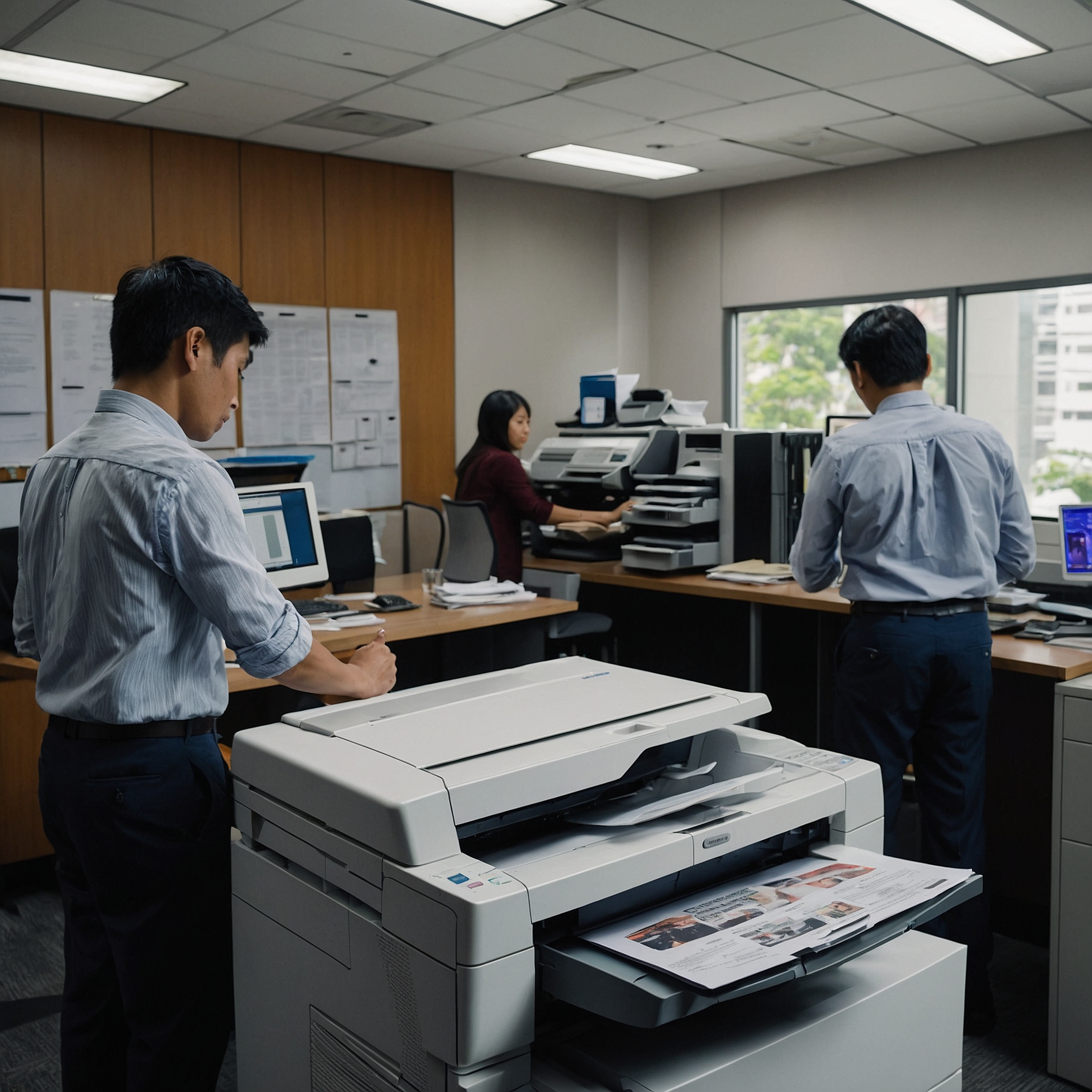
How to Maximize Performance, Reduce Downtime, and Extend Equipment Life
High-volume copiers are critical to keeping your business operations running smoothly. Whether you’re managing a busy office, a large educational institution, or a print service, ensuring that your high-volume copier remains in top condition is essential for minimizing downtime and preventing costly repairs.
In this post, we’ll walk you through the maintenance strategies for high-volume copiers that can help you maintain peak performance, extend the lifespan of your equipment, and reduce service interruptions.
📌 Why Regular Maintenance Is Essential for High-Volume Copiers
High-volume copiers are designed for heavy use, but they still require regular upkeep to function optimally. Without proper maintenance, even the best copier will face issues like paper jams, poor print quality, and eventually, costly breakdowns.
Implementing maintenance strategies for high-volume copiers is not just about preventing problems; it’s about making sure your business continues to run efficiently without unexpected delays.
👉 Learn more about how to keep your copier running smoothly with our guide on Maintenance Strategies for High-Volume Copiers.
🧾 Key Maintenance Strategies for High-Volume Copiers
1. Create a Routine Cleaning Schedule
Dirt and debris can affect the quality of your prints and damage internal components. Regular cleaning ensures that your copier operates without issues. Here’s what to clean:
Internal rollers: Prevent dust buildup that can cause jams.
Paper trays: Dust and debris can affect paper feeding.
Glass and scanning parts: Clean these to avoid streaks on scans and copies.
Fuser: Keep it clean to avoid toner buildup.
2. Check and Replace Toner Regularly
Running out of toner in the middle of a print job can cause delays and frustration. To avoid interruptions:
Keep an eye on toner levels.
Order replacement toner before you run out.
Use genuine toner to ensure optimal print quality and machine longevity.
👉 Learn more about toner management in our post on High-Volume Copier Rental Contracts.
3. Monitor Paper Quality and Storage
Poor-quality paper can cause frequent jams and affect print output. Ensure that you:
Use high-quality, recommended paper types for your copier.
Store paper in a cool, dry place to avoid curling, warping, or moisture buildup.
Check for wrinkles or folds before loading the paper tray.
This simple strategy can save you time and frustration.
4. Inspect for Wear and Tear
Over time, parts like rollers, fusers, and belts wear out. Regularly inspecting these parts for signs of damage will help you address issues before they cause major disruptions. If you notice:
Strange noises during operation
Frequent paper jams
Dull prints or smudging
It may be time to replace certain parts.
5. Update Software and Firmware
Most modern copiers come with digital interfaces and software that need occasional updates. Firmware and software updates improve performance and add new features.
Make sure you:
Update your copier’s firmware regularly to fix bugs and improve functionality.
Use print management software to monitor usage and ensure your copier is operating efficiently.
This can also help with security and compatibility with your network.
👉 Learn about copier security features in our post on Copier Security for High-Volume Printing.
📈 Professional Support and Preventive Maintenance
Even with a solid maintenance plan, having a professional support network is essential. Some high-volume copier rentals come with service contracts that include:
Regular maintenance visits: A technician will inspect and clean your machine.
Emergency support: Get quick assistance for breakdowns to minimize downtime.
Parts replacements: Preventive parts replacements can avoid unexpected repairs.
When choosing a rental, ensure that maintenance support is included to help keep your machine in top shape.
📊 Why Track Your Copier’s Performance?
Tracking usage data can help identify patterns and prevent breakdowns. Many high-volume copiers come with monitoring tools that allow you to:
Track page counts
Monitor toner usage
Schedule routine maintenance alerts
Review error codes or performance issues
By keeping a record of performance data, you can identify potential issues early and address them before they become major problems.
👉 Check out our guide on High-Volume Copier Setup and Configuration to set up your copier for optimal performance.
🔧 Professional vs. In-House Maintenance: What’s Best for Your Business?
You may wonder whether to handle maintenance in-house or outsource it to professionals. Here’s a quick comparison:
| In-House Maintenance | Professional Support |
|---|---|
| Lower upfront cost | Comprehensive service |
| Requires training | Includes parts and labor |
| Limited to basic tasks | Reduces downtime |
| May not catch all issues | Expert diagnosis |
For high-volume copiers, a hybrid approach—where you handle basic tasks and professionals manage complex issues—may be the best solution.
✅ Final Thoughts: Protect Your Investment with Smart Maintenance
By following these maintenance strategies for high-volume copiers, you can ensure your equipment runs efficiently and your business operations stay on track. Remember that regular cleaning, monitoring paper quality, and using professional support when needed can extend your copier’s lifespan and help you avoid expensive repairs.