
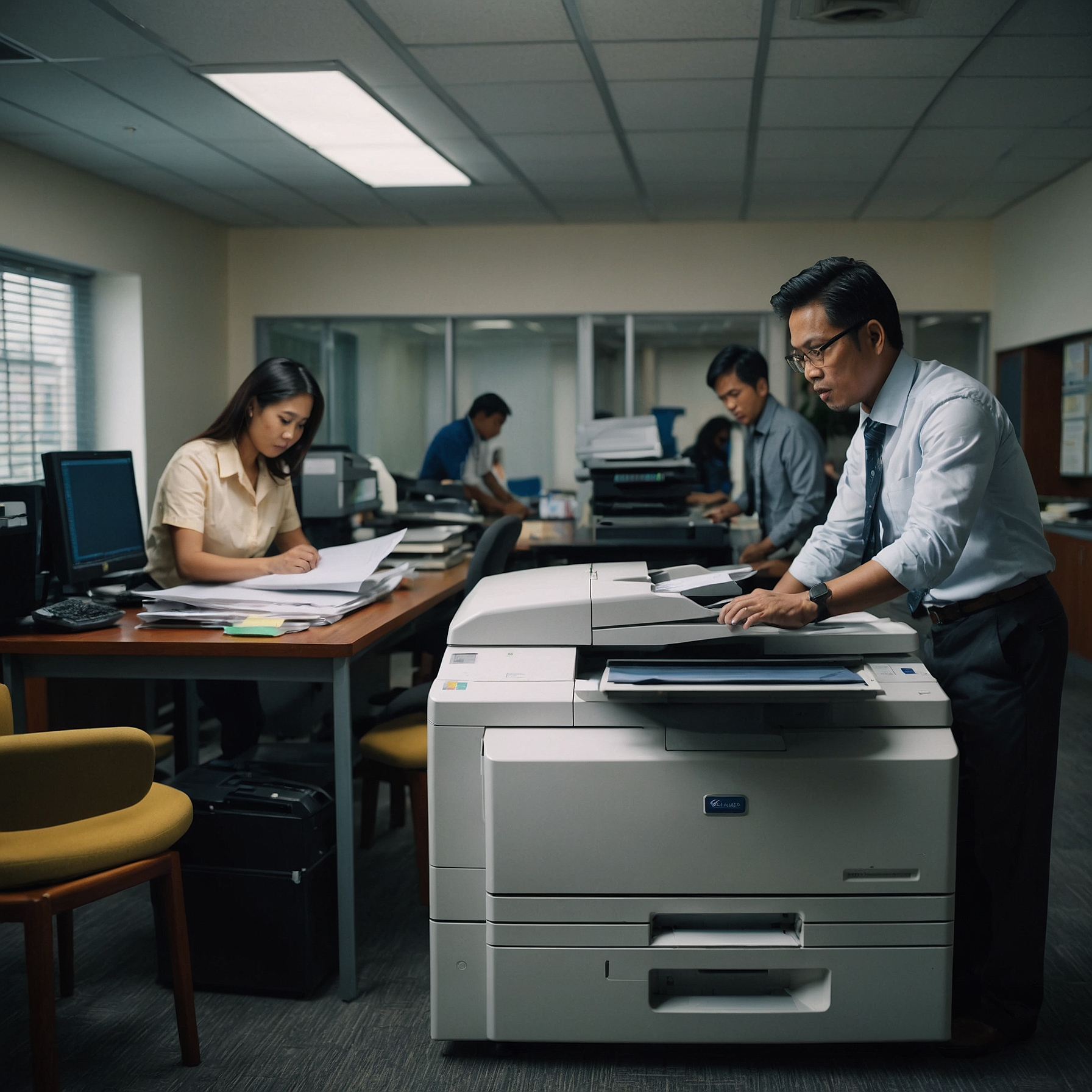
In an increasingly connected business world, integration with digital workflows has become essential. Offices no longer operate with standalone machines or paper stacks—instead, they rely on seamless digital processes for printing, scanning, sharing, and archiving documents. Understanding how your copier fits into that ecosystem can significantly boost productivity, accuracy, and collaboration.
In this article, we'll dive into how copiers integrate into digital workflows, benefits associated with this integration, and what features to look for. We’ll also explain why digital copiers are often preferred over analog ones in today's digital-first environment.
What Are Digital Workflows?
Digital workflows refer to the interconnected systems, tools, and processes that allow teams to move documents and data through digital channels efficiently. This could include:
Scanning documents directly to email or cloud storage
Automatic OCR (optical character recognition) for editing or searching
Capture and storage in document management systems (DMS)
Protected printing and automated approvals
When copiers sync with these systems, they become active participants in your organization’s workflow—rather than just hardware on a desk.
Why Integration Matters
🔄 Eliminating Manual Processing
Walking documents to a shared drive or printing hundreds of pages to scan later is time-consuming and inefficient. Integration enables direct digital transfer, saving valuable staff hours.
📂 Improved Filing and Search
Digital workflows ensure scanned documents are labeled, indexed, and easily searchable—streamlining retrieval and reducing errors.
🔐 Enhanced Security
With features like authentication and secure printing, digital copiers ensure only authorized users can access sensitive content. Plus, documents aren’t left unattended in output trays or stored locally.
📧 Automated Distribution
Once a document is scanned, it can be automatically routed via email, shared folders, or archived in bulk—without manual involvement.
These advantages make copiers a gateway to smarter, leaner business practices.
Essential Copier Features for Integration
To truly integrate with digital workflows, your copier should include:
Network connectivity (LAN, Wi‑Fi, USB, mobile)
Scan-to-email and scan-to-cloud options (Google Drive, SharePoint, Dropbox)
Support for secure printing (PIN or badge release)
Optical Character Recognition (OCR) for editable text
Document formats and compression for easy sharing
These capabilities ensure your copier works in harmony with your digital systems.
Why Digital Copiers Do It Better
While analog copiers are limited to physical copies, modern digital copiers are designed for connectivity. They offer live firmware updates, customizable workflows, and expandable modules for new features.
If you’re choosing between digital and analog, see our guide on how digital models align more effectively with modern priorities—and when analog still fits small-scale needs.
Case Study: Streamlined HR Onboarding
Imagine a company’s HR department onboarding dozens of new hires each month. Without scanner-integration, they’d:
Print documents
Hand them out
Collect completed forms
Scan them manually for digital storage
With workflow integration:
HR scans documents directly to a shared folder named after the new hire
OCR extracts key data (ID, date, role)
The system routes files to managers and archives them automatically
This transformation cuts hours of manual labor, minimizes errors, and centralizes document storage.
Technology Behind the Integration
Copiers with robust workflow integration include:
Cloud APIs: Sync with Google Drive, OneDrive, Box, Dropbox
Secure Print Servers: Manage permissions and auditing
User Authentication Tools: Keyboard, RFID badge, PIN codes
Diagnostic Tools: Proactive monitoring and firmware updates
These features ensure your copier remains reliable and secure over time.
To explore more on how evolving copier tech supports modern offices, check out Innovations in Copier Technology.
Scalability: Growing with Your Business
A copier that integrates seamlessly makes it easier to scale operations. Need to add departments or services? Modern digital MFPs often allow new modules or ad-ons—like cloud connectors, mobile apps, or audit tools.
Companies benefit from flexible setups when expanding:
Add secure print release when onboarding finance teams
Enable HR scanning workflows without buying new hardware
To learn how copier capabilities match business growth, read Scalability with Business Growth.
Lifecycle and Support Considerations
An integrated copier isn't a one-off purchase—it’s part of your system infrastructure. Look for:
Regular firmware updates
Reliable vendor support contracts
Diagnostic tools that proactively report issues
Digital copiers are built with these features in mind. If you're curious about device longevity and uptime, explore Durability and Longevity of Copiers.
Final Thoughts
To reap the full benefits of integration with digital workflows, you need a copier that:
Communicates with cloud systems
Adds security and automation
Grows with your organization
Reduces waste and manual labor
Digital copiers are built for this world—bringing together tech and practicality for faster, more secure, and more scalable document management.