
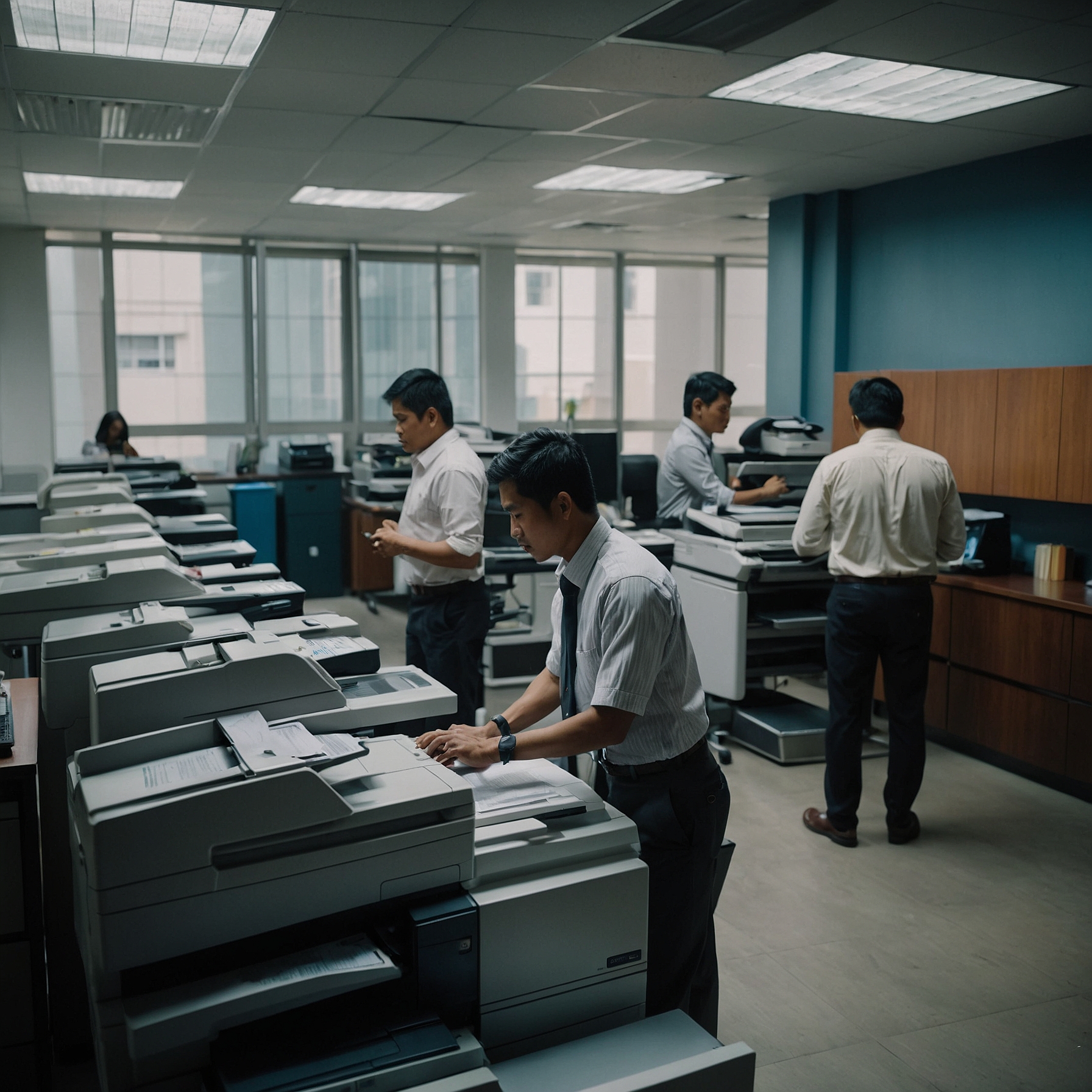
In today’s business environment, sustainability matters more than ever. From reducing energy consumption to minimizing waste, companies are becoming more conscious of their environmental impact. One simple but often overlooked way to make a difference is by choosing eco-friendly printers.
If you're wondering how to choose eco-friendly printers that are right for your office or event needs, this guide will walk you through the essential features, tips, and practices to ensure you're making a smart and sustainable choice.
Why Choose Eco-Friendly Printers?
Printers may seem like minor office equipment, but their environmental impact can be significant. A standard printer can consume a large amount of electricity, waste paper, and generate non-recyclable toner waste if not managed properly.
By switching to eco-friendly printers, businesses can:
Lower energy bills
Reduce their carbon footprint
Support sustainability goals
Enhance brand reputation
Save money through efficient printing practices
👉 Discover more: Benefits of Eco-Friendly Printer Rentals
What Makes a Printer Eco-Friendly?
Not all printers labeled “green” are created equal. When evaluating options, look for specific features that prove a printer is truly eco-conscious.
1. Energy Efficiency
Check if the printer is ENERGY STAR® certified. These models are designed to consume less electricity when printing or in standby mode.
2. Duplex Printing (Double-Sided)
Printers that support automatic double-sided printing help conserve paper, which is one of the most effective ways to reduce waste.
3. Toner and Ink Efficiency
Eco-friendly printers use cartridges that yield more pages per unit. Some models also support refillable or recycled cartridges.
4. Sleep and Power-Saving Modes
This feature minimizes energy use when the printer is idle.
5. Low Emissions
Some printers are designed to emit lower levels of volatile organic compounds (VOCs), which improves air quality in enclosed spaces.
👉 Learn more about different types of green printers: Types of Eco-Friendly Printers
Step-by-Step Guide: How to Choose Eco-Friendly Printers
Now that you understand the benefits, here’s a simple step-by-step process to help you choose the right sustainable printer.
Step 1: Define Your Printing Needs
Start by understanding how much you print and for what purpose. Ask:
How many pages do we print per month?
Do we print mostly black-and-white or color?
Do we need portable or event-specific printers?
Are we printing photos, labels, or general office documents?
Knowing this will help you narrow down models based on volume and usage type.
Step 2: Look for Eco-Certifications
Ensure that the printer is certified by trusted environmental standards such as:
ENERGY STAR® – for energy efficiency
Blue Angel – for emissions, noise, and recyclable components
EPEAT – for environmental performance over the product’s lifecycle
These certifications ensure you're not just relying on marketing labels.
Step 3: Check Toner and Ink Cartridge Sustainability
An eco-friendly printer should support:
High-yield cartridges (less waste)
Recyclable or returnable cartridges
Refillable ink tanks (in place of disposable cartridges)
Printers with ink tank systems are often more sustainable for high-volume printing.
Step 4: Consider Paper-Saving Features
Features like:
Duplex printing
Paperless scanning to email or cloud
Eco-print modes (which use less toner)
…can reduce your paper and ink consumption dramatically.
👉 Get more ideas here: Eco-Friendly Printing Practices
Step 5: Evaluate Lifecycle Impact
Check if the printer:
Is made from recycled materials
Has a long lifespan or modular design for easy repairs
Comes with take-back or recycling programs for old units
Ask your supplier if they offer a trade-in or recycling program when your printer reaches end-of-life.
Step 6: Choose Rental Over Ownership
One often overlooked way to reduce environmental impact is printer rental. Renting eco-friendly printers:
Reduces electronic waste
Ensures regular maintenance (for efficiency)
Allows for upgrades to greener models
👉 More on this: Reducing Environmental Impact with Printer Rentals
Common Mistakes to Avoid
Even with the best intentions, businesses sometimes make the wrong call. Avoid these pitfalls:
Only focusing on the price. Cheapest doesn’t always mean most efficient.
Ignoring consumables. Cartridges, drums, and maintenance kits play a huge role in sustainability.
Not training users. Employees who don’t know how to use eco-features won’t benefit from them.
Buying instead of renting. Especially for short-term use, renting eco-printers reduces waste.
Frequently Asked Questions
Q1: Are eco-friendly printers more expensive?
Not necessarily. While some models may cost more upfront, they usually save money over time through lower energy bills and consumable costs.
Q2: Can I use recycled paper in eco-printers?
Yes! Most eco-friendly printers are compatible with recycled paper, as long as it's within the recommended weight and quality range.
Q3: Is it better to rent or buy an eco-friendly printer?
For many businesses, renting offers better flexibility, especially if your needs change. Rentals also often include maintenance and upgrades to newer, more efficient models.
👉 Read the full guide here: How to Choose Eco-Friendly Printers
Conclusion: Make Sustainability a Printing Priority
Making environmentally responsible choices doesn’t have to be complicated. By learning how to choose eco-friendly printers, your business can take meaningful steps toward sustainability, save on operating costs, and reduce waste.
Whether you're running a small office or organizing a large event, the right eco-printer can make a big difference.