
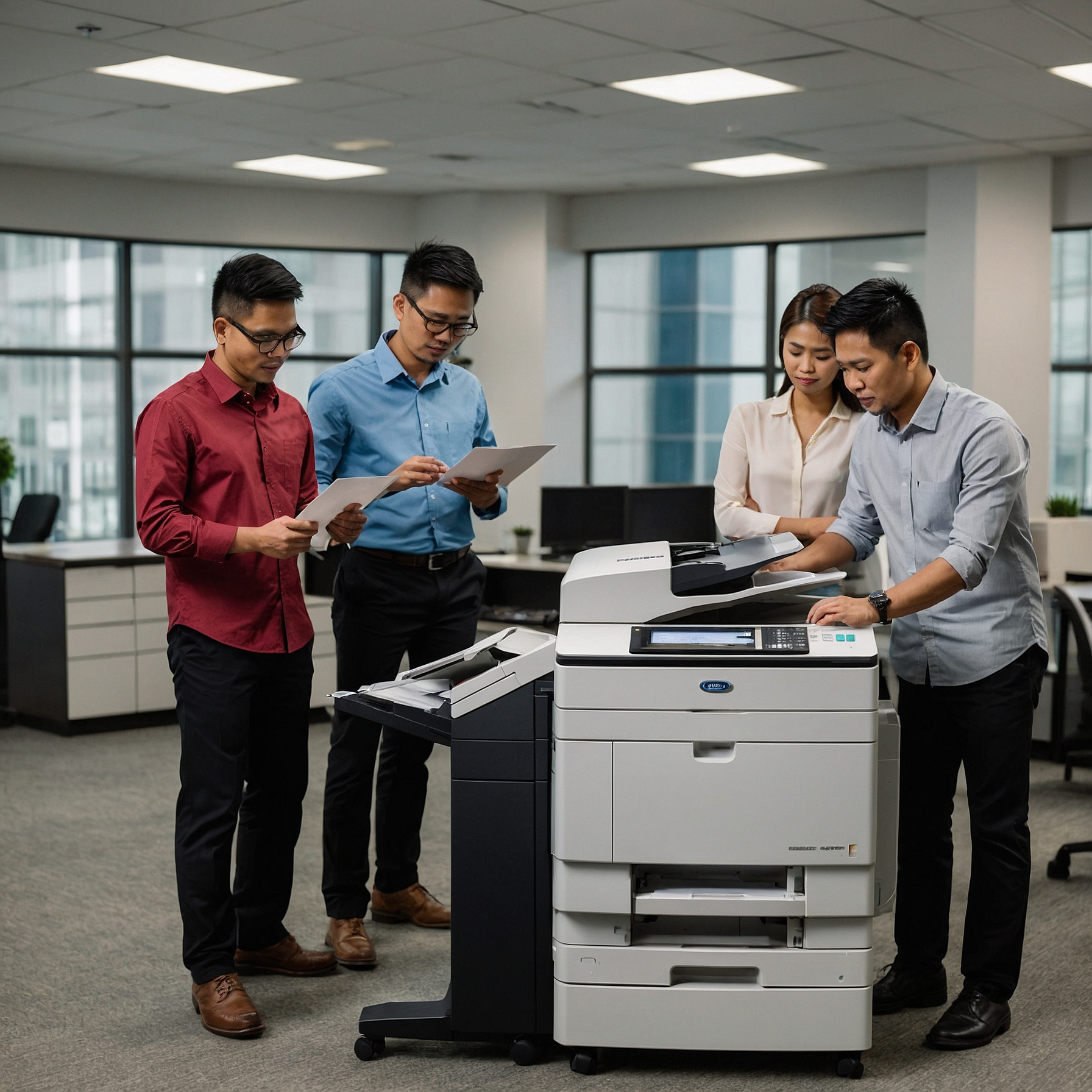
Enhancing Security with Rented Copiers: Why It Matters More Than Ever
Focus Keyword: Enhancing Security with Rented Copiers
Word Count: Approx. 1,600 words
In today’s digital age, data security is a growing concern for every business—big or small. While most companies focus on securing their networks, devices like copiers often get overlooked. Yet, modern copiers are more than simple copy machines; they are powerful digital devices with storage, connectivity, and even cloud access. That’s why enhancing security with rented copiers is not just smart—it’s essential.
Whether you're running an event, operating a startup, or managing enterprise-level operations, securing your rented copier can protect sensitive data and prevent costly breaches.
Why Copier Security Matters
Most organizations don’t realize that every document printed, scanned, or copied can leave a digital footprint. Modern copiers have hard drives that store these documents temporarily or even permanently, making them a potential target for data theft.
If a copier is not properly secured, sensitive data—such as contracts, financial statements, employee records, or customer data—could be exposed or stolen.
With growing regulations like the Data Privacy Act in the Philippines or GDPR in the EU, businesses are held accountable for how they manage and secure personal information. Rented copiers, if not handled with care, can become a weak point in your data protection strategy.
The Security Advantages of Renting a Copier
Thankfully, renting a copier can actually enhance your security, not weaken it. Here's how:
1. Up-to-Date Security Features
One of the biggest perks of renting is having access to the latest models that come equipped with advanced security features such as:
Hard drive encryption
Secure print release
User authentication
Data overwrite functionality
These features ensure that unauthorized users cannot access sensitive documents or stored data.
Read more about these technologies in Advanced Features in Rental Copiers.
2. Vendor-Assisted Configuration and Updates
Rental providers typically include setup, maintenance, and regular software updates as part of their service. This ensures your copier has the latest firmware and security patches—a step many businesses overlook when they own their devices.
This support helps you close vulnerabilities and stay protected against emerging threats.
3. Automatic Data Wipe and End-of-Rental Protection
What happens to your data when you return a rented copier?
Reputable copier rental providers implement secure data wiping protocols before redeploying a device to another client. This process erases all sensitive data stored on the hard drive, giving you peace of mind when your rental period ends.
For example, see how security is maintained throughout the rental cycle in this case study.
4. User Access Controls
You can assign specific users or departments with access rights, PINs, or swipe card authentication. This is especially useful in companies with multiple departments or public access areas.
Restricting access not only protects your documents but also helps track usage per employee or team.
How to Maximize Security in Your Rented Copier
Now that we know the benefits, let’s explore actionable ways to implement and maintain copier security in your workplace:
1. Request a Security Checklist from Your Vendor
Before finalizing your copier rental, ask the provider:
Does the unit support encryption and overwrite features?
Is hard drive sanitization included at the end of the contract?
Can you implement user authentication or secure print features?
Providers like Marga Enterprises often include these as standard features.
2. Educate Your Team
Many breaches happen due to human error. Train your staff on:
Using secure print release
Logging out after use
Avoiding printing sensitive data without authorization
With just a bit of awareness, employees become your first line of defense.
3. Use Encrypted Connections
If your copier connects to a network, make sure it's protected with encrypted protocols like HTTPS and secure Wi-Fi. This prevents hackers from intercepting data sent to or from the machine.
4. Schedule Regular Audits
Most rental agreements include monthly servicing. Use these check-ins to verify:
Firmware is updated
No unusual logs or print jobs are detected
Access logs are regularly cleared
Even better, work with your provider to establish a custom audit checklist.
Security vs. Cost: Is It Worth It?
You might think securing rented copiers adds to your expenses—but the opposite is often true.
Renting a secure copier often costs less than purchasing and securing your own. You avoid high upfront costs, software license fees, and ongoing maintenance. Plus, you gain the expertise of your vendor.
You can read about the cost breakdown in this helpful cost comparison guide.
Bonus: Sustainable and Secure? Yes, You Can Have Both
Security doesn’t have to come at the cost of sustainability. Many rental providers offer eco-friendly copier models with energy-saving modes and recycled toner cartridges.
So if you're looking to enhance security with rented copiers and go green, it’s possible.
See Sustainability Practices in Copier Rental to learn more.
Final Thoughts: Don’t Let Your Copier Be the Weak Link
Security isn’t just about firewalls and passwords. As technology becomes more integrated into everyday devices, it's crucial to secure every endpoint—including your copier.
By renting from a trusted provider that offers security-enhanced models and responsible data handling, you're not just getting a copier—you’re getting a safe and smart office solution.
So, if you haven’t yet thought about how you're enhancing security with rented copiers, now is the perfect time to start.