
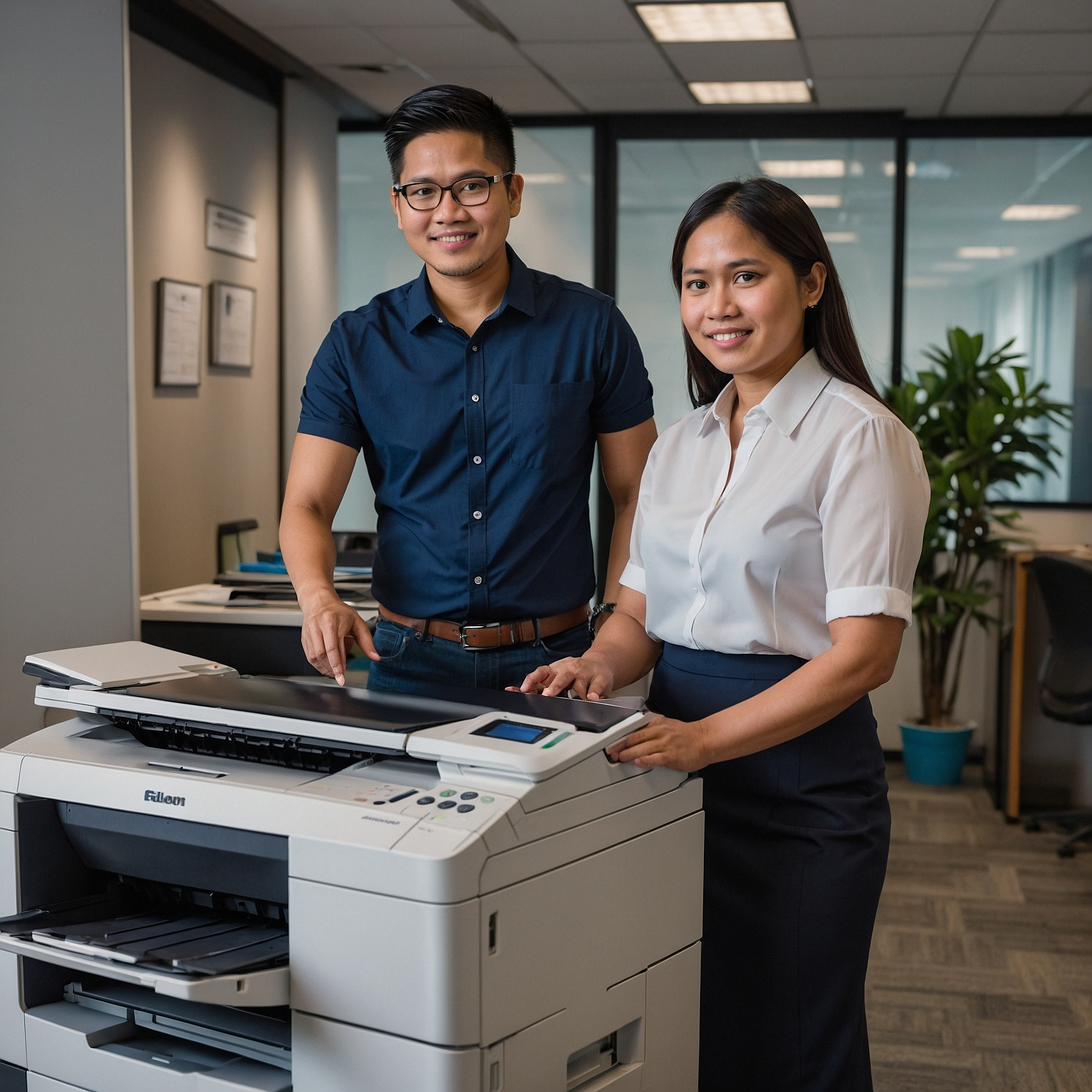
What Are Color Copiers?
Color copiers are multifunction printers (MFPs) designed to produce both black-and-white and full-color prints. Modern units combine printing, copying, scanning, and sometimes faxing into one device, helping teams save time, space, and energy.
Color copiers are commonly used in offices for:
Marketing materials (flyers, brochures, posters)
Business proposals and presentations
In-house branding materials
Daily operations that require professional-looking documents
To see how these devices are used in different industries, visit Color Copier Rental.
Top Features of Color Copiers
When choosing a copier, you’ll want to evaluate its capabilities beyond basic color printing. Let’s explore the most valuable features of color copiers.
1. High Print Resolution
One of the most important features to consider is print resolution. Measured in DPI (dots per inch), this determines how crisp and vibrant your color prints will appear.
Standard: 600 x 600 DPI
High-end: 1200 x 1200 DPI or higher
A higher resolution is essential for businesses that produce detailed graphics, marketing designs, or photographic prints. If your materials need to look sharp and professional, don't settle for anything less than 1200 DPI.
2. Fast Print Speeds
Color printing is naturally slower than black-and-white, but modern color copiers offer speedy output while maintaining quality.
Entry-level copiers: 20–30 pages per minute (ppm)
Mid-range models: 30–50 ppm
High-end machines: 60+ ppm
Speed is crucial if your office prints high volumes or works under tight deadlines. Learn more about models suited for different workloads in Best Color Copier Models.
3. Advanced Color Management
Not all color copiers handle color the same way. Some include built-in color calibration, Pantone matching, or ICC profile support—especially important for design firms or branding-sensitive companies.
These features ensure consistent color output across various documents and print batches, maintaining your brand’s professional look.
4. Automatic Duplex Printing
Double-sided printing, or duplexing, helps reduce paper waste and streamline your printing process. Most modern copiers offer this as a standard feature.
Why it matters:
Cuts paper costs
Environmentally friendly
Professional presentation for reports and manuals
Want to explore eco-friendly copier solutions? Check the Color Copier Rental Features Overview for more details.
5. Touchscreen Interface and User Experience
A responsive and intuitive touchscreen interface improves usability for all team members. Look for copiers with:
Customizable shortcuts
Preview modes for scan and print jobs
Cloud integration (Google Drive, Dropbox, OneDrive)
Mobile print support (AirPrint, Mopria, NFC)
Modern interfaces reduce training time and improve productivity, especially in fast-paced office environments.
6. High Paper Capacity and Versatility
Offices with heavy print volumes need a copier that can hold enough paper to avoid constant reloading. Consider:
Input capacity: 500 to 5,000+ sheets
Supported sizes: A4, A3, legal, envelopes, labels
Bypass tray for specialty media (e.g., glossy or thick paper)
Flexible paper handling is ideal for marketing teams and event planners who often print on various materials.
7. Scanning, Email, and Archiving Functions
Color copiers are more than just printers. Many are designed as document hubs that:
Scan in high-resolution color
Send documents directly to email or shared folders
Save scanned files in searchable PDF formats
Integrate with document management systems
This is essential for offices aiming for a paperless workflow or needing to digitally archive client files.
8. Security Features
With increasing data privacy regulations, security should be a top concern. Many color copiers now include:
User authentication (PIN, card, biometrics)
Secure print release
Encrypted data transmission
Audit trails and access logs
For businesses dealing with confidential information—like legal firms, healthcare providers, or financial institutions—these features are non-negotiable.
How to Choose the Right Color Copier
Selecting the best copier depends on your business’s needs. Ask these questions:
How many users will share the copier?
Do you need heavy-duty or occasional printing?
What types of materials will you produce?
How important is color accuracy to your brand?
Get a detailed breakdown in Selecting a Color Copier for Your Business Needs.
Rental vs. Purchase: Which Is Better?
Color copiers can be costly upfront, especially those with advanced features. Renting may be a more practical option for businesses that:
Need flexibility
Want the latest technology without capital expense
Prefer bundled maintenance and support
To browse options or inquire about pricing, visit the Color Copier Rental homepage.
Final Thoughts
Understanding the features of color copiers is essential for making the right choice for your business. Whether you're looking for sharp image quality, fast print speeds, or secure document handling, today’s color copiers can deliver exceptional value—especially when chosen with your specific needs in mind.
From creative teams and corporate offices to schools and service-based companies, investing in a capable color copier means investing in quality, efficiency, and professionalism.
Looking for the best model for your needs?
Visit Marga Copier Rental for expert advice and flexible color copier rental plans tailored to your business.