
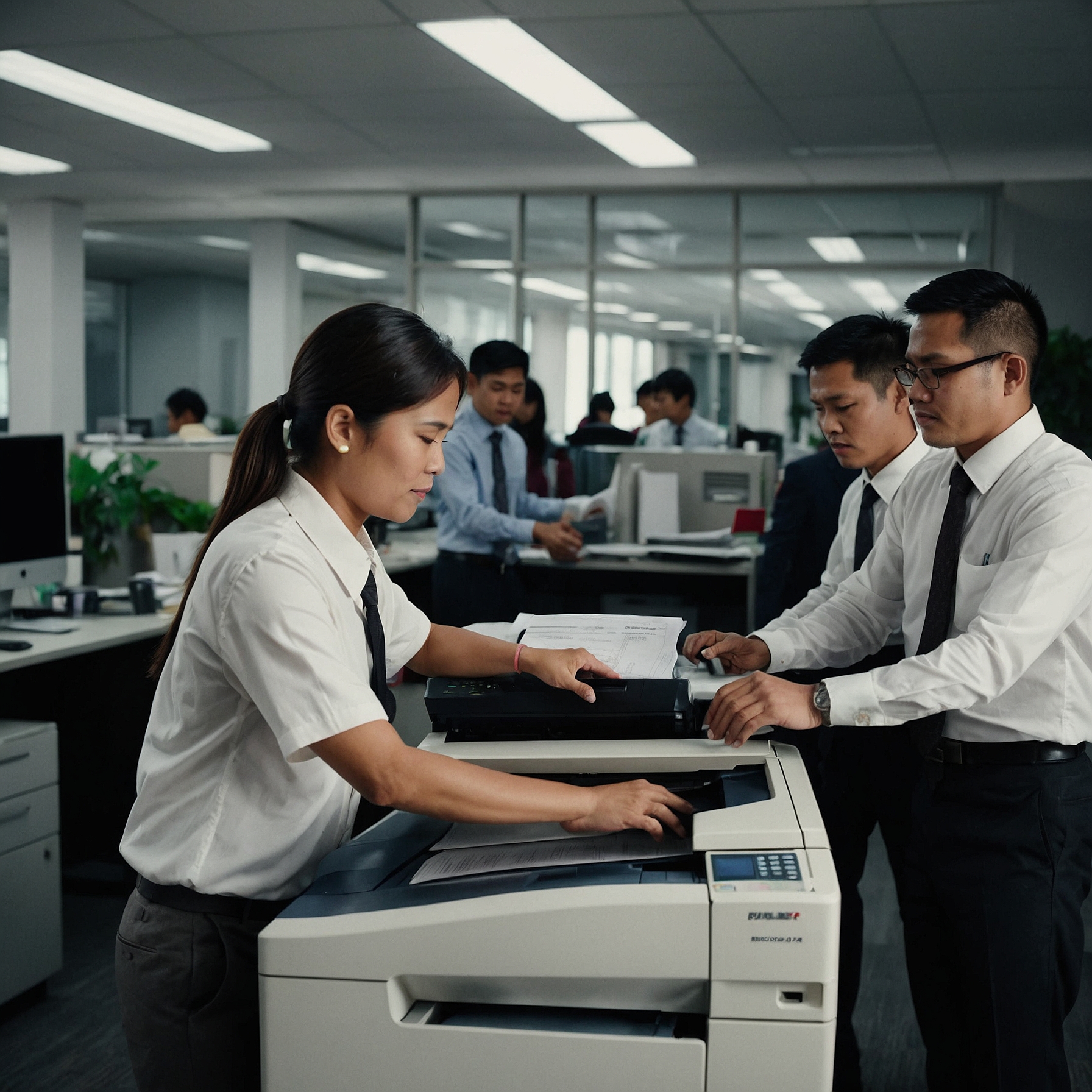
Efficiency Enhancements for High-Volume Copiers: How to Maximize Output and Productivity
Focus Keyword: Efficiency Enhancements for High-Volume Copiers
Word Count: ~1,600 words
When your business handles thousands of prints and copies daily, having a high-volume copier is essential. But owning or renting one is only part of the equation. To stay competitive, reduce downtime, and maintain quality, you need to implement efficiency enhancements for high-volume copiers.
This guide explores practical upgrades, software tools, maintenance tips, and workflow strategies that will help your business maximize copier performance and output.
Why Efficiency Matters for High-Volume Copiers
High-volume copiers are built for speed and endurance, yet even the most robust machines can underperform without the right enhancements.
Here’s why improving efficiency is critical:
Reduces Operational Downtime
Minimizes Paper and Ink Waste
Increases Overall Productivity
Extends Machine Lifespan
Improves Cost Efficiency per Page
In short, enhanced efficiency doesn’t just benefit your print room—it benefits your entire organization.
1. Automate Common Tasks
Use Workflow Automation Tools
Modern high-volume copiers integrate with workflow software that automates routine processes like:
Sorting documents into folders
Scanning to email or cloud storage
Routing print jobs to the least-busy machine
With workflow automation, your staff spends less time managing print jobs and more time focusing on what matters.
Enable One-Touch Presets
Program frequently used settings (paper size, duplexing, finishing) into one-touch buttons. This eliminates errors and streamlines repeated tasks—particularly useful in offices with rotating staff or high turnover.
2. Optimize Print Settings
Use Eco Mode for Internal Documents
For drafts or internal memos, using Eco Mode (toner-saving mode) cuts down on ink usage without sacrificing legibility. Over time, this saves on toner and reduces maintenance due to less residue buildup.
Print in Batches
Rather than printing in scattered intervals, schedule batch printing during low-traffic hours. This reduces mechanical wear and improves energy efficiency—especially important for large organizations with 24/7 operations.
3. Perform Preventive Maintenance Regularly
No enhancement can replace the benefits of a well-maintained machine.
Schedule Routine Inspections
Preventive maintenance, such as regular cleaning and part replacements, helps avoid sudden breakdowns. Dust and paper debris can clog sensors or damage rollers—issues that are preventable with routine care.
Explore our guide on Troubleshooting High-Volume Copiers to identify early warning signs of copier inefficiency.
Monitor Usage Metrics
Most high-volume copiers include a usage dashboard. Review this data monthly to:
Identify underutilized features
Spot inefficiencies in user behavior
Plan for consumables restocking before they run out
4. Upgrade Copier Hardware or Firmware
Consider Memory and Processor Upgrades
If your copier constantly lags or freezes, it may be time to upgrade its internal memory or processor. Enhanced hardware enables faster job queuing and file processing, especially for large PDF or image-heavy documents.
Keep Firmware Up-to-Date
Manufacturers often release firmware updates to:
Improve device security
Fix performance bugs
Enable compatibility with new software platforms
These updates can often be performed remotely or during scheduled downtime.
If you're unsure whether to upgrade or replace, read this helpful guide on Upgrading High-Volume Copier Technology.
5. Reduce Human Errors Through Access Controls
Set Print Permissions
Not every employee needs full access to every feature. By assigning roles (admin, standard user, guest), you reduce:
Unnecessary color printing
Excessive single-sided jobs
Unauthorized large-volume printing
This not only saves costs—it keeps the machine’s queue more efficient.
Track User Activity
Enable user login or ID card authentication. This allows you to:
Identify who is printing what
Encourage responsible usage
Allocate printing costs by department
6. Use Sustainable Printing Practices
Efficiency is also about being resource-conscious.
Reuse Draft Pages
Set your copier to print drafts or internal docs on the blank side of used paper (duplexing). This is a great way to reduce paper consumption without affecting operations.
Choose Recycled Consumables
High-efficiency operations should also be environmentally responsible. Use recycled toner cartridges and eco-friendly paper when possible.
Discover more ways to reduce waste in our post on Sustainable Practices in High-Volume Printing.
7. Integrate with Cloud Platforms
Today’s copiers don’t just print—they connect to the cloud.
Benefits of Cloud Integration:
Employees can print from mobile devices or remote locations
Auto-backup of scanned documents to cloud drives
Centralized document access across departments
This reduces the need for local storage and makes your operations more agile.
8. Align Copier Use with Business Goals
Perform Periodic Efficiency Audits
Every quarter, evaluate how your copier use aligns with business goals. Are you spending too much on printing non-essential materials? Are certain teams underutilizing digital workflows?
These insights can guide future upgrades, training, or process adjustments.
Understand Copier Impact on Operations
Sometimes inefficiency isn’t about the copier—but about how it's used in your larger operations. Learn how your copier fits into your business by reviewing The Impact of High-Volume Copiers on Business Operations.
Final Thoughts: Investing in Efficiency Pays Off
While high-volume copiers are built to handle large workloads, their full potential is unlocked through intentional enhancements. From automation and preventive maintenance to smart upgrades and sustainable practices, the steps you take today will save you time, money, and stress tomorrow.
Whether you’re upgrading your copier, training your team, or integrating new tools, the key is to think long-term. Efficiency isn’t just about speed—it’s about strategy.
To learn more about available options and rental plans tailored for high-volume needs, visit our Efficiency Enhancements for High-Volume Copiers page.