
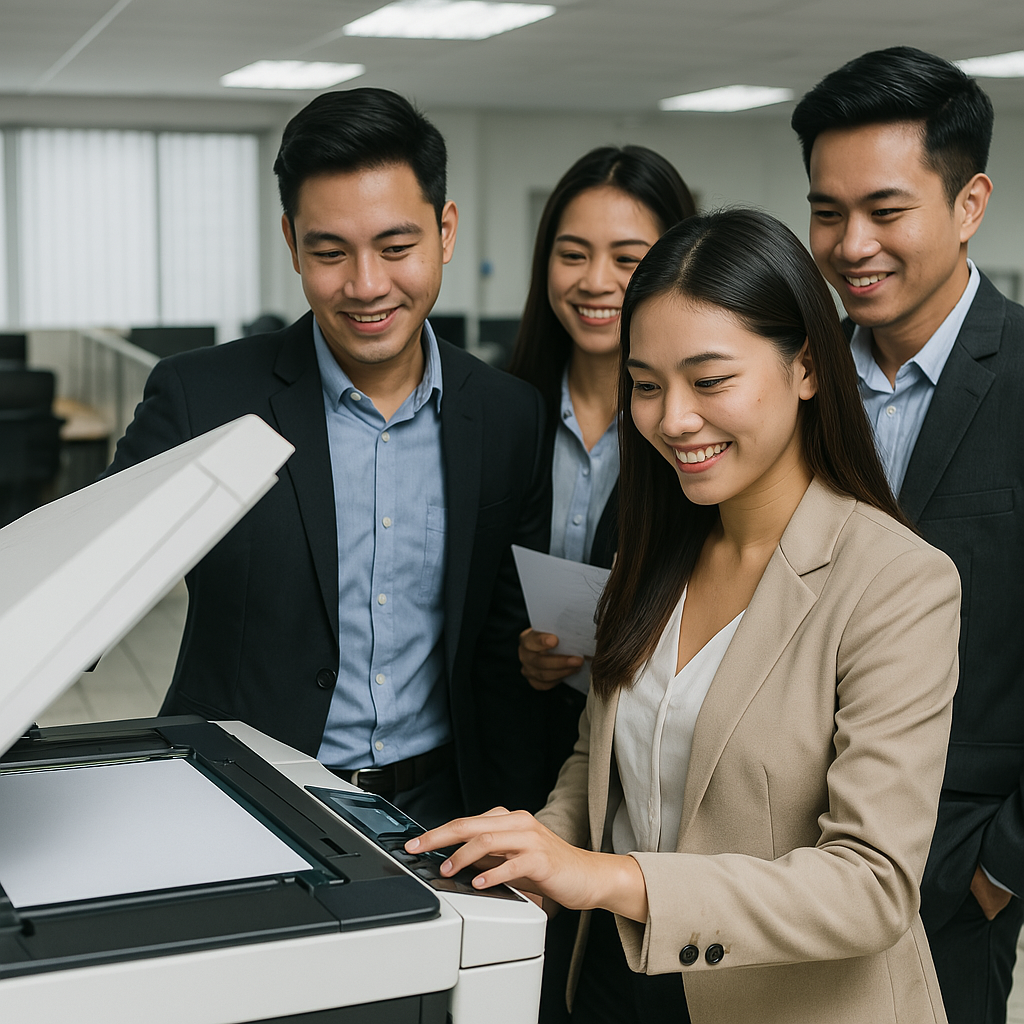
Digital Integration with School Systems: A Guide
In the modern educational environment, Digital Integration with School Systems is more than a convenience—it’s a necessity. By connecting copiers with cloud storage, Learning Management Systems (LMS), and document workflows, schools streamline operations, reduce paper use, and better support hybrid learning models.
This guide explores the benefits, key features, budgeting considerations, and implementation steps for integrating copiers into digital school infrastructures.
Why Digital Integration Matters
Efficiency: Teachers scan and share documents directly to Google Classroom or LMS—no manual inbox routing.
Flexibility: Students and staff can print from any device or location, supporting hybrid and remote learning.
Accountability: Scan logs tied to user profiles enhance tracking and reduce waste.
Cost & Environmental Impact: Less paper usage, easier document management, and reduced physical storage needs.
1. Integration with Cloud Drives & LMS
Modern copiers offer direct connections to platforms like Google Drive, OneDrive, and Dropbox. Features to look for:
Scan-to-email or folder aligned with class sharing
Direct printing from Dropbox/google accounts
Secure print release with user authentication
This makes document handling seamless for school workflows.
👉 Learn more about digital workflows here: Digital Integration with School Systems
2. Preparing for School Events
Events like orientation or parent-teacher conferences produce massive printing needs. Digital integration helps:
Automatically scan completed forms into shared folders
Send presentation handouts via email or cloud
Provide secure print options for volunteer staff
👉 Explore event-friendly copier solutions: Copier Rentals for School Events
3. Budgeting & Leasing Strategies
Digital-enabled copiers may have higher rental costs—budget accordingly. Factor in:
Integration capability and software licensing fees
Ongoing cloud storage costs
Whether to lease for 3–5 years or opt for flexible rentals
👉 Compare leasing options: Lease vs Rent Copier Decisions
👉 Plan budgets smartly: Budgeting for School Copier Rental
4. Scalability for School Growth
As enrollment and departments grow, your copier setup must adapt:
Add more cloud-enabled units easily
Increase storage and user accounts
Segment copiers by grade, department, or location
👉 Learn how to scale setups: Copier Scalability for Growing Schools
5. Implementation Roadmap
Assess your current infrastructure: Check existing LMS, cloud storage, and network readiness
Define user roles and workflows: Teachers, admin, and IT
Choose copiers with required integration features
Pilot with a limited group: Get feedback from staff and students
Provide training and quick guides at each copier
Monitor usage and adjust settings, storage, or leases as needed
Benefits at a Glance
Time-saving: No manual scanning or file distribution
Reduced waste: Less reliance on physical copies
Secure: User-based authentication and tracking
Responsive: Supports hybrid classrooms and remote staff
Expandability: Grows with your school
Final Thoughts
Digital Integration with School Systems transforms copier use from a manual chore to a strategic asset. By connecting copiers to your LMS and cloud, schools gain efficiency, save resources, and support modern education models effectively.