
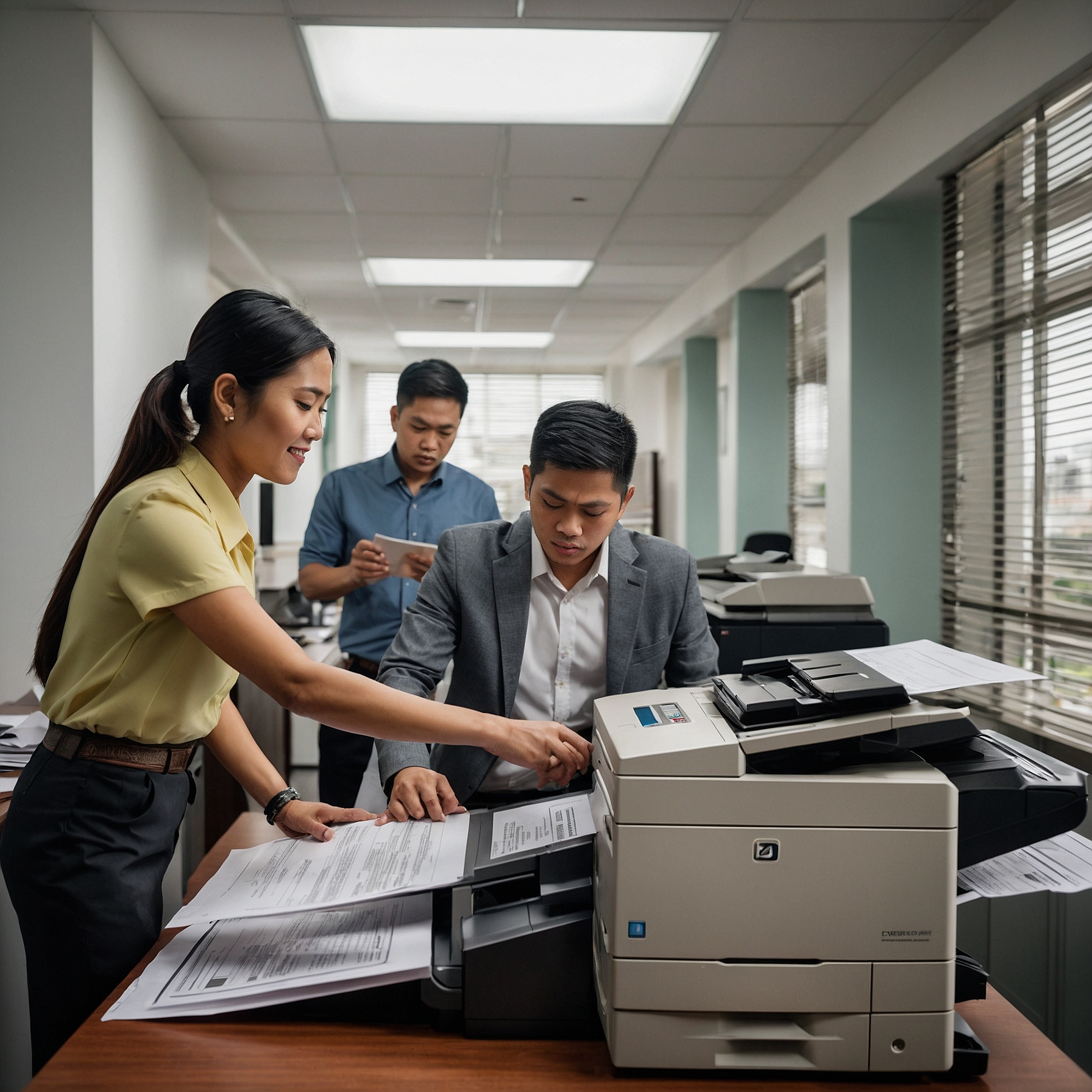
Choosing a copier isn’t just about pages per minute or colorful displays—it’s about selecting the right cost-effective copier features that deliver performance and savings. Whether you're a small business or a growing enterprise, the right features can reduce operational costs, improve efficiency, and extend the lifespan of your equipment.
This guide explores the most essential Cost‑Effective Copier Features you should look for—so you can make smarter rental or purchase decisions and avoid overspending. Along the way, you'll discover how these features impact your budget and how to align them with your office needs.
Why Focus on Cost‑Effective Features?
A copier with thoughtful features can:
Lower printing costs
Reduce energy consumption
Improve workflow efficiency
Extend machine life
In fact, when comparing renting vs buying, it’s not just the upfront cost that matters—it’s long-term value and operational savings. See how cost stacks up in this cost comparison: renting vs buying a copier.
Key Cost‑Effective Copier Features to Look For
1. Duplex Printing (Automatic Double‑Sided)
This popular cost-effective copier feature cuts paper use by up to 50%, reducing recurring supply costs and lowering your environmental footprint.
2. Energy‑Save Mode & Eco Settings
Modern machines with sleep modes and eco-functions help you cut down on electricity usage. Learn more from the impact of copier technology on rental costs.
3. Toner Yield & Cost per Page Tracking
High-yield toner and built-in tracking tools make this one of the most vital cost-effective copier features for controlling supplies and avoiding hidden expenses. For better planning, see how to budget for copier rentals.
4. Cloud & Mobile Printing
Enable flexible, remote workflows and reduce downtime. These cost-effective copier features streamline print jobs and lower IT overhead.
5. Secure Print Release
Security matters. Print authentication prevents abandoned print jobs, secures sensitive data, and saves paper—a triple win for cost-effectiveness.
Features That Support Small Businesses
Small businesses should prioritize cost-effective copier features that deliver the most value:
Managed print services
Compact design with duplex printing
Reliable toner supply tracking
Explore more in copier rental cost benefits for small businesses.
Comparing Feature Costs
Cost-effective copier features are not just specs—they’re savings tools. For example, using duplex printing can save ₱1,000 monthly in paper. Combine it with eco modes, and you’re looking at significant annual savings.
Rental vs. Purchase: Feature ROI
| Feature | Purchase | Rental |
|---|---|---|
| Full ownership of features | Yes | Shared or upgraded |
| Long-term depreciation | Yes | No asset liability |
| Built-in upgrades | No | Often included |
Learn more in the detailed cost comparison guide.
Checklist: Evaluate Before You Rent or Buy
Before you decide, consider the following cost-effective copier features:
Duplex and eco-printing
High toner yield
Mobile/cloud print capability
Energy ratings
Security and user control tools
These will make budgeting clearer and operations smoother.
Final Thoughts
Focusing on Cost‑Effective Copier Features ensures you get real value from your copier. These features help you:
✅ Lower supply and energy costs
✅ Improve security and workflow
✅ Avoid over-investment in underused tech
Whether you’re renting or buying, choosing the right copier features supports smarter spending and long-term efficiency.
Let me know if you’d like a downloadable checklist of cost-effective copier features or help comparing models based on your office size and budget.