
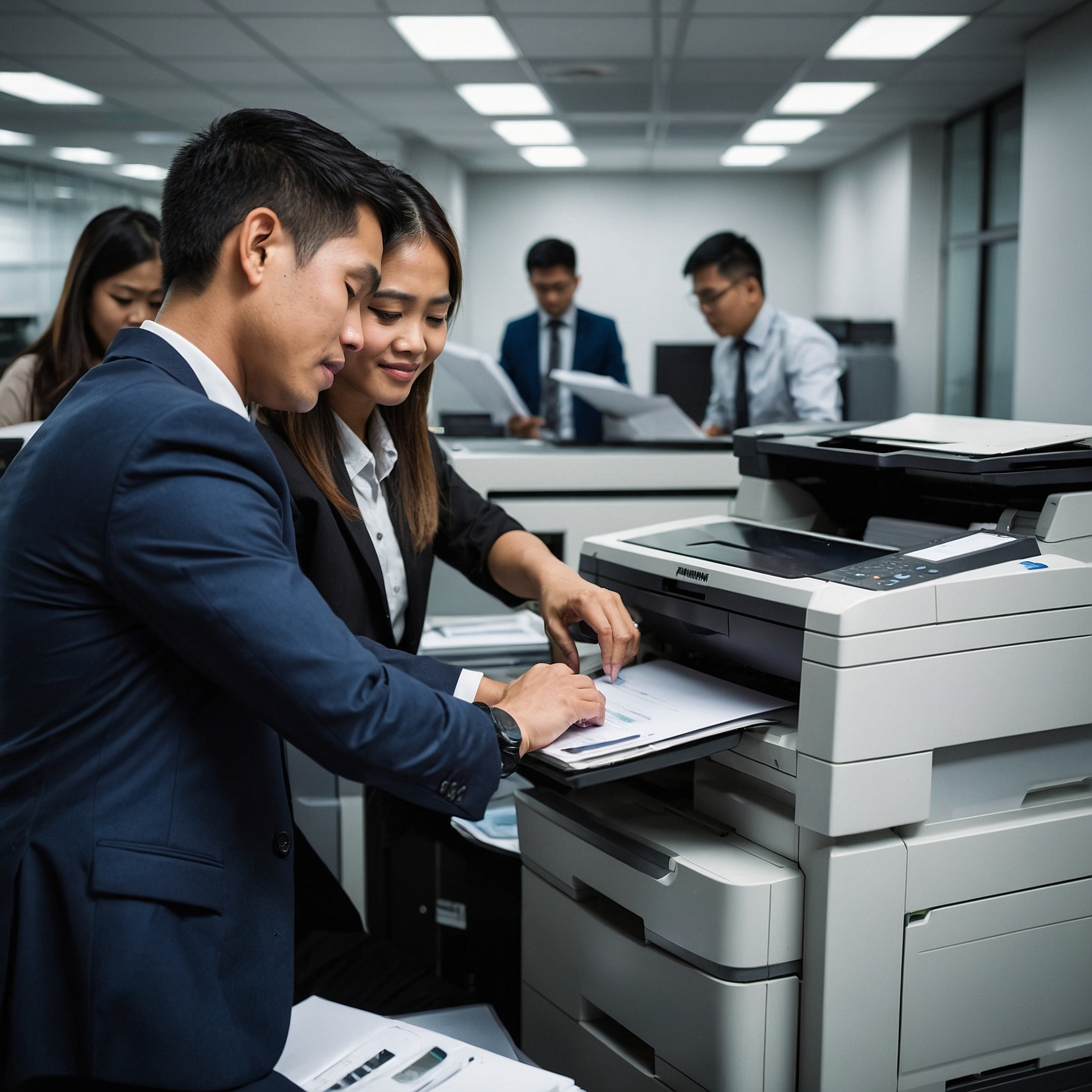
Copier Upgrade Options for Offices: How to Choose the Best for Your Business
In any office setting, a reliable copier is essential to keep workflows smooth, efficient, and productive. However, as technology advances, your office copier may become outdated or fail to meet growing demands. This is where copier upgrades come into play, offering businesses the opportunity to stay ahead of the curve by investing in machines that can handle increased workloads, improve security, and enhance overall office efficiency.
In this article, we will explore the different copier upgrade options for offices, factors to consider before upgrading, and how to ensure your new copier fits your business needs. By the end, you'll have a better understanding of how a copier upgrade can benefit your office and help streamline your day-to-day operations.
Why Consider a Copier Upgrade?
Upgrading your office copier isn’t just about keeping up with the latest technology. Over time, as your business grows or as your needs change, the copier that worked perfectly in the past may no longer meet your expectations. Here are a few reasons why you should consider upgrading:
Increased Efficiency: Newer models come with improved speed, better paper handling, and faster processing, which can significantly boost productivity in busy offices.
Enhanced Security Features: As cyber threats evolve, modern copiers are equipped with advanced security features that protect your sensitive information from unauthorized access.
Cost Savings: Older copiers are often less energy-efficient and require frequent repairs. Upgrading to a newer, more efficient model can help reduce maintenance costs and energy consumption.
Remote Monitoring: With remote monitoring options, you can track the performance of your copier in real-time, manage maintenance schedules, and optimize its use for better overall efficiency. Learn more about remote monitoring options here.
Types of Copier Upgrade Options for Offices
When it comes to upgrading your office copier, there are several options available. Each has its own set of features and benefits, depending on your office’s specific needs. Let’s look at the most common copier upgrade options:
1. All-in-One Copiers
All-in-one copiers are among the most popular office machines today. These devices combine printing, copying, scanning, and faxing in a single unit, reducing the need for multiple machines in the office. They are ideal for offices that need versatility and space-saving solutions.
Benefits:
Multifunctional capabilities in one machine.
Space-saving design.
Often more affordable than purchasing individual machines for each function.
2. High-Speed Copiers
For offices with heavy printing and copying needs, high-speed copiers are an excellent upgrade option. These machines can handle large volumes of prints and copies, making them perfect for businesses that need to process documents quickly and efficiently.
Benefits:
Fast printing speeds, improving workflow and efficiency.
Suitable for large offices or businesses with high-volume needs.
Reduce wait times and increase productivity.
3. Color Copiers
If your office needs to print marketing materials, presentations, or other color-rich documents, upgrading to a color copier can be beneficial. Color copiers offer superior image quality and can be a great asset for businesses that frequently require high-quality color prints.
Benefits:
High-quality color printing.
Professional-looking documents for marketing and presentations.
Enhanced graphics and image reproduction.
4. Cloud-Enabled Copiers
Cloud-enabled copiers allow users to connect to cloud storage services like Google Drive, Dropbox, or OneDrive. This feature makes it easy to access and store documents remotely, streamlining collaboration in today’s increasingly digital workplace.
Benefits:
Access and store documents remotely.
Improve collaboration across departments and teams.
Streamline workflows by reducing the need for paper storage.
5. Energy-Efficient Copiers
With growing concerns about environmental impact, energy-efficient copiers have become more popular in office settings. These copiers use less electricity, produce fewer emissions, and help businesses reduce their carbon footprint.
Benefits:
Reduced energy consumption.
Lower operational costs over time.
Environmentally friendly solution for sustainable business practices.
Factors to Consider When Upgrading Your Copier
Before making an upgrade decision, there are several factors to take into account to ensure that the new copier is the right fit for your office’s needs:
1. Volume of Printing and Copying
Determine how often you use the copier and how many pages it needs to handle per month. If your office has high printing demands, a high-speed, high-volume copier may be necessary. Evaluate your office’s copier needs here.
2. Budget
Consider your budget for upgrading. Copiers come in a range of prices depending on their features and functionality. While high-end models offer advanced features, you don’t want to overspend on functions that your office won’t fully use.
3. Space Constraints
Ensure that the new copier fits in your office space. Multifunction copiers and compact models are great options if you have limited office space. On the other hand, high-speed copiers may need larger spaces due to their size.
4. Training Requirements
Upgrading to a more advanced copier might require additional training for your staff. Consider whether your team will need training to use the new copier effectively. Many copier providers offer training sessions for office staff to ensure seamless transitions. Learn more about copier training for office staff here.
5. Maintenance and Support
Make sure that the copier provider offers reliable maintenance and customer support. A copier that breaks down frequently can disrupt your business operations, so ensure that your chosen model has a strong support system in place.
How to Choose the Right Copier Upgrade for Your Office
Choosing the right copier upgrade involves understanding your office’s specific needs. To help guide your decision-making process, follow these steps:
Assess Current and Future Needs: Take a close look at how your office uses its copier and what features you may need now or in the near future.
Research Options: Explore different models, their capabilities, and how they align with your office’s needs.
Set a Budget: Determine how much you are willing to invest in the upgrade and compare costs across different models.
Check for Additional Features: Consider advanced features like security, remote monitoring, and integration with cloud storage to boost productivity.
Review Support and Service Options: Ensure that the copier vendor offers ongoing support and maintenance services.
Conclusion
Upgrading your office copier can significantly improve productivity, reduce costs, and streamline operations. Whether you need a multifunction copier, a high-speed model, or a cloud-enabled device, choosing the right copier upgrade will depend on your office’s specific needs and budget. By evaluating key factors such as volume, space, and budget, you can make a well-informed decision that enhances the overall efficiency of your office.
Remember, a copier upgrade isn’t just about getting the latest technology—it’s about choosing the right tools to help your office run smoothly and efficiently. Explore your options, do your research, and make an upgrade that works best for your business.
For more insights on copier options and renting solutions, check out these helpful resources: