
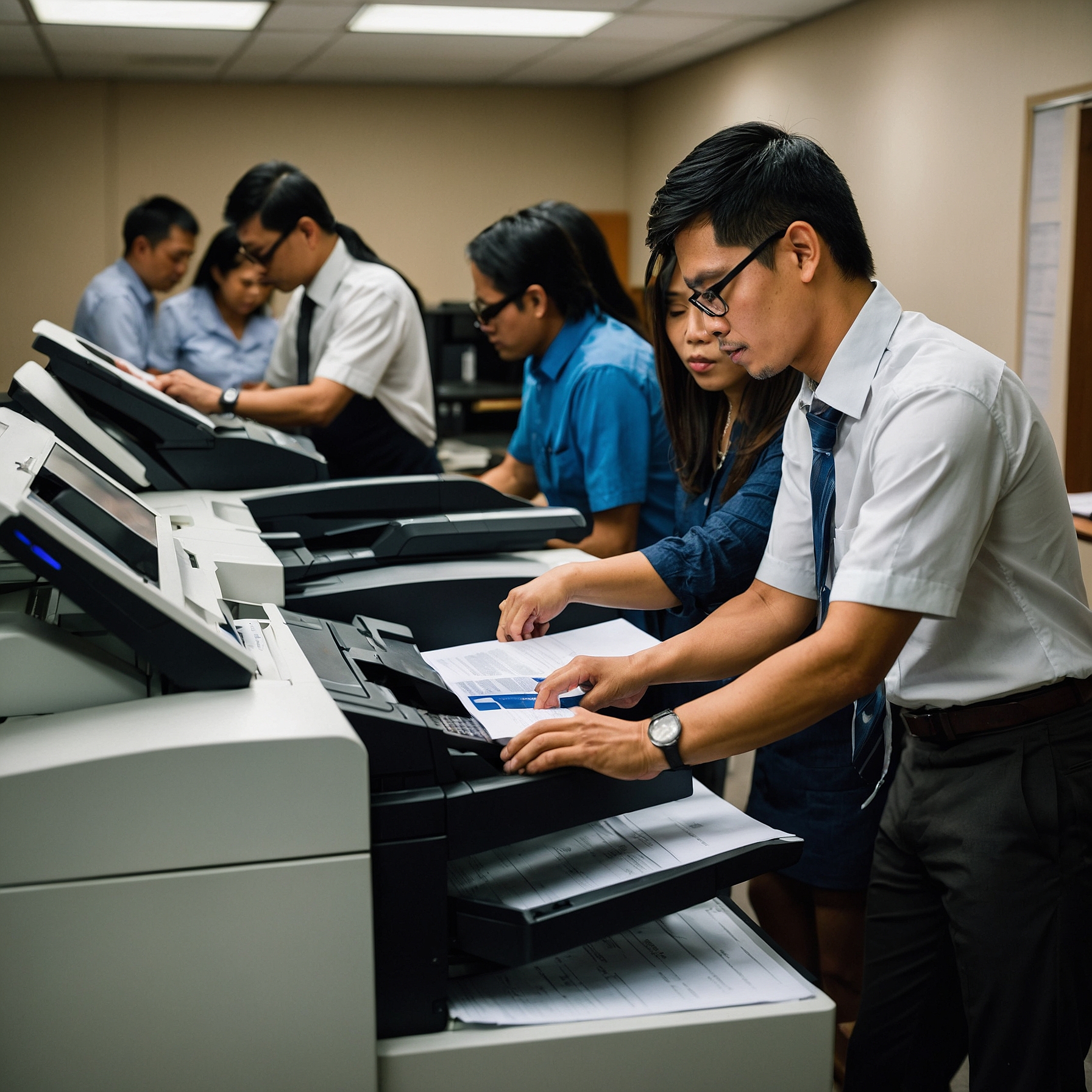
Copier Training for Office Staff: A Comprehensive Guide to Maximizing Efficiency
In today's fast-paced office environment, efficiency and productivity are paramount. One key piece of equipment that contributes significantly to these goals is the office copier. However, many organizations overlook one crucial aspect: proper training for office staff on how to use the copier effectively. With the right copier training, staff can save time, reduce errors, and maintain smooth office operations. In this article, we will explore the importance of copier training for office staff and provide tips on how to get the most out of your office copier.
Why Copier Training Matters
Copiers are no longer simple machines used solely for making copies of documents. Modern office copiers are multifunctional, allowing users to print, scan, fax, and even send documents digitally. Without proper training, employees may underutilize these capabilities or encounter technical issues that hinder productivity.
1. Improves Efficiency
By learning how to use the copier properly, staff can complete tasks more quickly and with fewer errors. Training on features like scanning to email, duplex printing, and adjusting settings for different paper sizes can help staff work more efficiently, saving both time and resources.
2. Reduces Errors and Misuse
Untrained staff may accidentally misuse the copier, leading to paper jams, incorrect print settings, or wasted toner. Proper copier training ensures that everyone knows how to use the equipment correctly, which reduces the risk of costly errors.
3. Enhances Equipment Longevity
Routine maintenance and correct usage can extend the life of office equipment. Copier training often includes best practices for proper handling and maintenance, helping to prevent unnecessary wear and tear.
Key Elements of Copier Training for Office Staff
When planning copier training for office staff, it's essential to cover several key topics to ensure that employees can confidently operate the copier and take advantage of all its features.
1. Basic Functions and Settings
Every employee should be familiar with the basic functions of the copier. This includes understanding how to:
Make copies: Learn the correct way to load paper, select copy sizes, and adjust contrast or quality settings.
Print documents: Understand how to send documents from a computer to the copier, including setting preferences for color, paper size, and output options.
Scan documents: Train staff on how to scan documents to email or cloud storage, adjusting resolution and file types as needed.
Fax documents: While faxing is less common nowadays, it's still important for staff to know how to send and receive faxes using the copier.
2. Advanced Copier Features
Modern copiers offer a wide range of advanced features that can further streamline office workflows. These include:
Duplex printing: Teach staff how to print on both sides of the paper to save on paper costs and reduce waste.
Collating and stapling: Show employees how to use these features to automatically sort and bind documents.
Remote monitoring: Many modern copiers come with remote monitoring capabilities that can alert you to low toner or maintenance needs. Learn more about remote monitoring of office copiers here.
Secure printing: Some copiers allow employees to send documents securely, requiring a password or PIN to release the print job at the machine.
3. Troubleshooting Common Issues
Training should also cover common copier problems, such as paper jams, low toner, and connectivity issues. Employees should know how to handle minor issues themselves before escalating them to technical support. For more complex problems, staff should know when to contact a technician.
4. Understanding Copier Costs and Usage
Training staff to use the copier efficiently can also help save money. This includes teaching employees how to adjust settings to optimize paper usage, limit color printing, and avoid wasteful printing practices. A better understanding of how copiers work can encourage responsible usage and help control costs in the office. Find more information on analyzing copier costs and saving money here.
How to Implement Copier Training
Successful copier training involves more than just a one-time tutorial. To maximize its effectiveness, consider the following steps:
1. Start with Basic Orientation
When new staff members join the office, provide them with a basic orientation to the copier. This should include hands-on instruction and a simple overview of the copier's main functions.
2. Offer Ongoing Training
While initial training is important, ongoing training sessions ensure that staff members are up-to-date with any new features or updates to the copier. Many copiers now offer software updates that introduce new capabilities. Regular refresher courses can help staff stay on top of these changes.
3. Create User Manuals or Quick Reference Guides
Having a simple, easy-to-follow guide on hand can be helpful for staff. This can include basic troubleshooting steps, a glossary of terms, and instructions for using advanced features. These guides can be posted next to the copier or shared digitally.
4. Encourage Feedback
Solicit feedback from your staff after training to identify areas where they may need additional guidance. Encouraging open communication helps you tailor future training sessions to meet the team's needs.
Benefits of Copier Training for Office Staff
Proper copier training brings numerous benefits to the workplace, including:
Time Savings: Employees can perform tasks more quickly, leading to fewer delays and increased productivity.
Cost Savings: By reducing waste and optimizing usage, the office can save money on paper, ink, and maintenance.
Reduced Downtime: Well-trained employees are less likely to make errors that require technical support, resulting in less downtime for the copier.
Increased Confidence: Employees will feel more confident using the copier, leading to a smoother workflow and better overall office morale.
Conclusion
Effective copier training for office staff is essential for improving productivity, reducing errors, and maintaining efficient operations. By covering basic functions, advanced features, troubleshooting, and cost-saving strategies, employees can use the copier confidently and responsibly. Whether you're a small business or a large organization, investing in copier training will help your office run smoothly and save valuable time and resources.
If you're looking for more tips on choosing the right copier or understanding how different copiers fit your office needs, check out these helpful resources:
Investing time in copier training will not only enhance staff productivity but will also ensure that your office equipment works at its optimal level.