
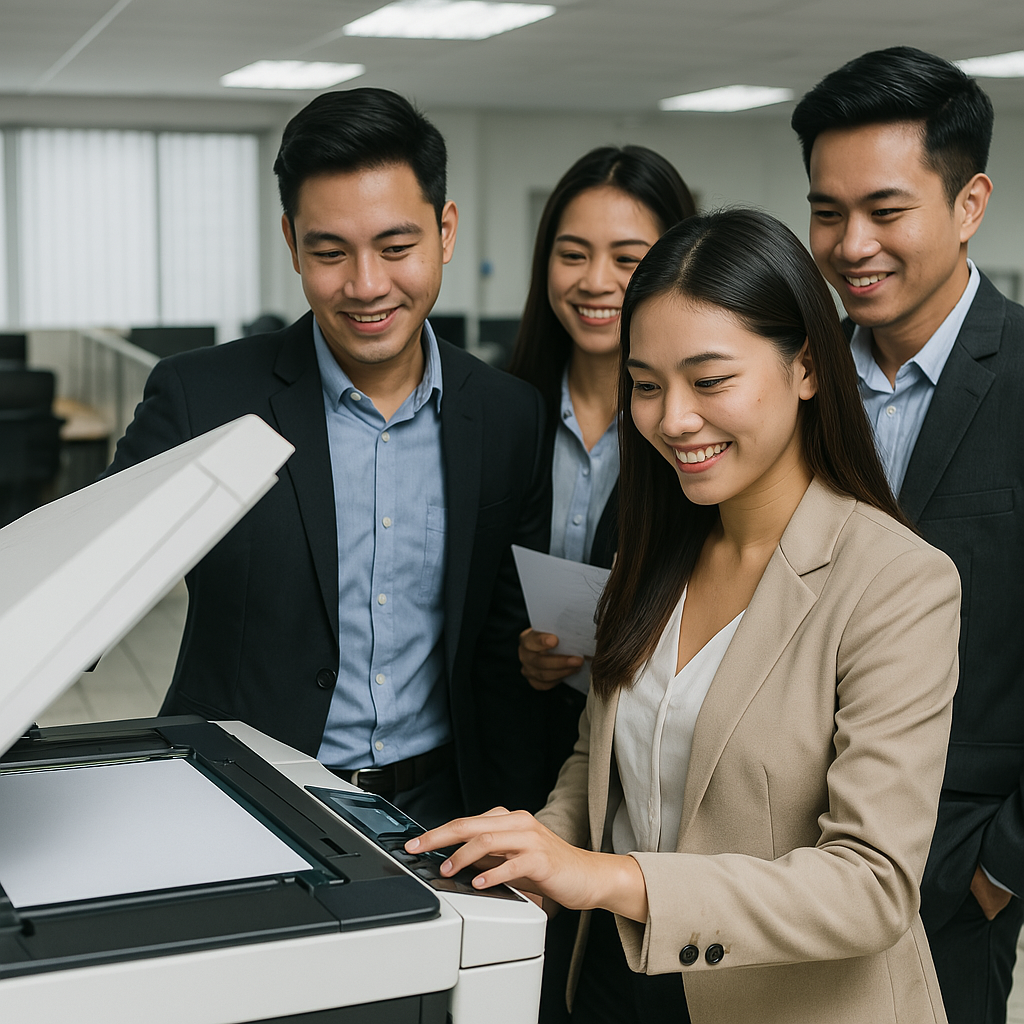
Copier Technology Explained: A Simple Guide for Businesses and Offices
In today's fast-paced work environment, the humble copier remains a vital tool. Whether you're running a startup, a corporate office, or managing events, having the right copier can streamline your workflow and save you time and money. But how exactly does copier technology work—and how can you choose the right type for your needs?
In this blog post, we'll explore copier technology explained in the simplest terms. We'll cover how copiers function, the different types available, new advancements, and what to consider when renting or buying one for your business.
What is Copier Technology?
At its core, a copier is a device that duplicates documents quickly and efficiently. The process used by modern copiers is known as electrophotography, which involves transferring toner (powdered ink) to paper using static electricity and heat.
Basic Components of a Copier:
Scanner – Captures an image of the document.
Drum Unit – Receives the image using electrical charges.
Toner Cartridge – Applies the powdered ink.
Fuser Unit – Uses heat to bond the toner to the paper.
Paper Tray and Feed – Where paper is stored and guided.
These parts work together to reproduce your documents with high clarity and speed. To get a more in-depth understanding of these components and how they interact, you can visit the full guide on Copier Technology Explained.
Types of Copiers
Understanding the different types of copiers helps you make smarter purchasing or rental decisions. Here are the most common types:
1. Analog Copiers
These are the original copiers that use a lens and mirror system to replicate documents. They're now mostly obsolete, having been replaced by digital models.
2. Digital Copiers
Digital copiers scan your document and produce a digital image, which is then printed using laser technology. Most modern copiers are digital.
3. Multifunction Copiers (MFPs)
These combine copying, printing, scanning, and faxing into one machine. They're ideal for offices looking to save space and cost.
4. Color Copiers
Capable of producing high-resolution color prints, these are essential for marketing departments, designers, and businesses that handle presentations.
5. Network Copiers
Connected to your office network, these allow multiple users to access printing and scanning features remotely, improving productivity.
Copier Features to Look For
When exploring copier technology explained, it’s essential to understand the key features that influence performance and usability.
1. Print Speed (PPM)
Measured in pages per minute, faster copiers save time for high-volume environments.
2. Resolution (DPI)
Higher dots per inch mean sharper images and better print quality—important for photos and graphics.
3. Paper Capacity
The number of sheets a copier can hold affects how often you need to refill it—critical for busy teams.
4. Duplex Printing
This feature allows double-sided printing, which saves paper and is more eco-friendly.
5. Connectivity
Look for USB, Wi-Fi, or Ethernet support to fit your office setup.
Advances in Copier Technology
Modern copiers are more than just paper duplicators. Thanks to technology, today’s models are smarter and more efficient.
Smart Functions:
Touchscreen controls for easy navigation.
Cloud integration (e.g., Google Drive, Dropbox).
User authentication for data security.
Mobile printing via smartphones or tablets.
Energy Efficiency:
Many modern copiers now include eco-mode settings, sleep timers, and energy-star certifications to lower your energy bills and reduce carbon footprint.
Learn more about copier setup, network configuration, and smart feature activation in this guide to rental copier setup and installation.
Copier Rentals vs. Purchasing
If you're not ready to invest in a copier, renting is a smart and flexible option—especially for short-term needs like events or seasonal demands.
Benefits of Copier Rentals:
Lower upfront costs
Maintenance included
Easy upgrades
No depreciation concerns
To understand the terms and responsibilities involved, check this article on copier rental policies and regulations.
Local vs. National Copier Providers
Choosing between a local vendor and a nationwide provider can impact service quality, pricing, and availability.
| Local Providers | National Providers |
|---|---|
| Faster response time | Wider selection of equipment |
| Personalized support | National coverage |
| Community-based service | Bulk pricing and service plans |
Check this helpful comparison: Comparing Local vs. National Providers.
Tips for Choosing the Right Copier
When shopping for a copier, whether to rent or buy, consider the following:
Assess your monthly volume – Match your copier to your actual usage.
Consider your team size – More users may need higher capacity.
Check support and service – Ensure quick maintenance response.
Calculate the total cost – Don’t forget supplies like toner and paper.
Ask for demos or trials – Hands-on testing helps you decide.
Final Thoughts: Understanding Copier Technology is a Business Advantage
By now, you should have a clear picture of copier technology explained in simple terms. From understanding basic components to comparing rental vs. purchase, knowing how copiers work can save you time, money, and stress. Whether you're upgrading your office, managing a large team, or organizing an event, choosing the right copier with the right features matters.
If you're ready to explore copier options or need help choosing the best rental plan, browse through our detailed copier technology overview or connect with one of our specialists at Marga.biz.