
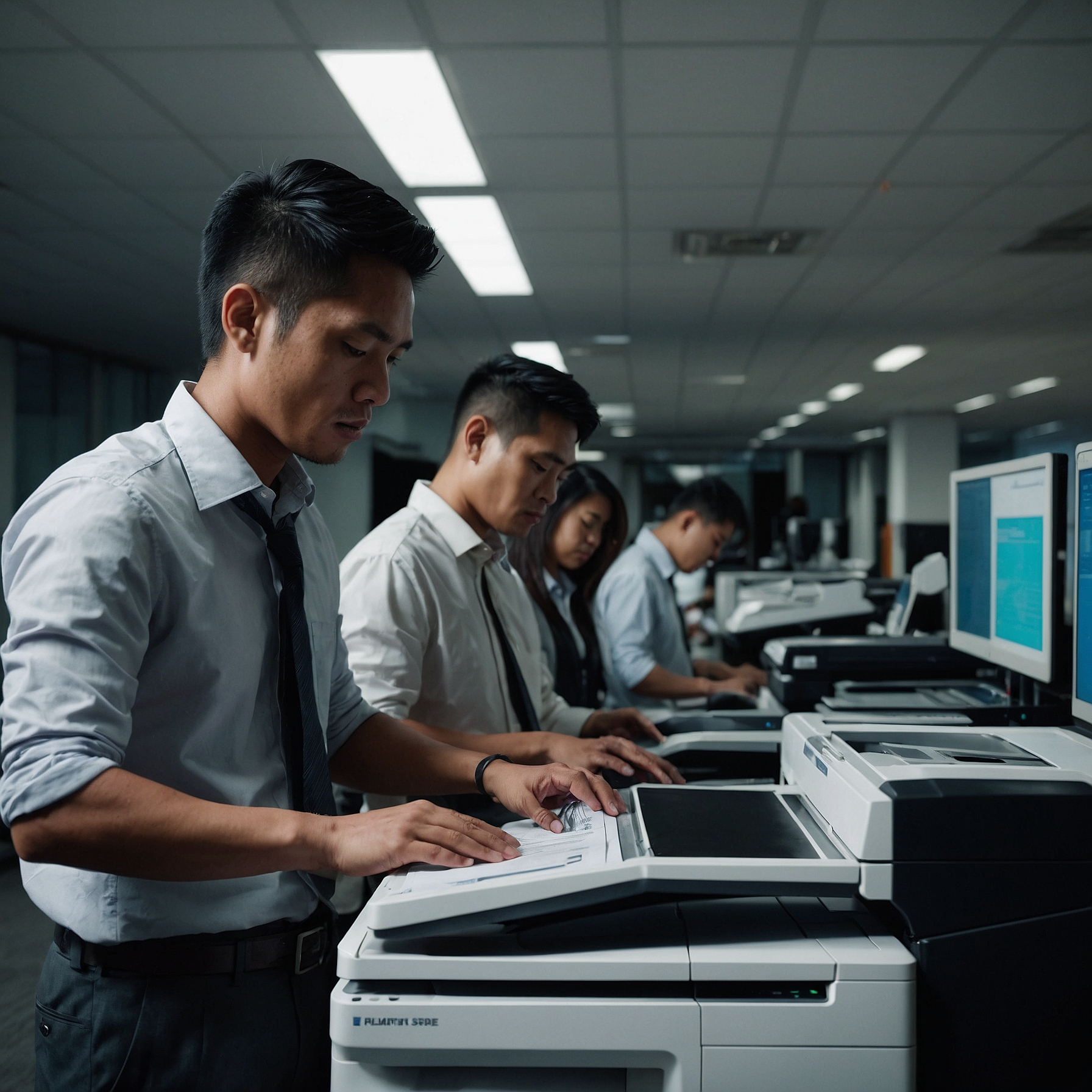
In today’s fast-paced digital world, small and medium-sized businesses (SMBs) rely on efficient office technology to stay competitive. While copiers may seem like simple office tools, they’ve come a long way from their traditional roots. This article highlights key Copier Tech Innovations for SMBs that can transform your document workflows, improve productivity, and future-proof your operations.
Whether you're considering a new rental or upgrading your current setup, understanding the latest copier advancements is essential for making an informed investment.
👉 Read more: Innovations in Copier Technology for SMBs
Why Copier Technology Matters to SMBs
Many SMBs operate with limited resources—both in budget and manpower. That’s why choosing the right copier isn't just about print quality or speed. It's about finding a multifunction solution that can integrate into your daily operations, reduce manual processes, and scale with your business.
With innovations in cloud connectivity, AI, automation, and security, copiers today do more than just make copies—they help run your business efficiently.
1. Cloud-Connected Workflows
One of the most transformative copier innovations is cloud integration. Modern copiers now allow users to:
Scan documents directly to Google Drive, Dropbox, or OneDrive
Retrieve cloud files for printing without a PC
Collaborate remotely with hybrid teams
This is especially helpful for SMBs embracing remote or flexible work setups. With secure cloud access, your team can stay productive—no matter where they’re working.
2. Touchscreen Interfaces & App Ecosystems
Outdated interfaces can slow down even the simplest task. Today’s copiers are equipped with smart touchscreens, similar to tablets, offering:
Easy navigation for multi-step jobs
Customizable workflows for frequent tasks
Access to apps for translation, forms automation, or expense tracking
This user-friendly experience reduces training time and helps your staff complete tasks faster and more accurately.
👉 Related: Copier Service and Support Options for SMBs
3. Enhanced Security Features
As more documents are digitized and shared, document security is critical. Many SMBs overlook this until a data breach occurs. Thankfully, copier tech now includes:
User authentication (via PIN, ID card, or biometric)
Encrypted data storage and transmission
Secure print release, preventing unauthorized pickups
These features help you stay compliant with data protection standards and protect sensitive business information.
4. AI and Automation
Artificial Intelligence is also making its mark in copier technology. Some models can now:
Detect and auto-correct skewed pages
Identify document types (invoices, forms, contracts) and apply rules
Route scanned files to the correct folders or email addresses
This kind of smart automation saves hours of manual sorting and reduces human error.
5. Eco-Friendly Innovations
Sustainability is increasingly important for SMBs. Modern copiers now support:
Toner-saving modes
Auto-sleep and quick recovery features
Duplex (double-sided) printing defaults
Recyclable components
These features not only lower your carbon footprint but also reduce operational costs over time.
👉 Learn more: Upgrading and Scaling Copiers for SMB Growth
6. Real-Time Monitoring and Usage Reporting
Smart copiers provide detailed usage analytics, helping businesses track:
Page counts by department or user
Toner levels and alerts
Energy consumption
These insights allow SMBs to control costs, prevent supply shortages, and optimize workflows proactively.
7. Seamless Integration with Business Systems
Today’s copiers can integrate with your existing software systems, such as:
ERP platforms
CRM tools
Document management systems (DMS)
This allows for seamless document processing and faster information access—an edge for customer service, billing, and compliance tasks.
What to Consider Before Upgrading
Before diving into copier upgrades, SMBs should evaluate:
Volume needs: How many pages/month?
Security requirements: Is encryption or user login a must?
Integration goals: Will the copier connect with your cloud or DMS?
Budget and scale: Can the copier grow with your business?
👉 Helpful guide: Copier Rental Agreements for SMBs
Choosing the Right Vendor
Not all copier vendors offer the latest technologies or the support needed for SMBs. When selecting a provider:
Ask for demos of advanced features
Request customization options
Ensure support and training are included
Look for upgrade flexibility within rental contracts
A good vendor partnership ensures your copier investment continues to deliver value.
Final Thoughts
Copiers have evolved far beyond simple duplication machines. With the right technology in place, your copier can streamline operations, support remote teams, and safeguard sensitive data—all while controlling costs.
By understanding and leveraging Copier Tech Innovations for SMBs, your business can gain a competitive edge and operate more efficiently than ever before.